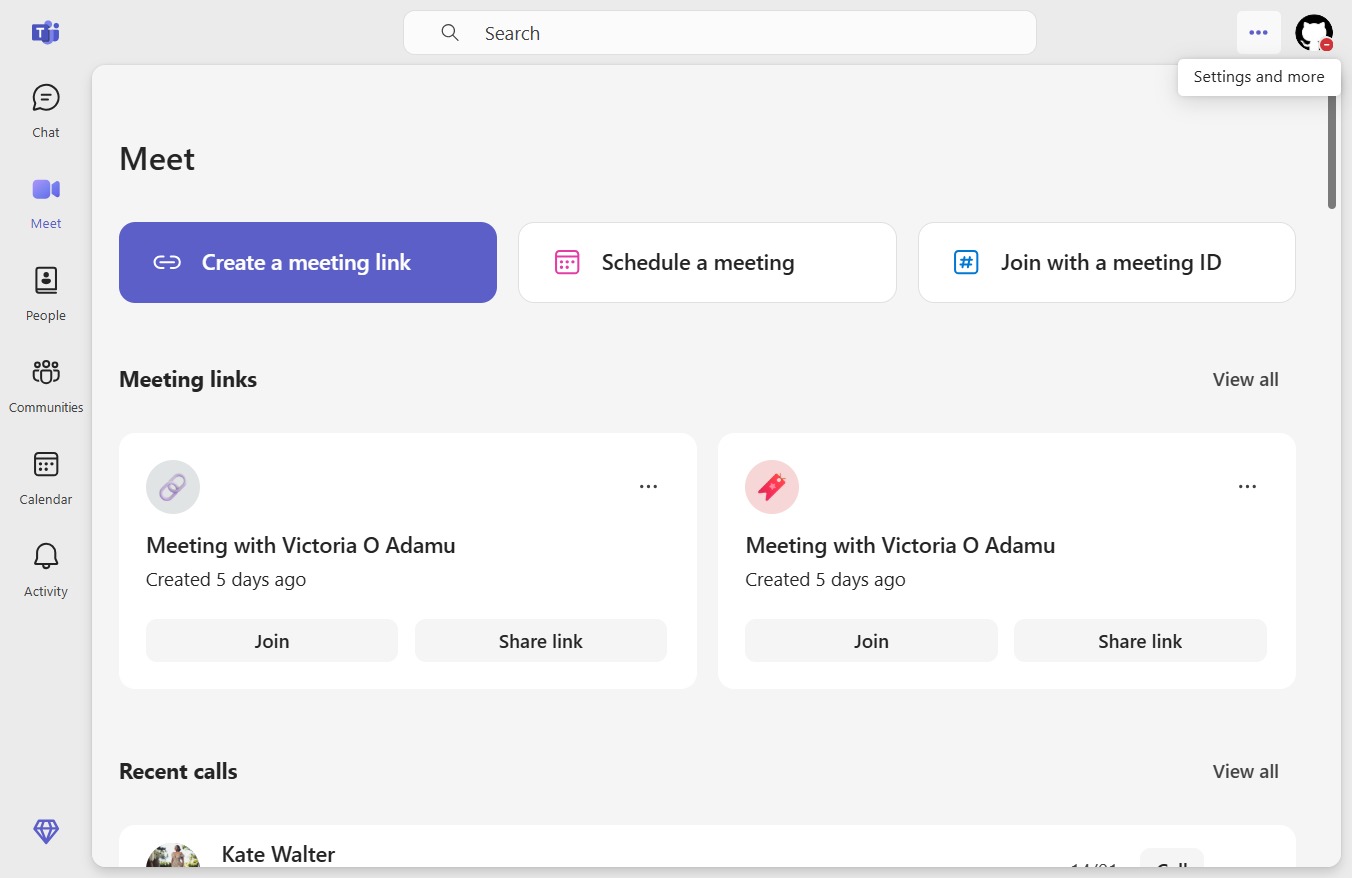
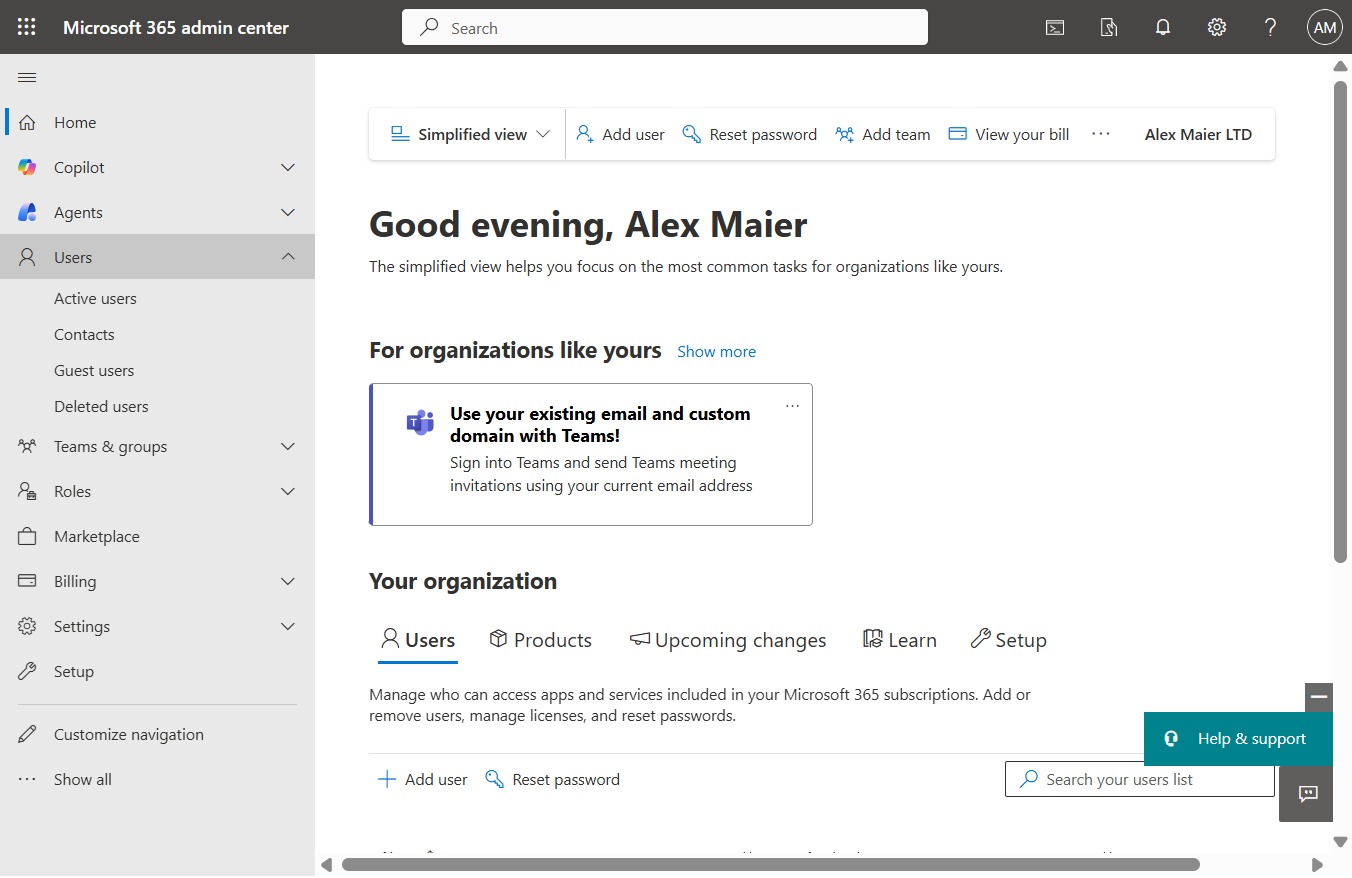
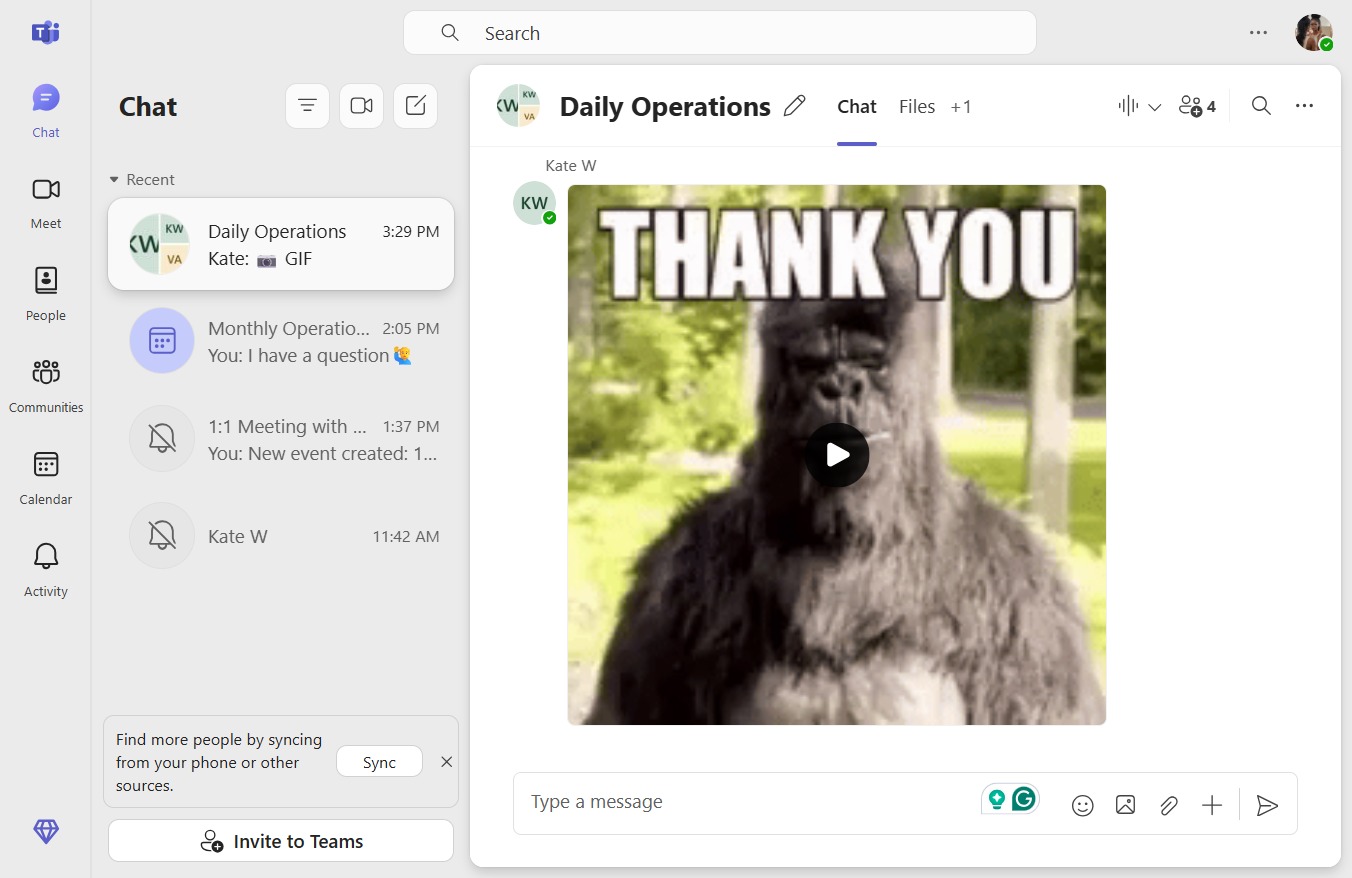
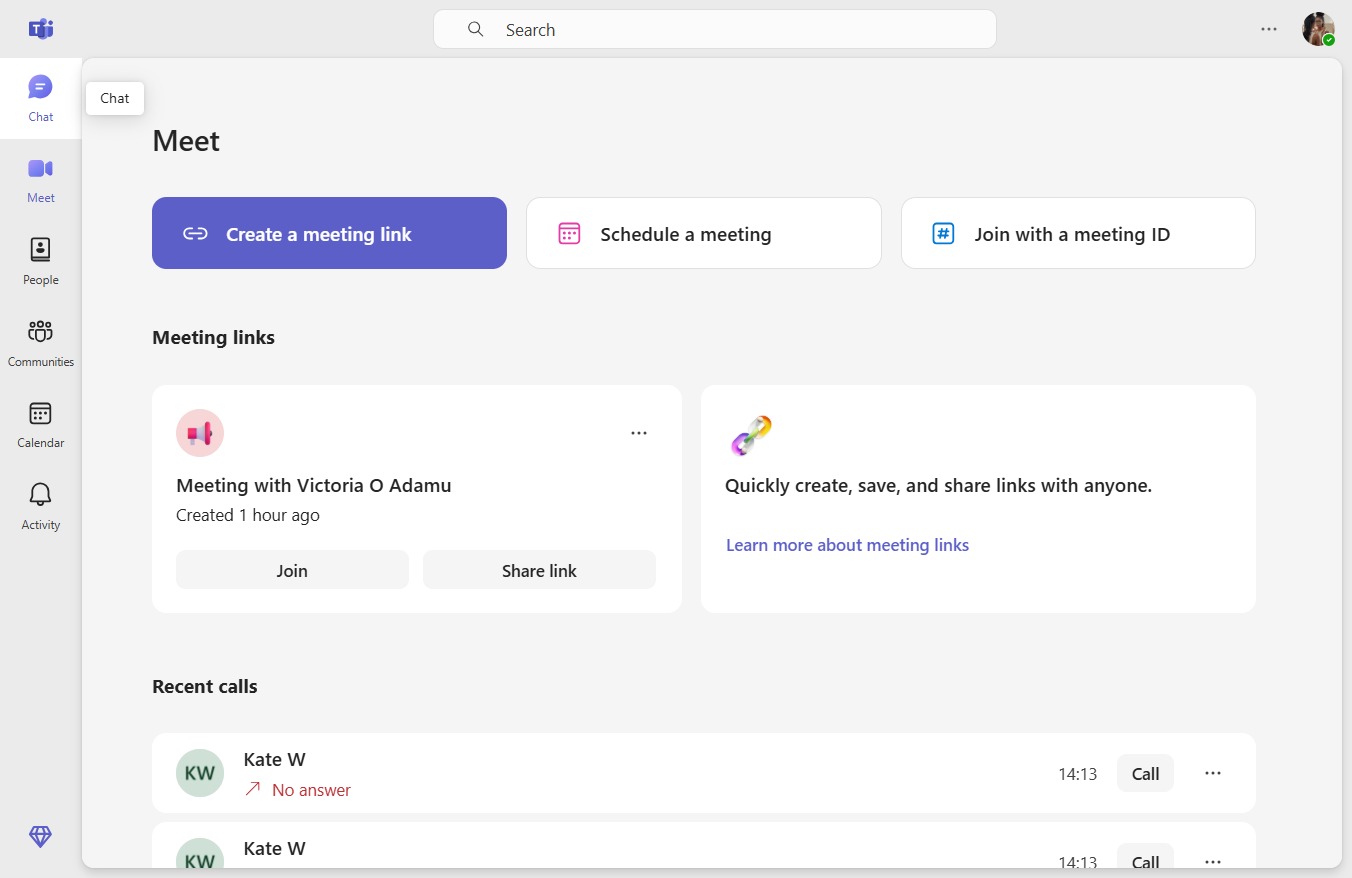
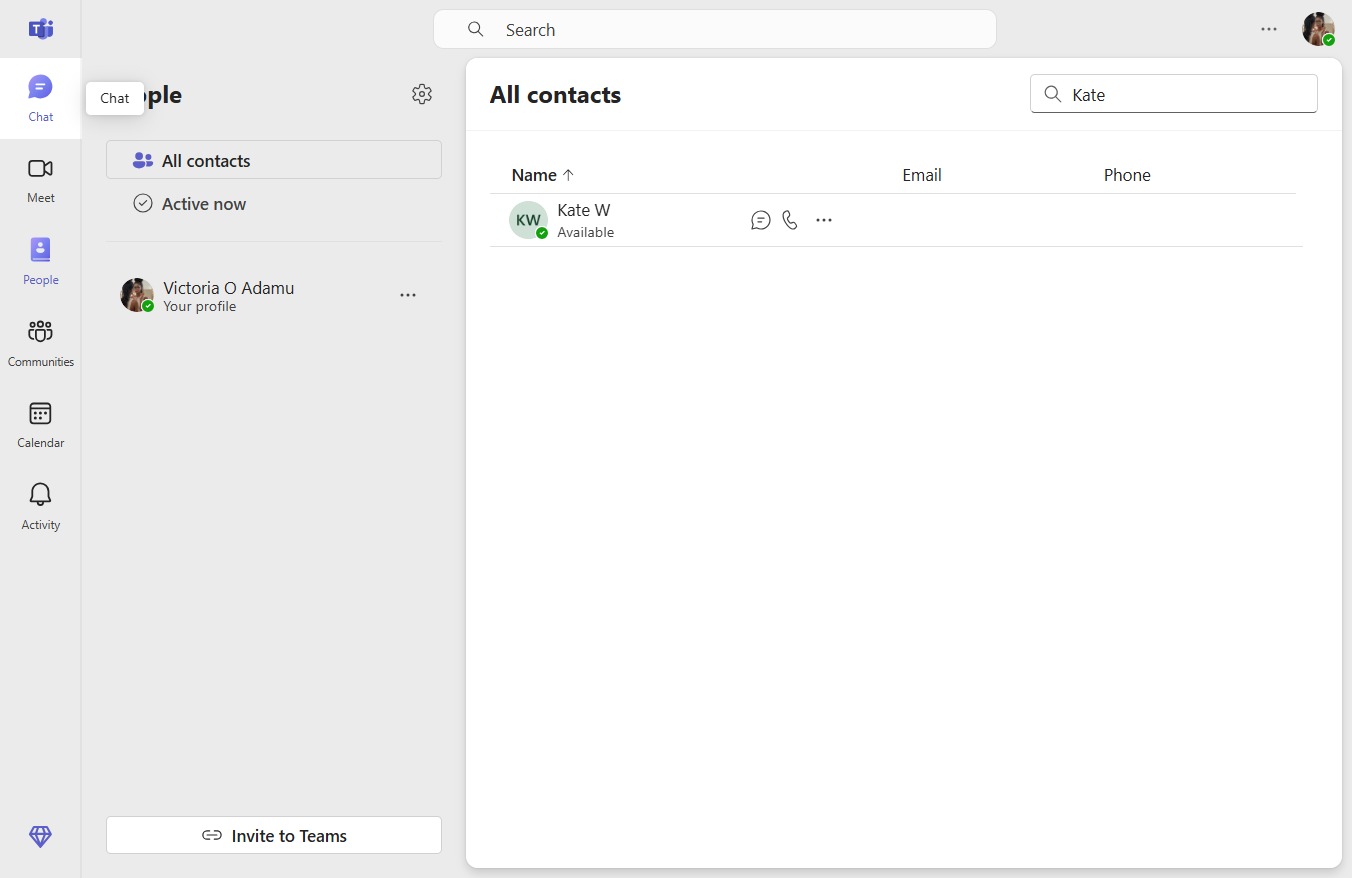
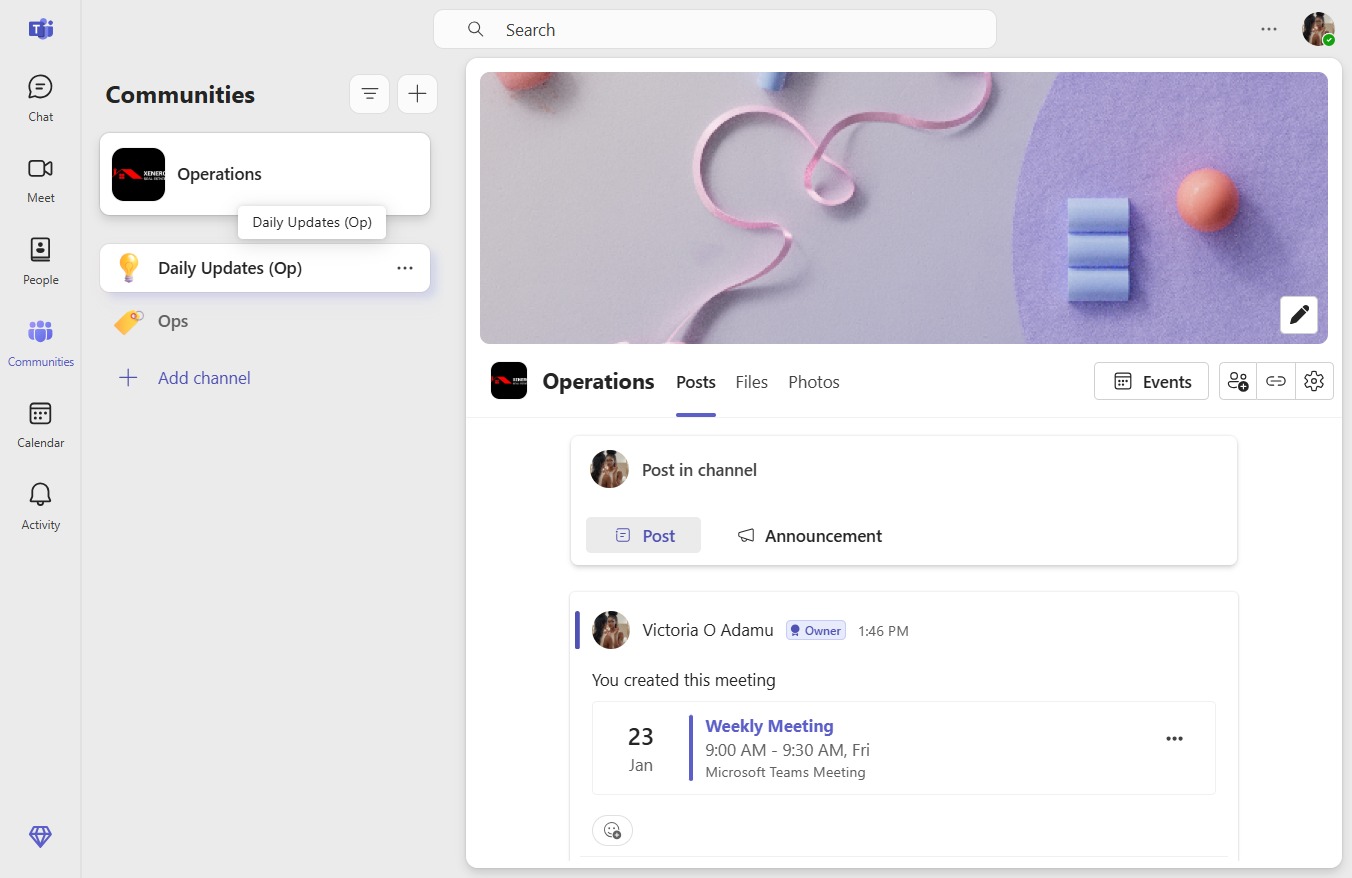
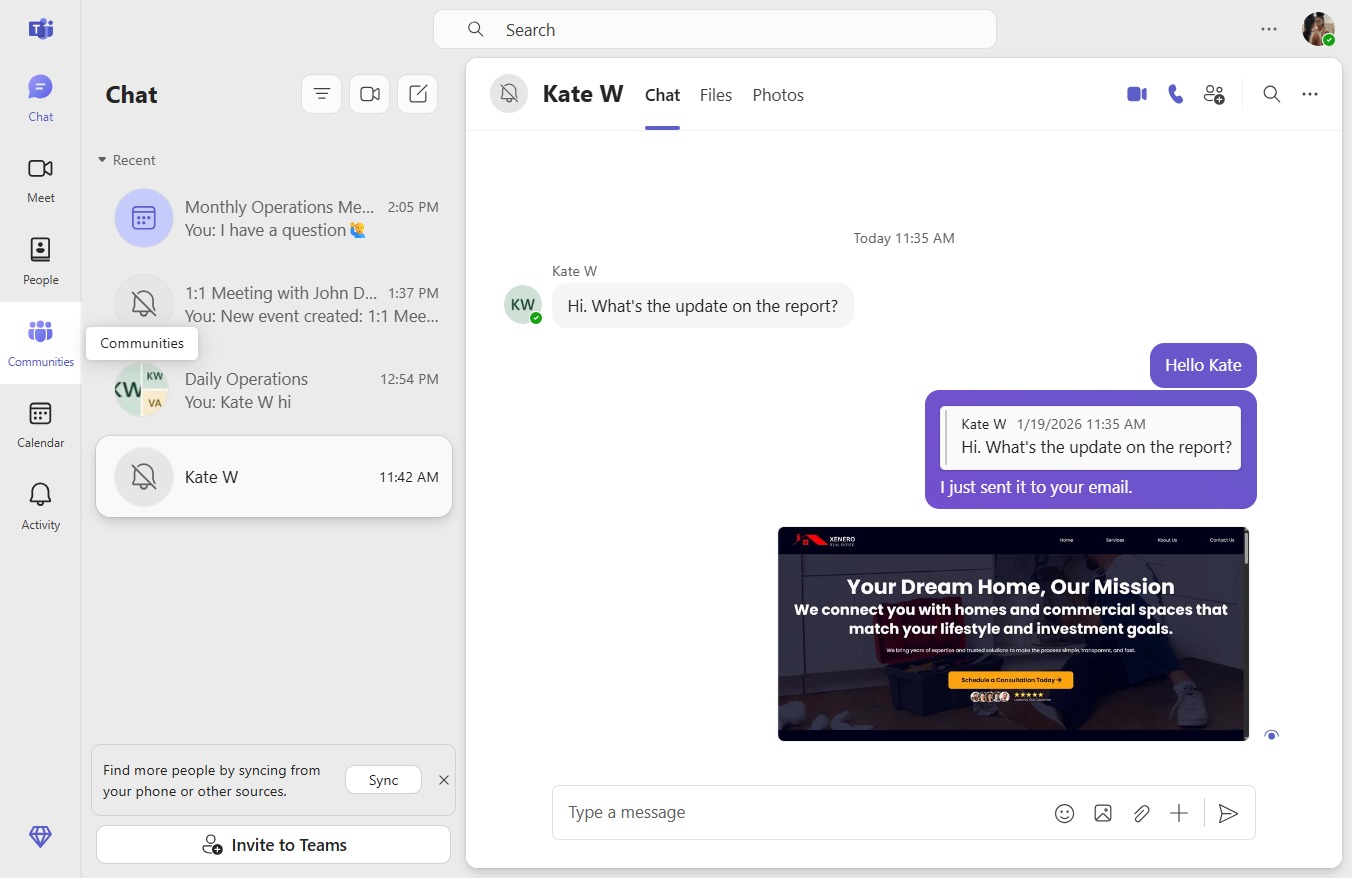
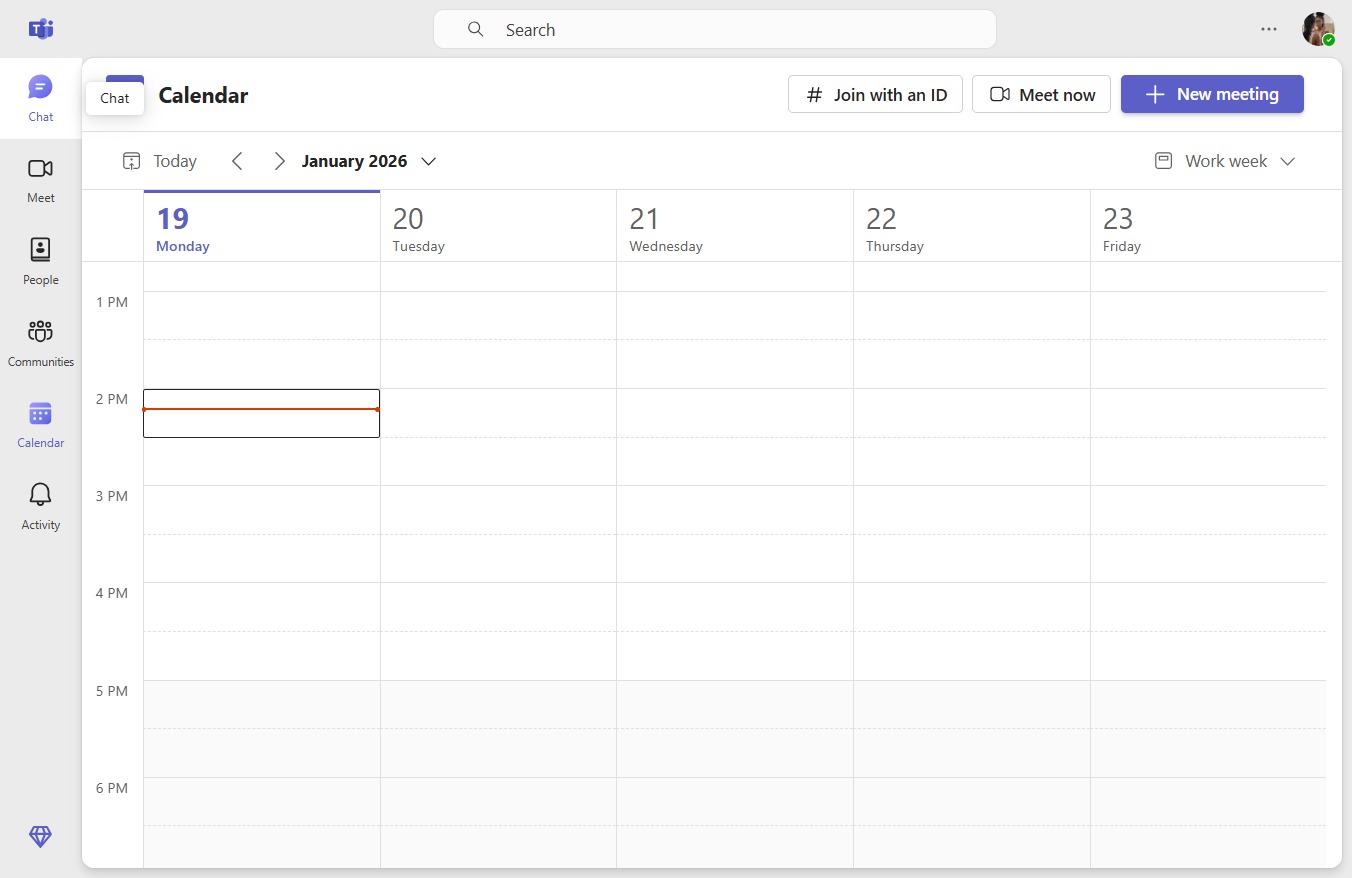
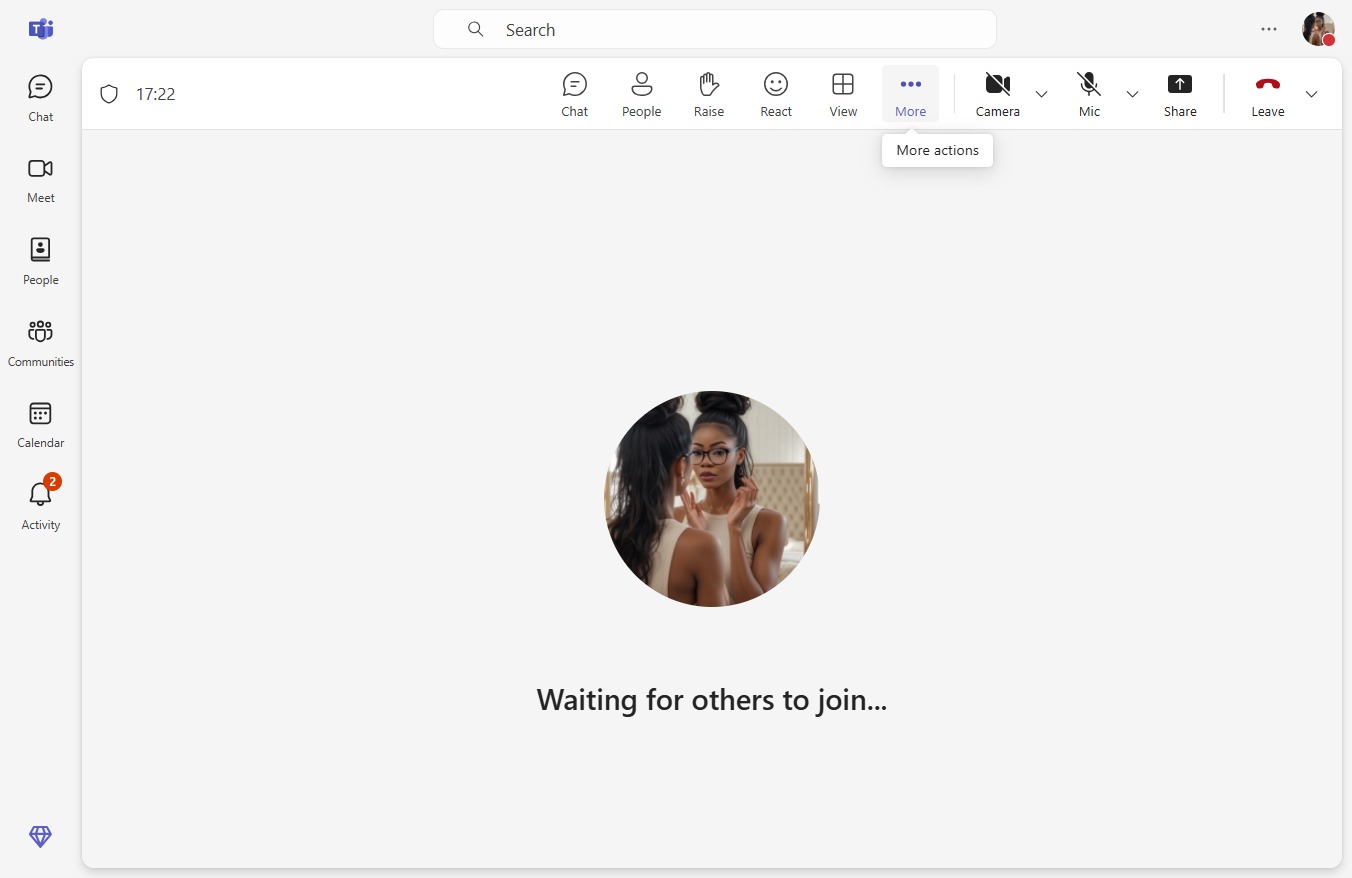
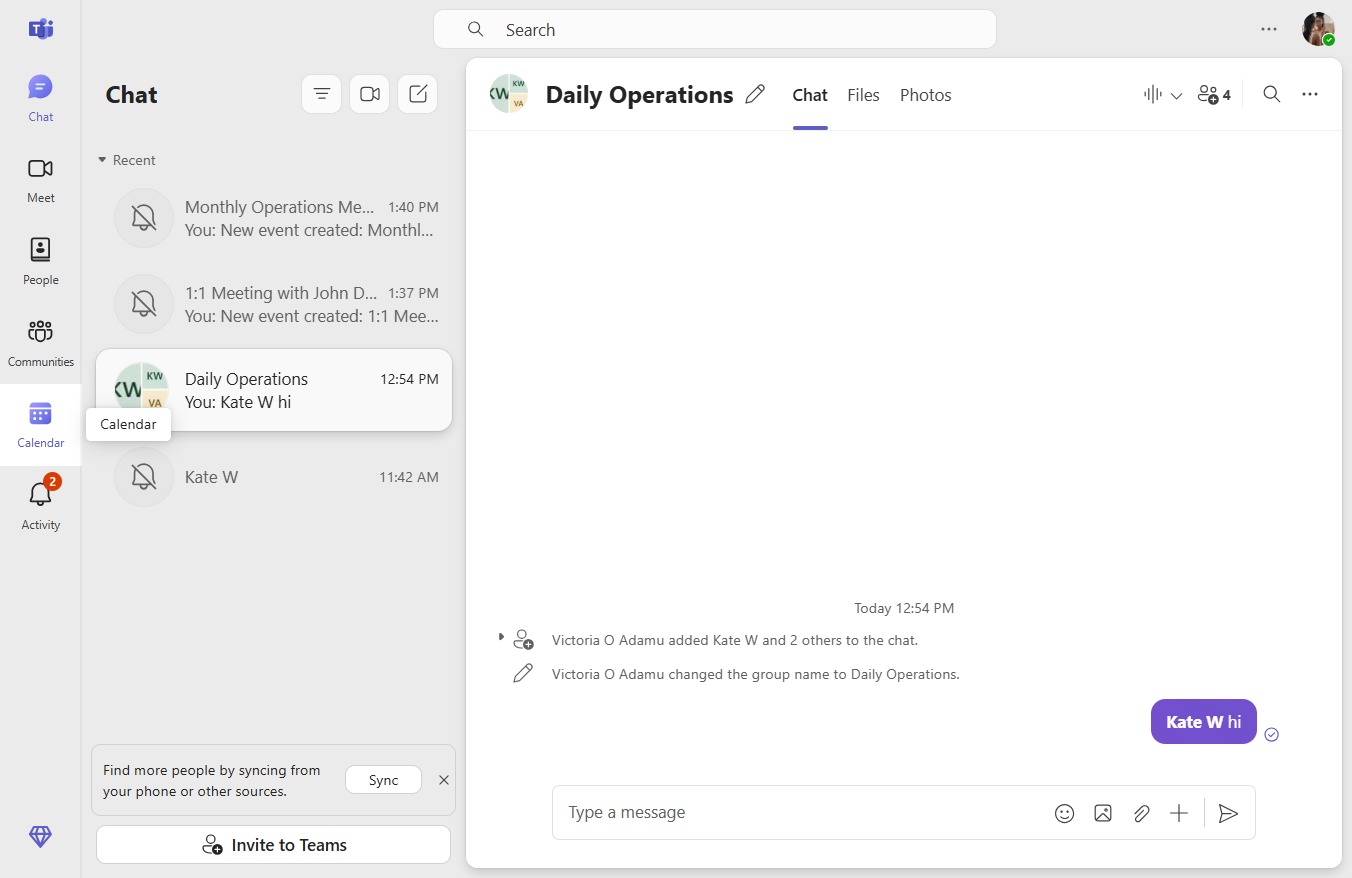
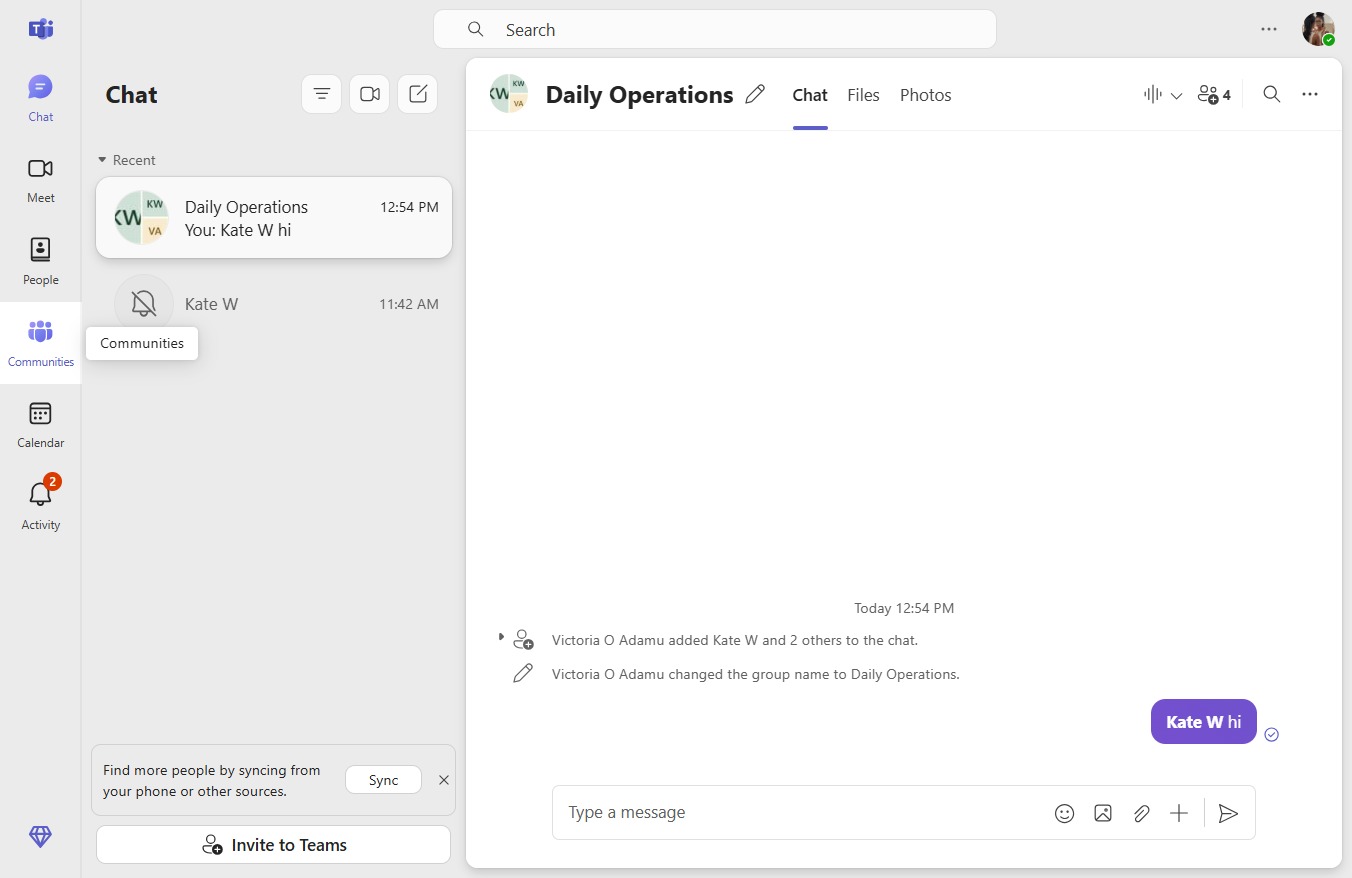
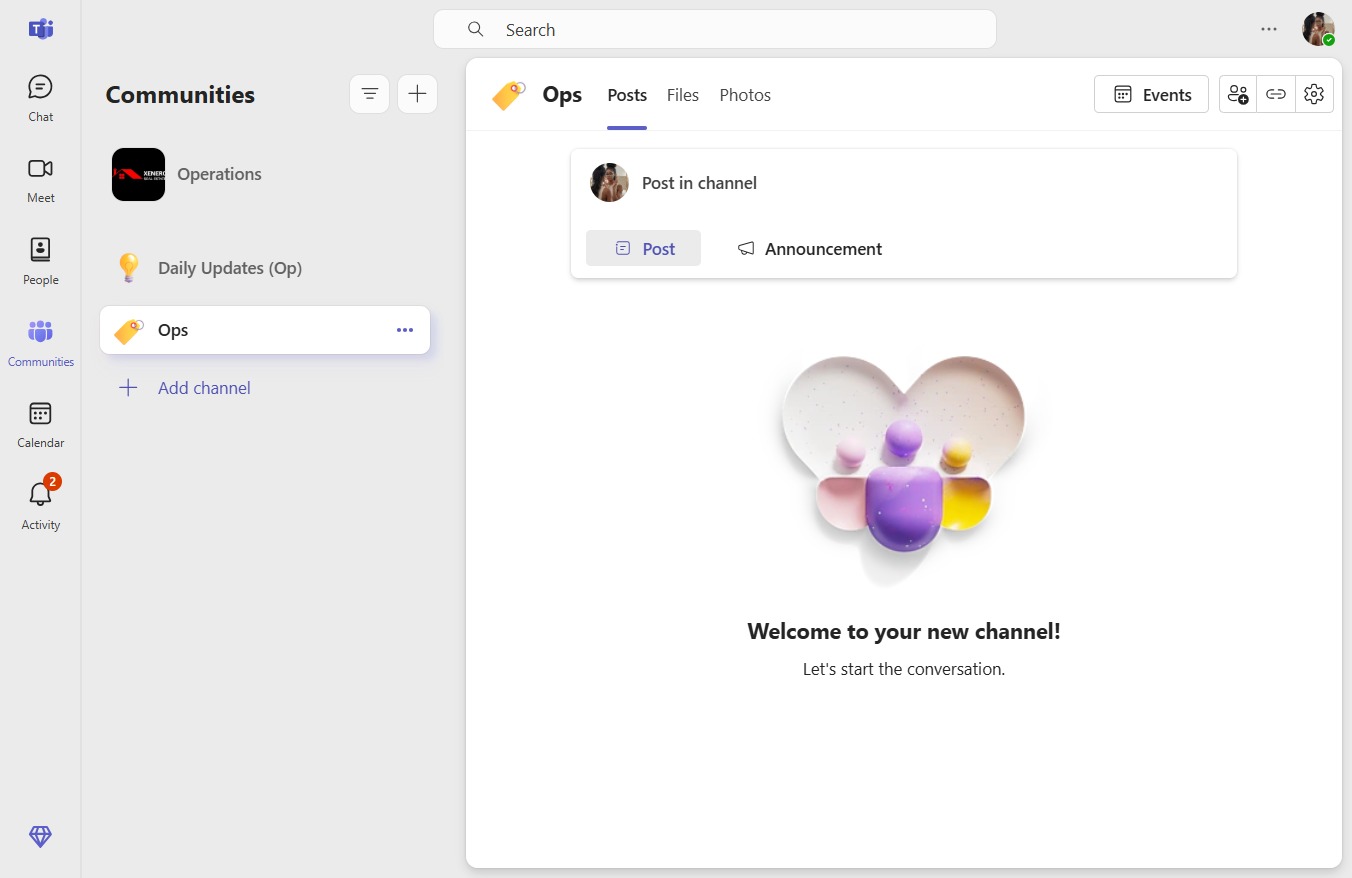
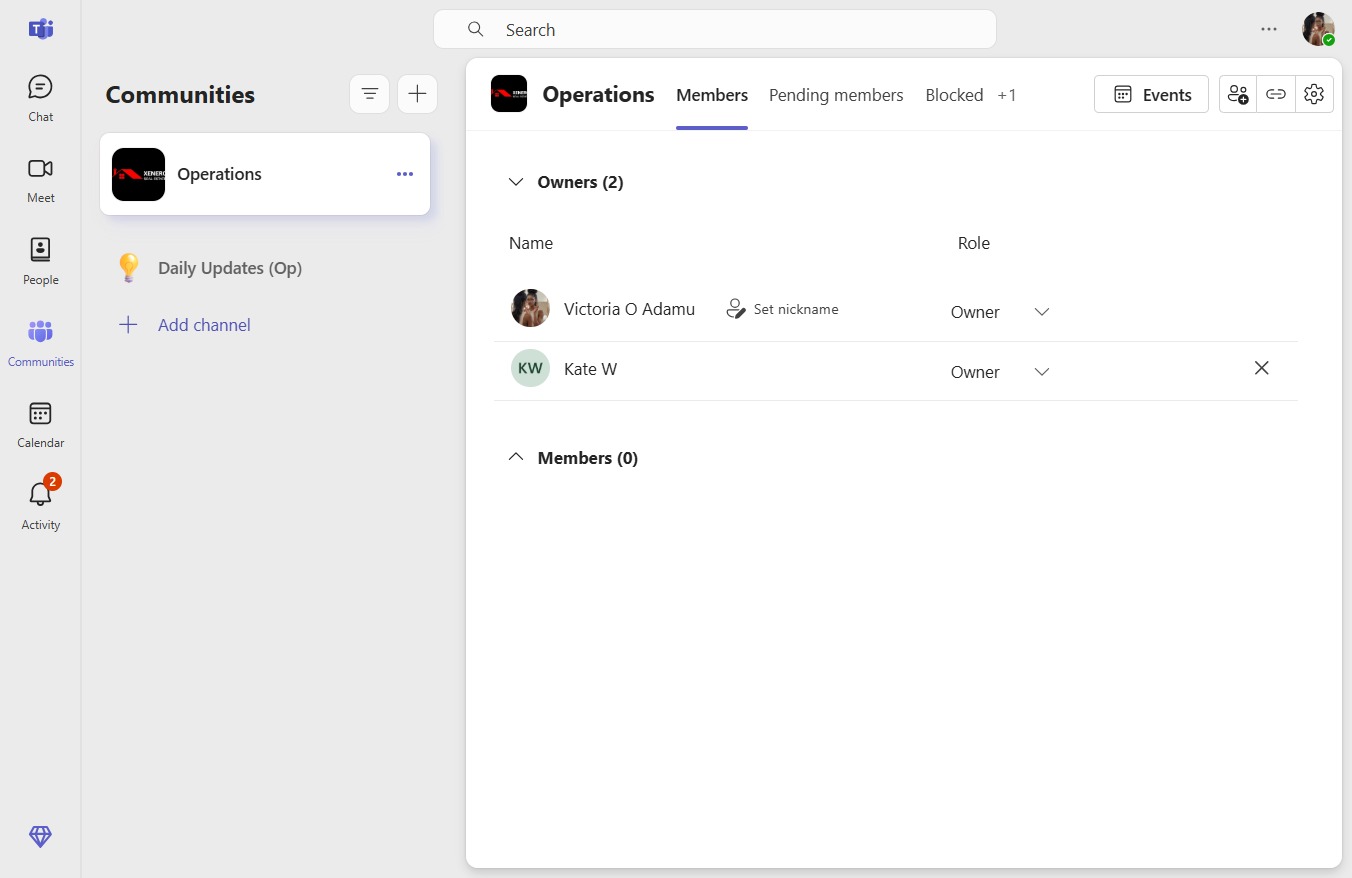
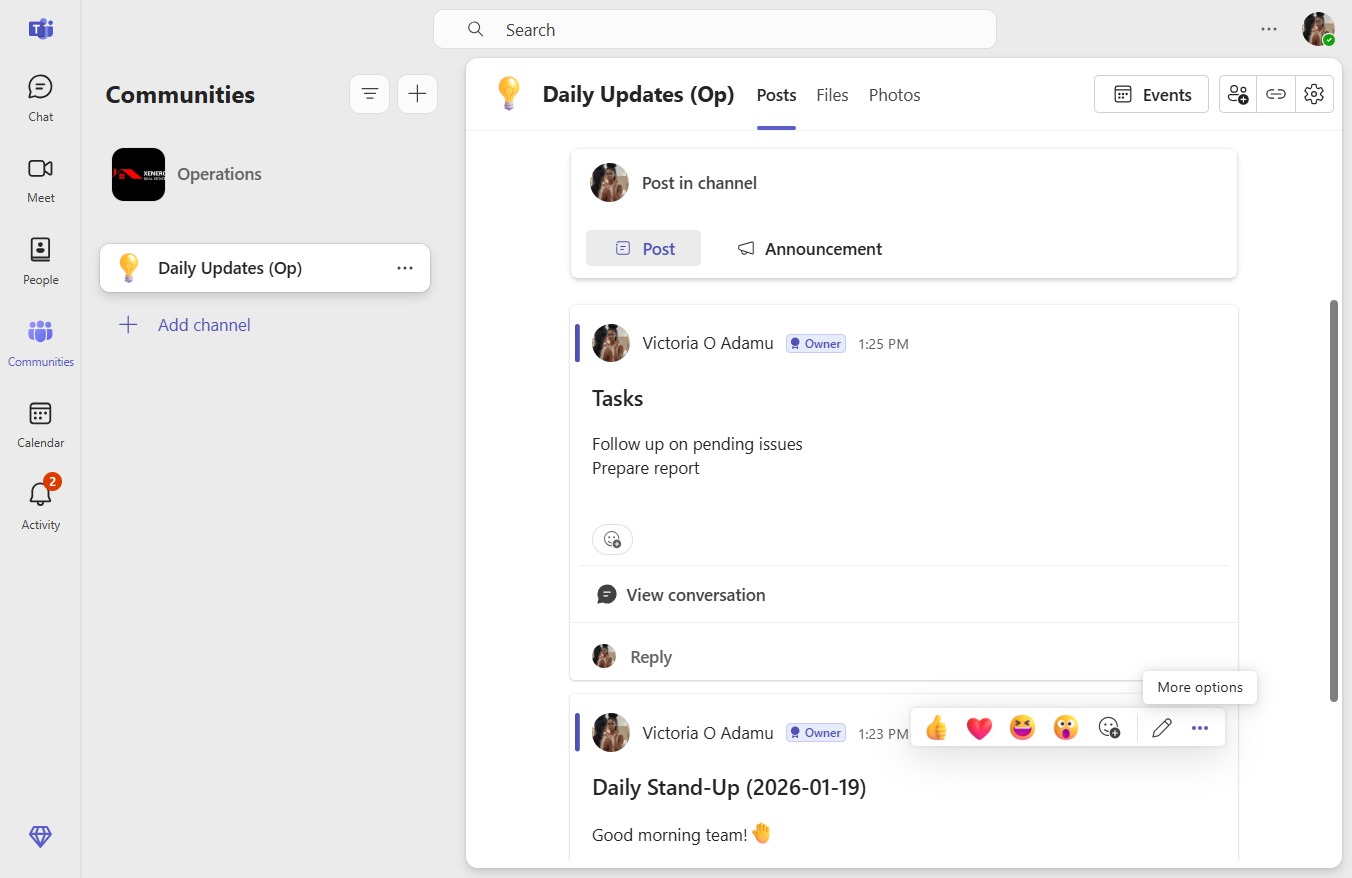
How to provide feedback on Teams9 stepsPreviewJoinHow to provide feedback on TeamsStep-by-step guide9 stepsJoin
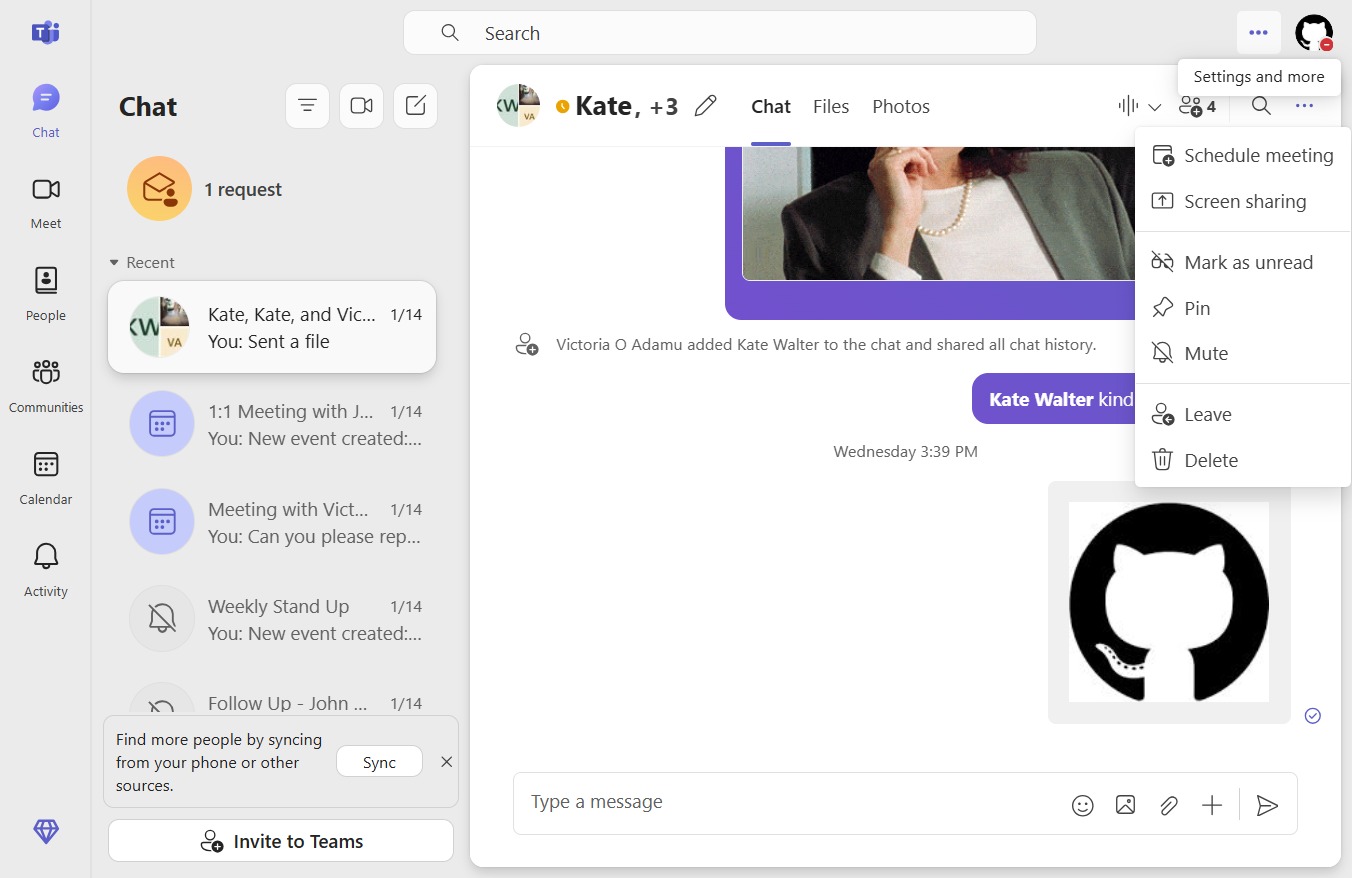
How to manage read receipts4 stepsPreviewJoinHow to manage read receiptsStep-by-step guide4 stepsJoin
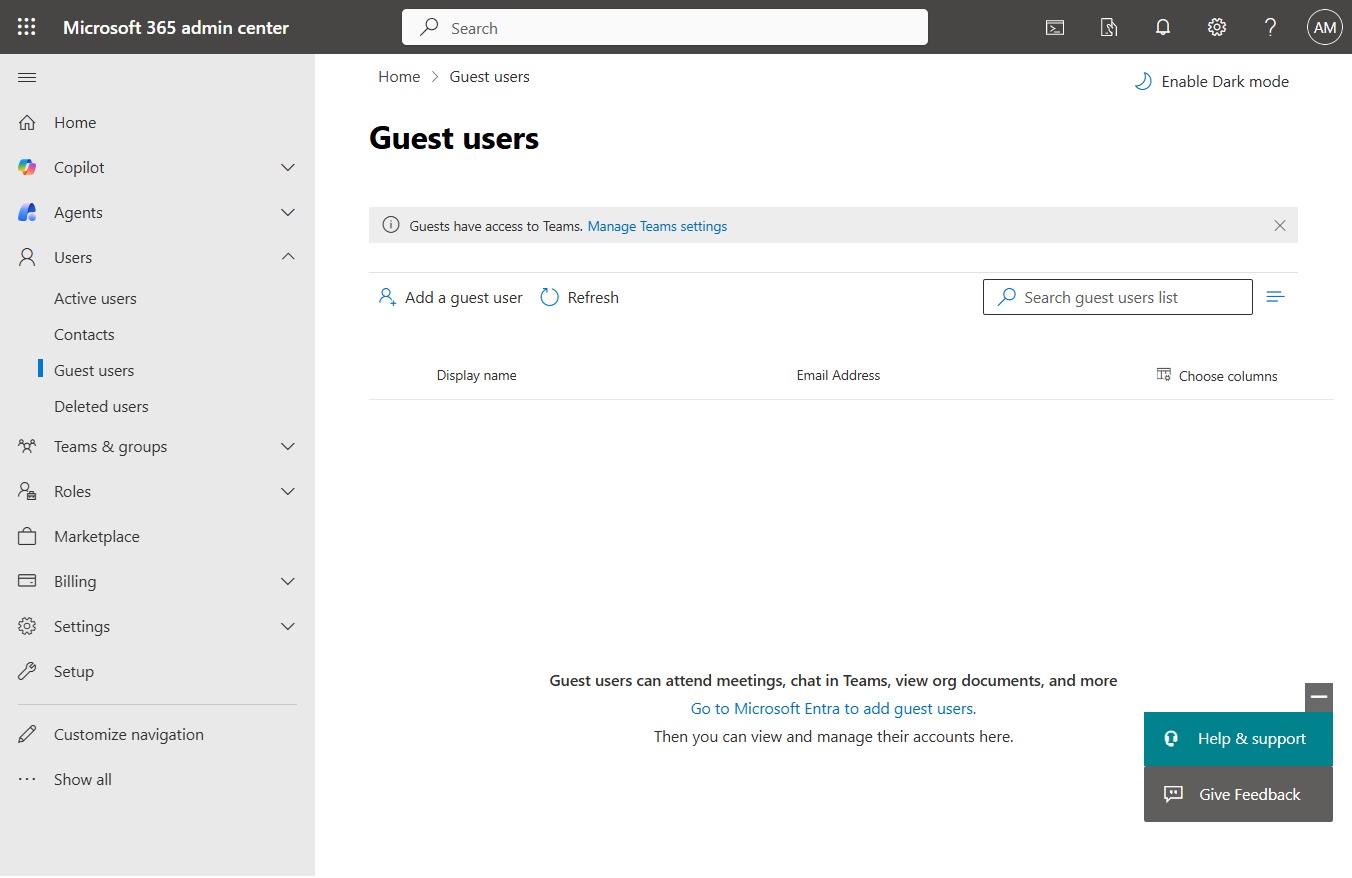
How to control guest access at organization level9 stepsPreviewJoinHow to control guest access at organization levelStep-by-step guide9 stepsJoin
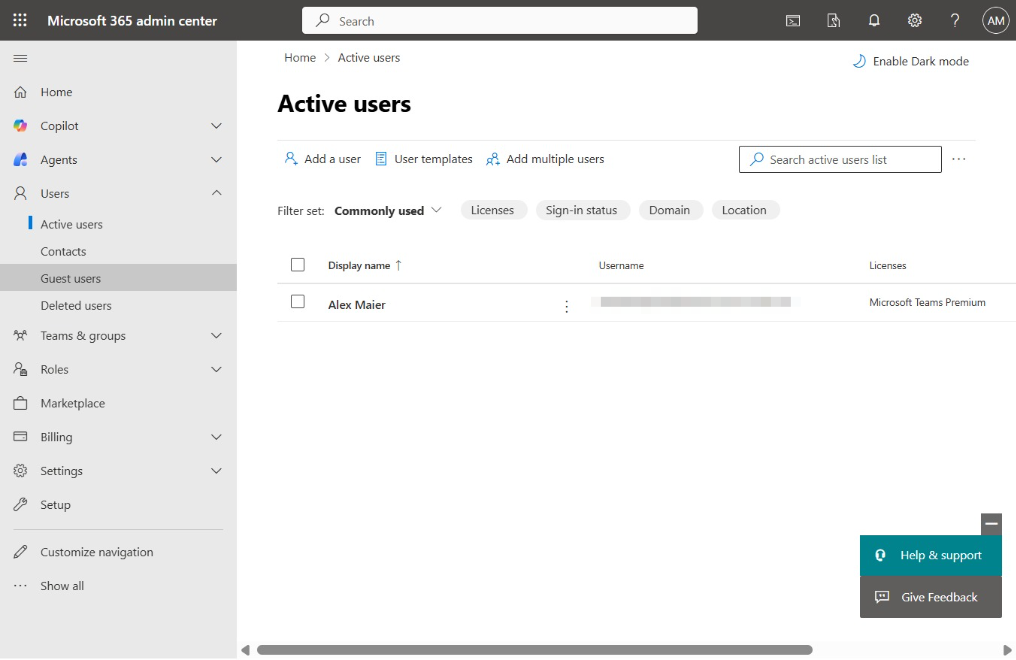
How to assign user licenses8 stepsPreviewJoinHow to assign user licensesStep-by-step guide8 stepsJoin
How to use the command bar (Ctrl+/)Video2 stepsPreviewJoinHow to use the command bar (Ctrl+/)Exported video·Step-by-step guide2 stepsJoin
How to search for messages in specific chats/channels4 stepsPreviewJoinHow to search for messages in specific chats/channelsStep-by-step guide4 stepsJoin
How to effectively use global search7 stepsPreviewJoinHow to effectively use global searchStep-by-step guide7 stepsJoin
How to download files from Teams4 stepsPreviewJoinHow to download files from TeamsStep-by-step guide4 stepsJoin
How to link files in chat/channel16 stepsPreviewJoinHow to link files in chat/channelStep-by-step guide16 stepsJoin
How to share files with external people5 stepsPreviewJoinHow to share files with external peopleStep-by-step guide5 stepsJoin
How to set permissions for filesVideo6 stepsPreviewJoinHow to set permissions for filesExported video·Step-by-step guide6 stepsJoin
How to manage file versions4 stepsPreviewJoinHow to manage file versionsStep-by-step guide4 stepsJoin
How to edit Office files directly in Teams8 stepsPreviewJoinHow to edit Office files directly in TeamsStep-by-step guide8 stepsJoin
How to access channel files2 stepsPreviewJoinHow to access channel filesStep-by-step guide2 stepsJoin
How to upload files to TeamsVideo4 stepsPreviewJoinHow to upload files to TeamsExported video·Step-by-step guide4 stepsJoin
How to start a 1:1 audio/video call5 stepsPreviewJoinHow to start a 1:1 audio/video callStep-by-step guide5 stepsJoin
How to enable live captions3 stepsPreviewJoinHow to enable live captionsStep-by-step guide3 stepsJoin
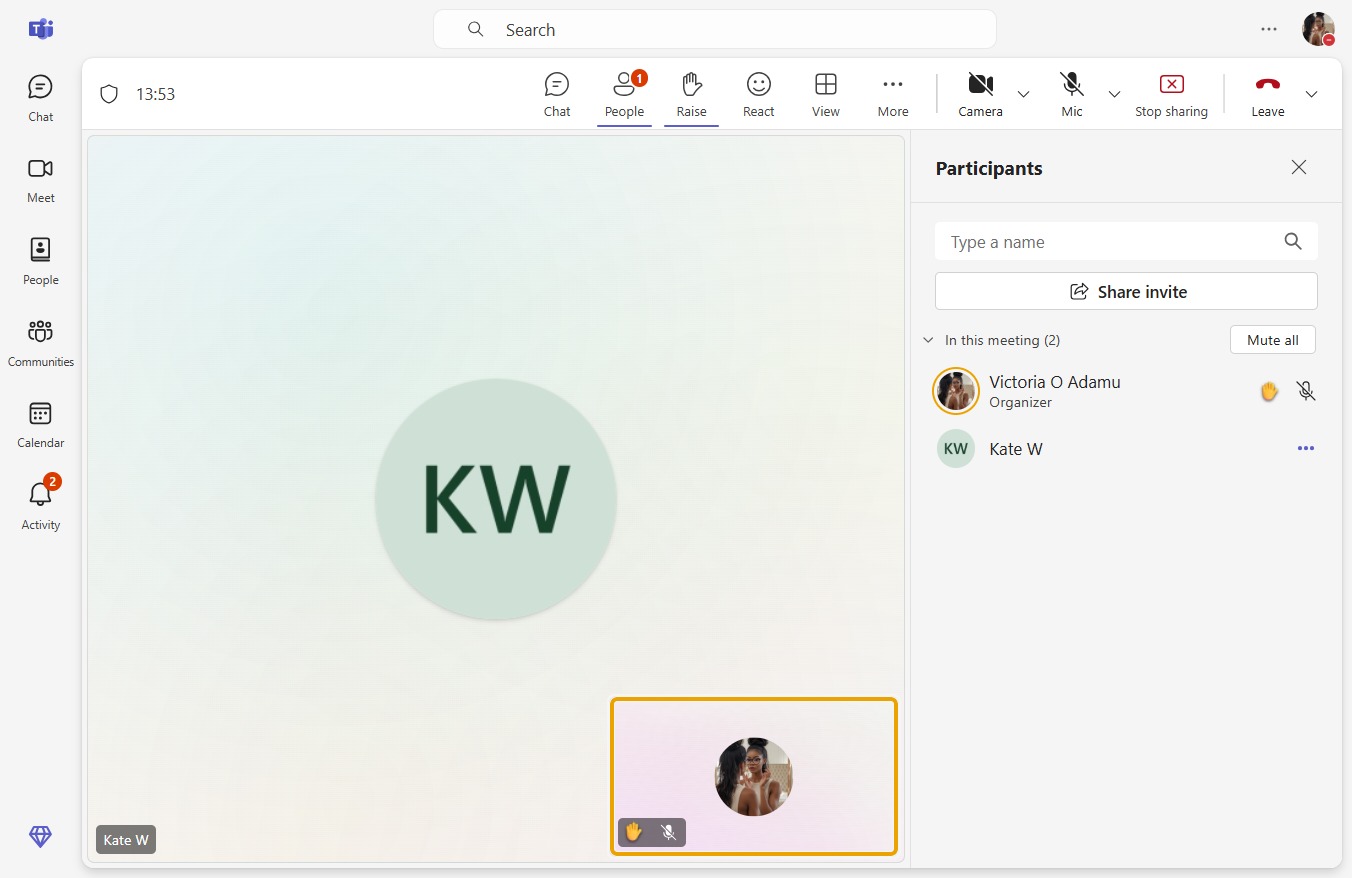
How to mute or remove participants4 stepsPreviewJoinHow to mute or remove participantsStep-by-step guide4 stepsJoin
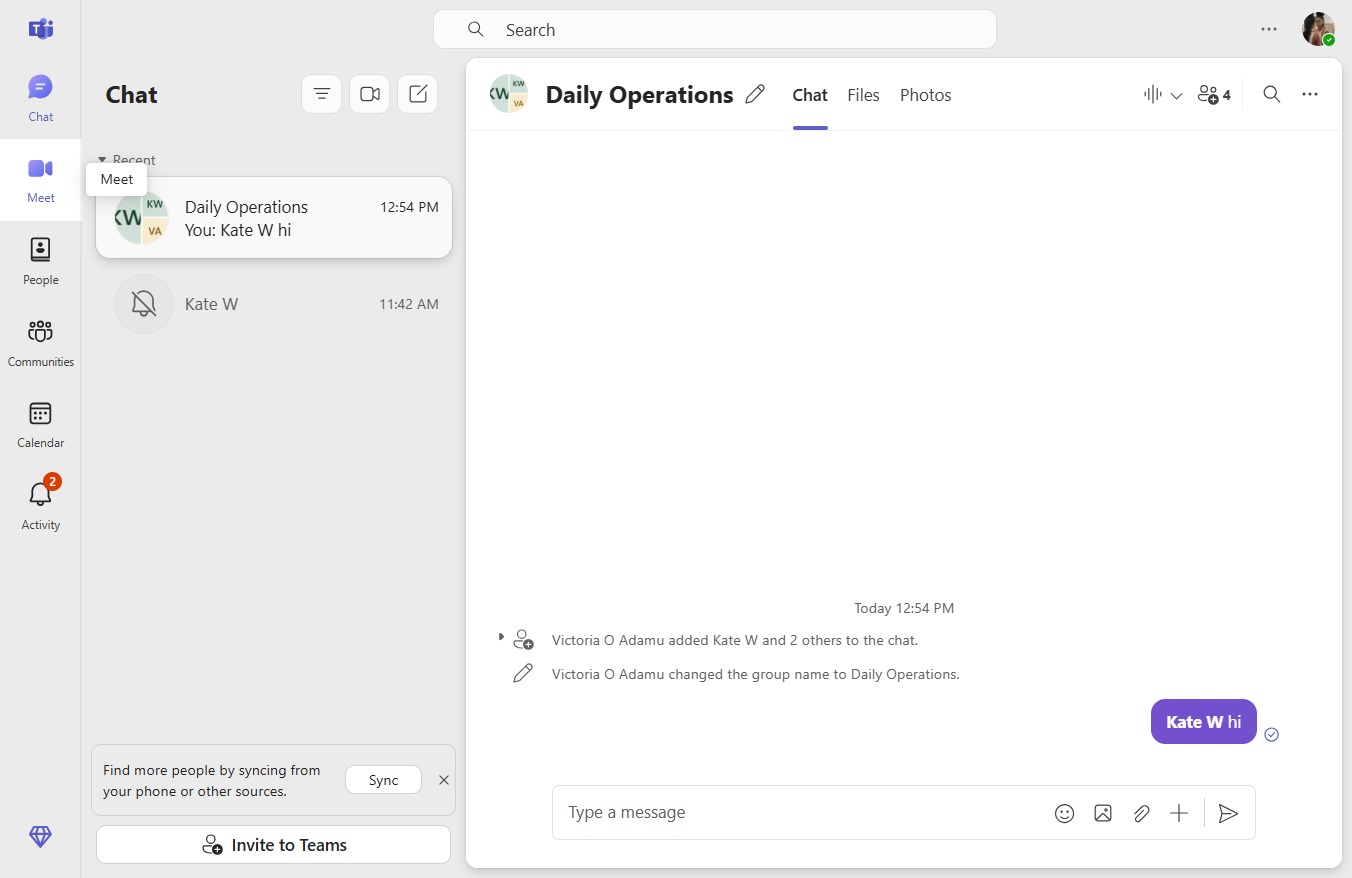
How to use chat during meetings6 stepsPreviewJoinHow to use chat during meetingsStep-by-step guide6 stepsJoin
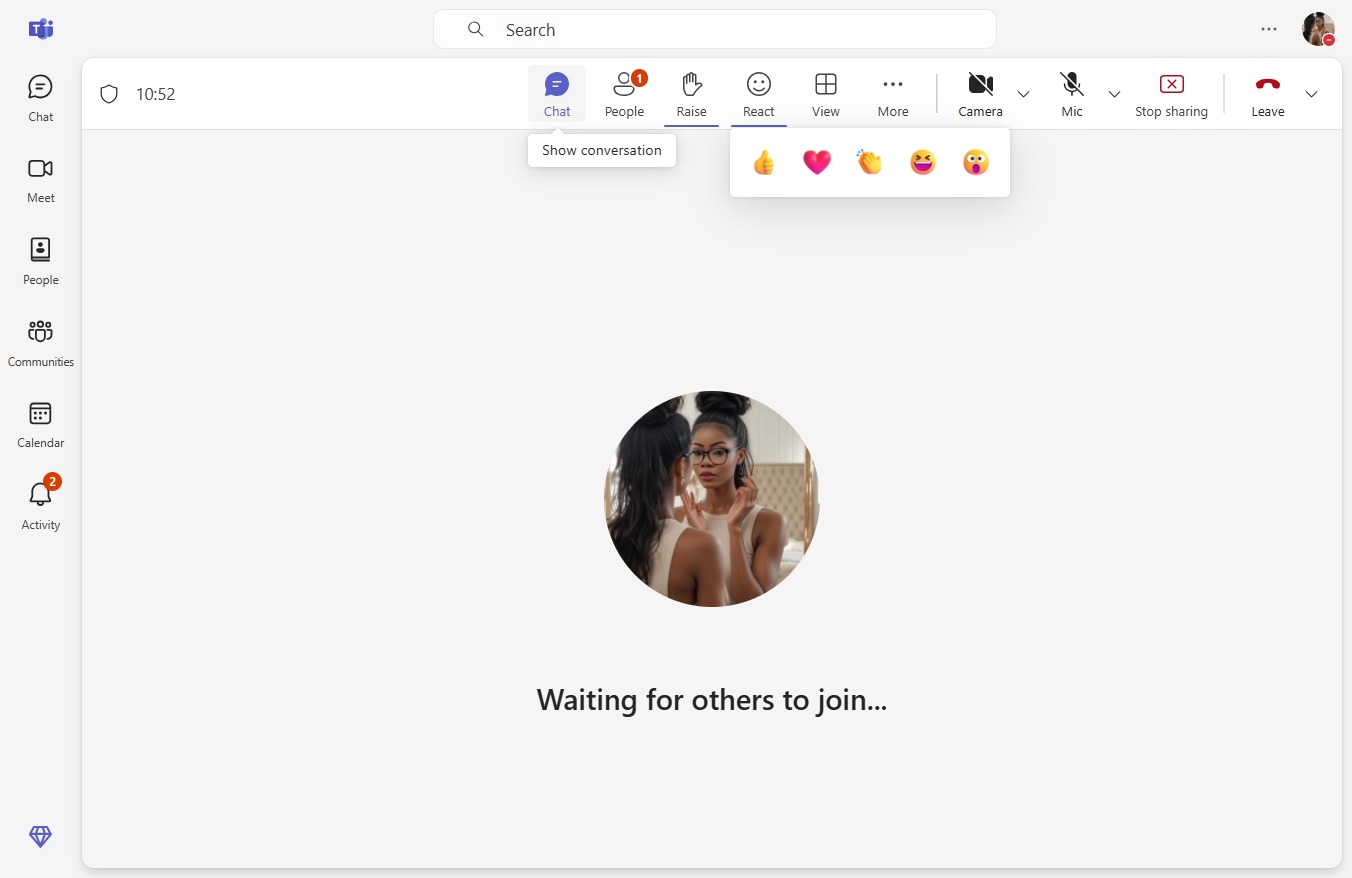
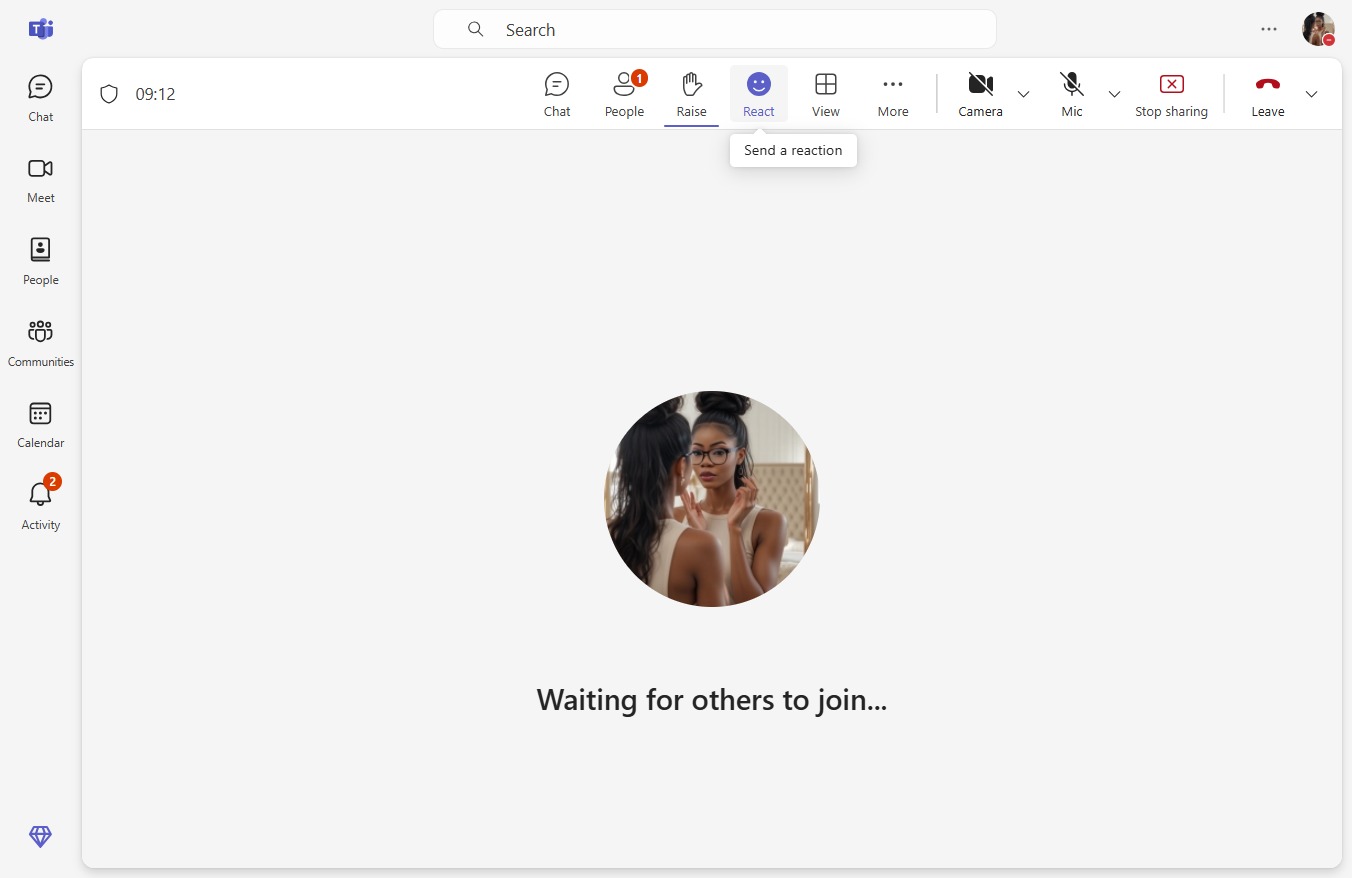
How to use reactions in meetings4 stepsPreviewJoinHow to use reactions in meetingsStep-by-step guide4 stepsJoin
How to blur or change backgrounds9 stepsPreviewJoinHow to blur or change backgroundsStep-by-step guide9 stepsJoin
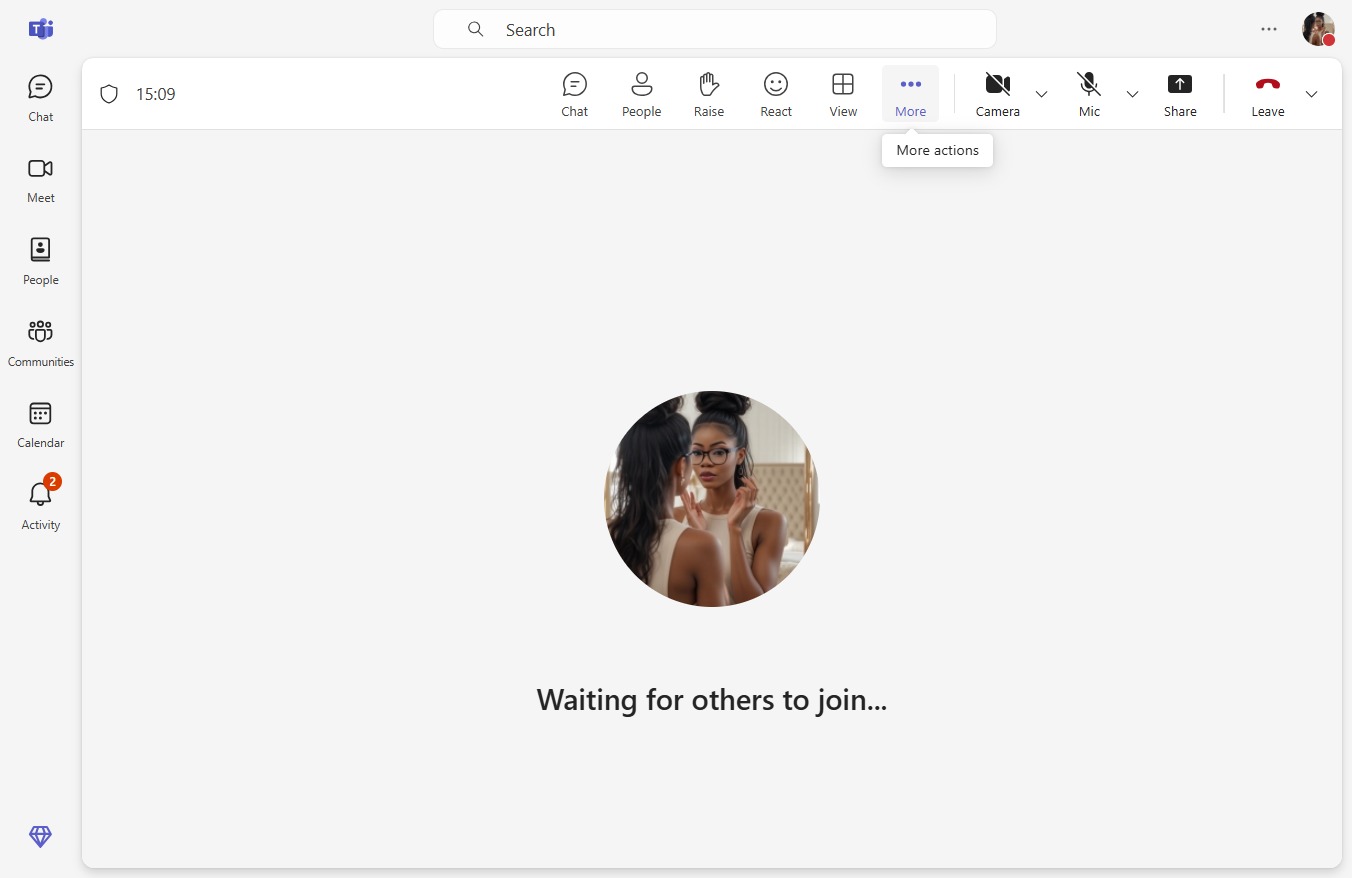
How to control audio and video during meetings7 stepsPreviewJoinHow to control audio and video during meetingsStep-by-step guide7 stepsJoin
How to configure meeting options (Lobby, roles, etc.)8 stepsPreviewJoinHow to configure meeting options (Lobby, roles, etc.)Step-by-step guide8 stepsJoin
How to create channel meetings13 stepsPreviewJoinHow to create channel meetingsStep-by-step guide13 stepsJoin
How to invite participants to meetings6 stepsPreviewJoinHow to invite participants to meetingsStep-by-step guide6 stepsJoin
How to set up recurring meetings16 stepsPreviewJoinHow to set up recurring meetingsStep-by-step guide16 stepsJoin
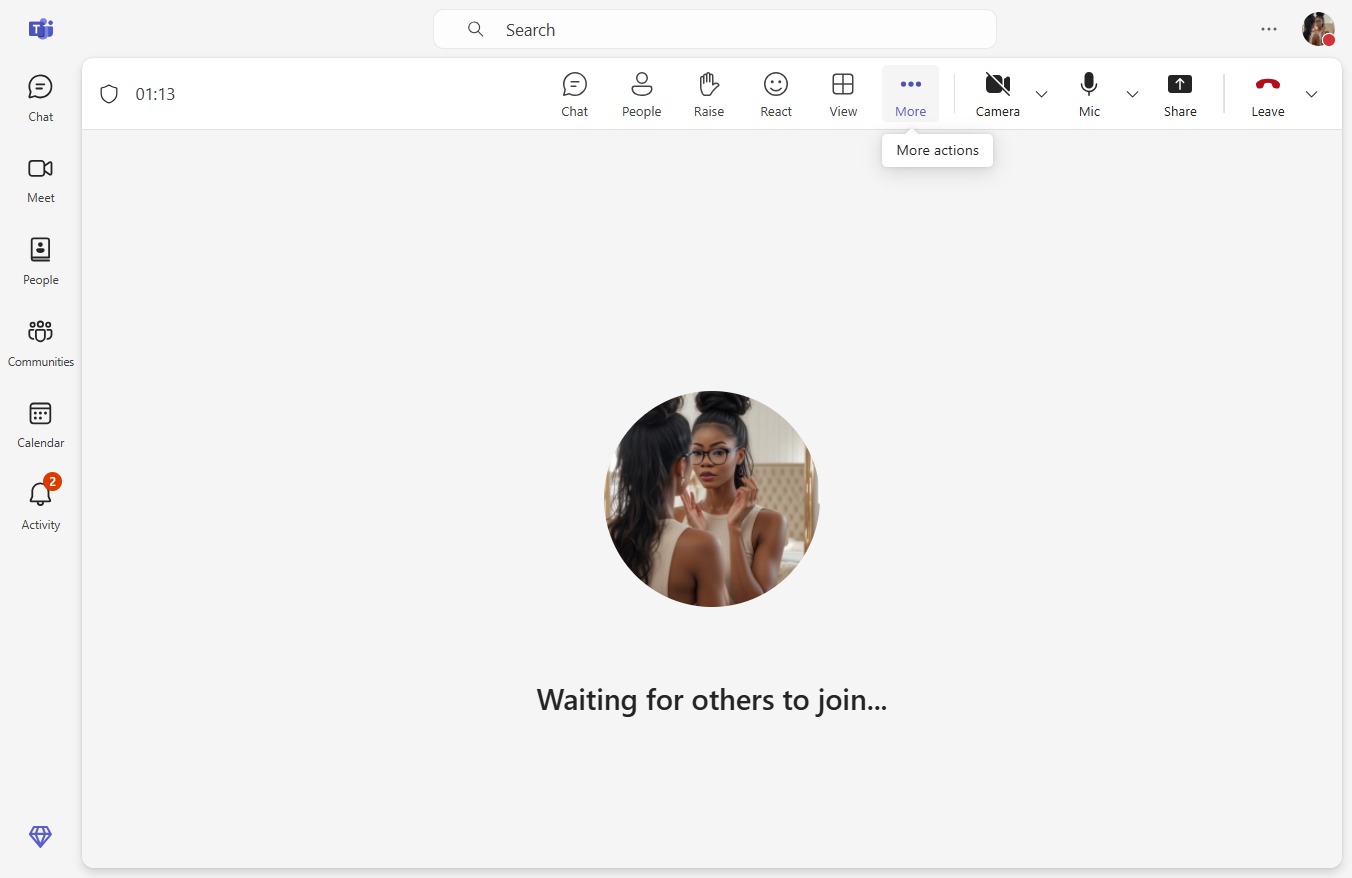
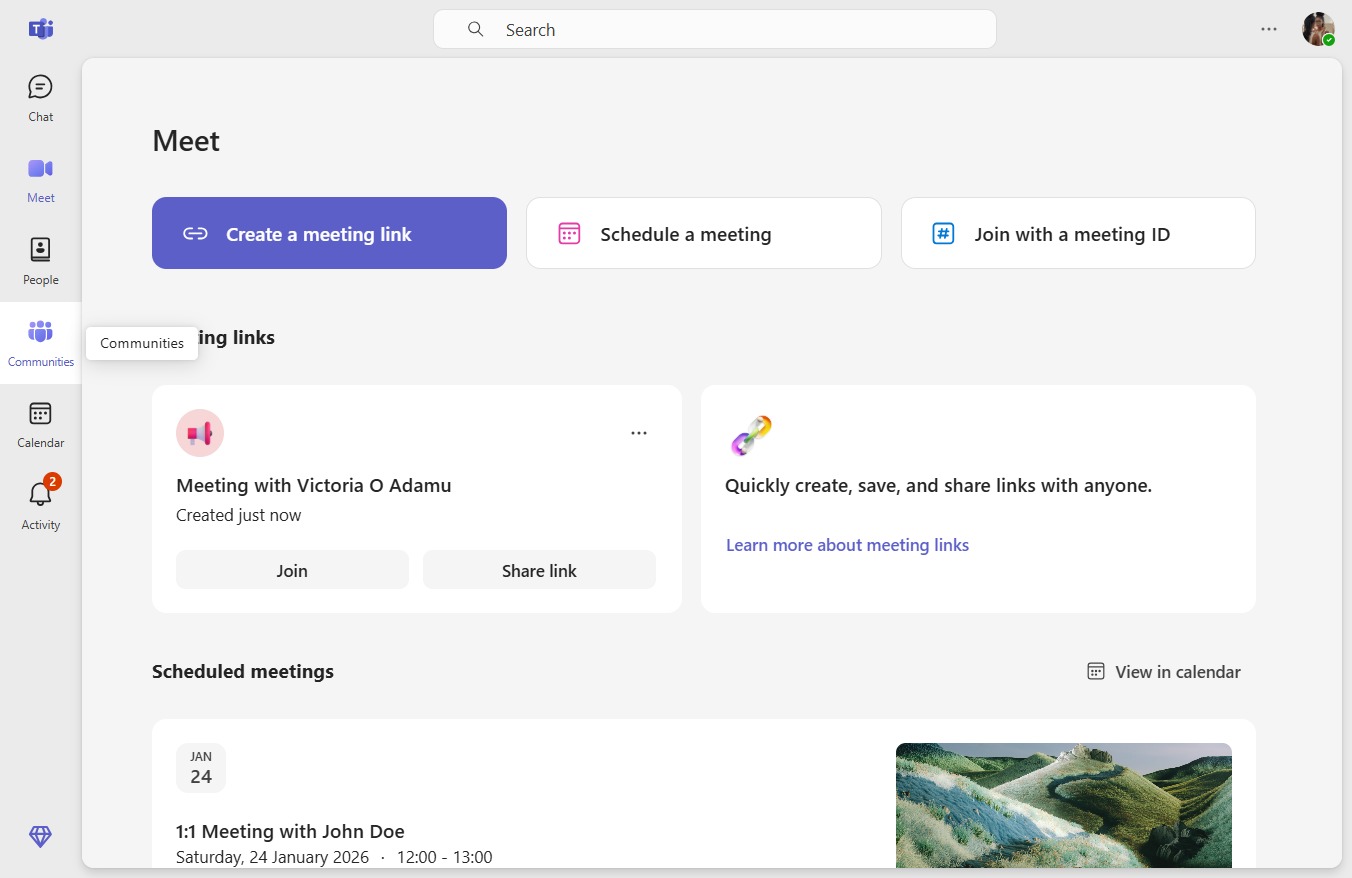
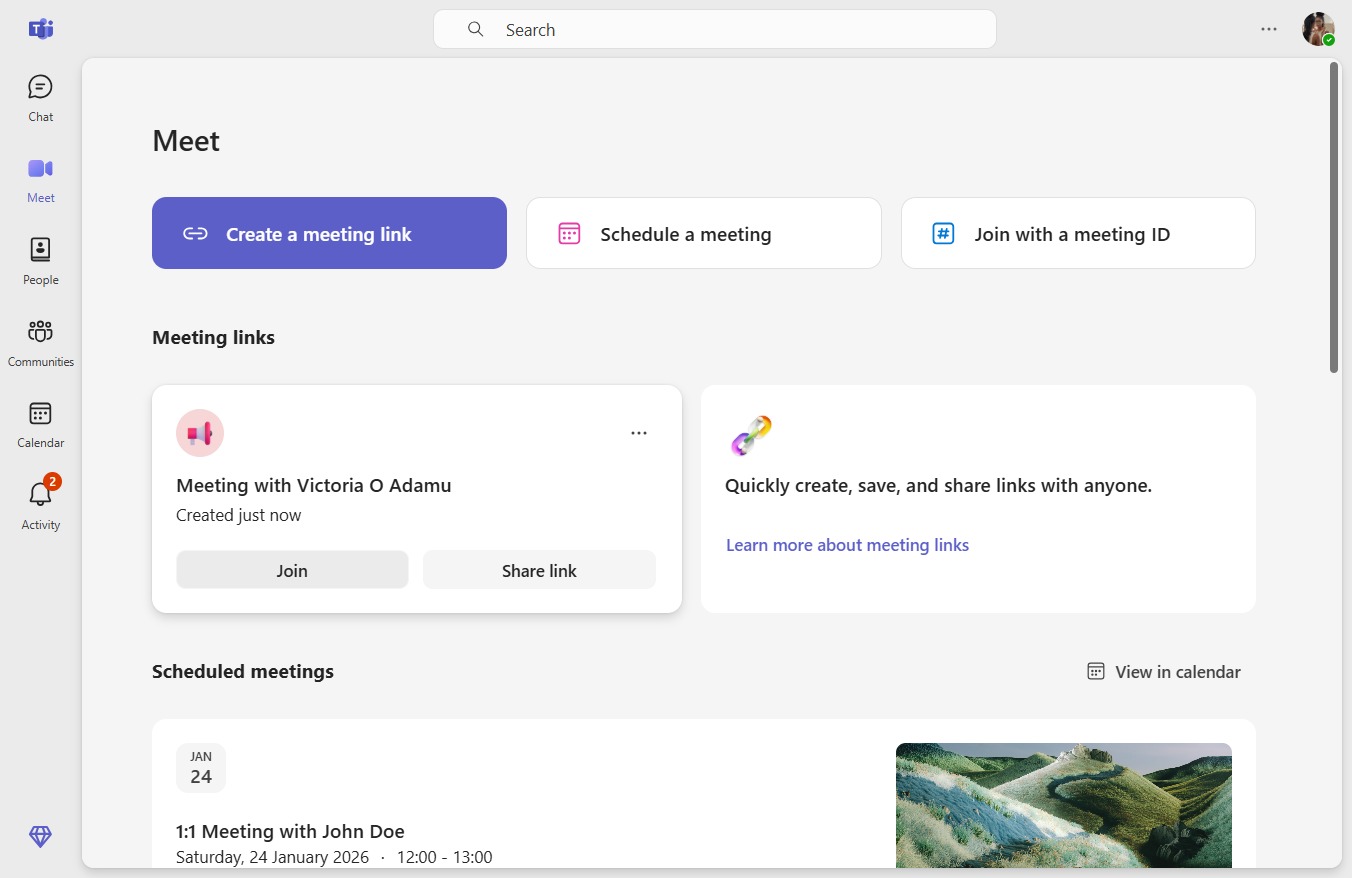
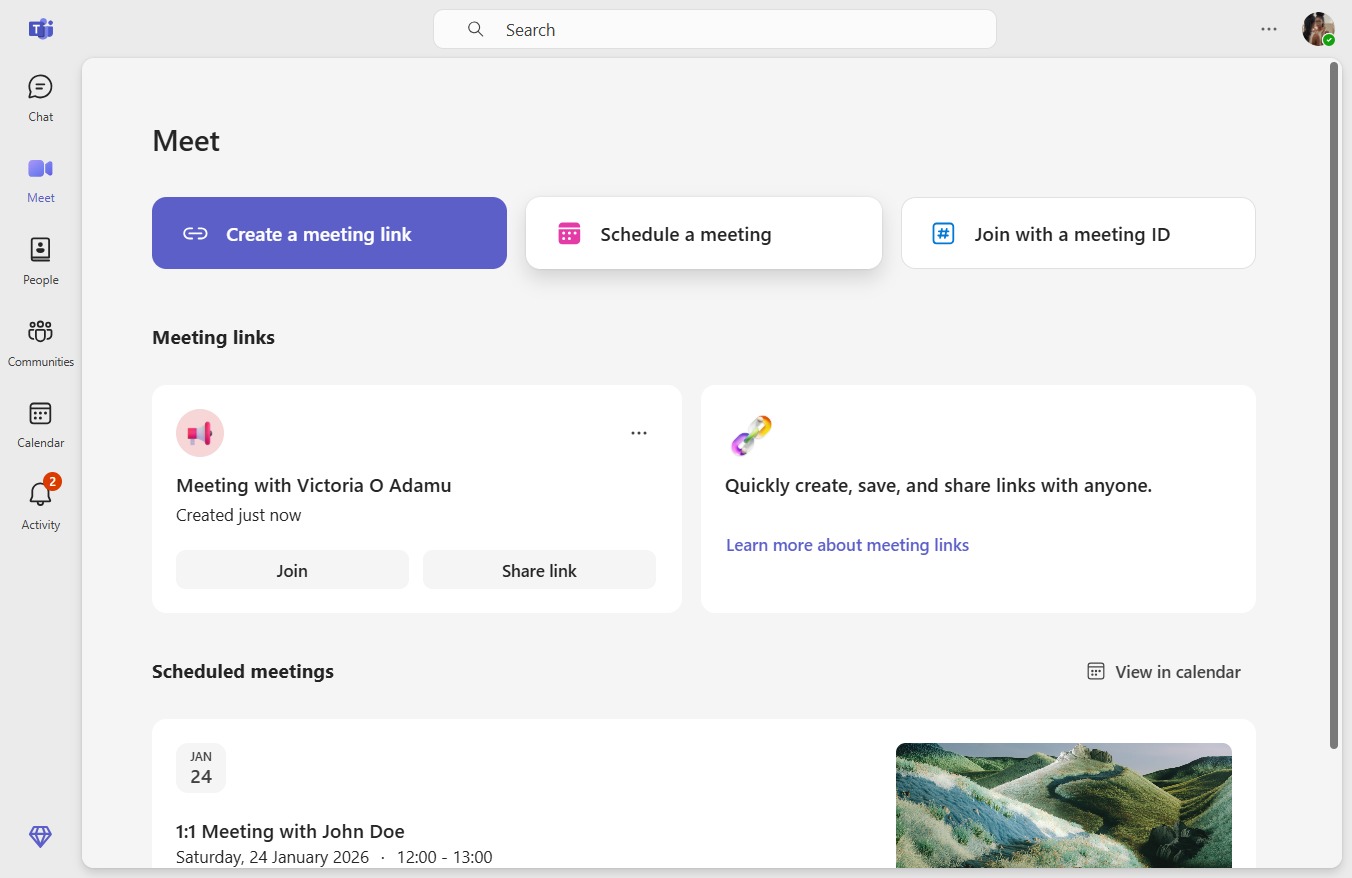
How to start an instant meeting5 stepsPreviewJoinHow to start an instant meetingStep-by-step guide5 stepsJoin
How to archive or delete a community6 stepsPreviewJoinHow to archive or delete a communityStep-by-step guide6 stepsJoin
How to share community join link3 stepsPreviewJoinHow to share community join linkStep-by-step guide3 stepsJoin
How to configure community notifications4 stepsPreviewJoinHow to configure community notificationsStep-by-step guide4 stepsJoin
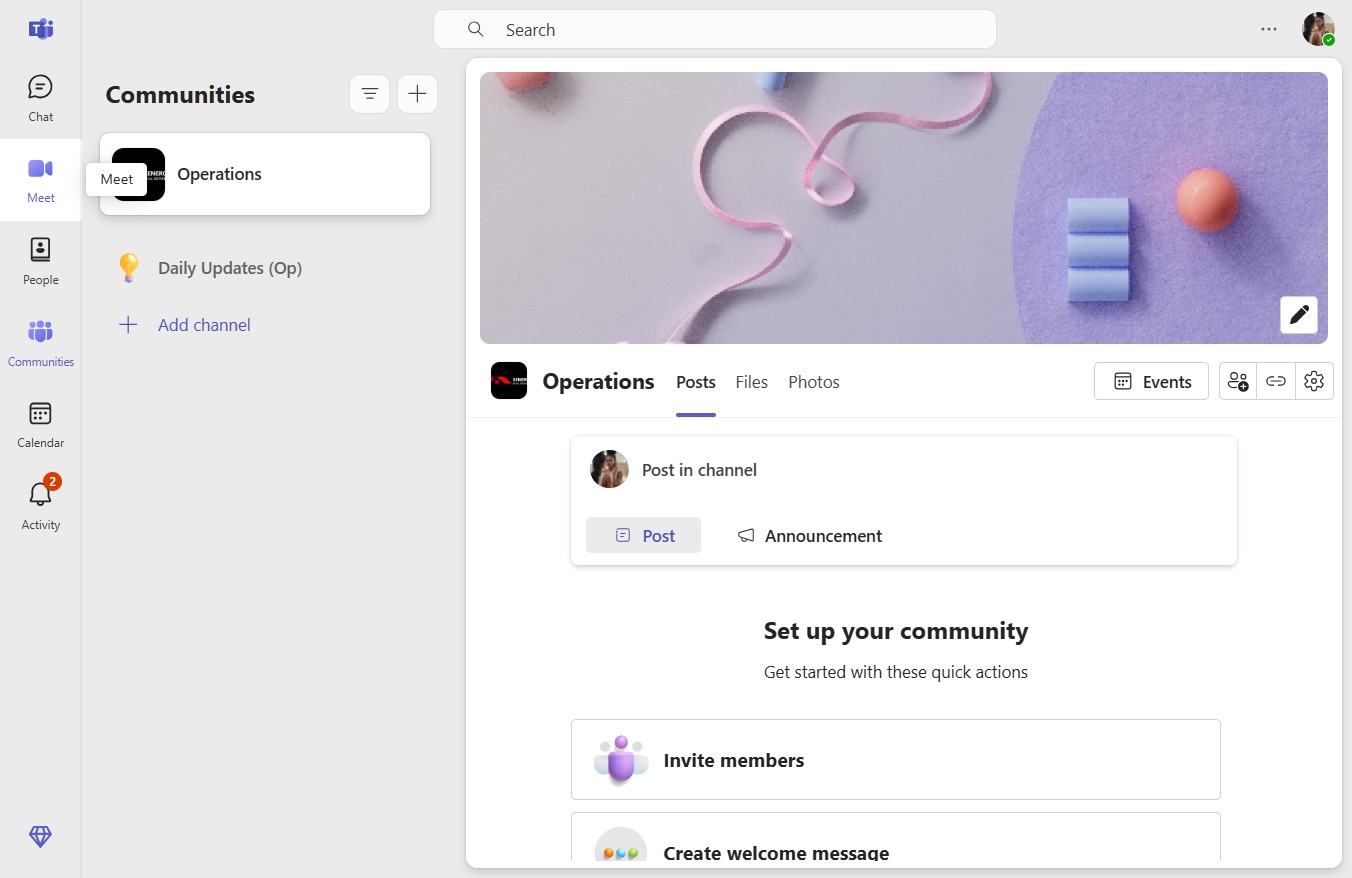
How to create posts in channels9 stepsPreviewJoinHow to create posts in channelsStep-by-step guide9 stepsJoin
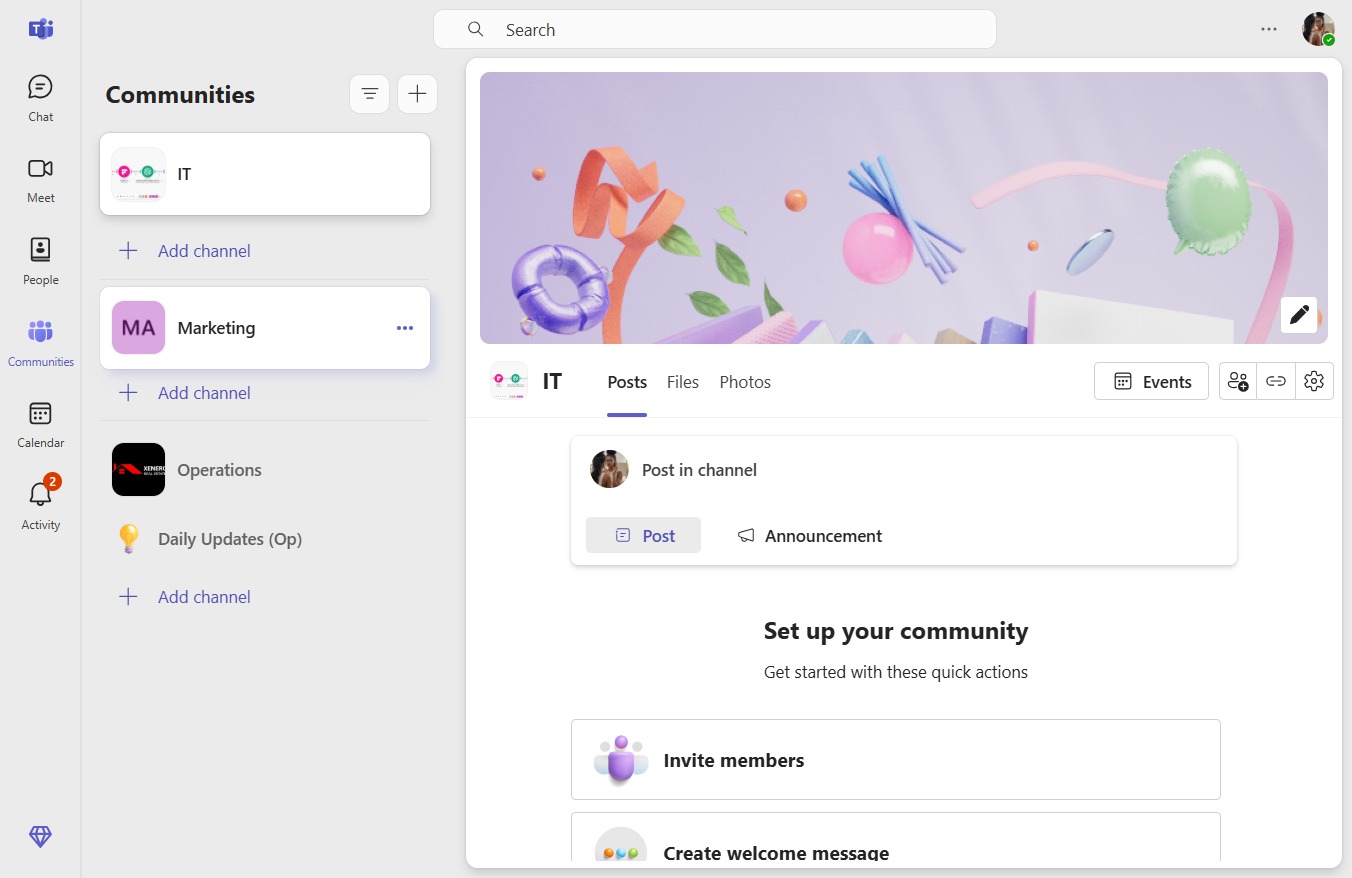
How to add community descriptions6 stepsPreviewJoinHow to add community descriptionsStep-by-step guide6 stepsJoin