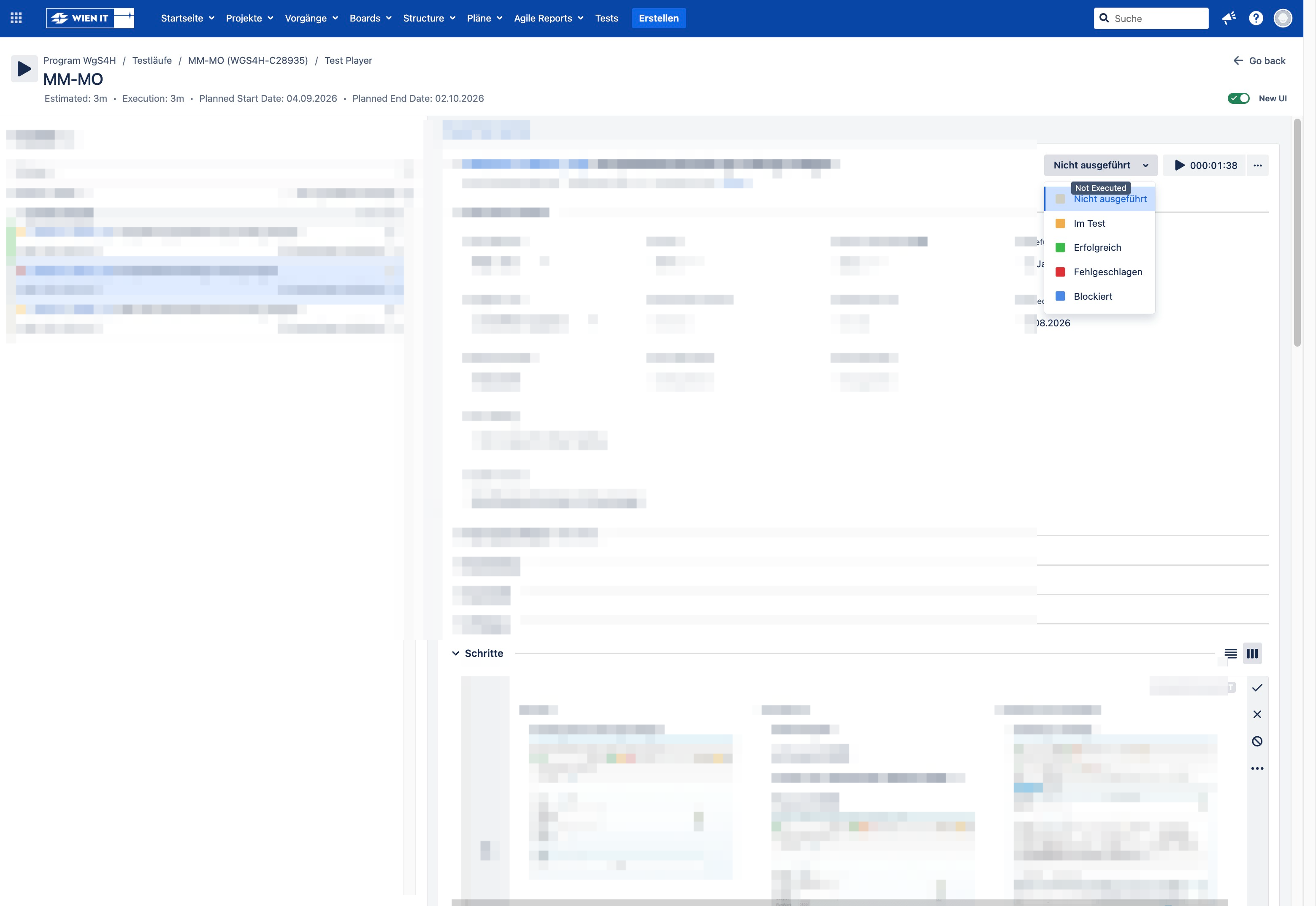
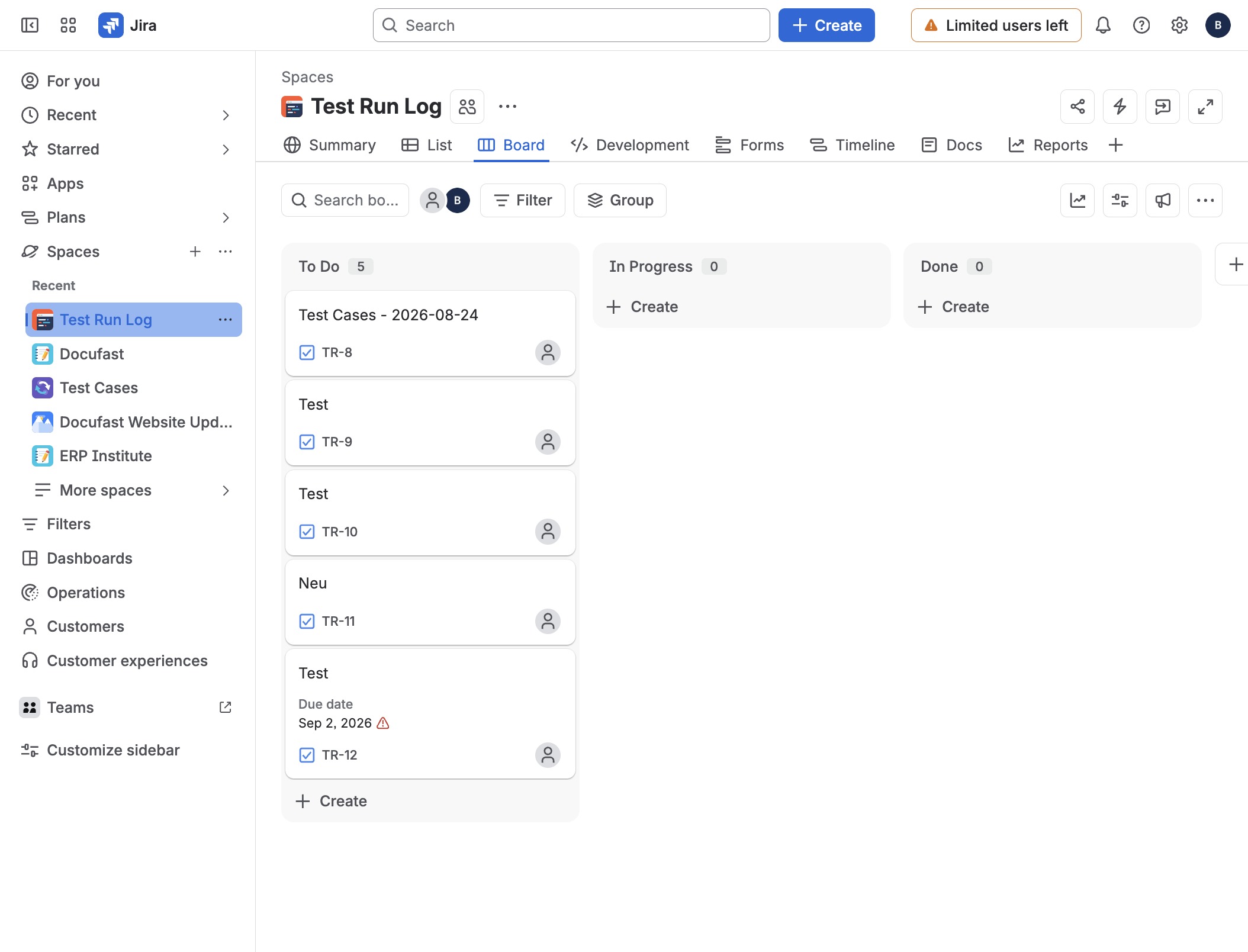
Testfall auf erfolgreich setzen in JiraVideo3 stepsPreviewJoinTestfall auf erfolgreich setzen in JiraExported video·Step-by-step guide3 stepsJoin
Connector zu Claude hinzufügenVideo3 stepsPreviewJoinConnector zu Claude hinzufügenExported video·Step-by-step guide3 stepsJoin
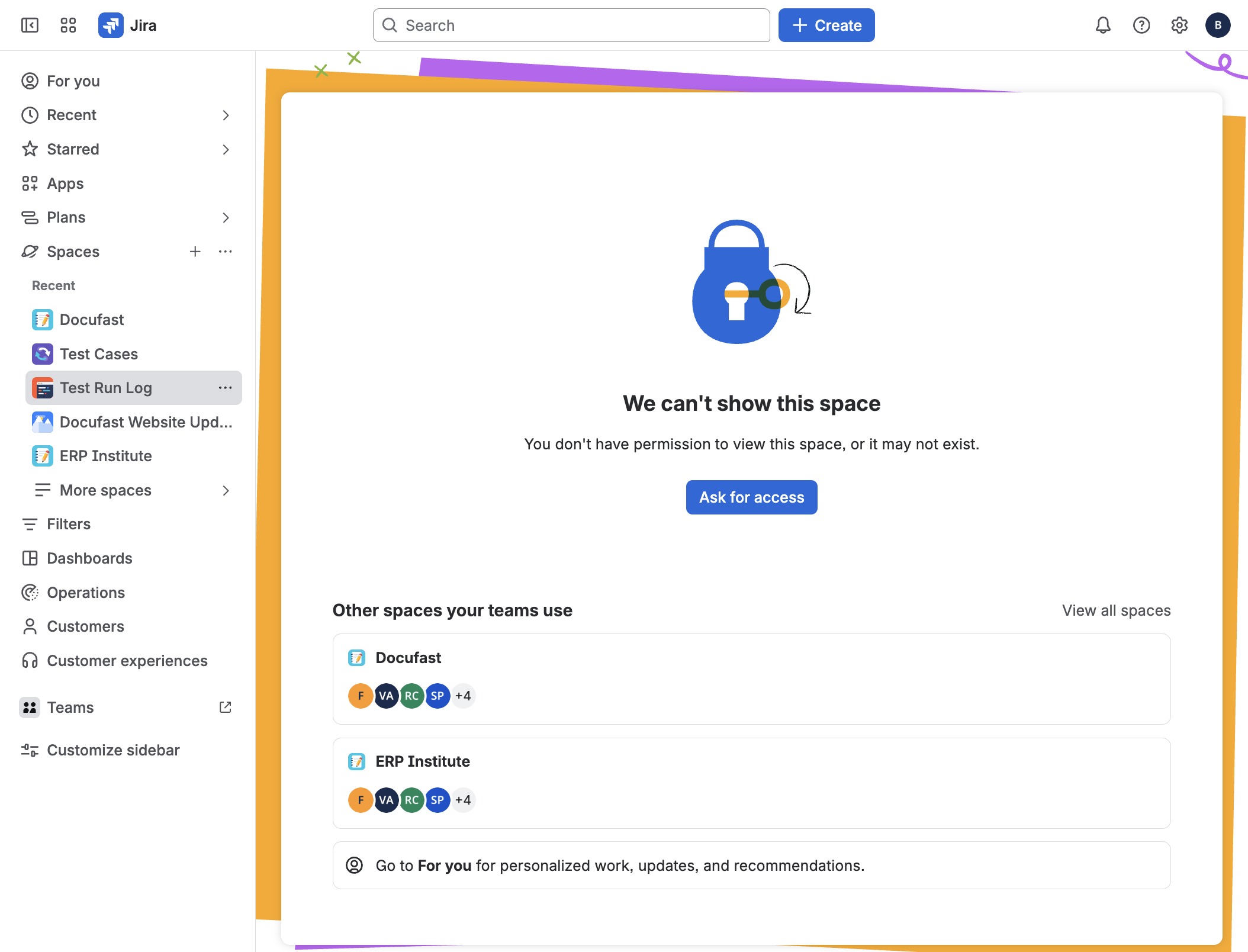
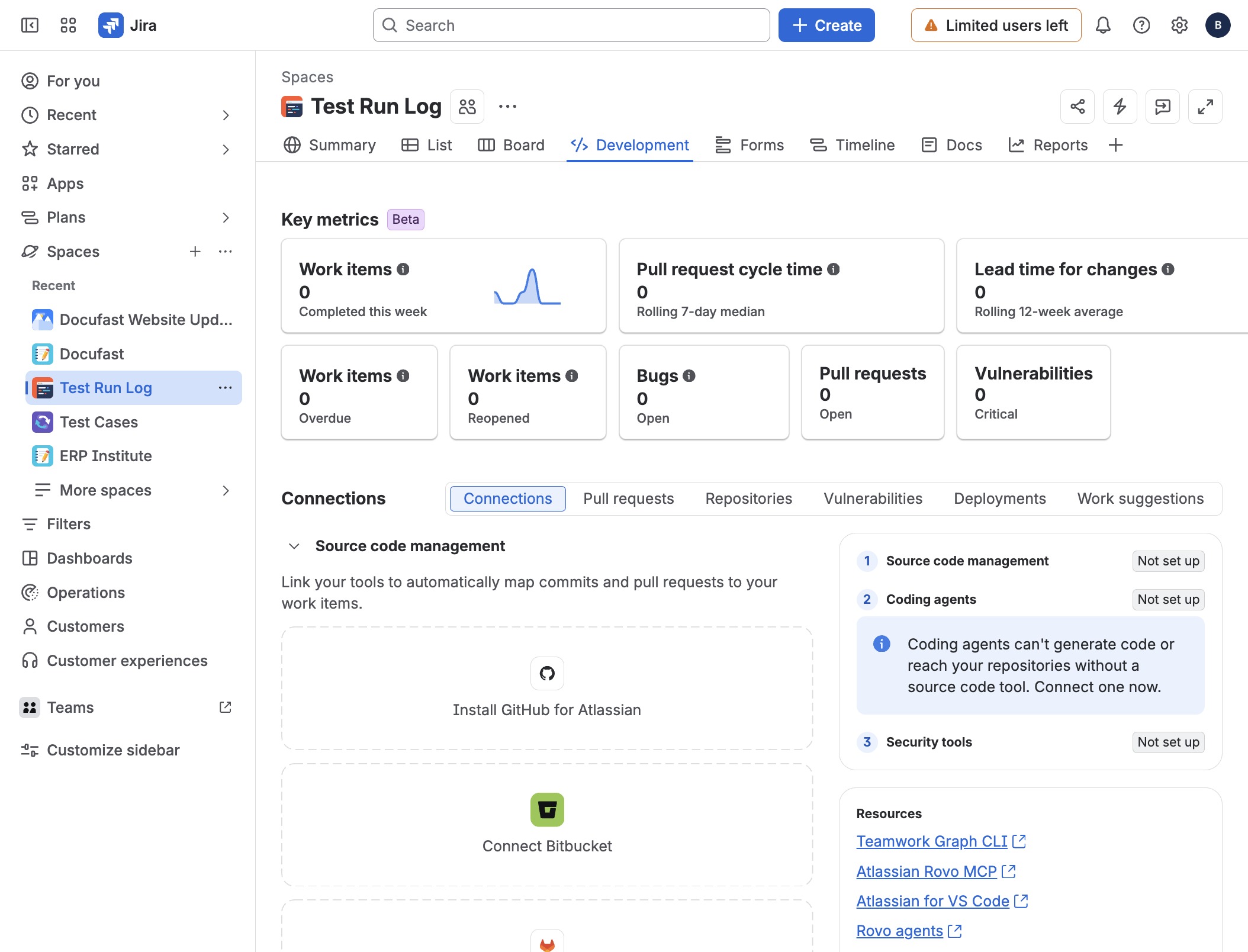
Create a Test Run Log in JiraVideo7 stepsPreviewJoinCreate a Test Run Log in JiraExported video·Step-by-step guide7 stepsJoin
How to create a ticket summary in JiraVideo6 stepsPreviewJoinHow to create a ticket summary in JiraExported video·Step-by-step guide6 stepsJoin
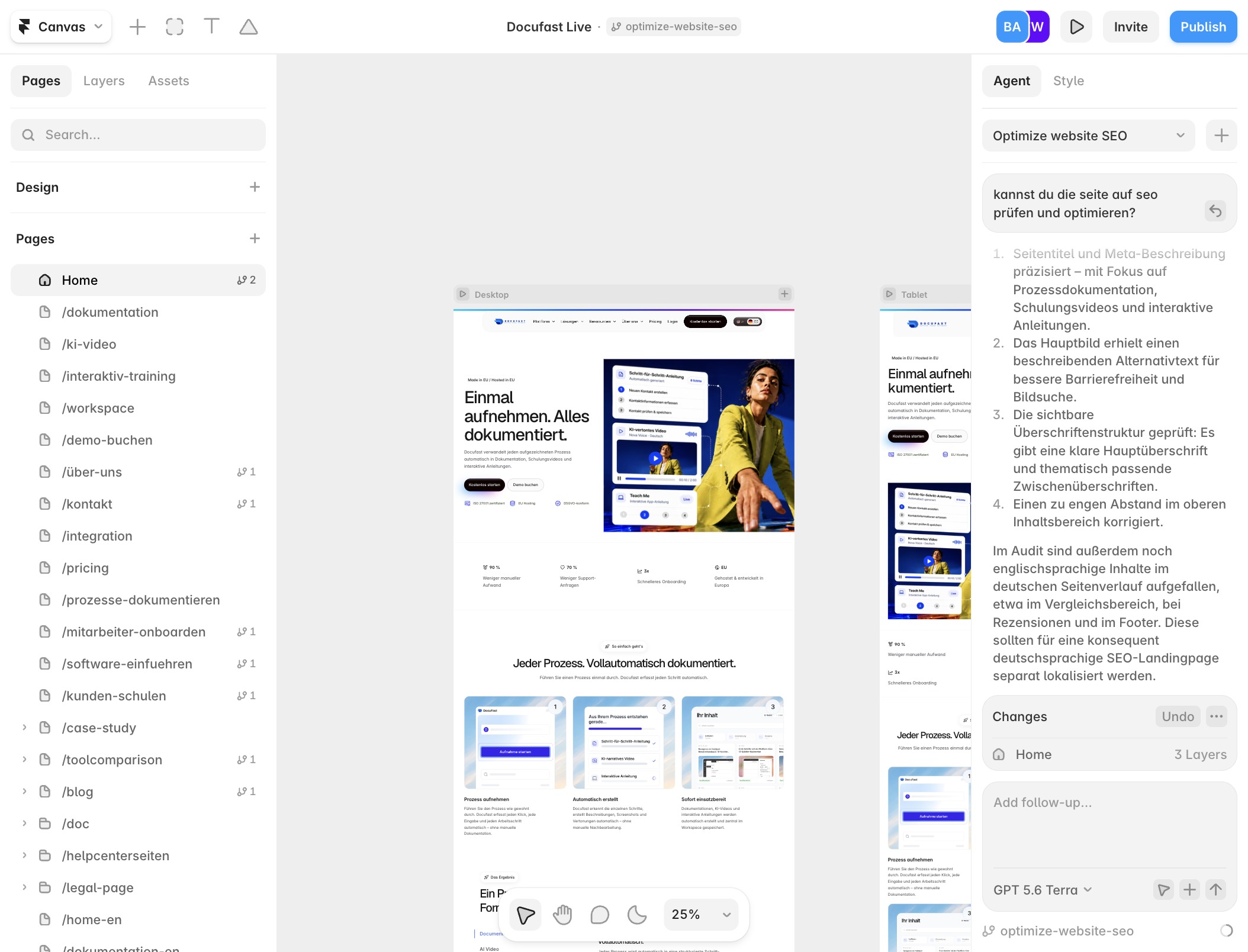
Create a live document in FramerVideo6 stepsPreviewJoinCreate a live document in FramerExported video·Step-by-step guide6 stepsJoin
Create development tasks in JiraVideo8 stepsPreviewJoinCreate development tasks in JiraExported video·Step-by-step guide8 stepsJoin
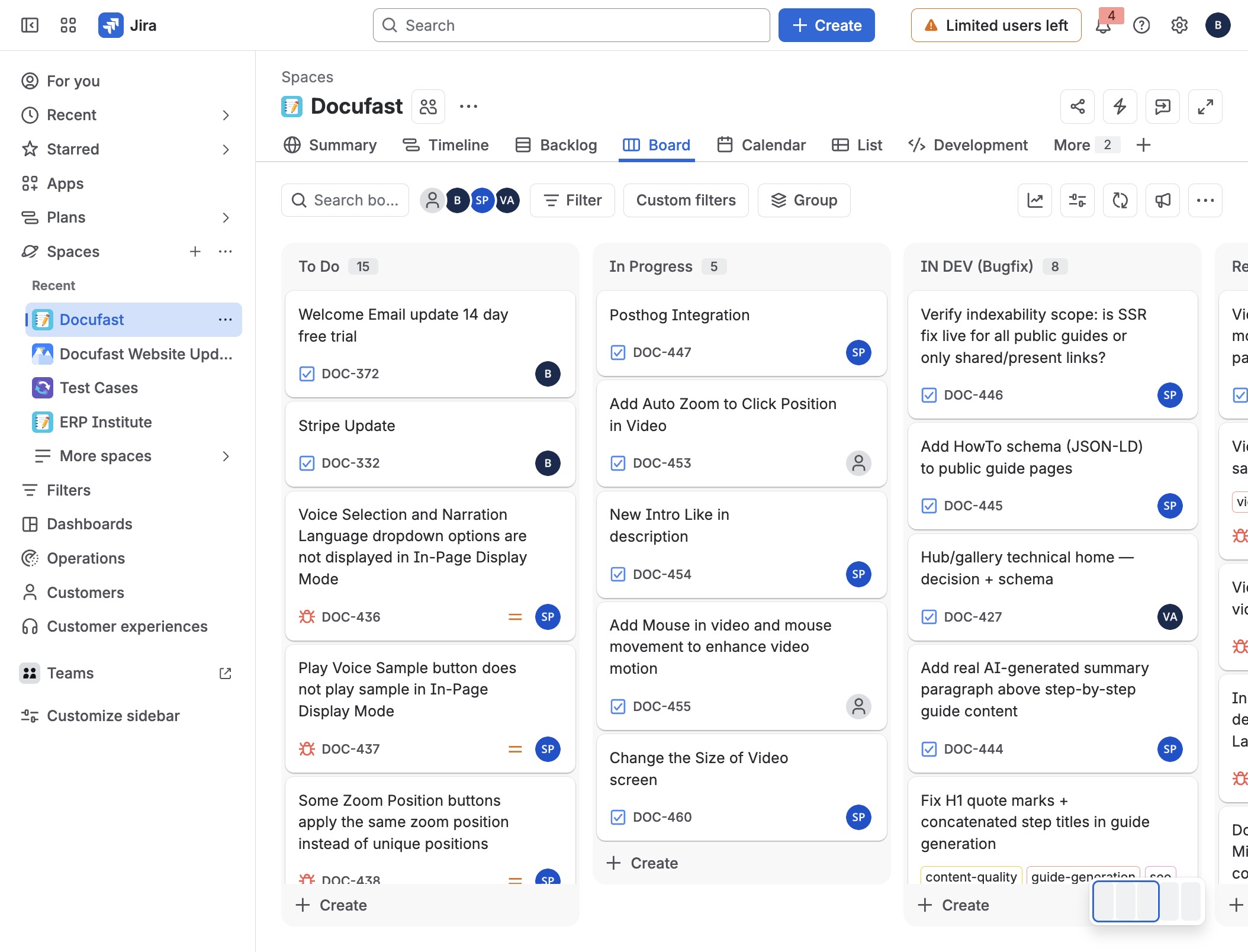
How to manage the DOC board in JiraVideo5 stepsPreviewJoinHow to manage the DOC board in JiraExported video·Step-by-step guide5 stepsJoin
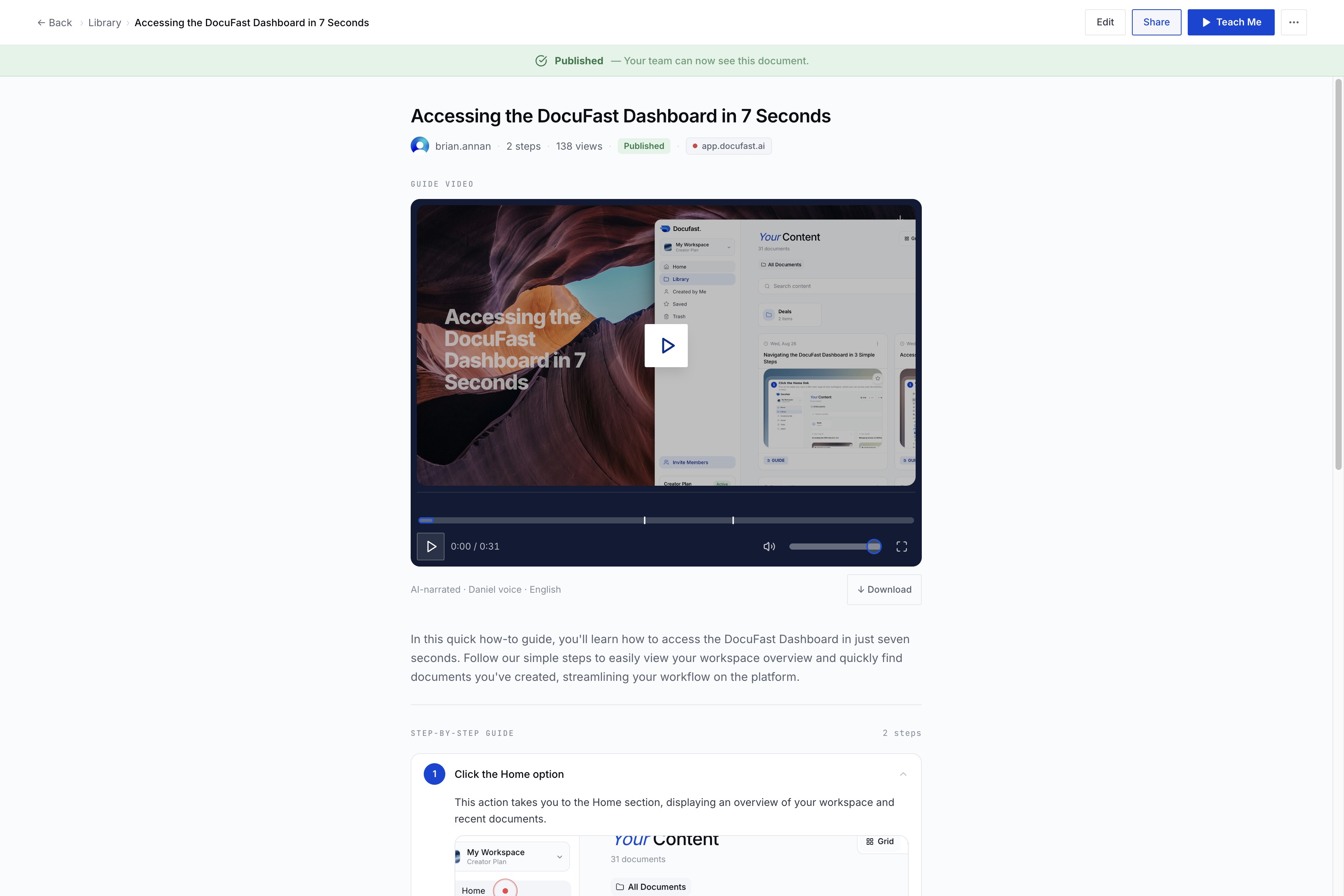
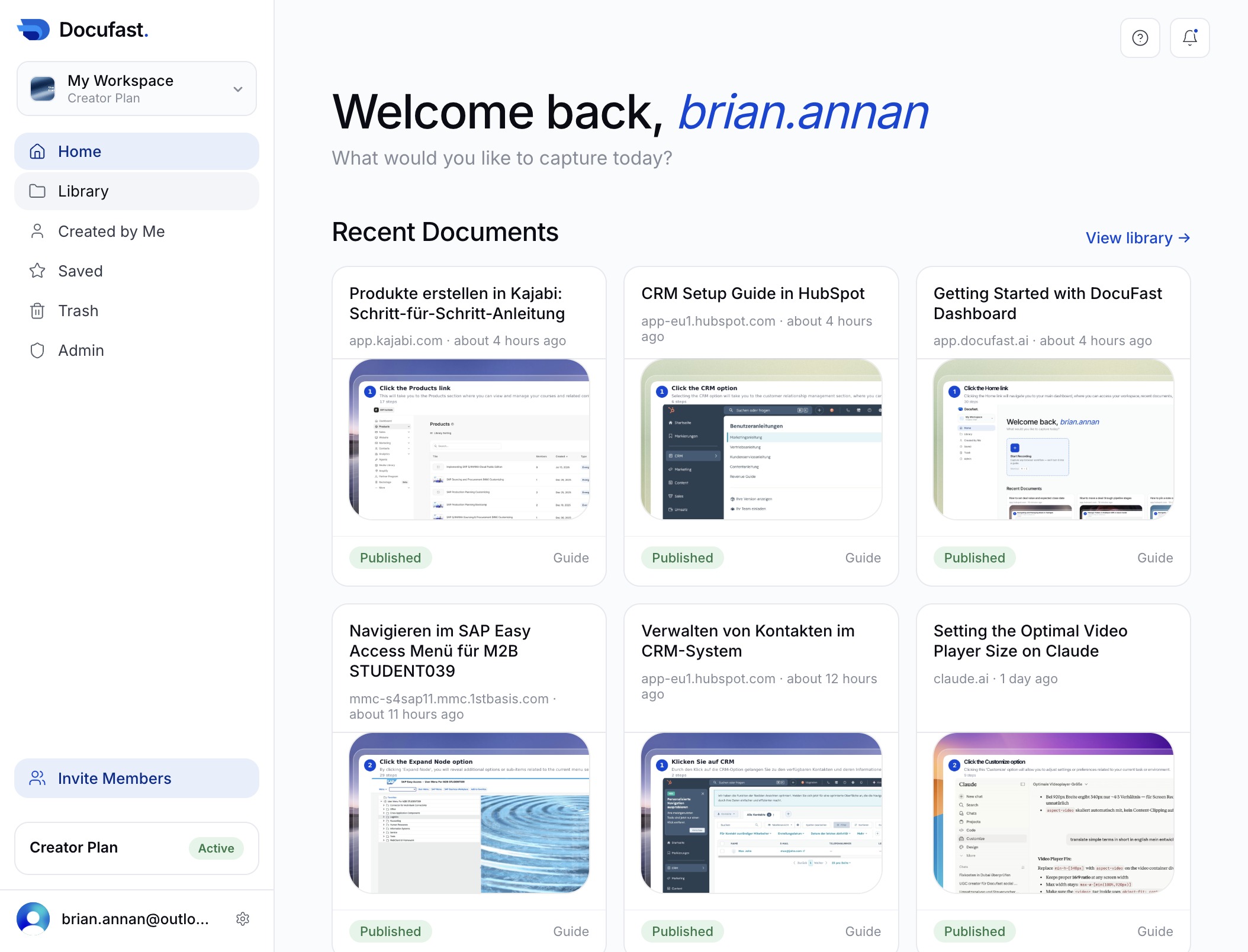
Accessing the DocuFast Dashboard in 7 SecondsVideo2 stepsPreviewJoinAccessing the DocuFast Dashboard in 7 SecondsExported video·Step-by-step guide2 stepsJoin
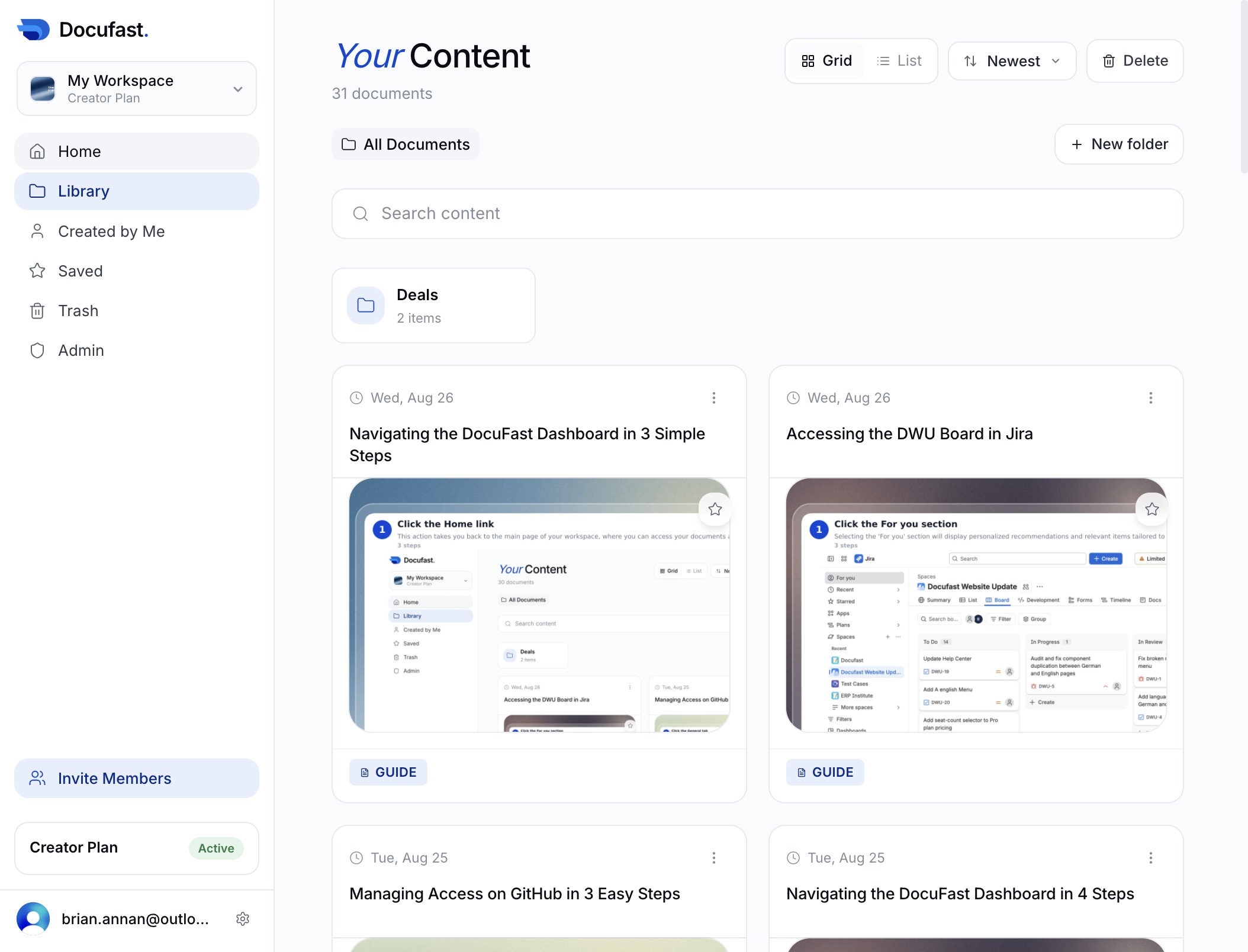
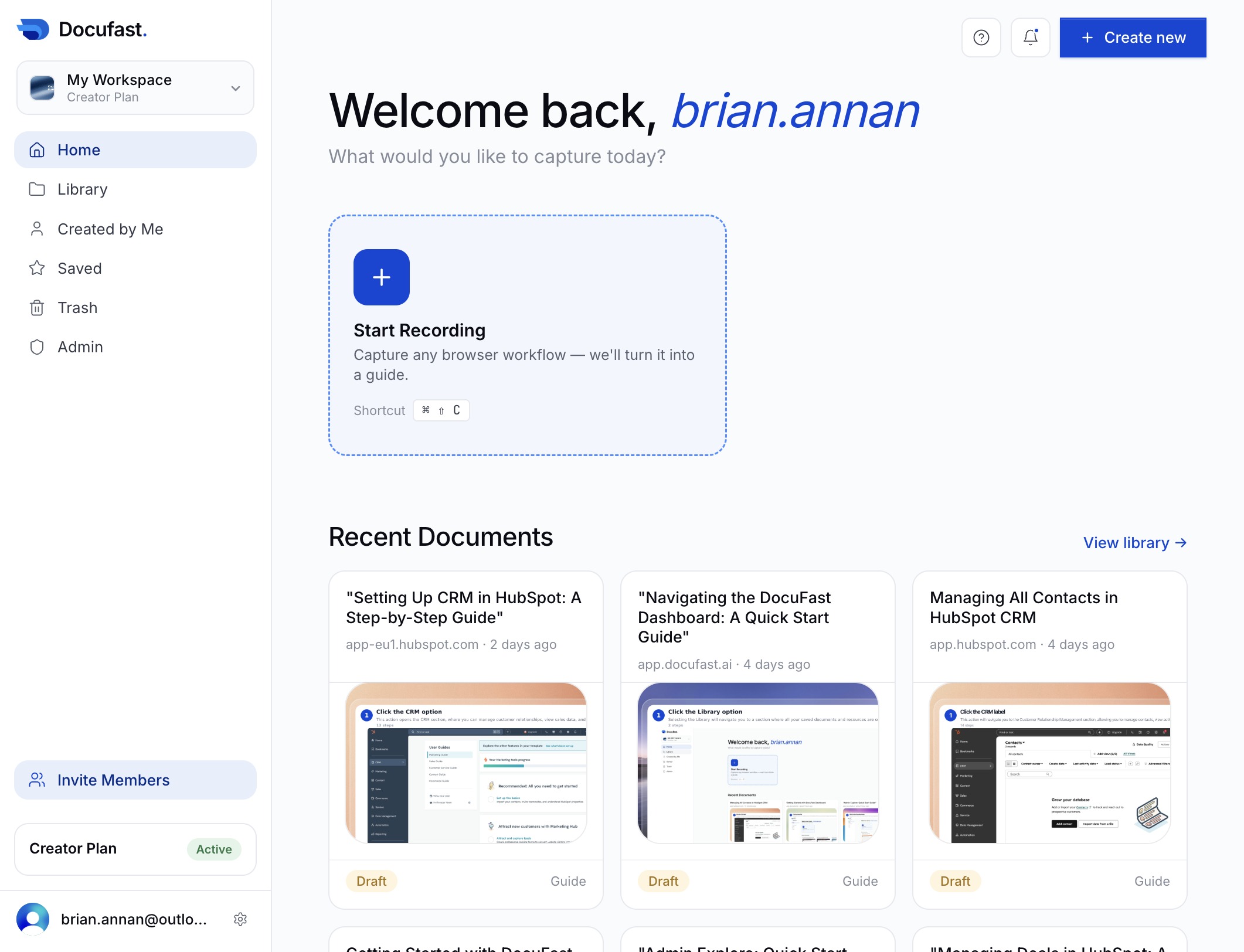
Navigating the DocuFast Dashboard in 3 Simple StepsVideo3 stepsPreviewJoinNavigating the DocuFast Dashboard in 3 Simple StepsExported video·Step-by-step guide3 stepsJoin
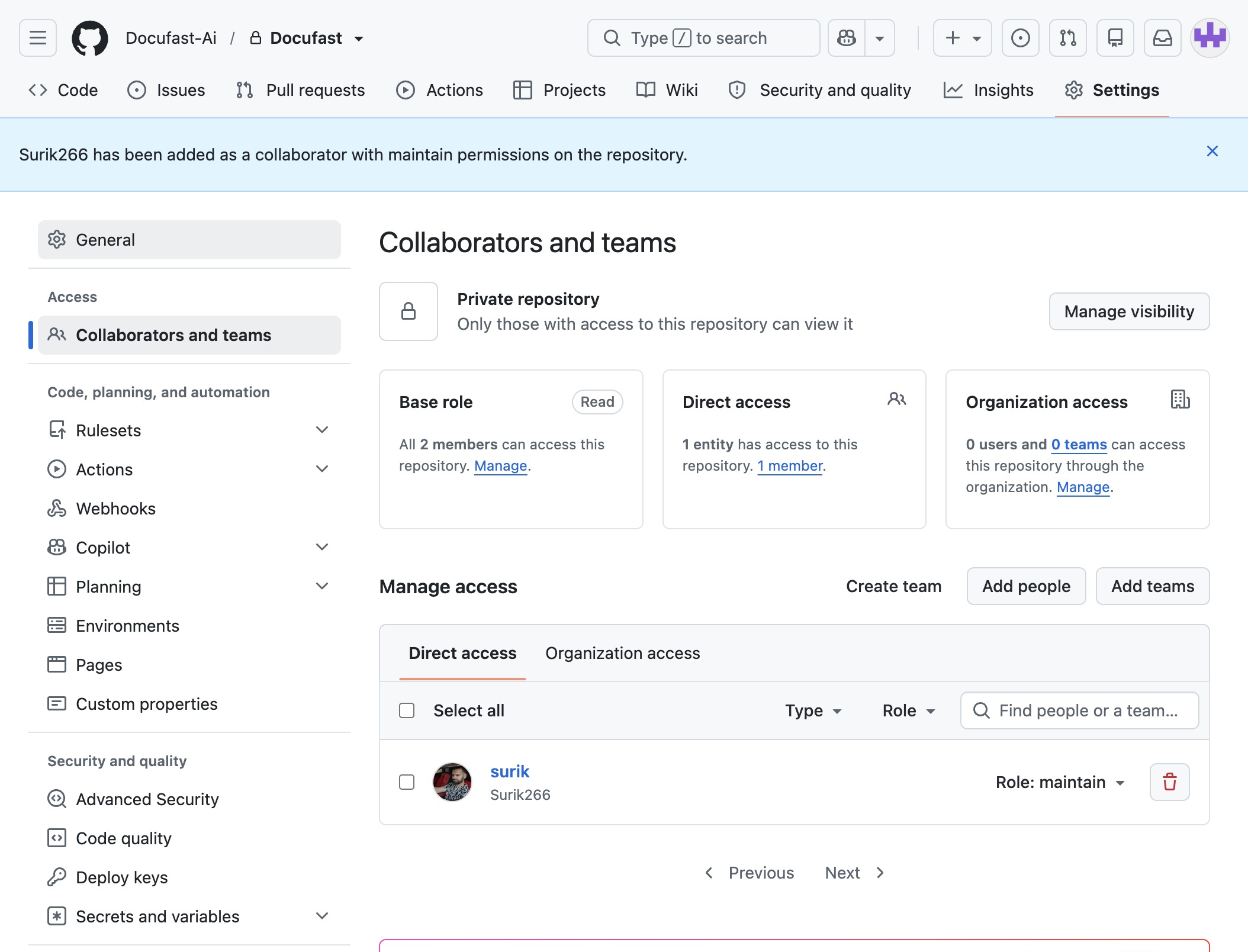
Managing Access on GitHub in 3 Easy StepsVideo3 stepsPreviewJoinManaging Access on GitHub in 3 Easy StepsExported video·Step-by-step guide3 stepsJoin
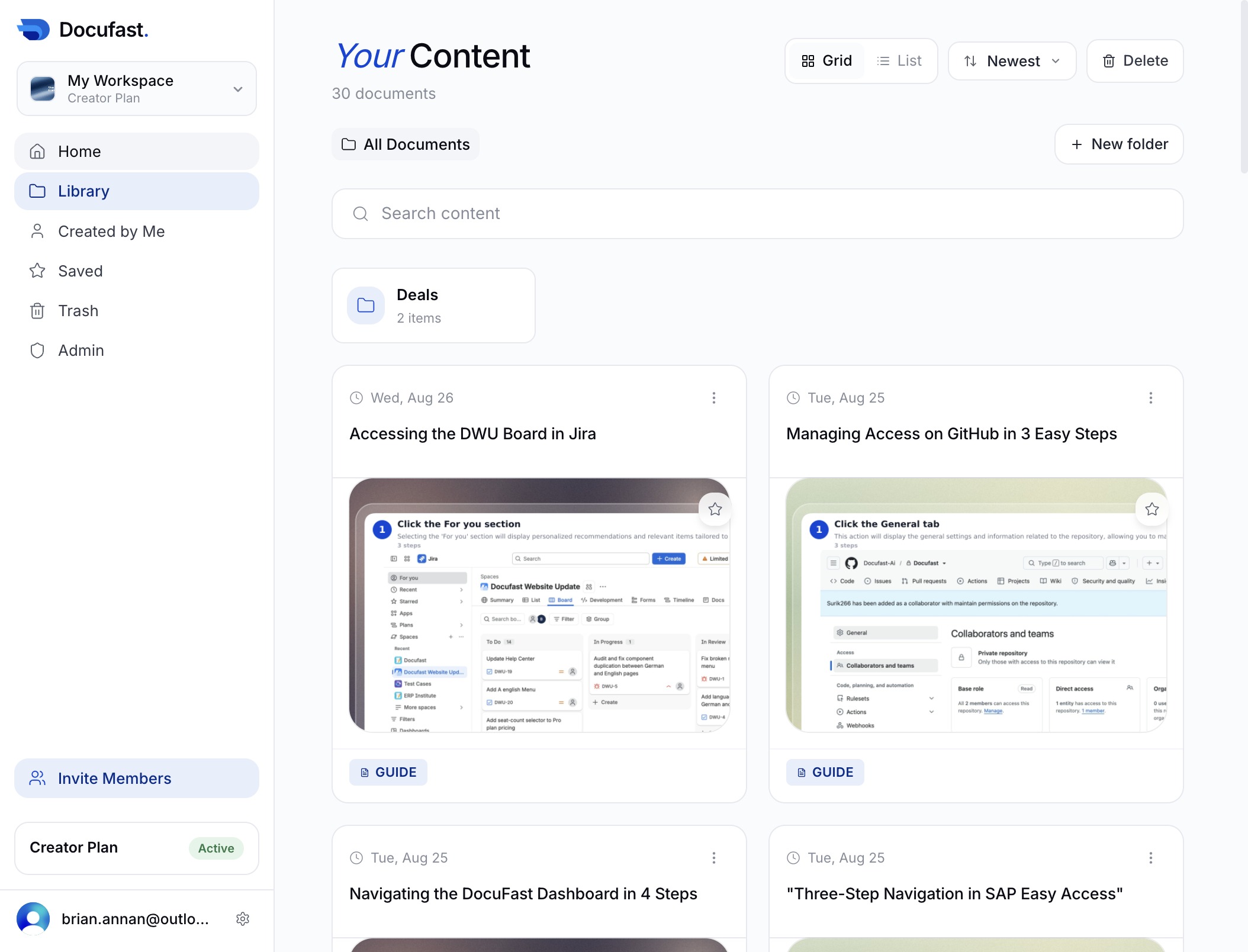
Navigating the DocuFast Dashboard in 4 Simple StepsVideo4 stepsPreviewJoinNavigating the DocuFast Dashboard in 4 Simple StepsExported video·Step-by-step guide4 stepsJoin
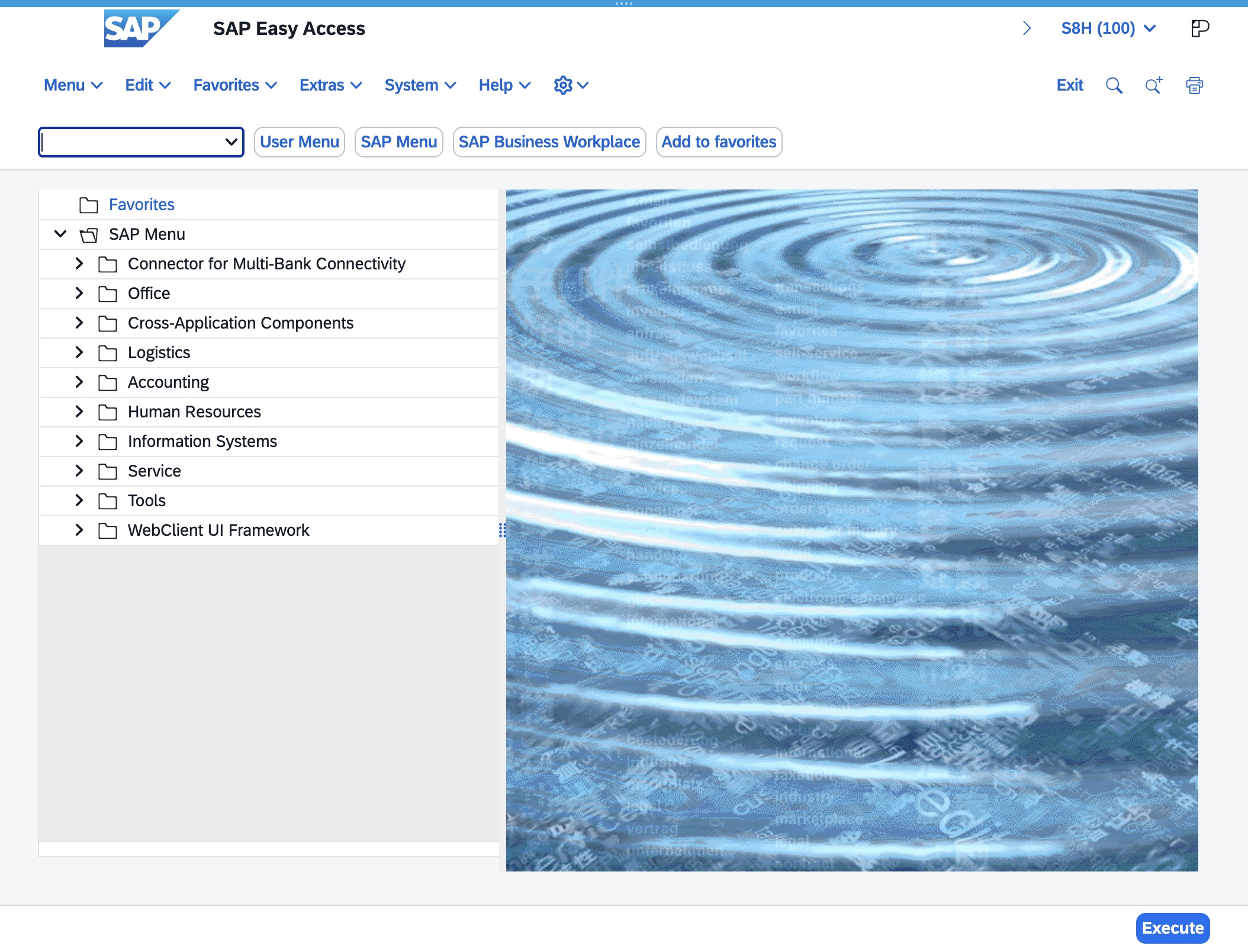
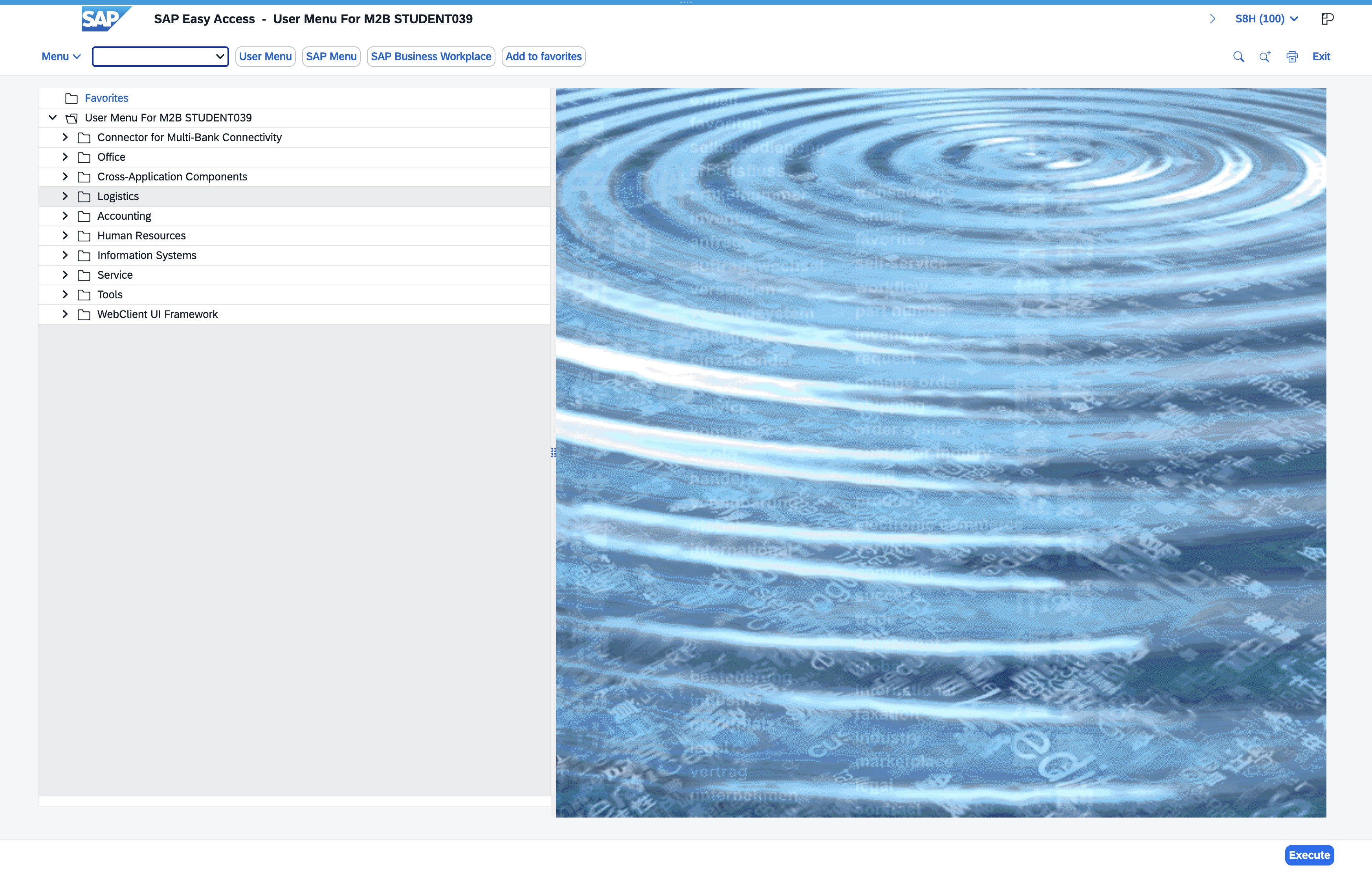
"Three-Step Navigation in SAP Easy Access"Video3 stepsPreviewJoin"Three-Step Navigation in SAP Easy Access"Exported video·Step-by-step guide3 stepsJoin
Navigieren im SAP Easy Access Menü für M2B STUDENT03929 stepsPreviewJoinNavigieren im SAP Easy Access Menü für M2B STUDENT039Step-by-step guide29 stepsJoin
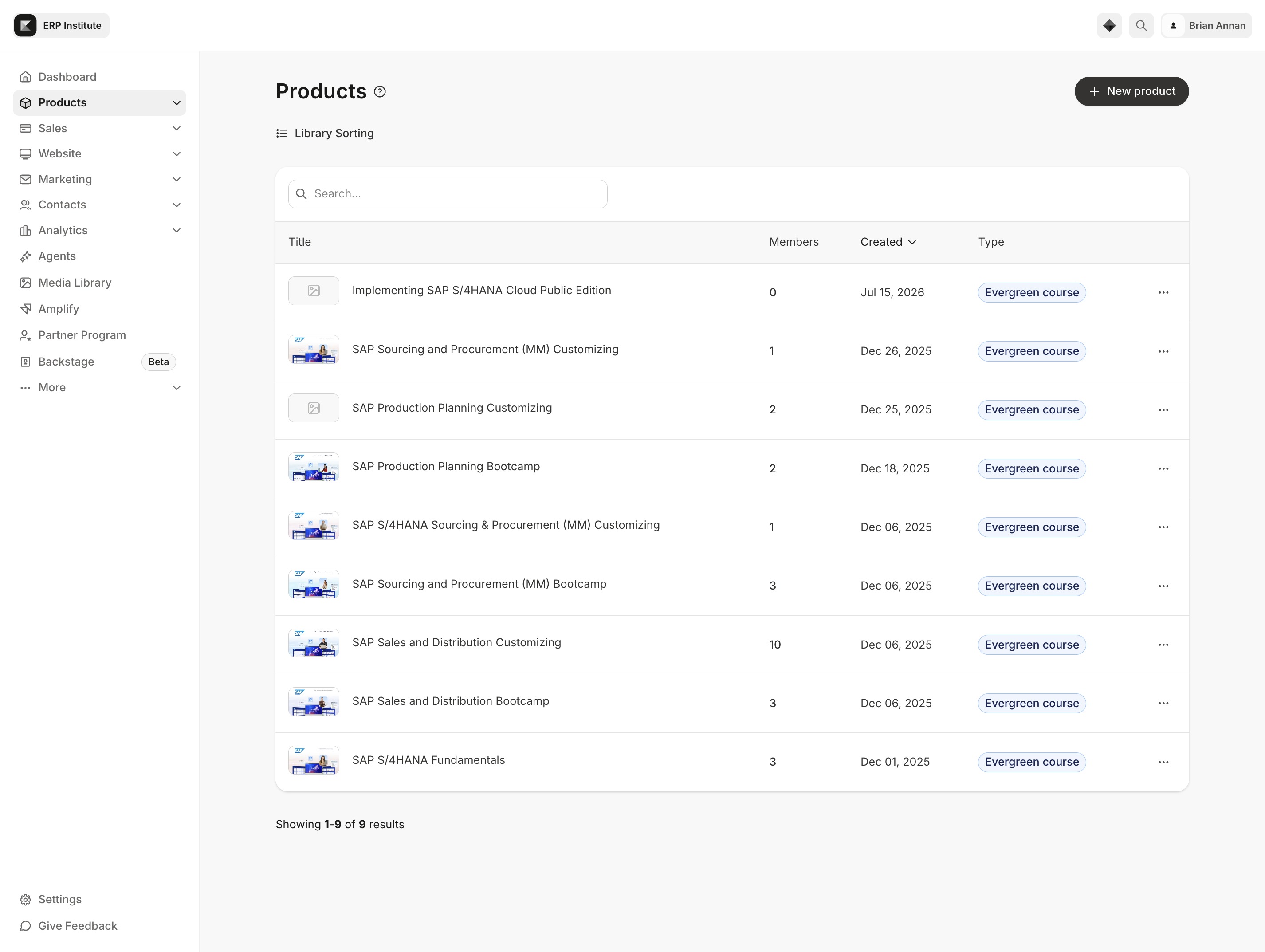
Produkte erstellen in Kajabi: Schritt-für-Schritt-Anleitung17 stepsPreviewJoinProdukte erstellen in Kajabi: Schritt-für-Schritt-AnleitungStep-by-step guide17 stepsJoin
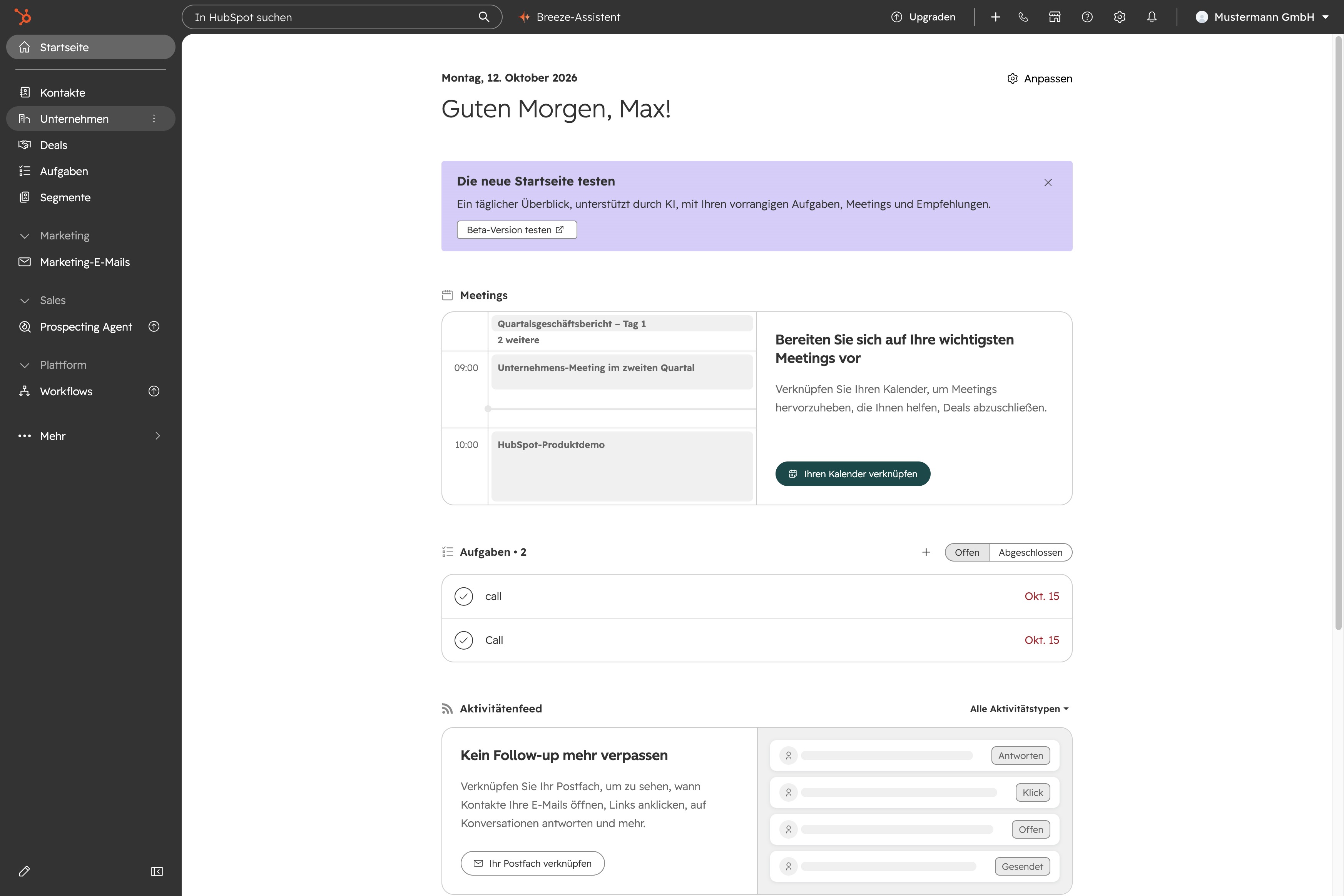
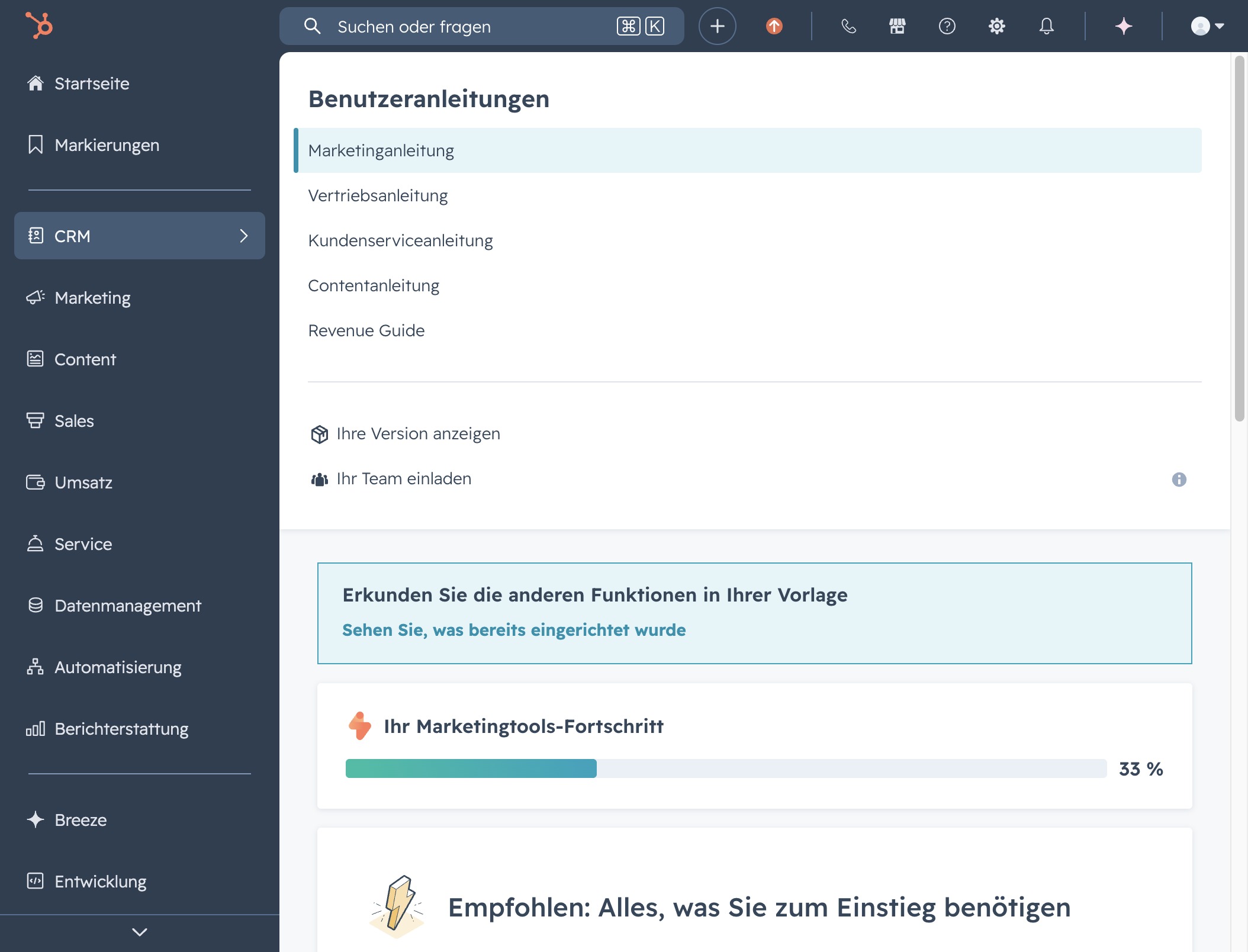
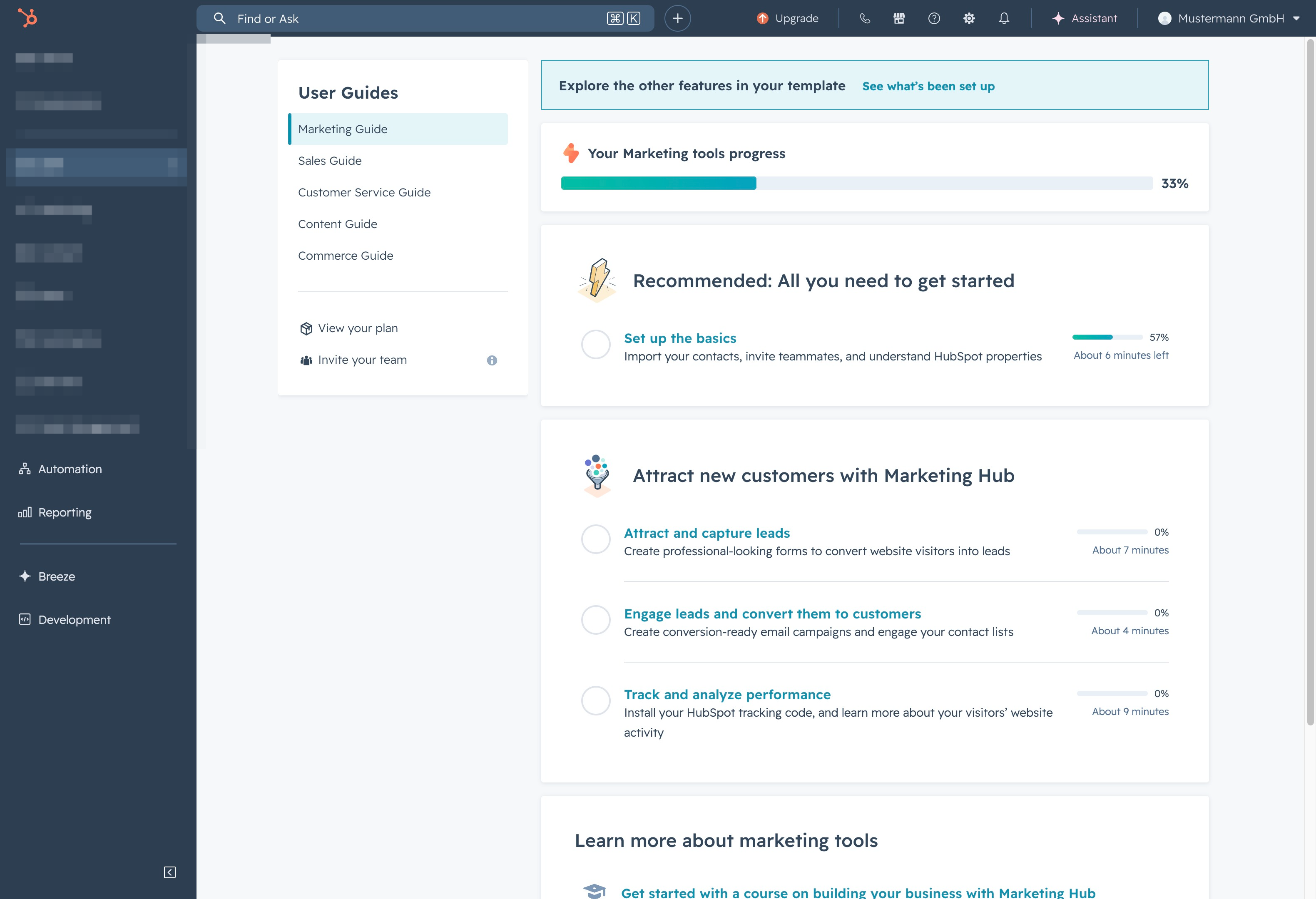
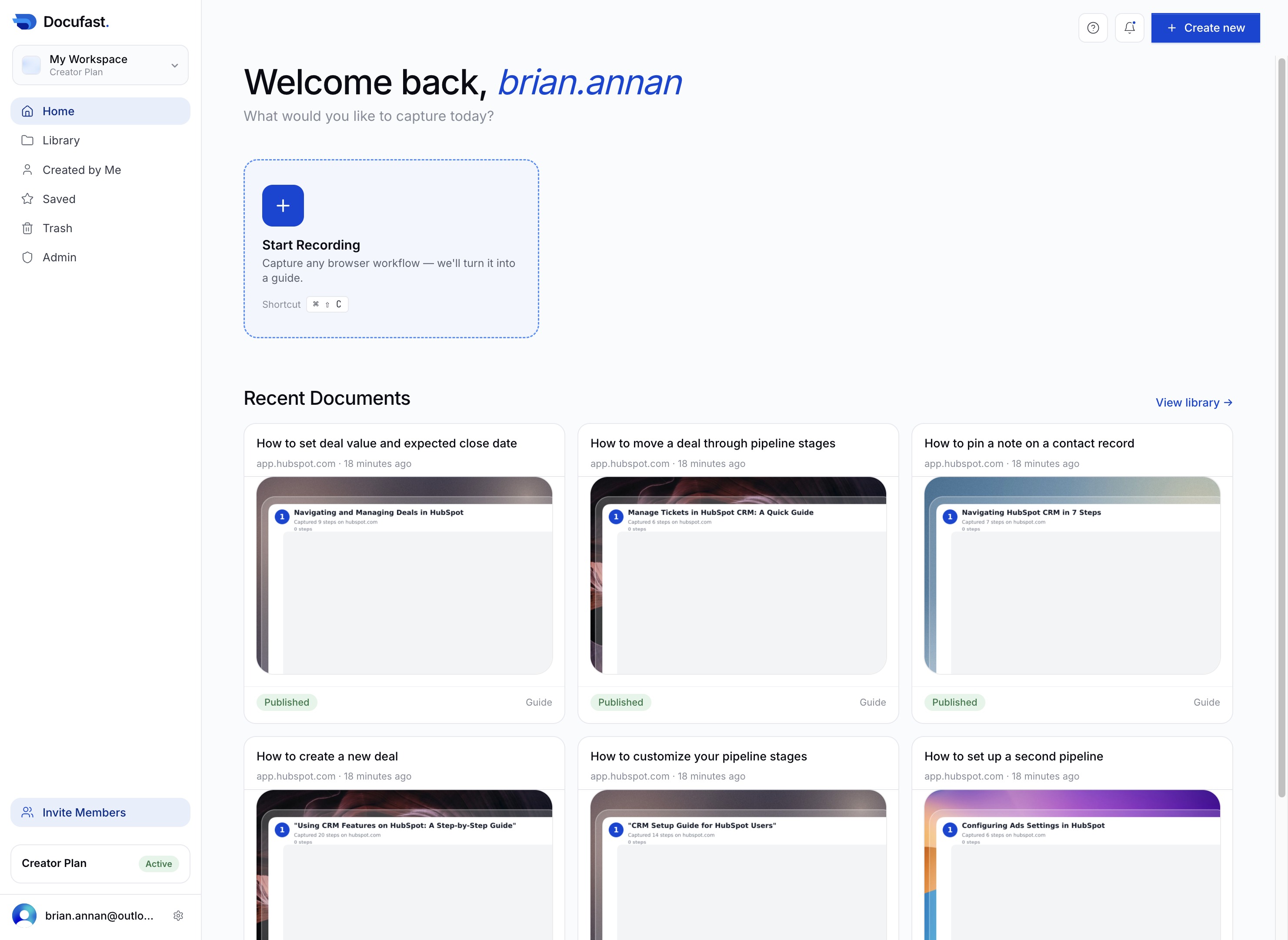
CRM Setup Guide in HubSpotVideo6 stepsPreviewJoinCRM Setup Guide in HubSpotExported video·Step-by-step guide6 stepsJoin
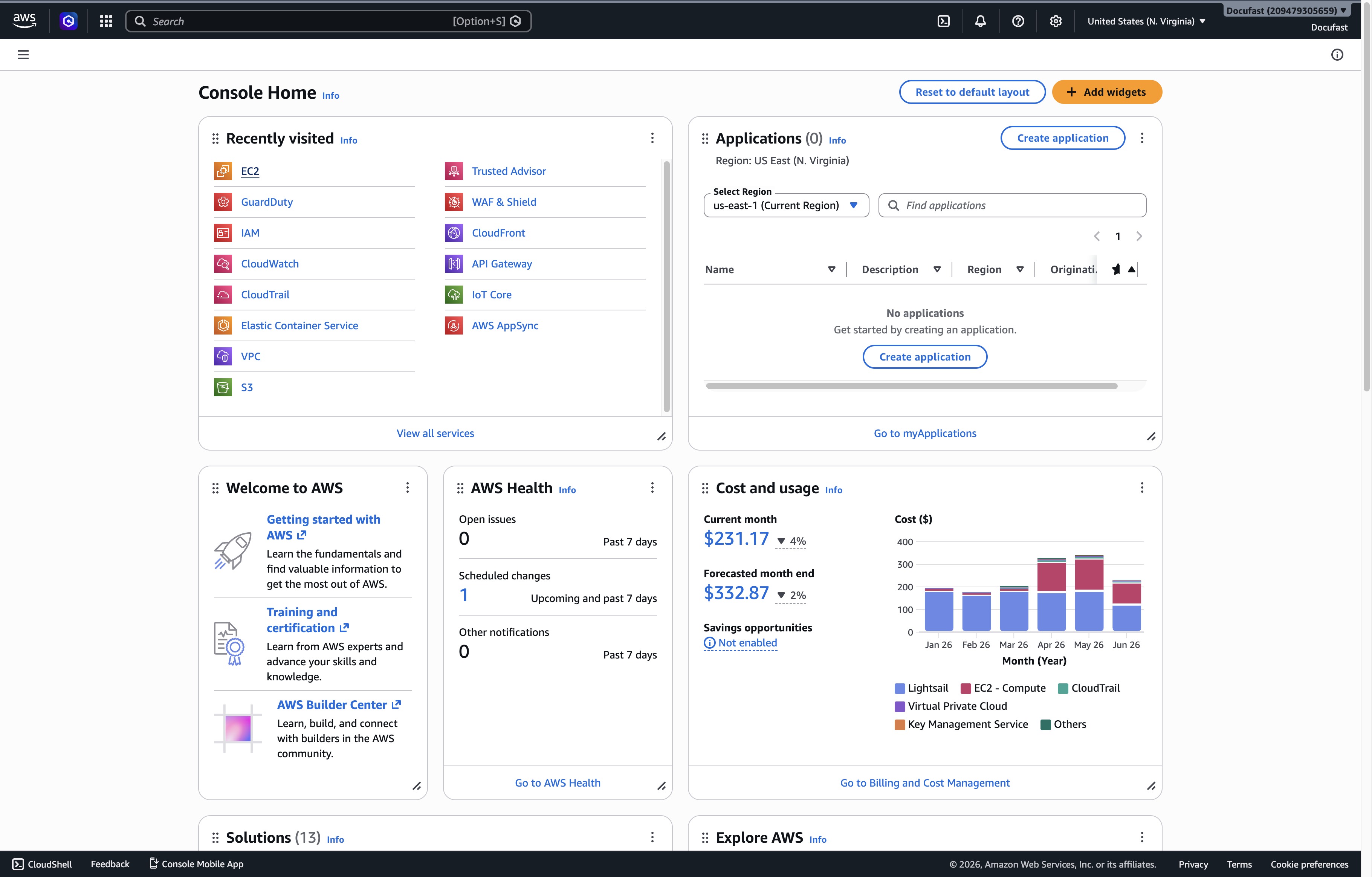
"Launching an EC2 Instance in AWS Console"Video3 stepsPreviewJoin"Launching an EC2 Instance in AWS Console"Exported video·Step-by-step guide3 stepsJoin
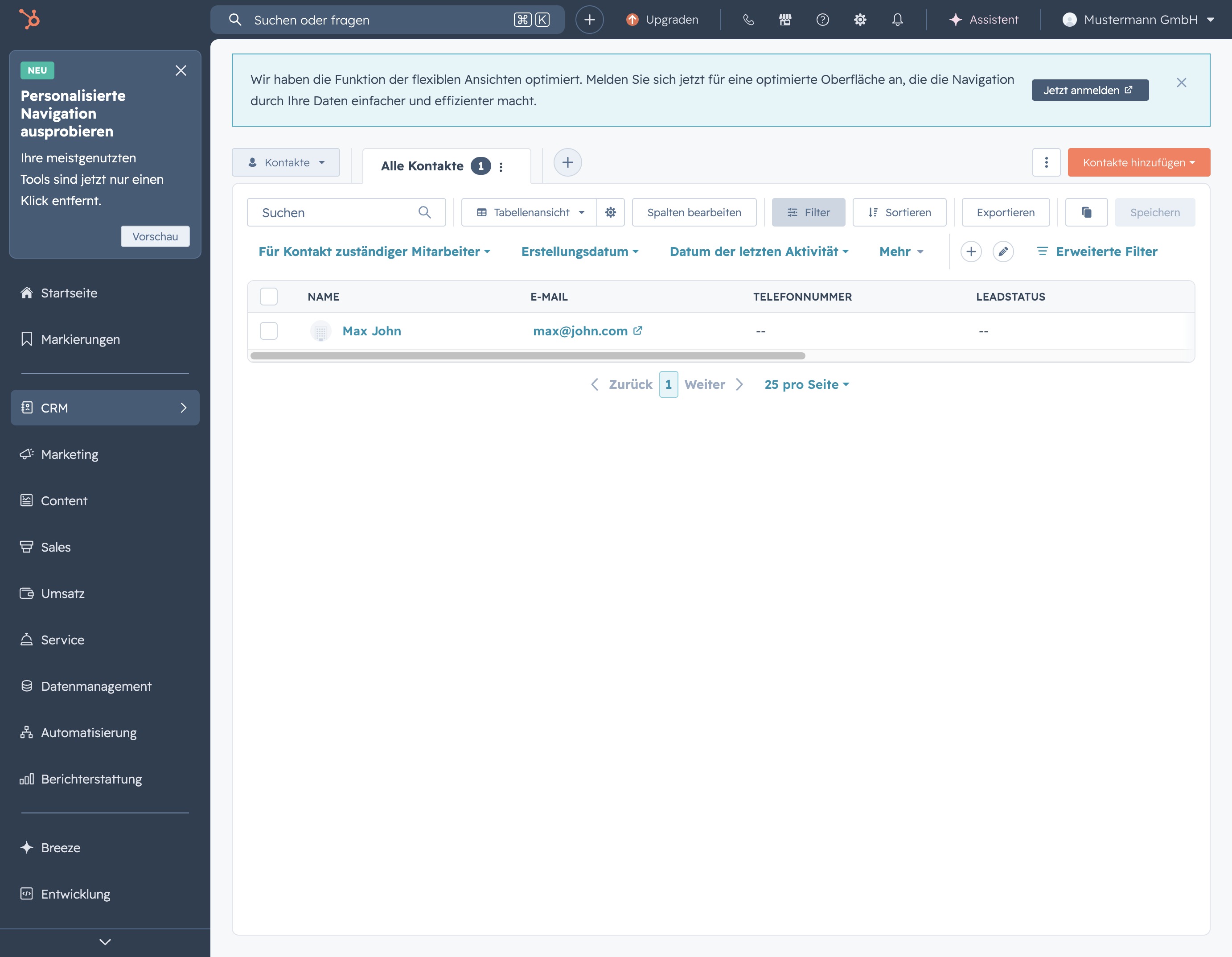
Verwalten von Kontakten im CRM-System4 stepsPreviewJoinVerwalten von Kontakten im CRM-SystemStep-by-step guide4 stepsJoin
"Setting Up HubSpot CRM in DocuFast Dashboard"Video8 stepsPreviewJoin"Setting Up HubSpot CRM in DocuFast Dashboard"Exported video·Step-by-step guide8 stepsJoin
"Kontakte Anlegen in Hubspot"Video13 stepsPreviewJoin"Kontakte Anlegen in Hubspot"Exported video·Step-by-step guide13 stepsJoin
Getting Started with DocuFast DashboardVideo19 stepsPreviewJoinGetting Started with DocuFast DashboardExported video·Step-by-step guide19 stepsJoin
"Admin Explore: Quick Start Guide"3 stepsPreviewJoin"Admin Explore: Quick Start Guide"Step-by-step guide3 stepsJoin
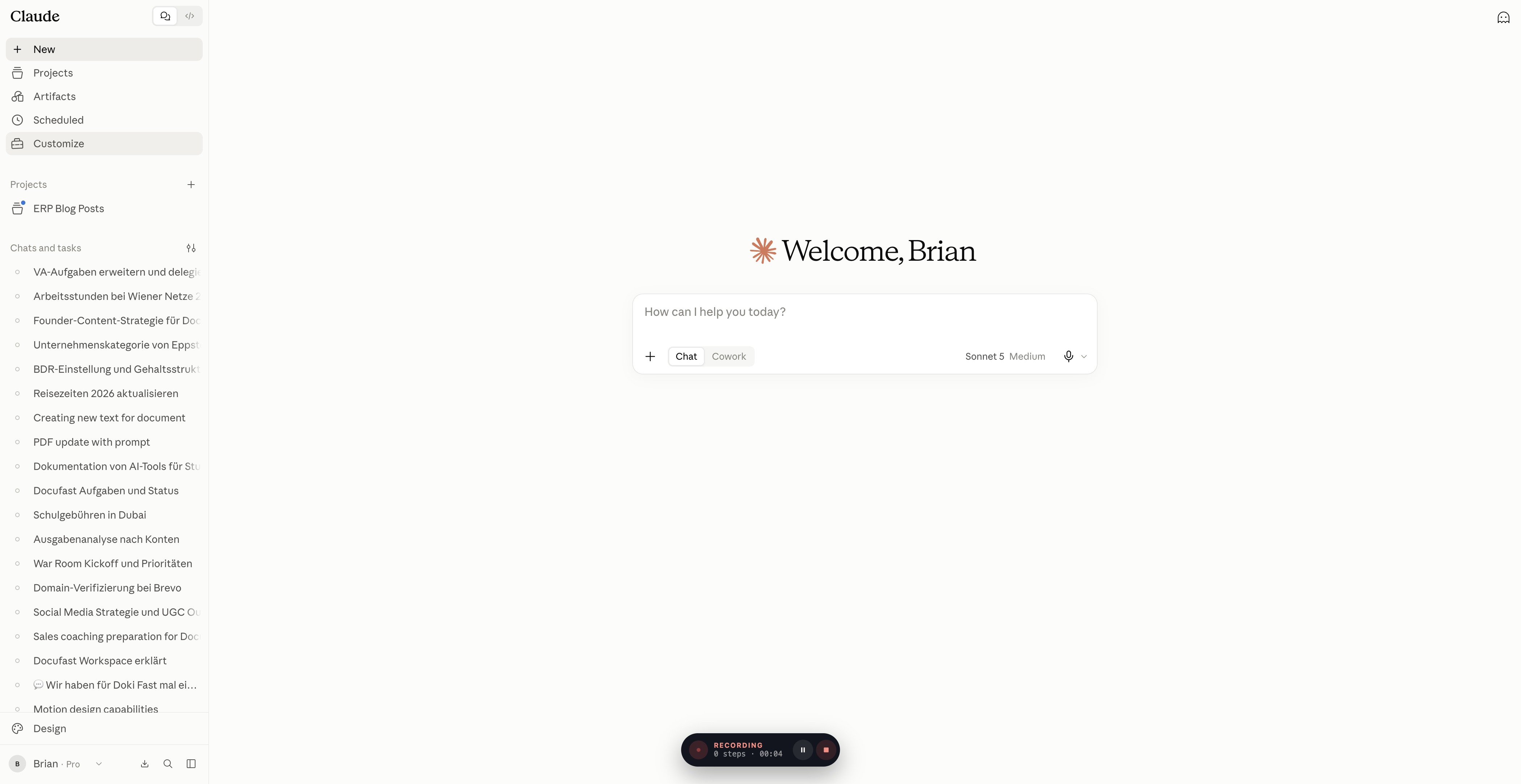
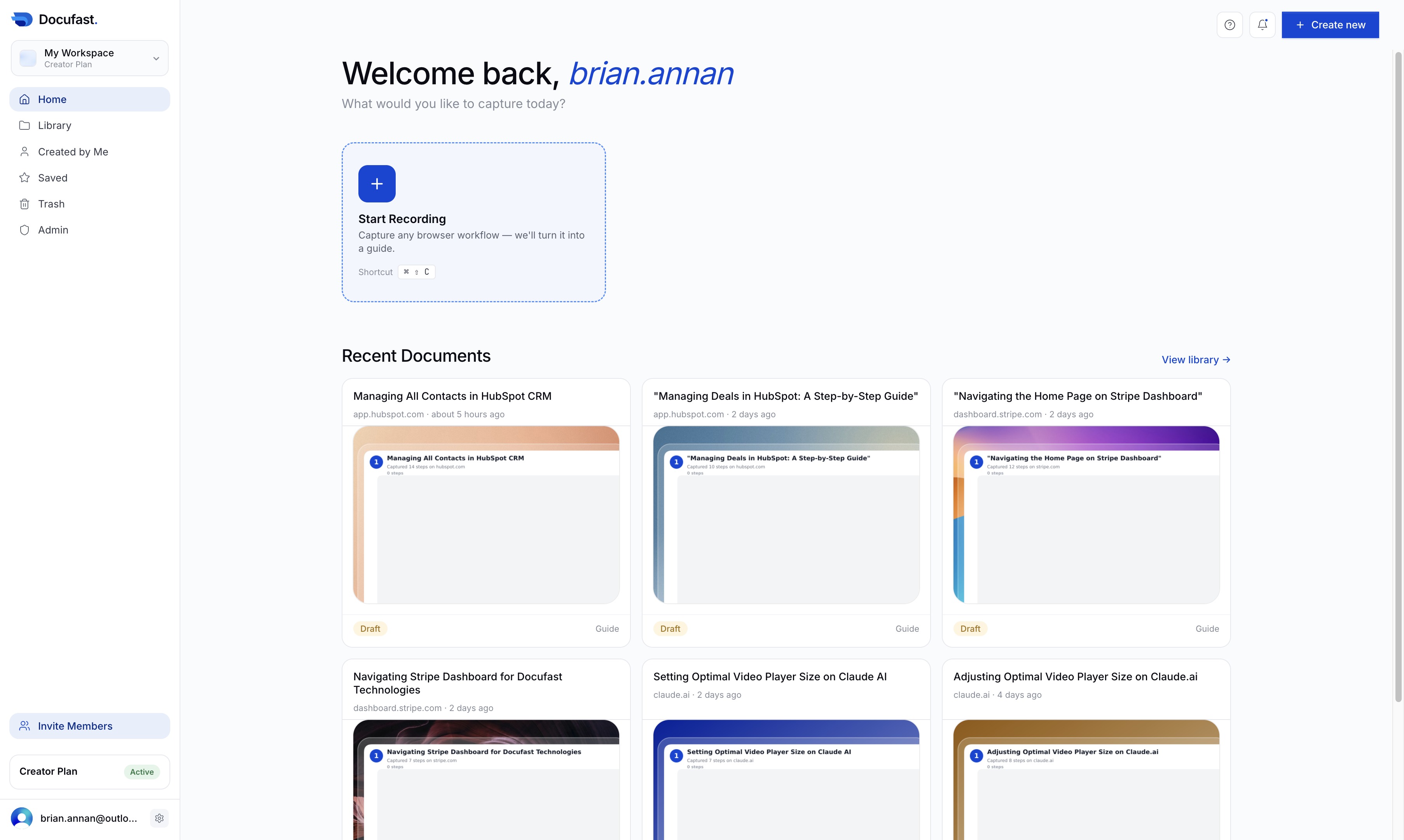
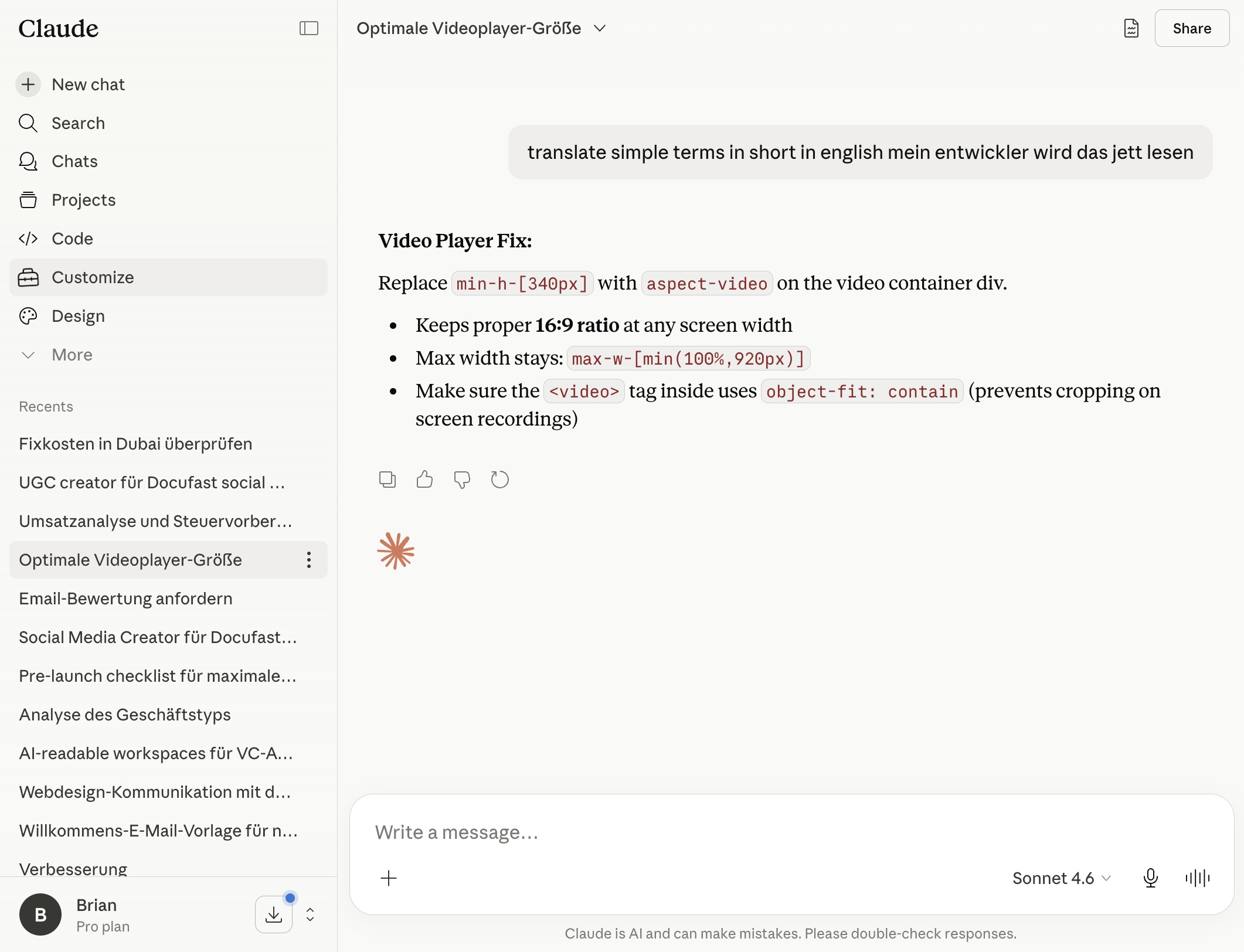
Adjusting Optimal Video Player Size on Claude.aiVideo5 stepsPreviewJoinAdjusting Optimal Video Player Size on Claude.aiExported video·Step-by-step guide5 stepsJoin
Setting the Optimal Video Player Size on ClaudeVideo6 stepsPreviewJoinSetting the Optimal Video Player Size on ClaudeExported video·Step-by-step guide6 stepsJoin
Using CRM Features in HubSpot: A Step-by-Step GuideVideo12 stepsPreviewJoinUsing CRM Features in HubSpot: A Step-by-Step GuideExported video·Step-by-step guide12 stepsJoin