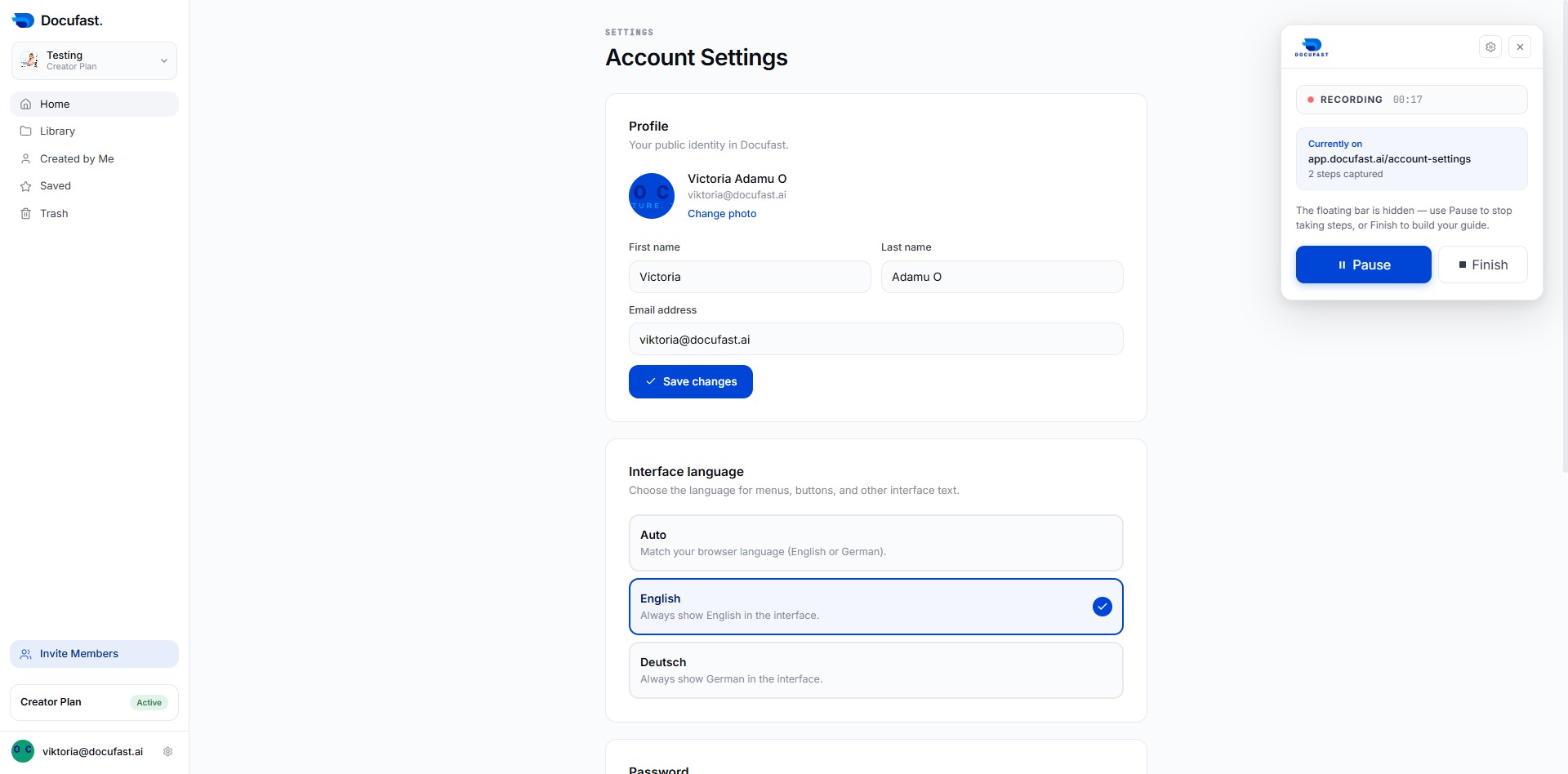
Click the Save changes button
After clicking 'Save changes', your updated profile information, including your name and email address, will be saved in Docufast.
Loading screenshot…
100%
Step-by-step guide covering: Click the Save changes button; Click the Save changes button; Click the Home button.
 viktoria
After clicking 'Save changes', your updated profile information, including your name and email address, will be saved in Docufast.
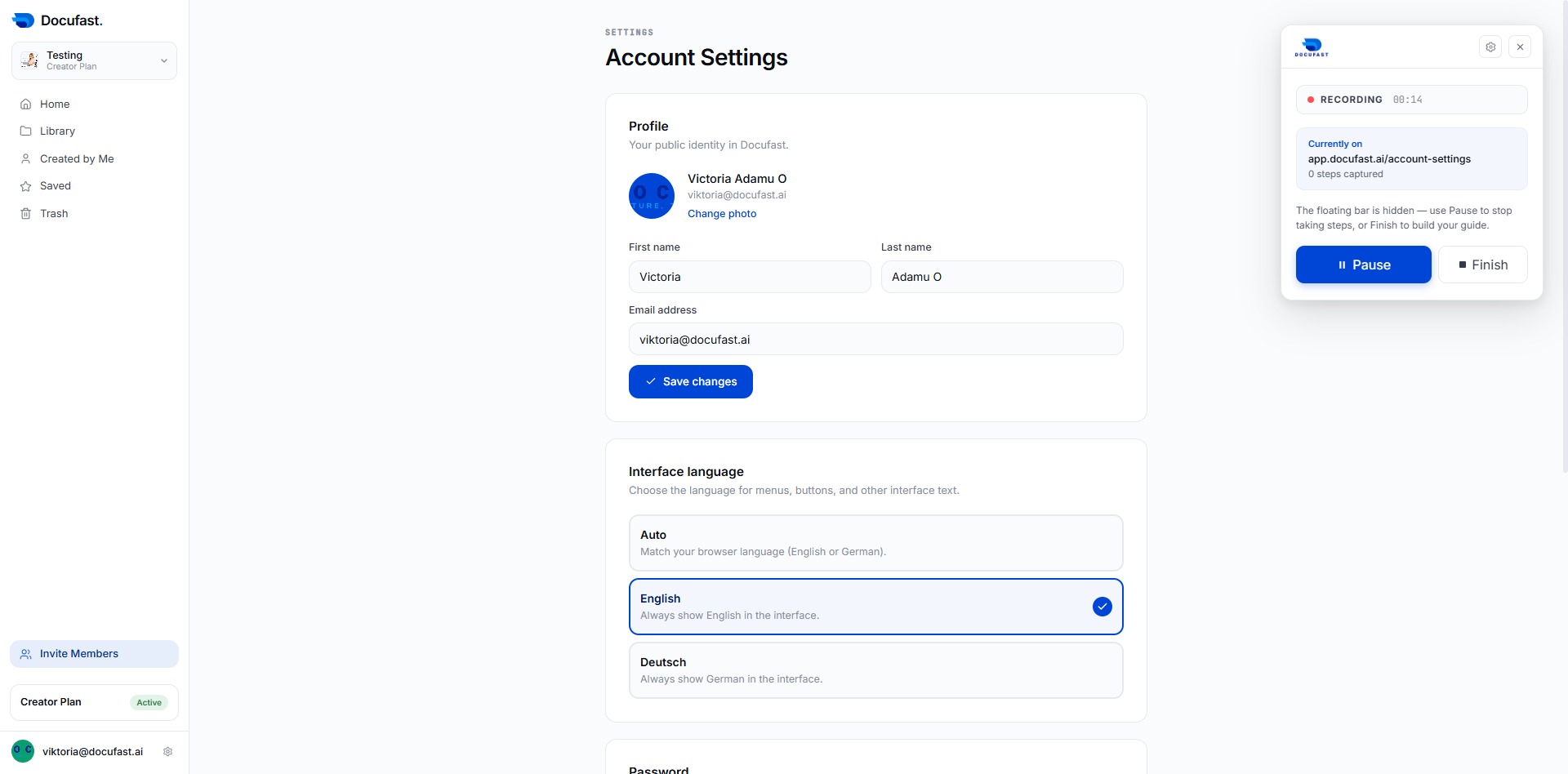
After clicking, your updated account settings will be saved, including any changes made to your profile information or interface language.
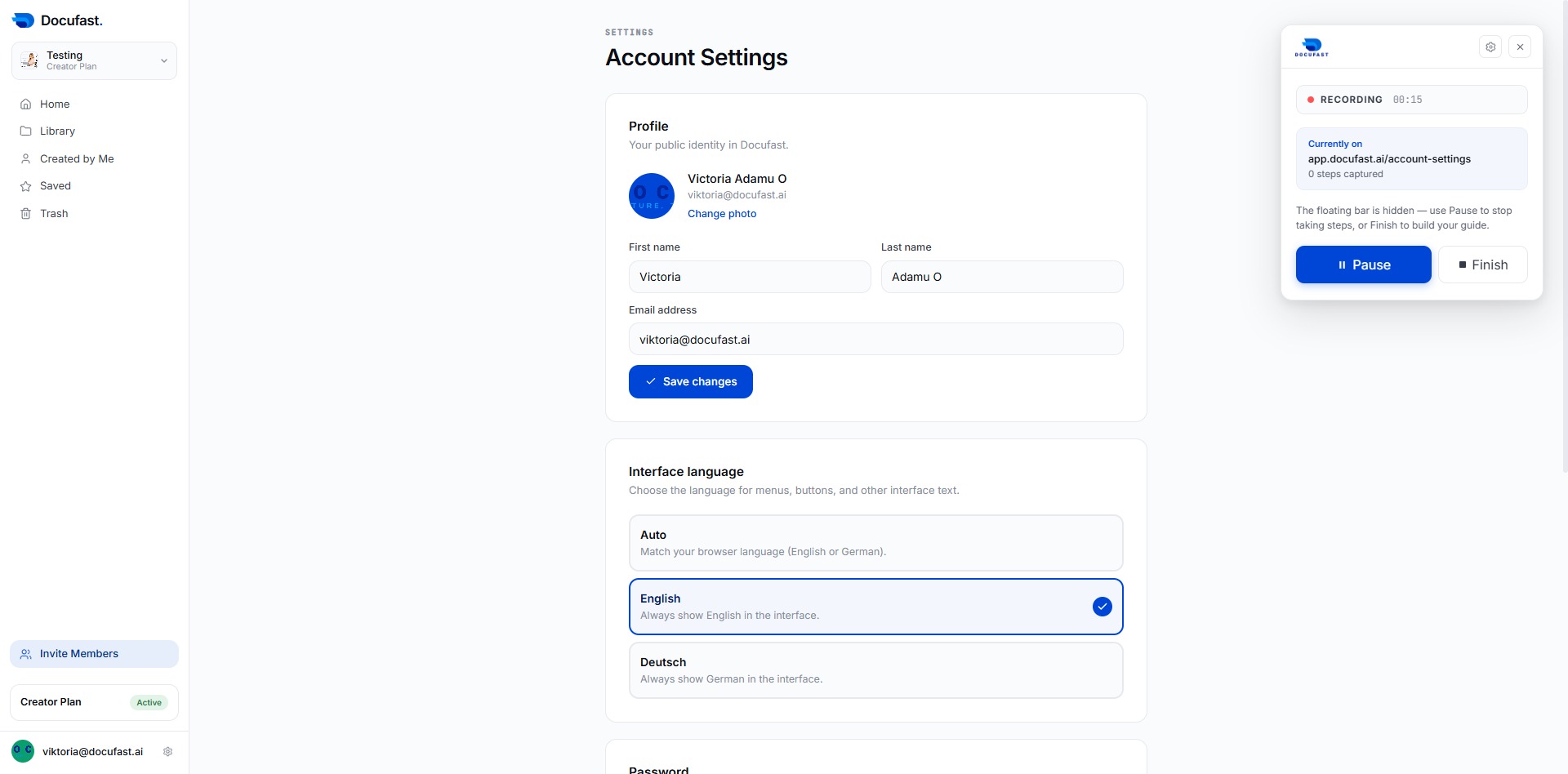
This action directs you to the main dashboard, where you can access all primary features and sections of your account.