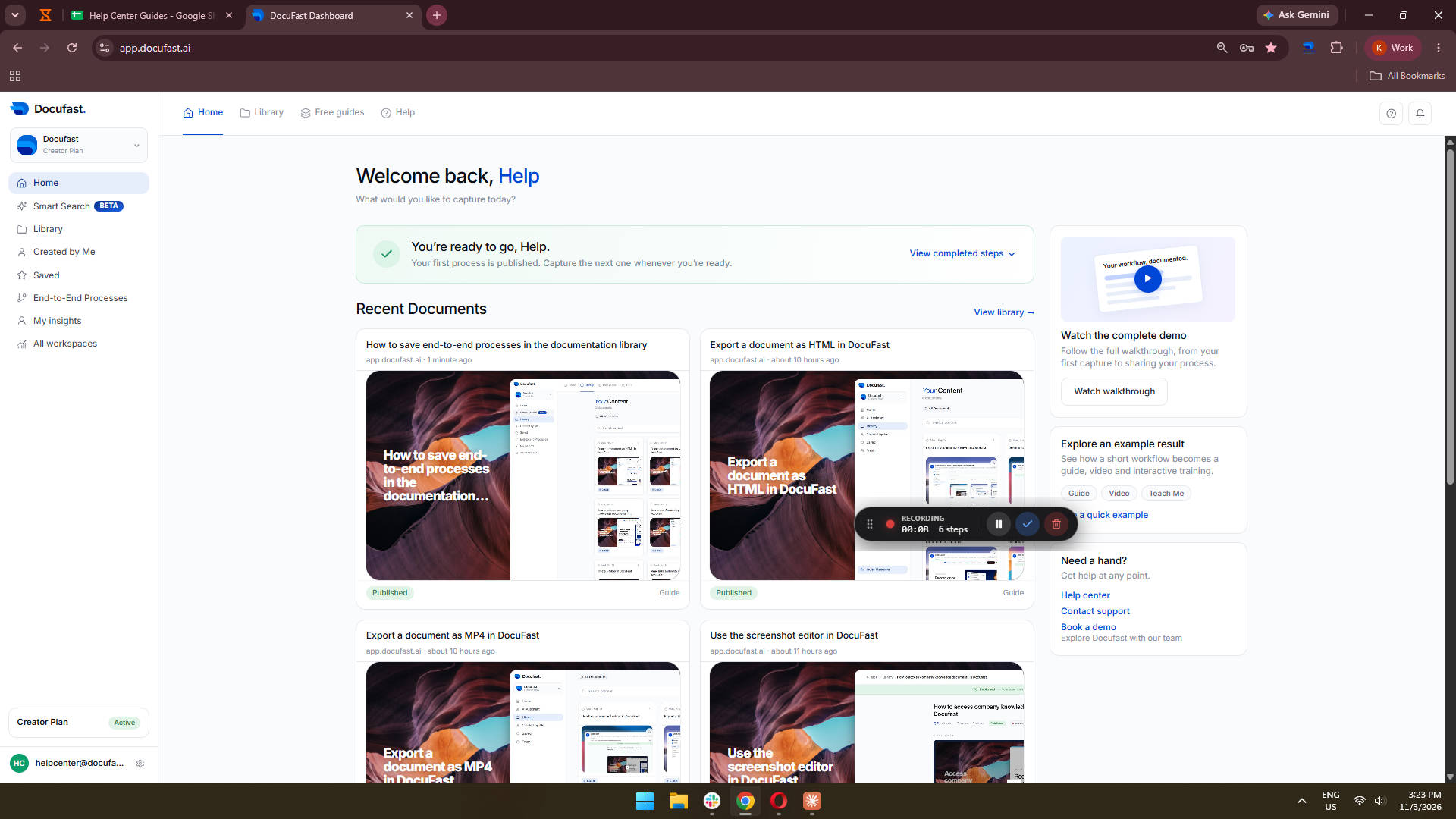
Click Add
Add a new custom device to your list of devices in the application.
Loading screenshot…
100%
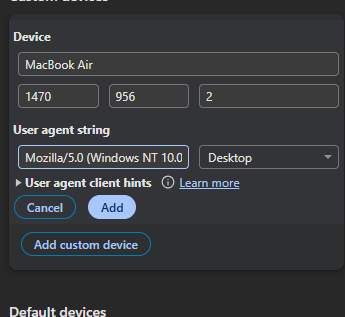
Navigate to the DocuFast Dashboard to manage your documents, track workflows, and access Help Center Guides for comprehensive assistance with the platform's features.
Navigate to the DocuFast Dashboard to manage your documents, track workflows, and access Help Center Guides for comprehensive assistance with the platform's features.
Add a new custom device to your list of devices in the application.
Clicking the DocuFast Dashboard will take you to the main interface for managing your documents, providing an overview of your workflows and tasks.
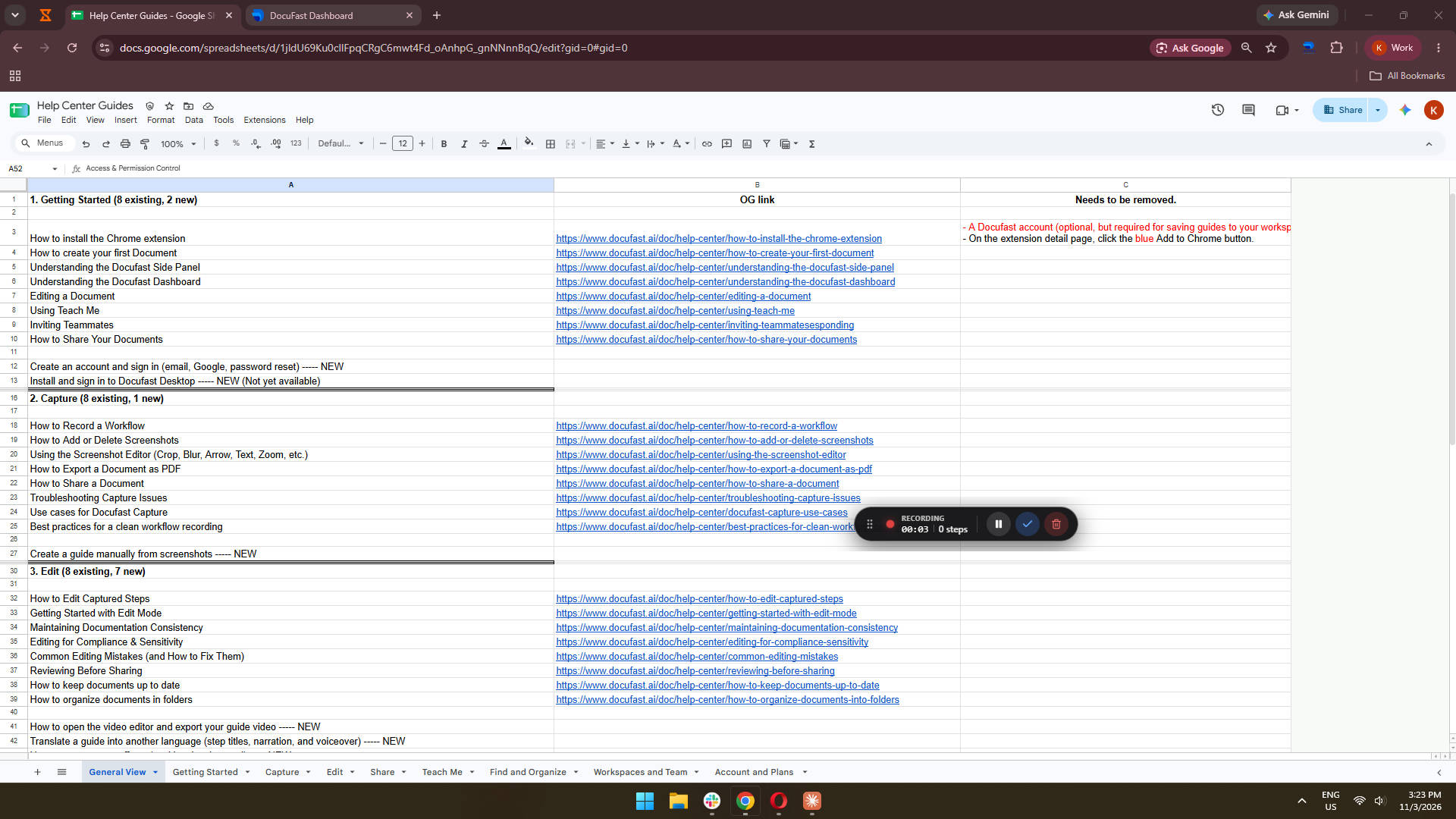
Select the DocuFast Dashboard to access the main interface where you can manage your documents, workflows, and tasks.
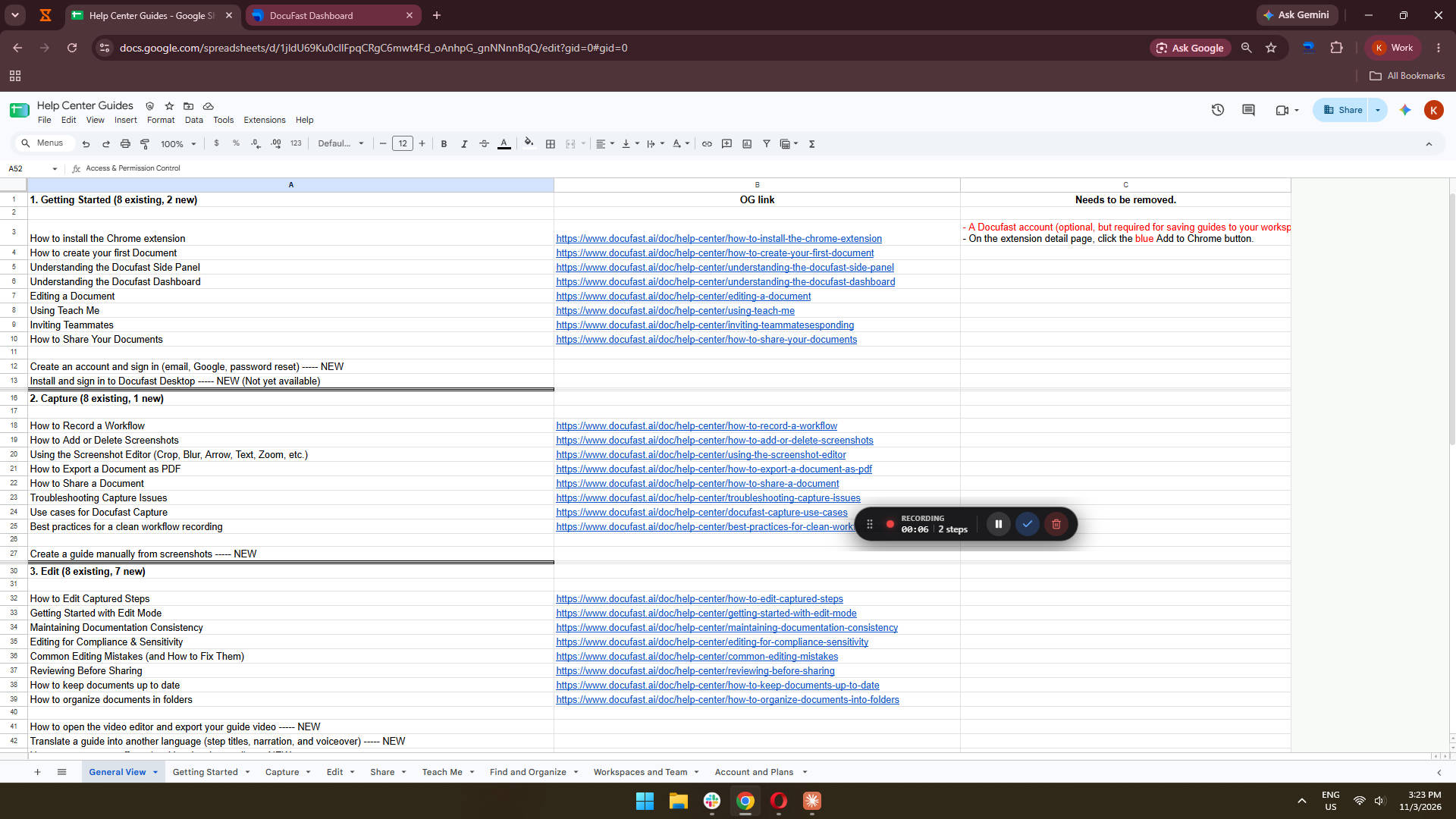
Selecting the DocuFast Dashboard directs you to the main interface where you can manage your documents, view your workflows, and track tasks.
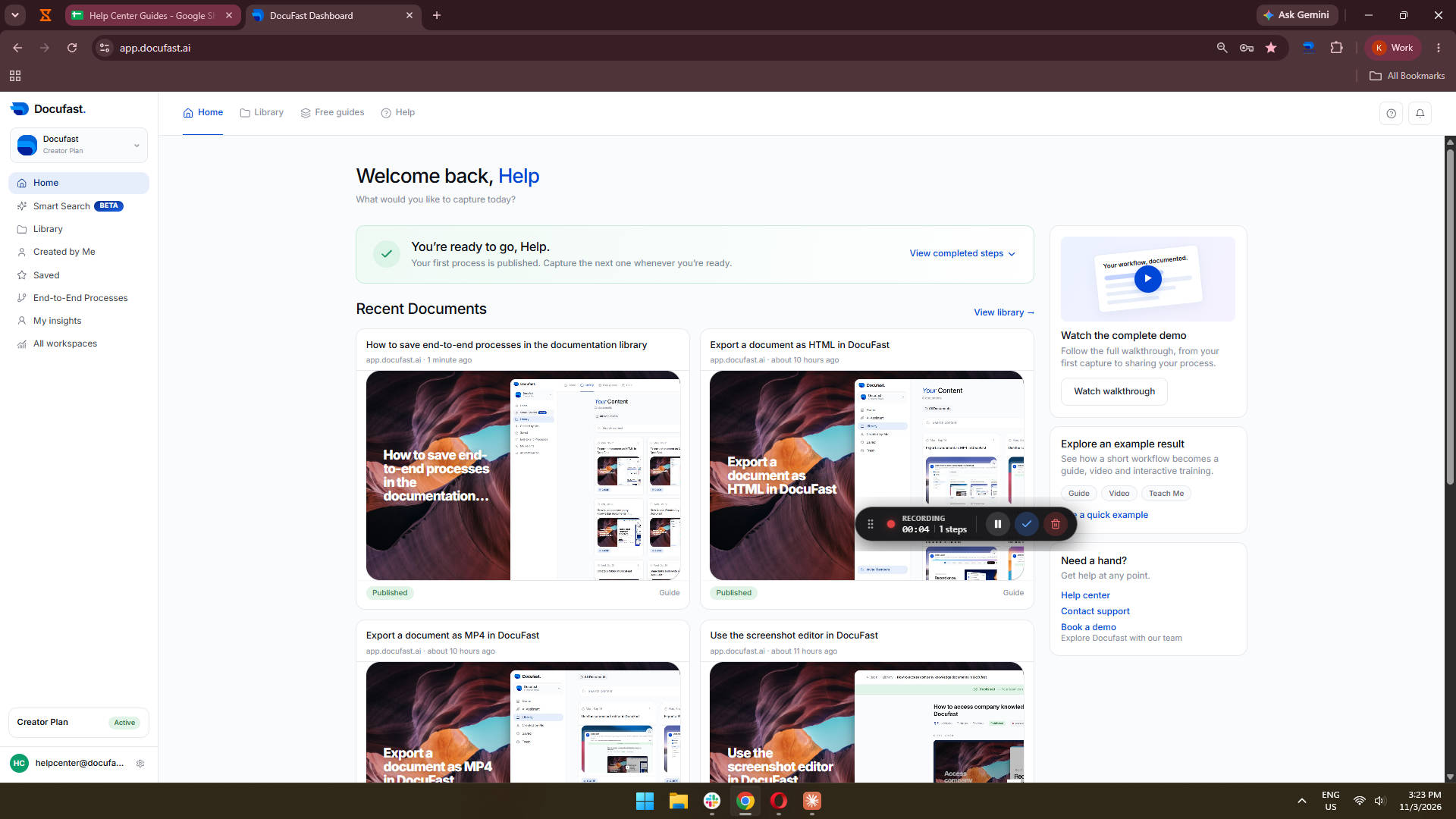
Select the DocuFast option to navigate to the main interface, where you can access features such as document management and workflow tracking.
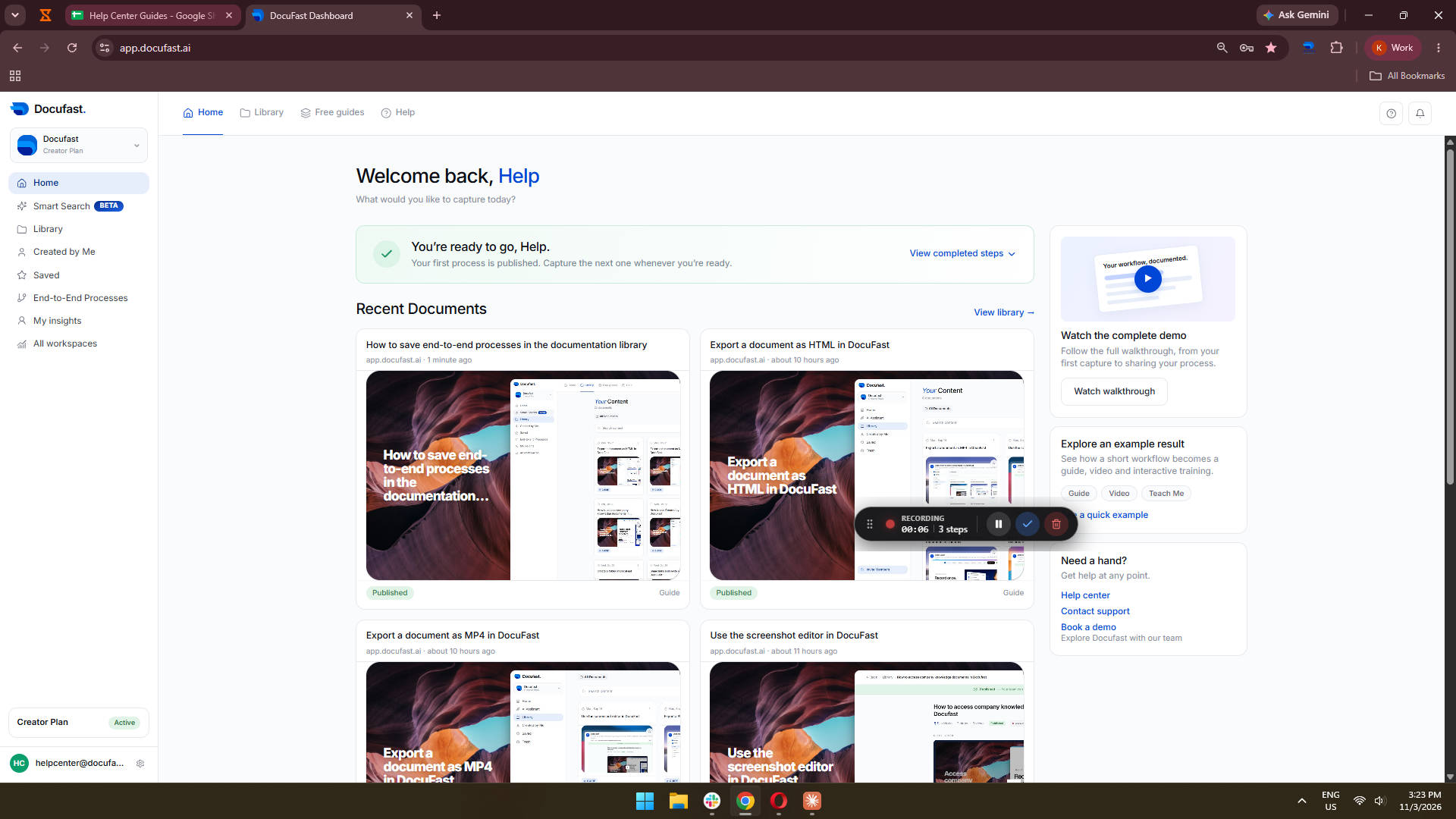
Select 'Help Center Guides' to view the available help documentation and resources.
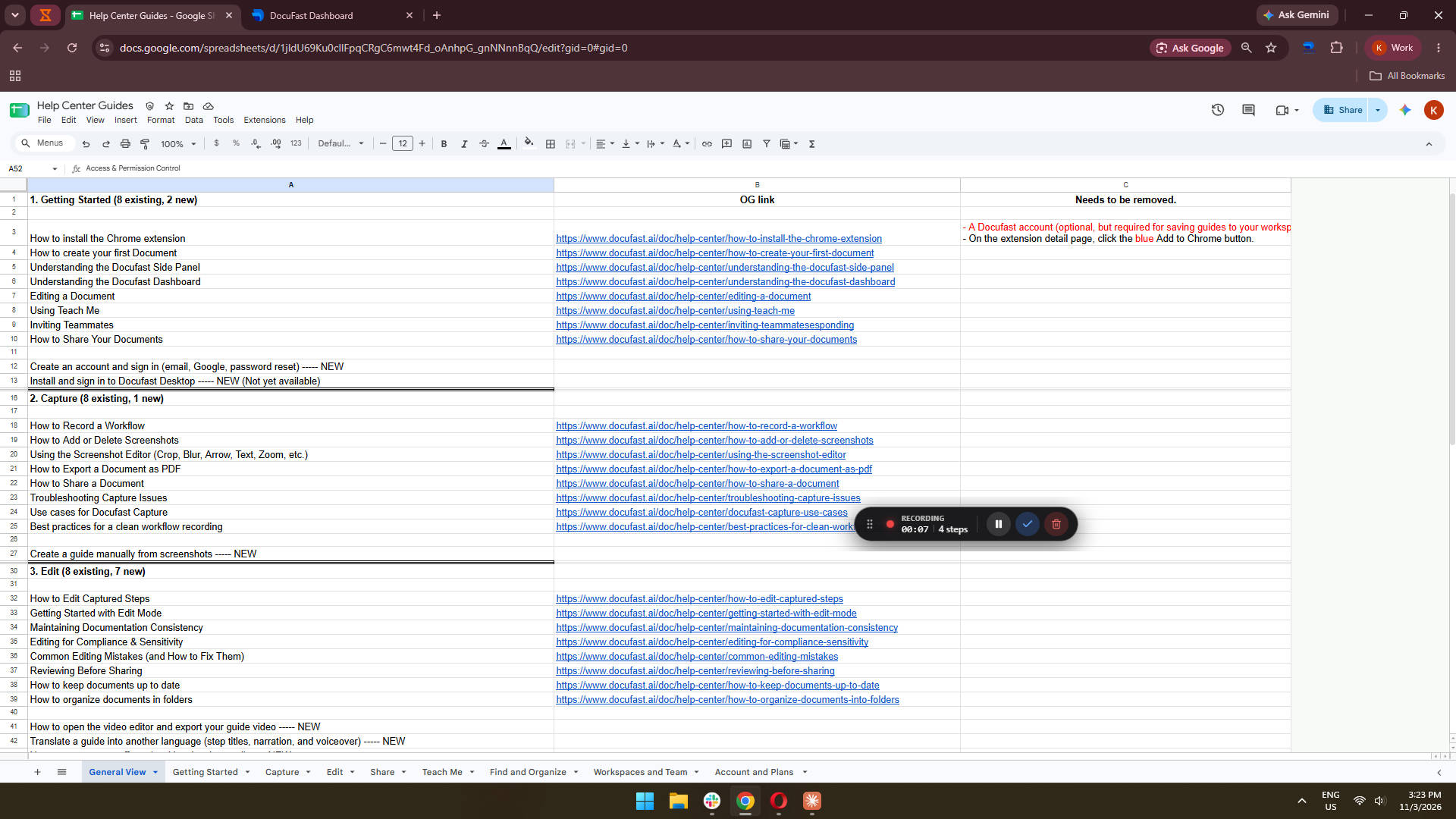
Navigate to the Dashboard to view your main overview and analytics within DocuFast.
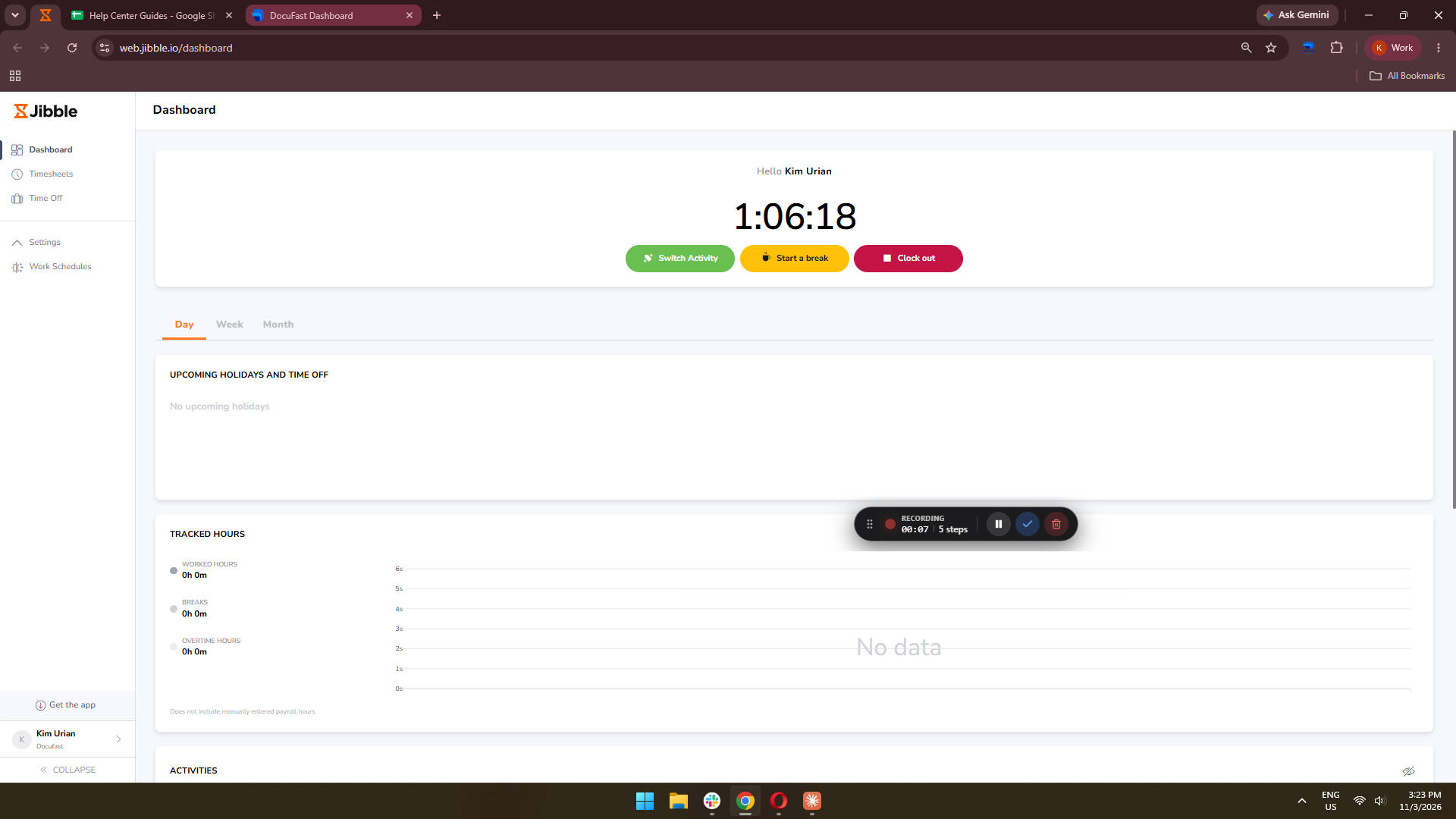
Select 'Help' to access assistance options and resources within the DocuFast Dashboard.