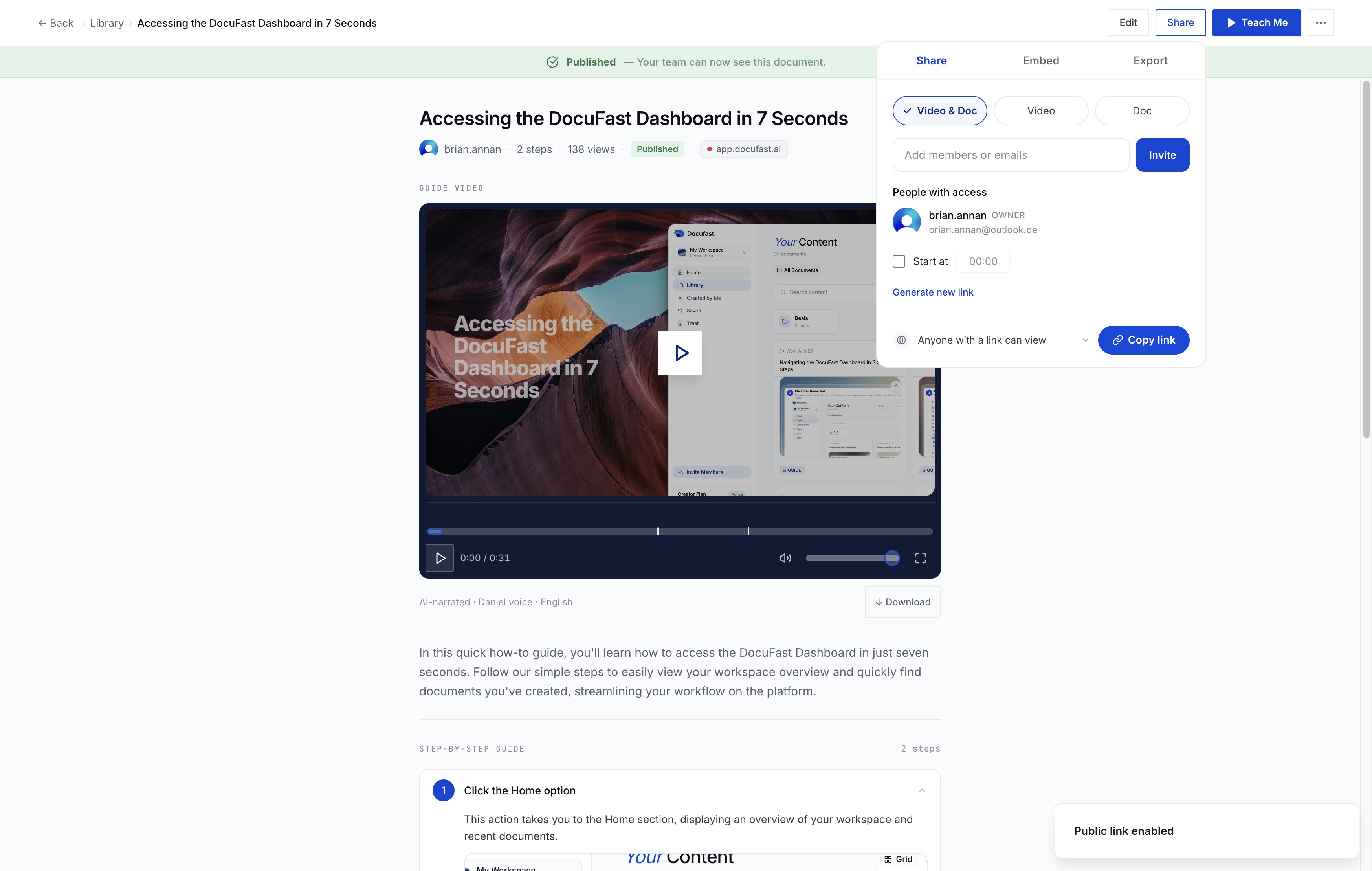
Click Share
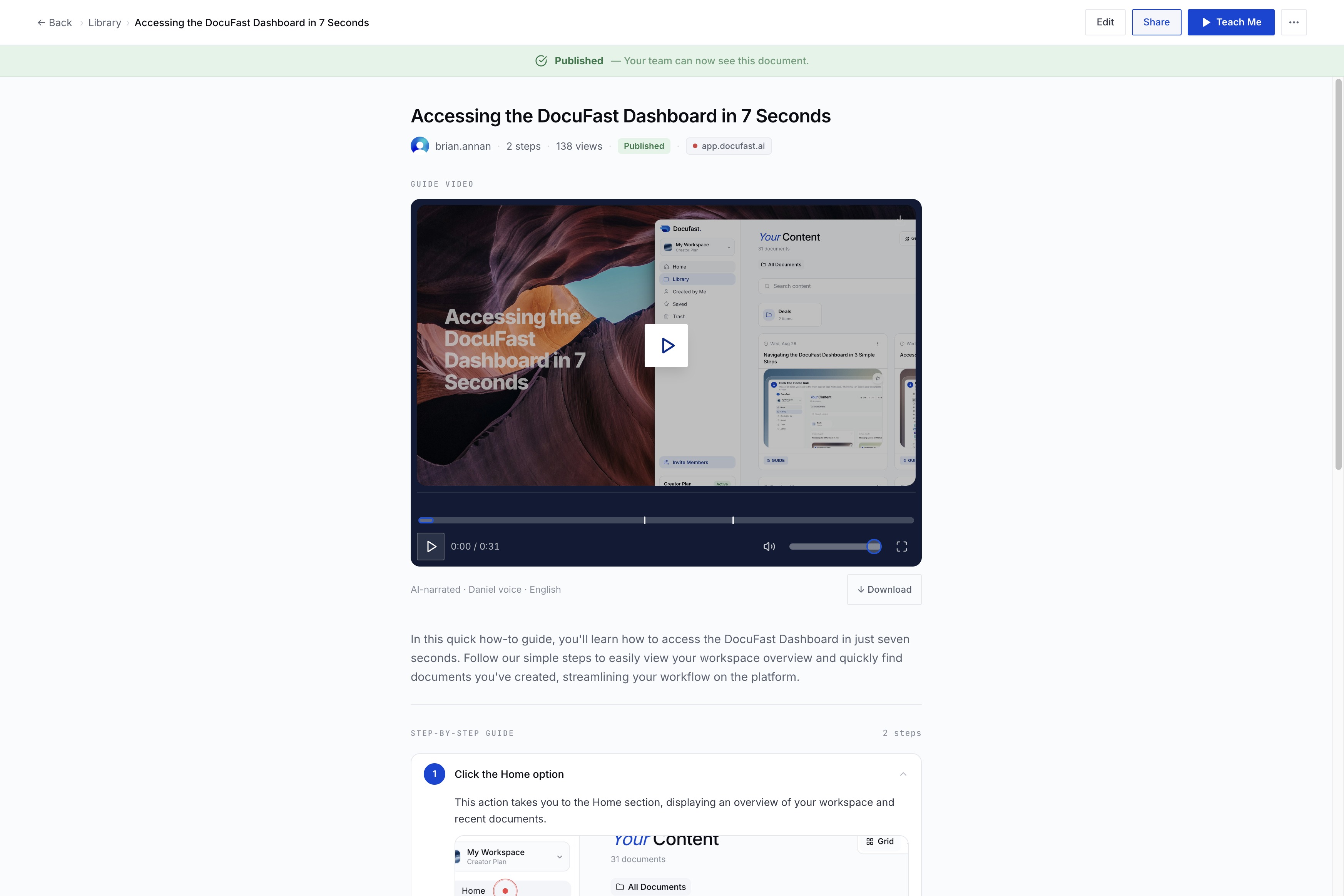
Click the Share button to share your content with others.
Loading screenshot…
100%
Enable link sharing in DocuFast by configuring the settings, allowing anyone with the link to view your document, and easily copy the sharing link for distribution.
 brian.annan
Enable link sharing in DocuFast by configuring the settings, allowing anyone with the link to view your document, and easily copy the sharing link for distribution.
Click the Share button to share your content with others.
Click the 'Link sharing is off' option to enable or configure link sharing settings.
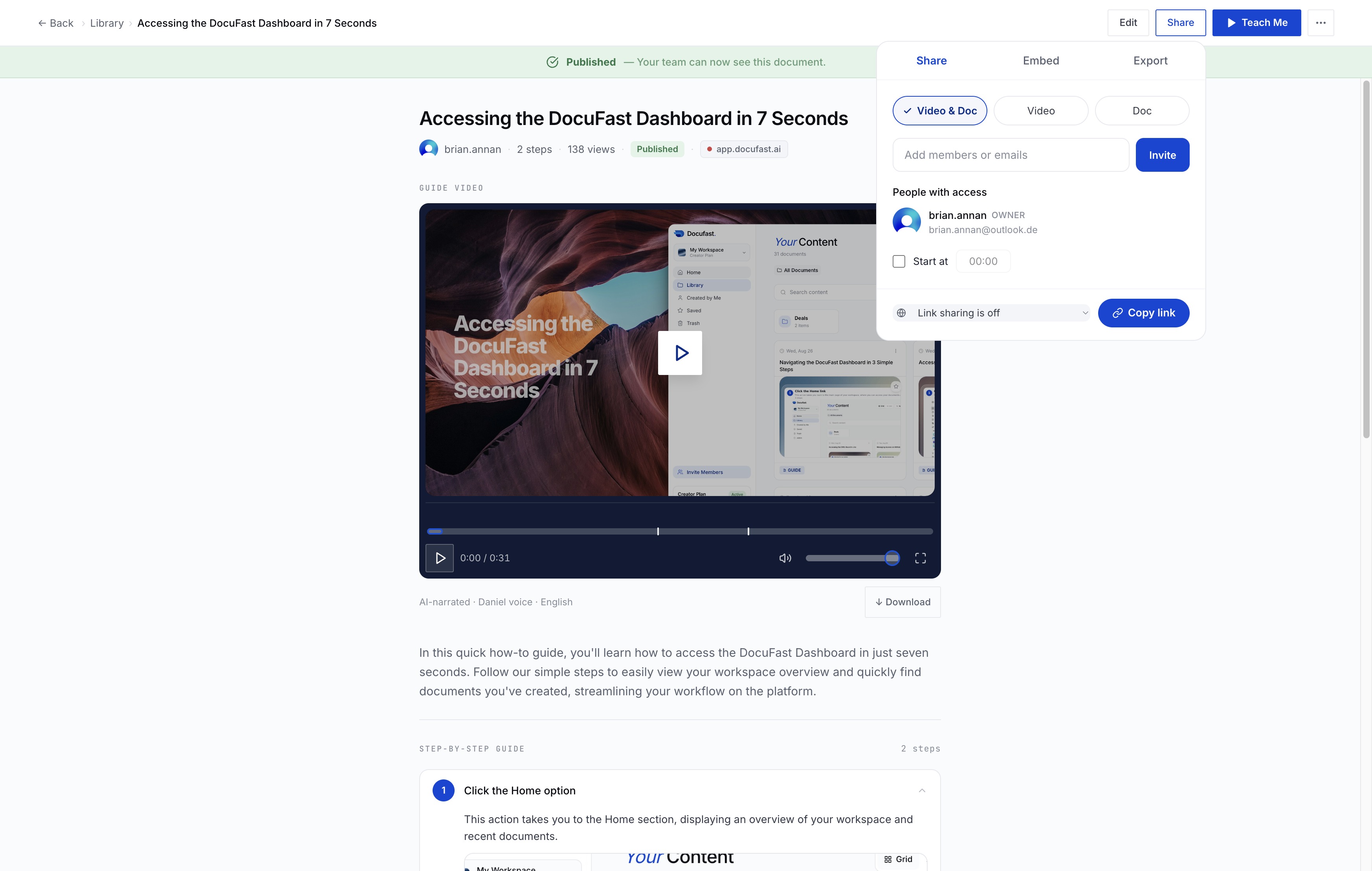
Select the link sharing option to allow anyone with the link to view your content.
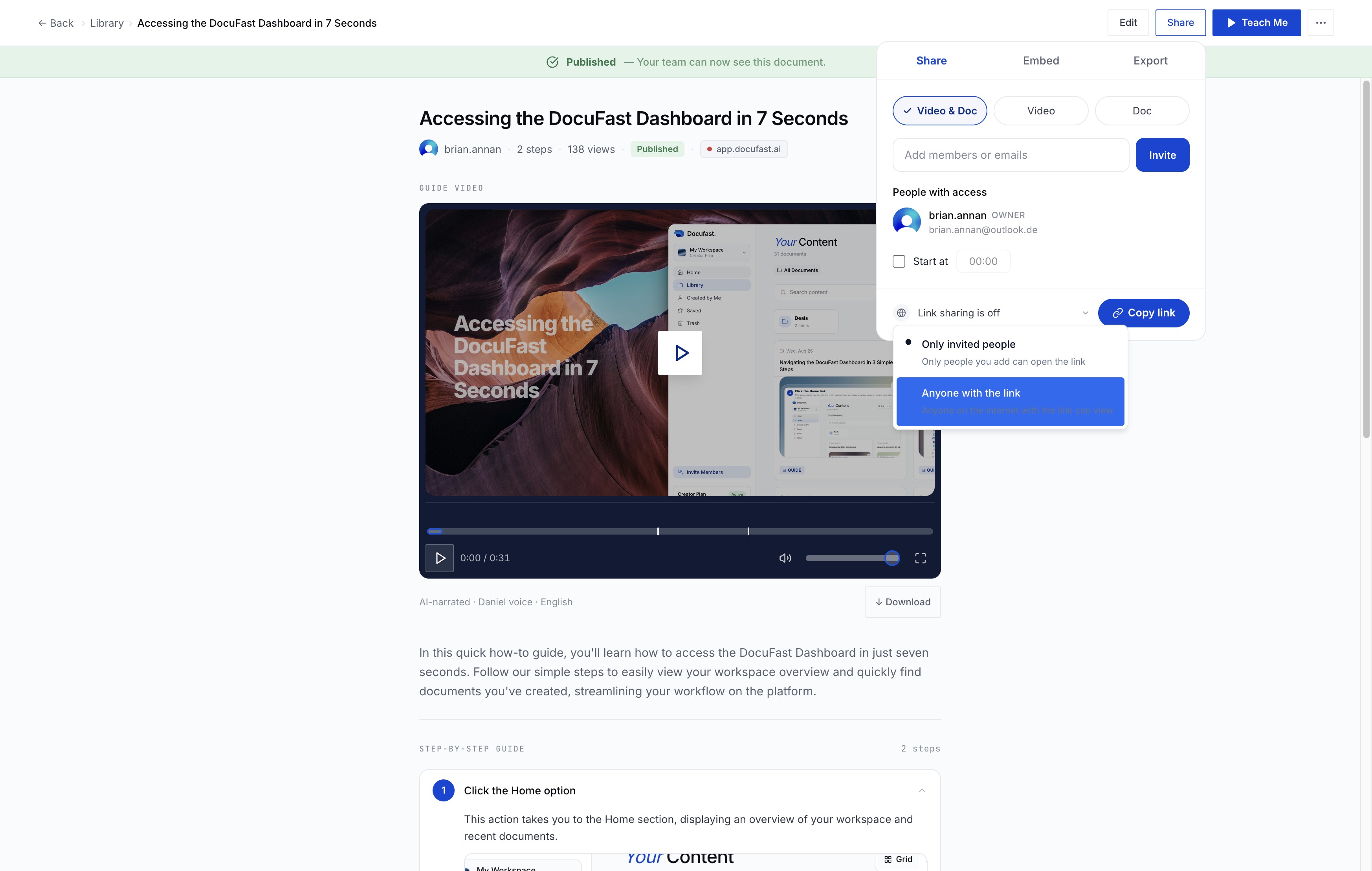
This action allows you to copy the sharing link, making it easy to share the resource with others.