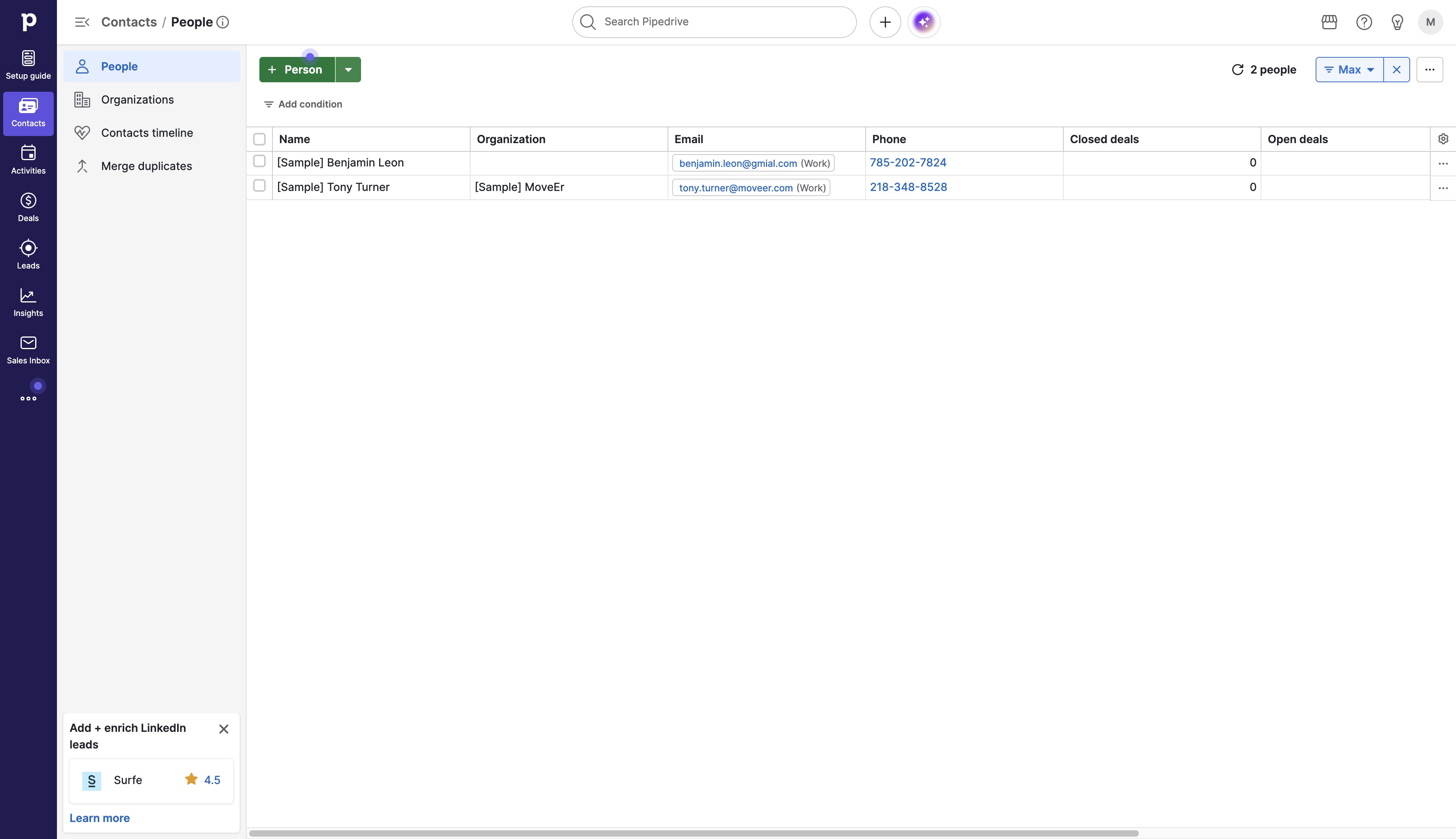
Click the Contacts icon
This will open your contacts list, allowing you to view and manage your saved contacts.

Loading screenshot…
100%
Learn how to efficiently set up contacts in Pipedrive with this step-by-step guide.
 brian.annan
Learn how to efficiently set up contacts in Pipedrive with this step-by-step guide. Follow along as we walk you through adding a new contact, confirming details, and managing your contacts list—all in just five easy steps.
This will open your contacts list, allowing you to view and manage your saved contacts.
This action will display a list of contacts associated with the selected person, allowing you to view or manage their details.
This action will confirm the details you entered and add the new person to your contacts.

In the 'Name' input field, enter 'Alex' to identify the individual you wish to add. This step is necessary before proceeding to save the contact information.

After clicking this button, the entered information for the new person will be saved to the system.
