Assign a Reviewer
Decide who is responsible for reviewing the guide before it’s shared, whether that’s the guide creator, a team lead, or a subject-matter expert.
Loading screenshot…
100%
Before a guide is shared, it should always be reviewed by you or a designated reviewer.
Before a guide is shared, it should always be reviewed by you or a designated reviewer. Having someone clearly responsible for reviewing helps catch errors early, prevents confusion, and ensures the workflow reflects the correct process.
Decide who is responsible for reviewing the guide before it’s shared, whether that’s the guide creator, a team lead, or a subject-matter expert.
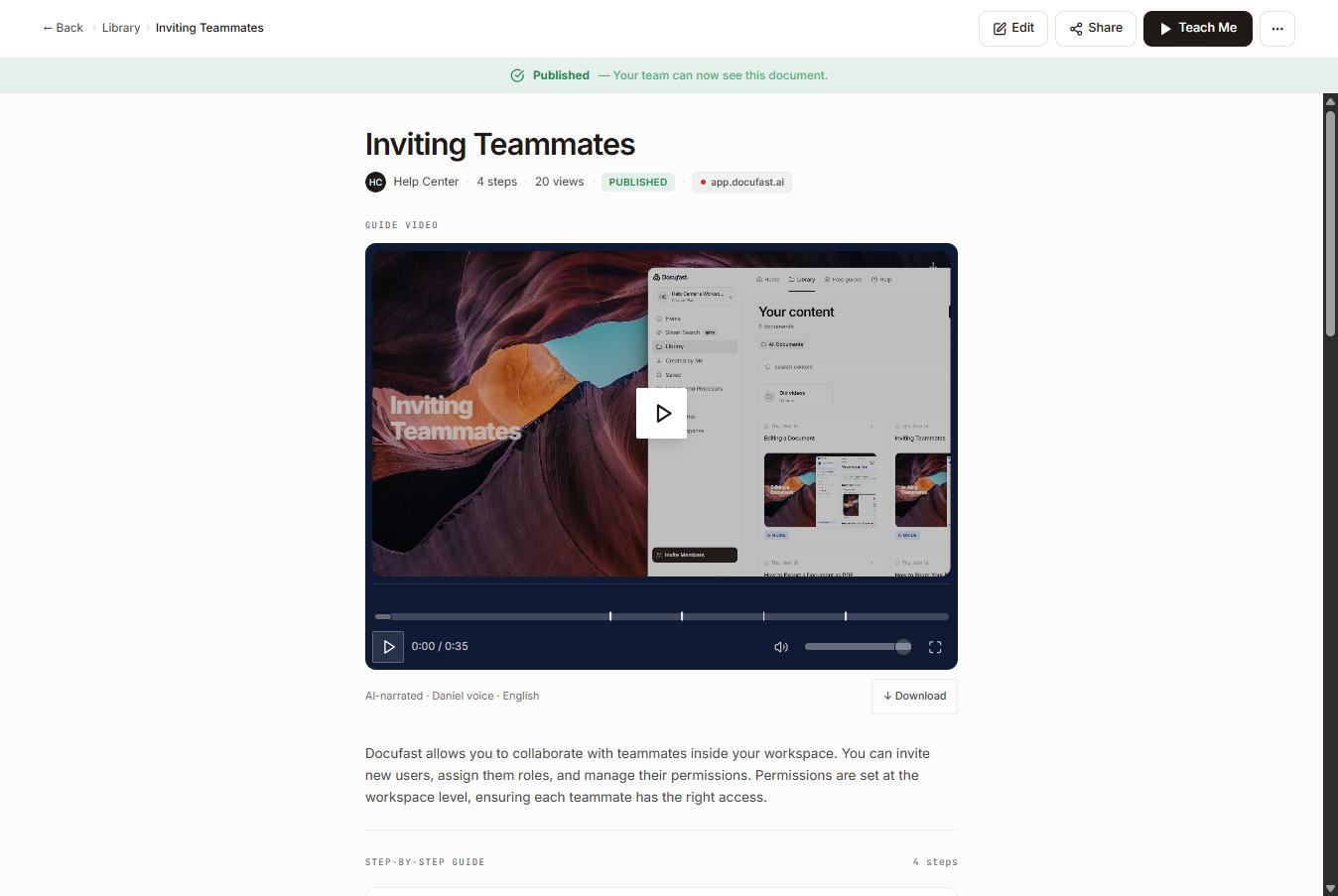
Once you’ve assigned someone, select the Edit button to review the entire content.
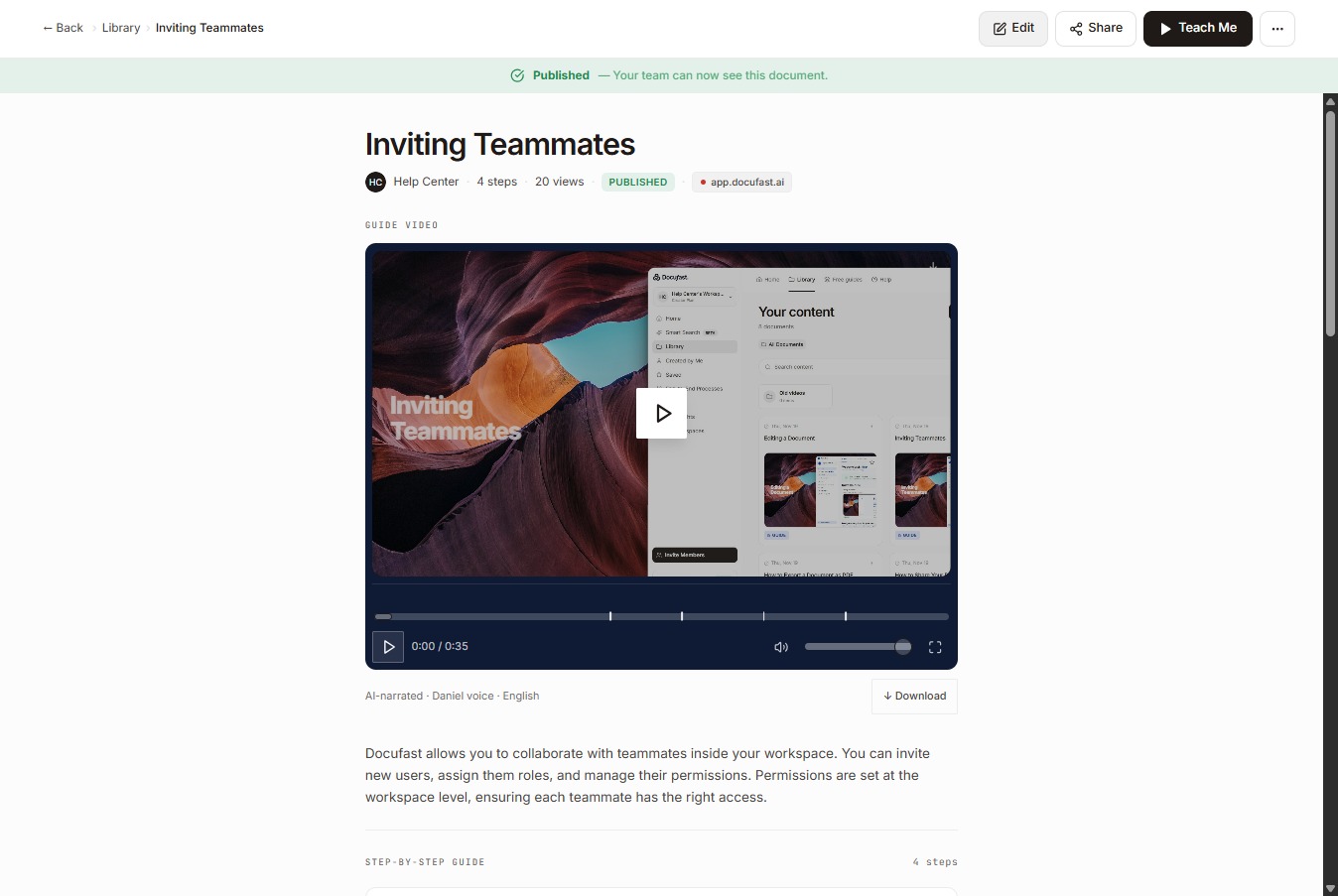
Start with the document title and make sure it’s clear and easy to understand.
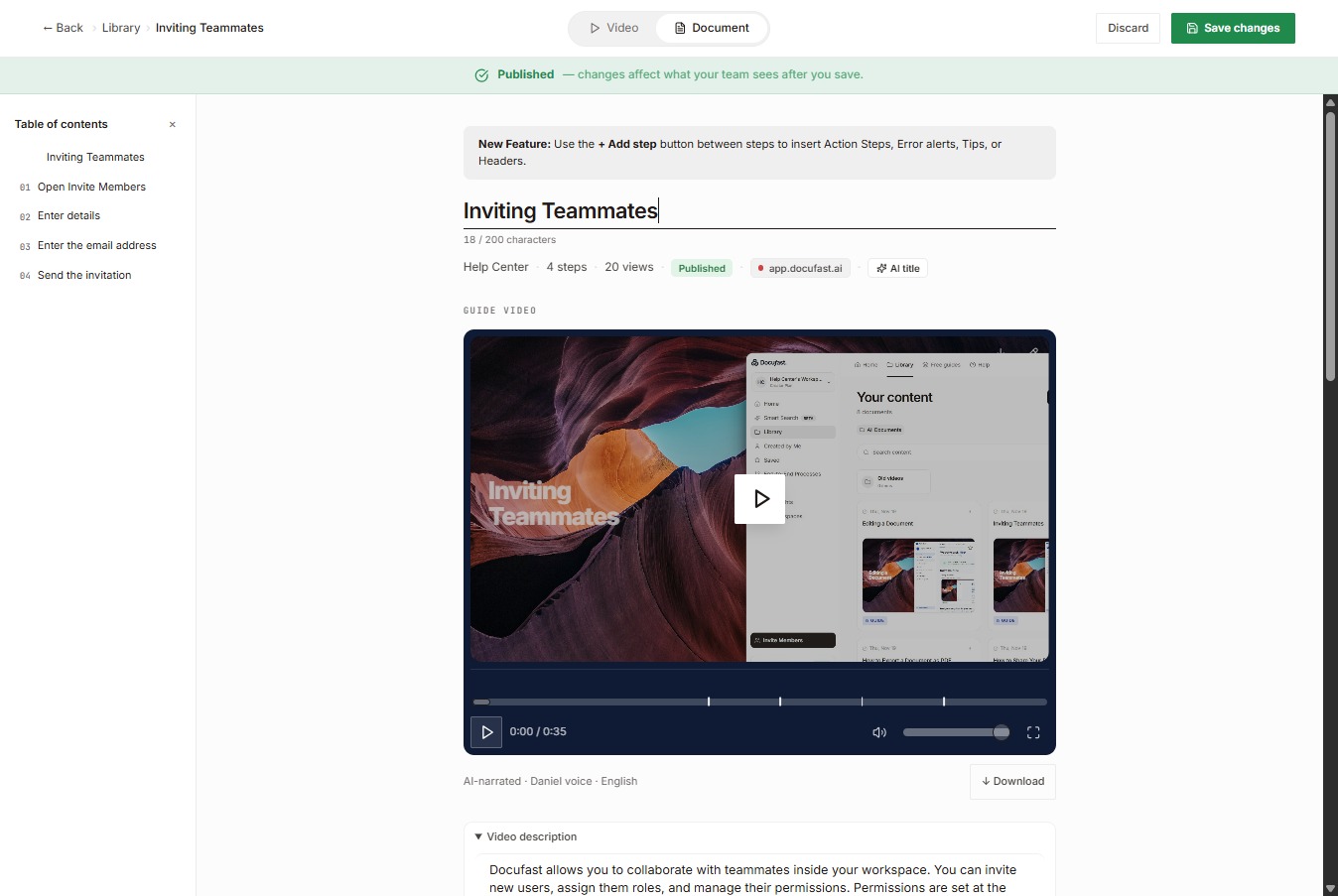
Next, check the video description to confirm it accurately explains what the guide covers.
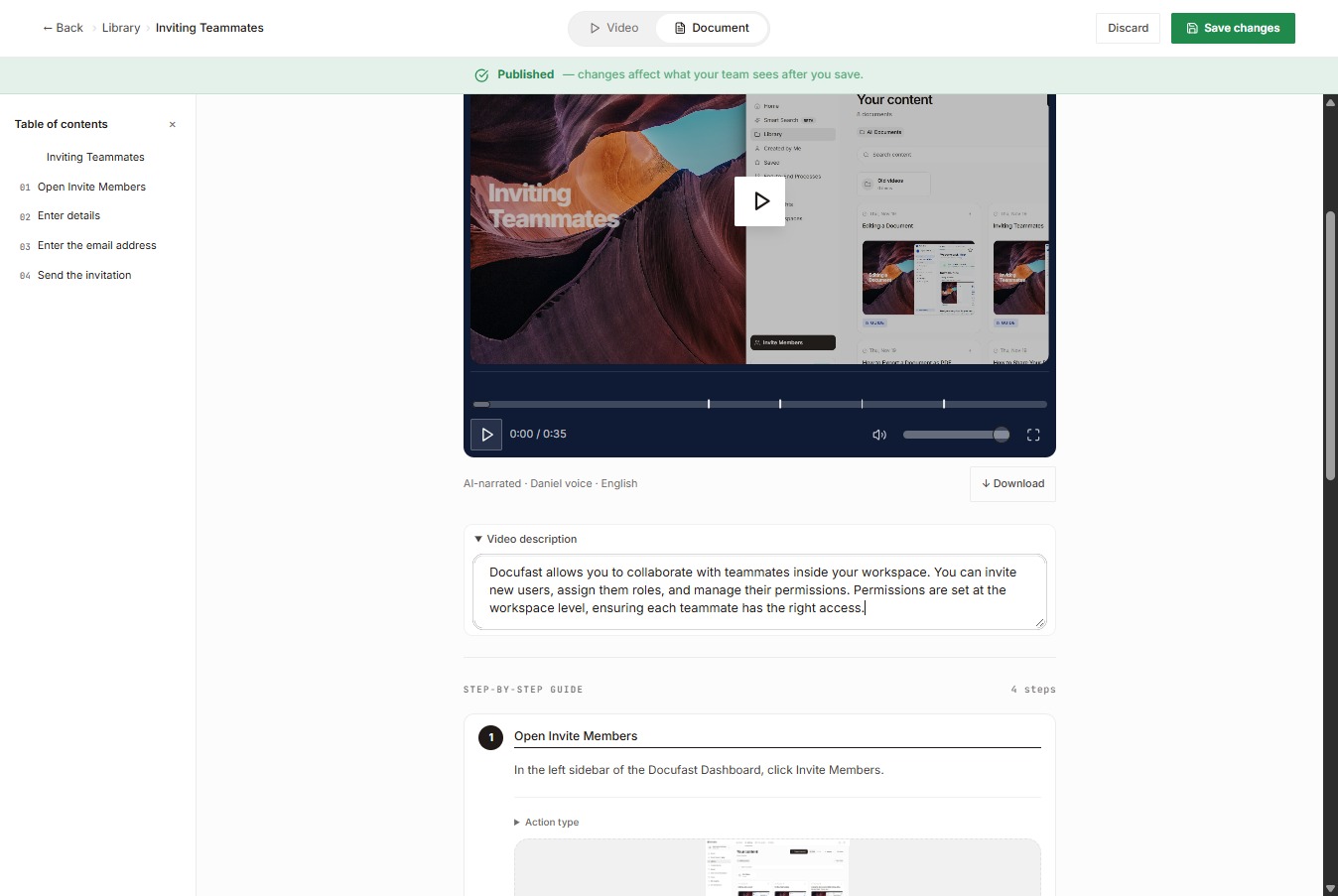
Then review each step title to make sure it’s clear and consistent, and check the description of each step to confirm it explains the action correctly.
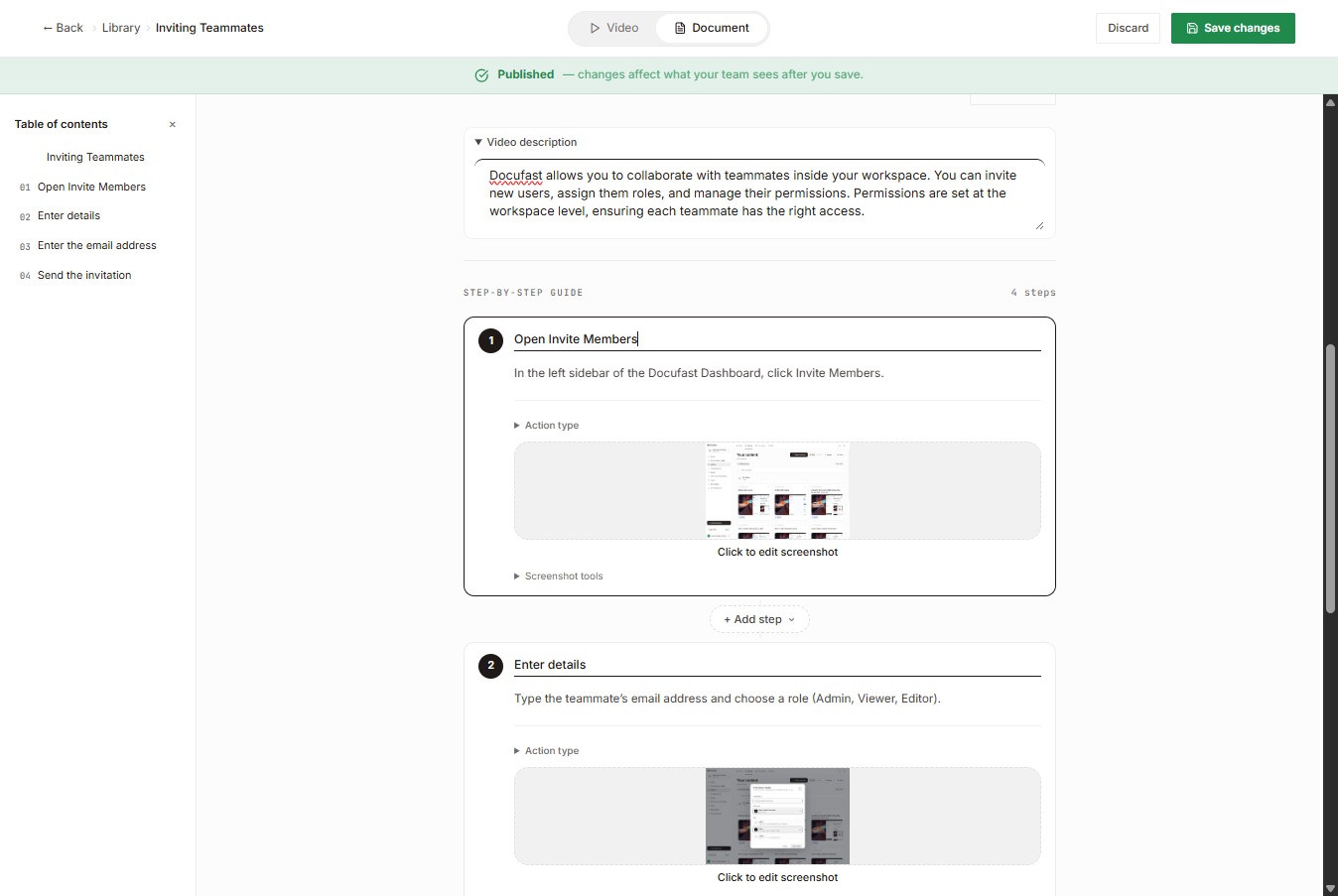
Look at the step order and flow to make sure each step comes in the right sequence and nothing is missing in between, and review the step actions and instructions to confirm each one uses the correct action type and clear wording.
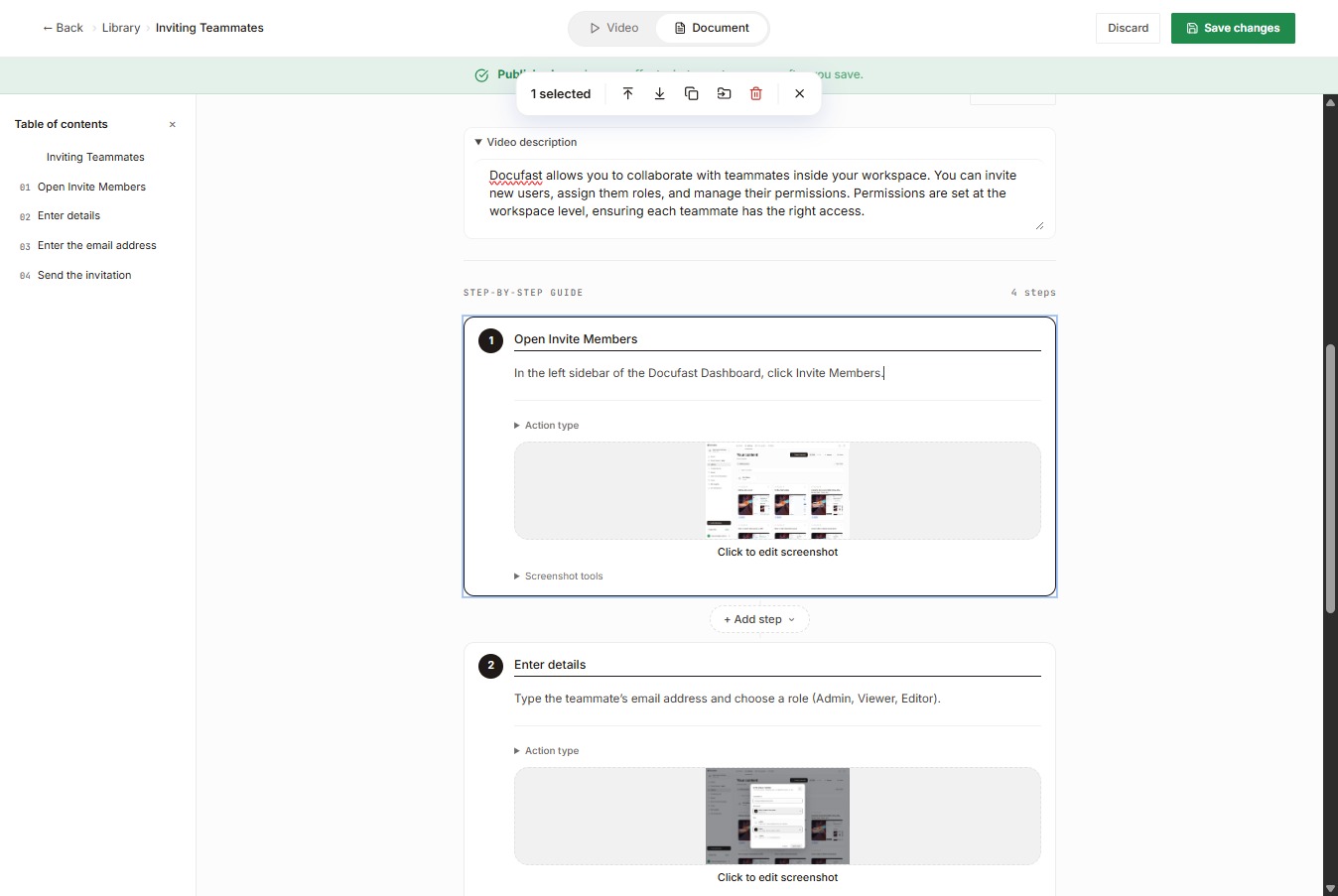
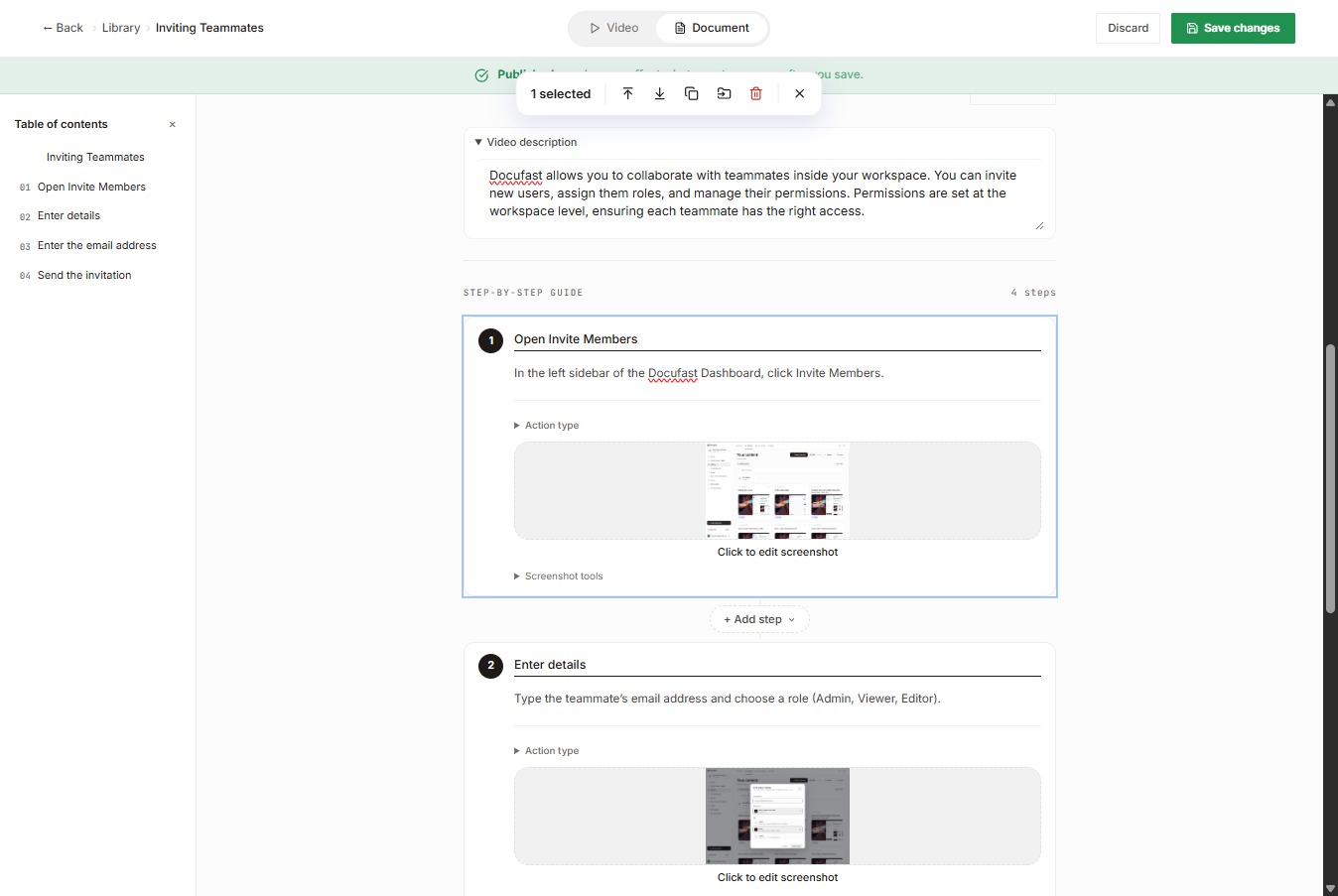
Select the screenshot to check that the visuals are clear and match each step.
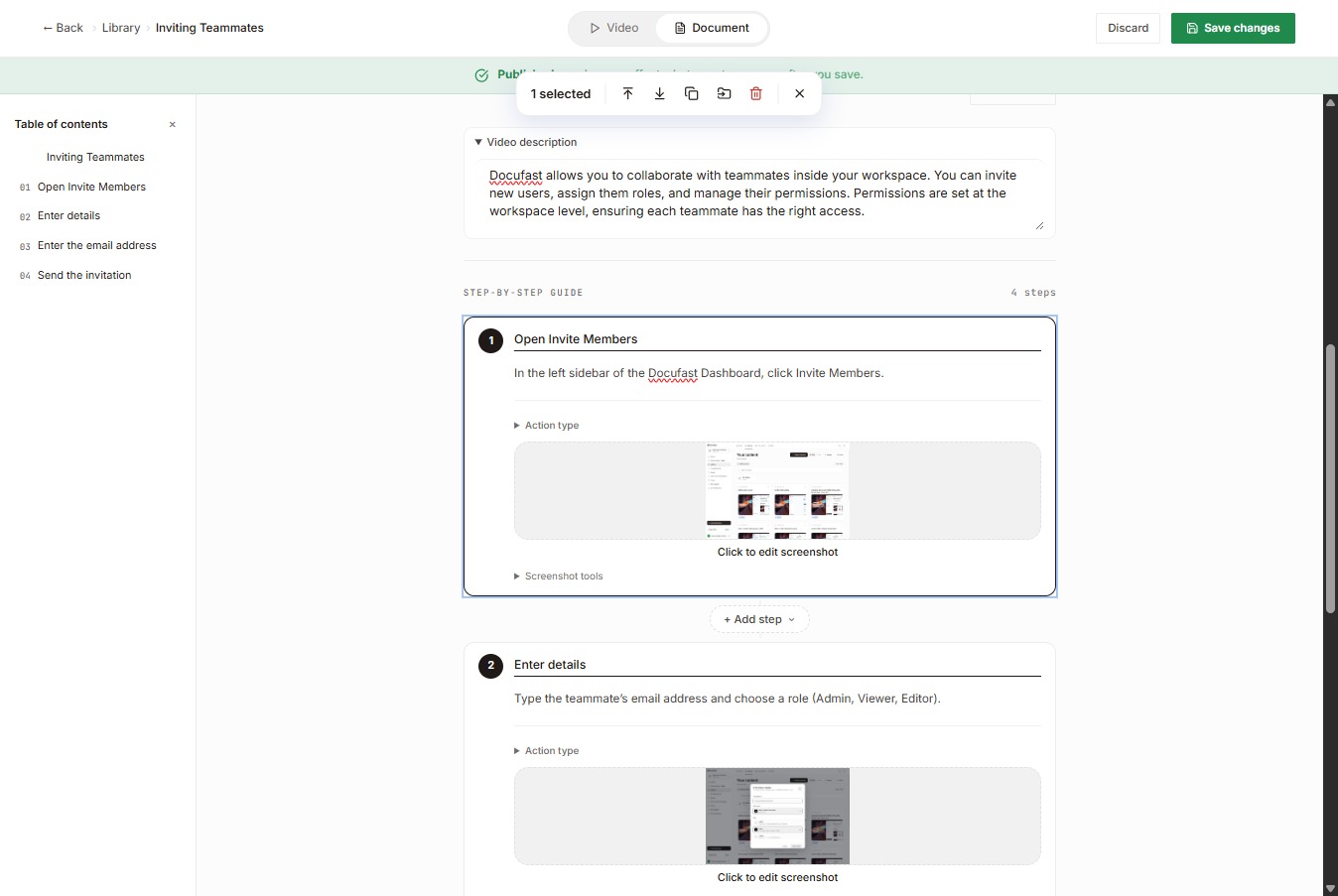
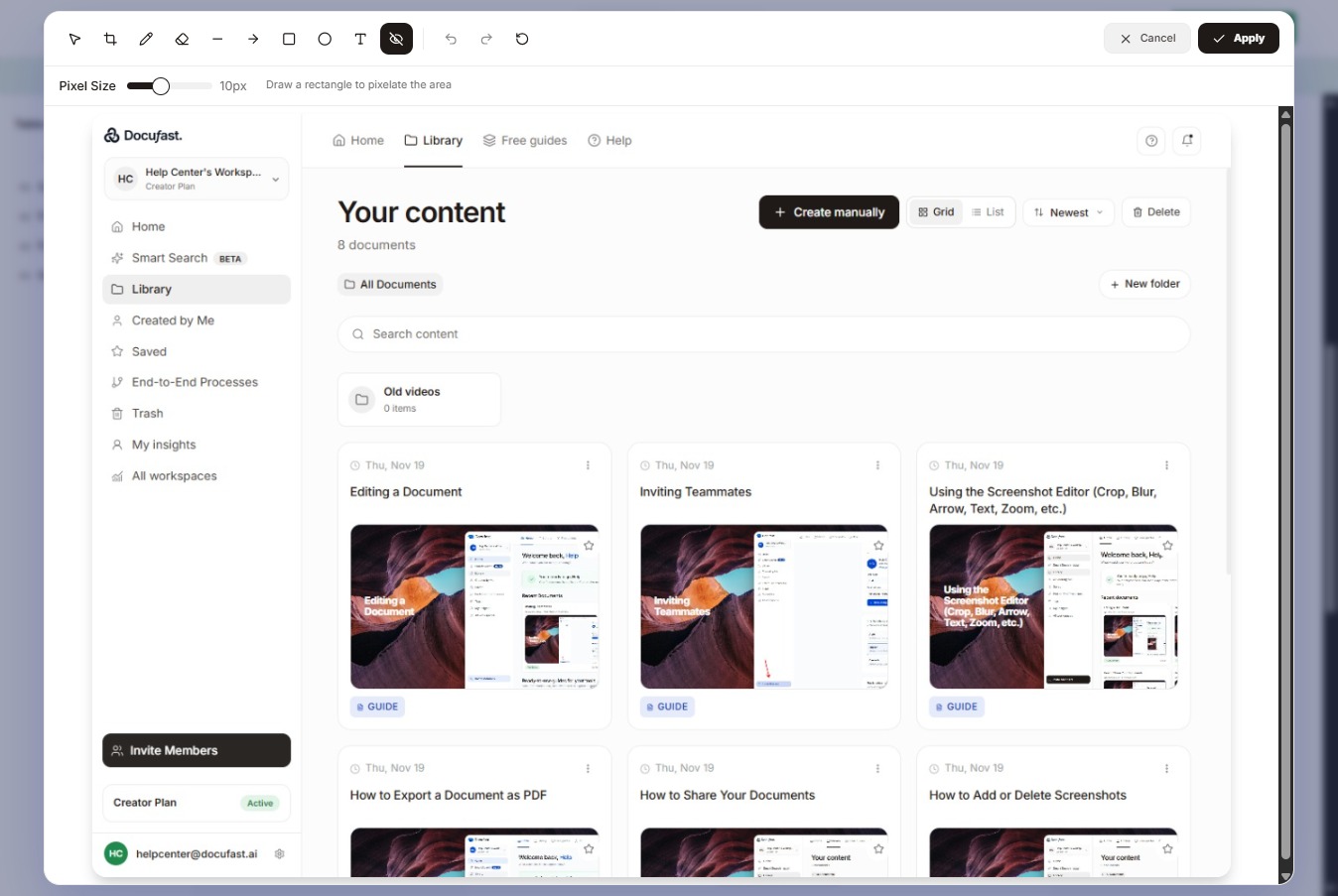
Once selected, make sure any sensitive information is redacted.
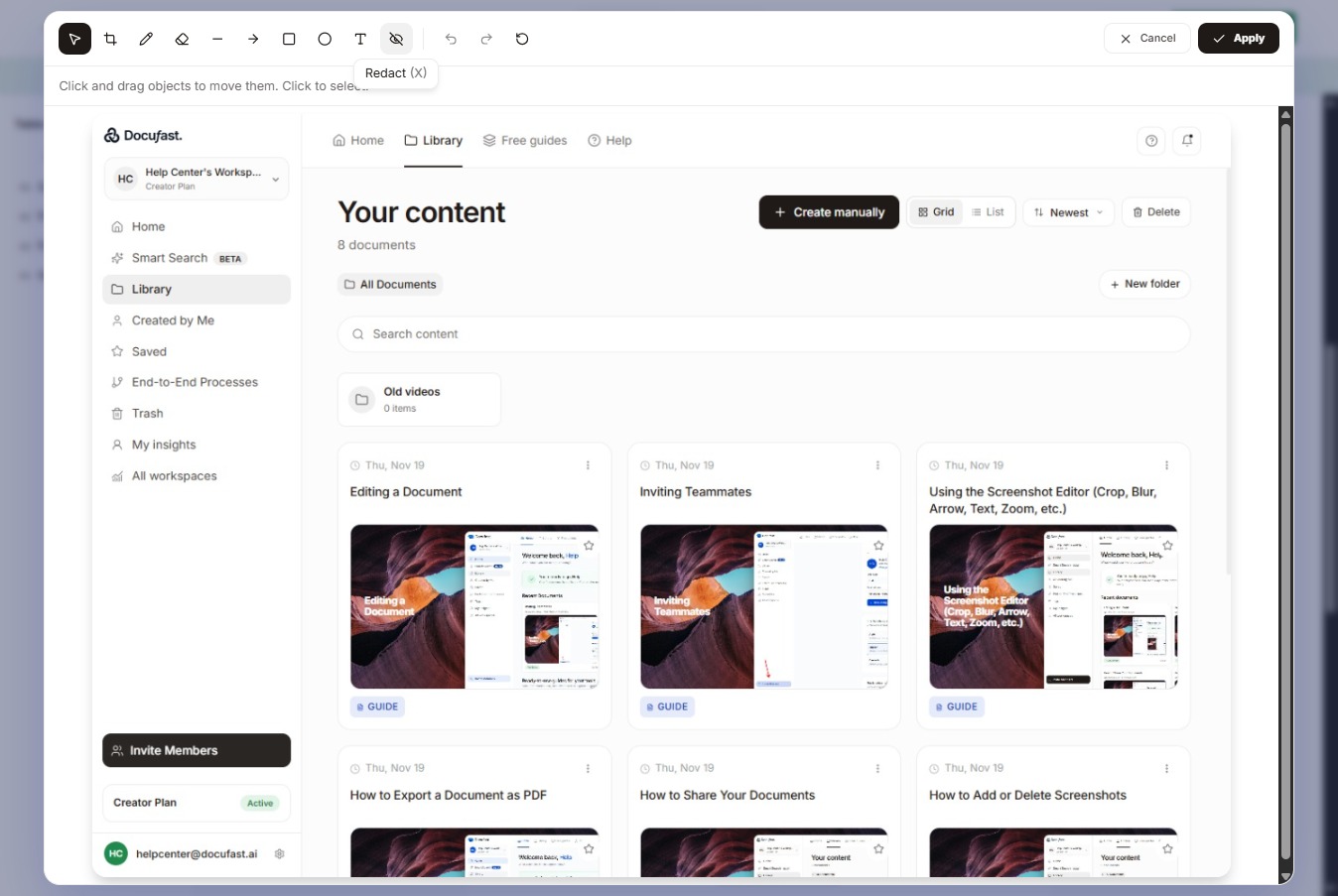
Don’t forget to apply your changes once you’re done redacting sensitive information.
Click Save changes to confirm and store the document edits you just made.
After approval, the guide is ready to be shared with the intended users.
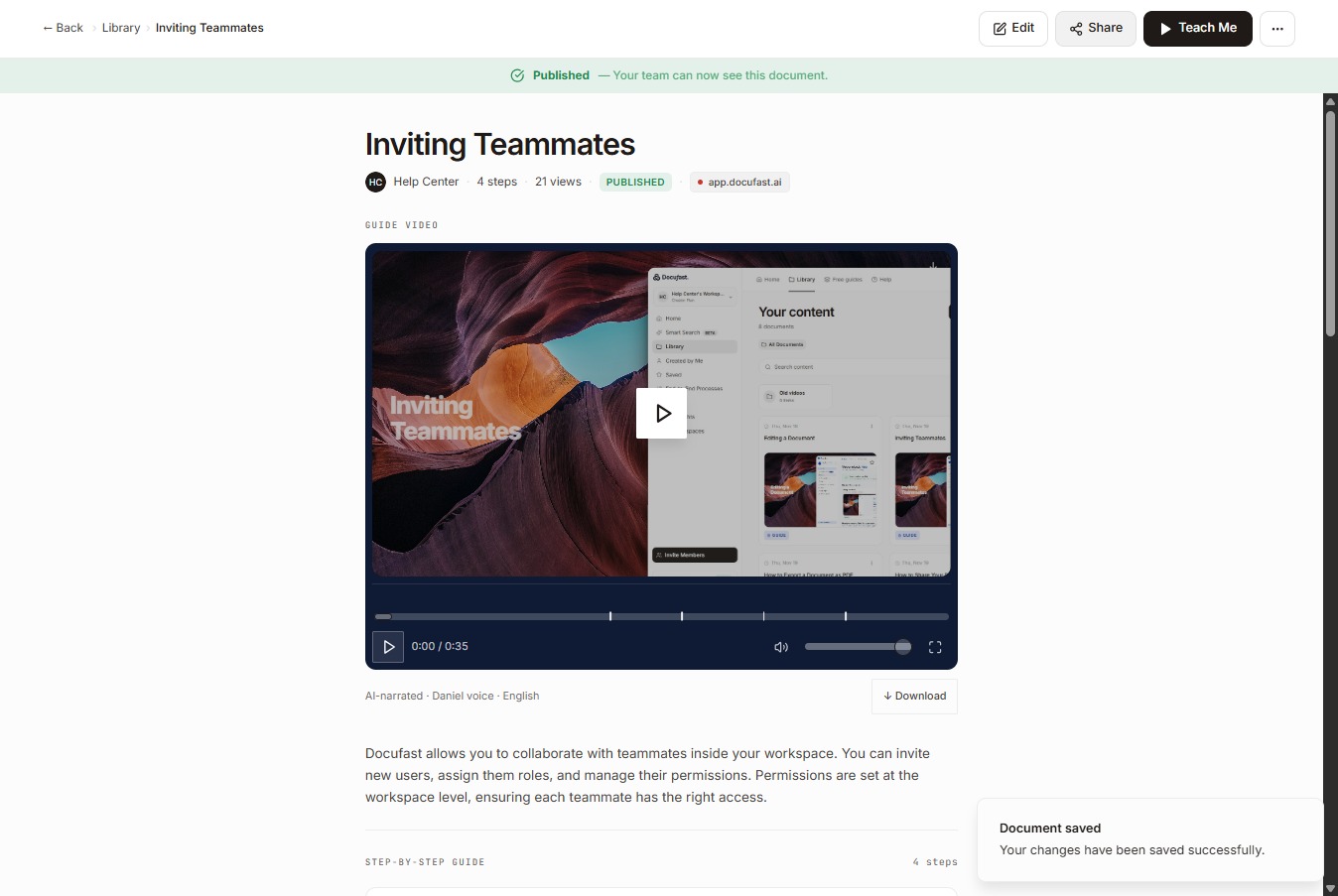
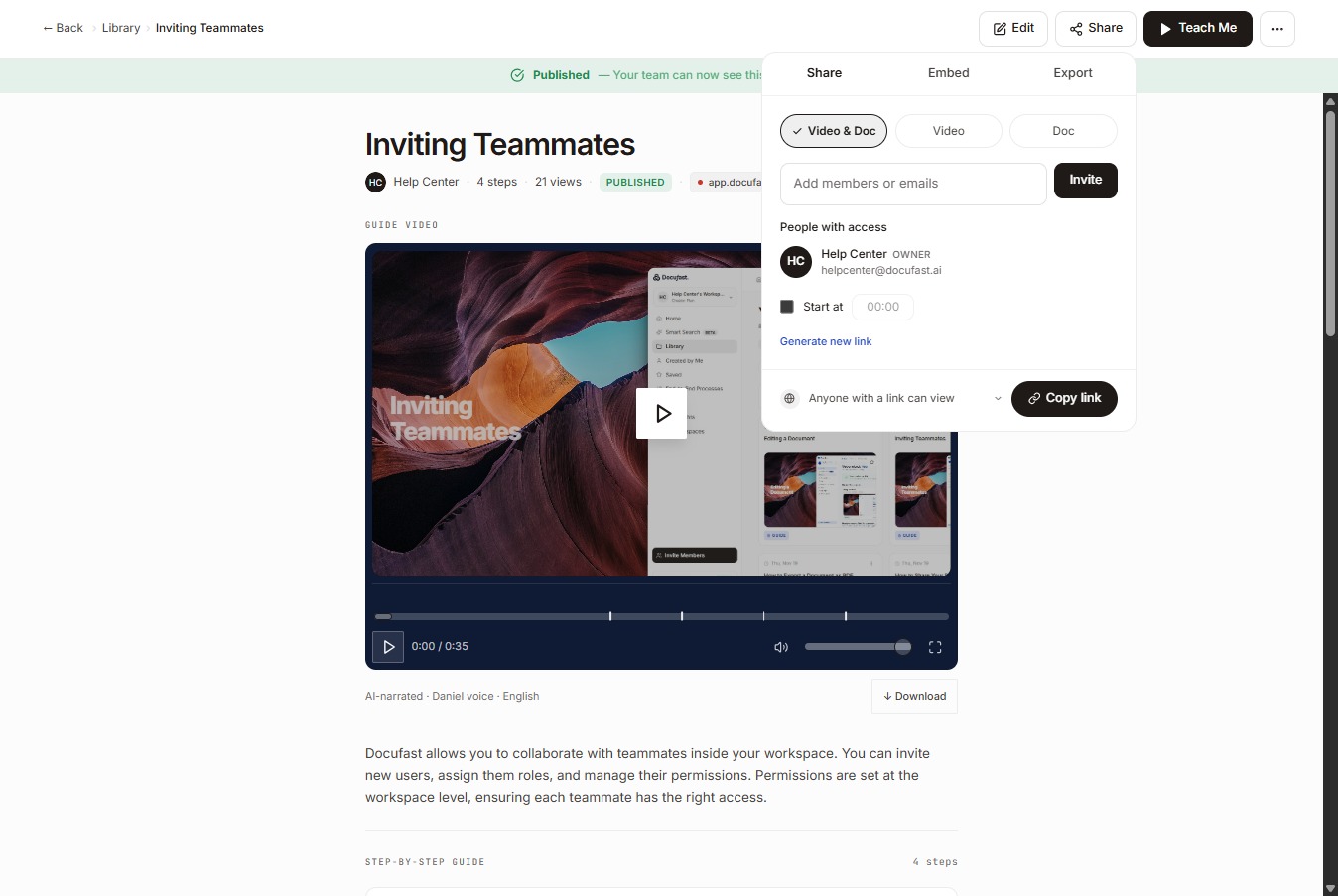
Select Copy link to generate a shareable URL for the document.