Click the Trash Option
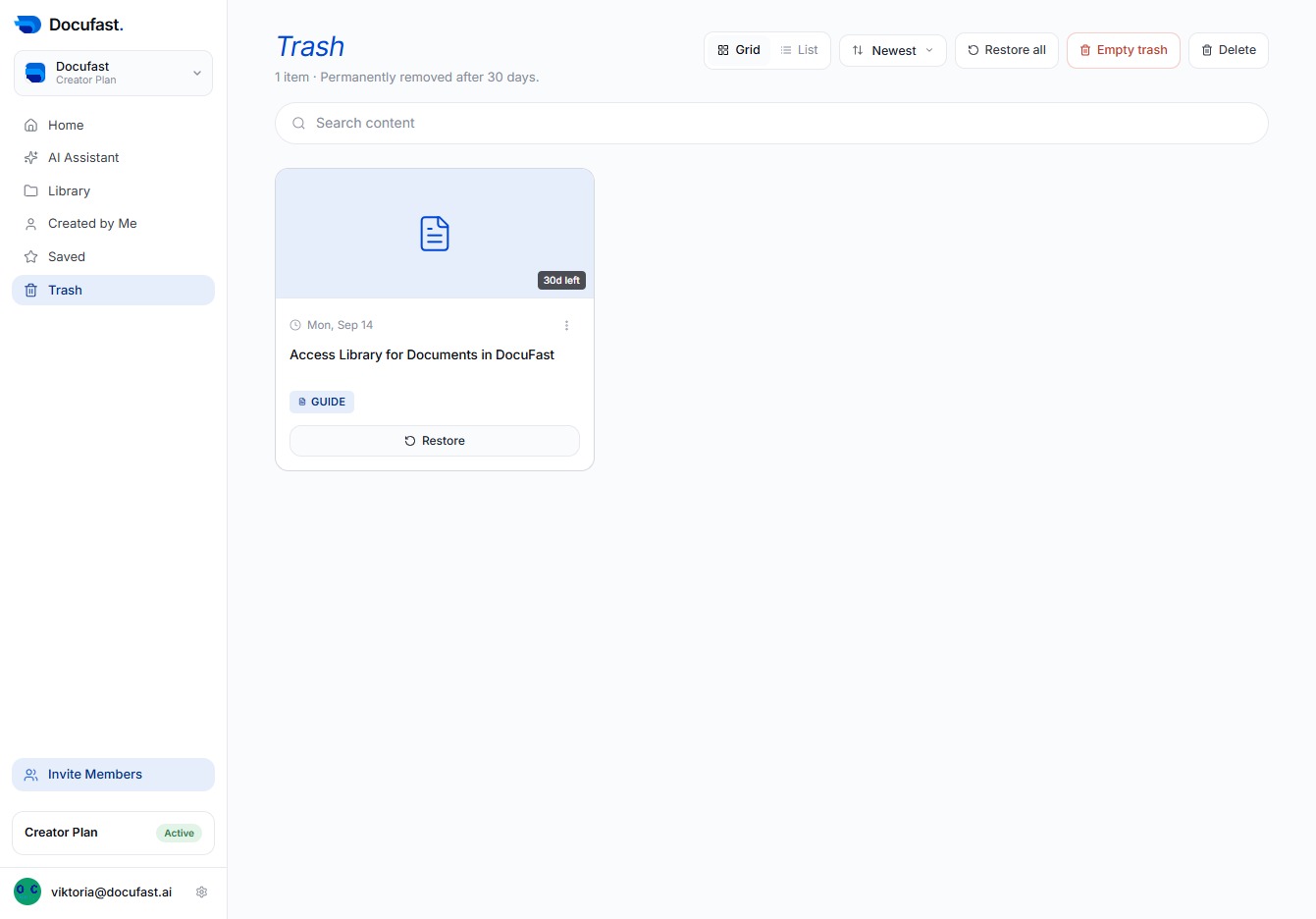
To remove unwanted documents in DocuFast, click the Trash option. This allows you to manage your recent documents effectively by emptying out items you no longer need.

Loading screenshot…
100%
Use the Trash option in DocuFast to manage unwanted documents by emptying items and restore deleted documents back to their original location as needed.
 viktoria
Use the Trash option in DocuFast to manage unwanted documents by emptying items and restore deleted documents back to their original location as needed.
To remove unwanted documents in DocuFast, click the Trash option. This allows you to manage your recent documents effectively by emptying out items you no longer need.
To recover your deleted documents, simply click the Restore button next to the item in your Trash. This will bring the document back to its original location.