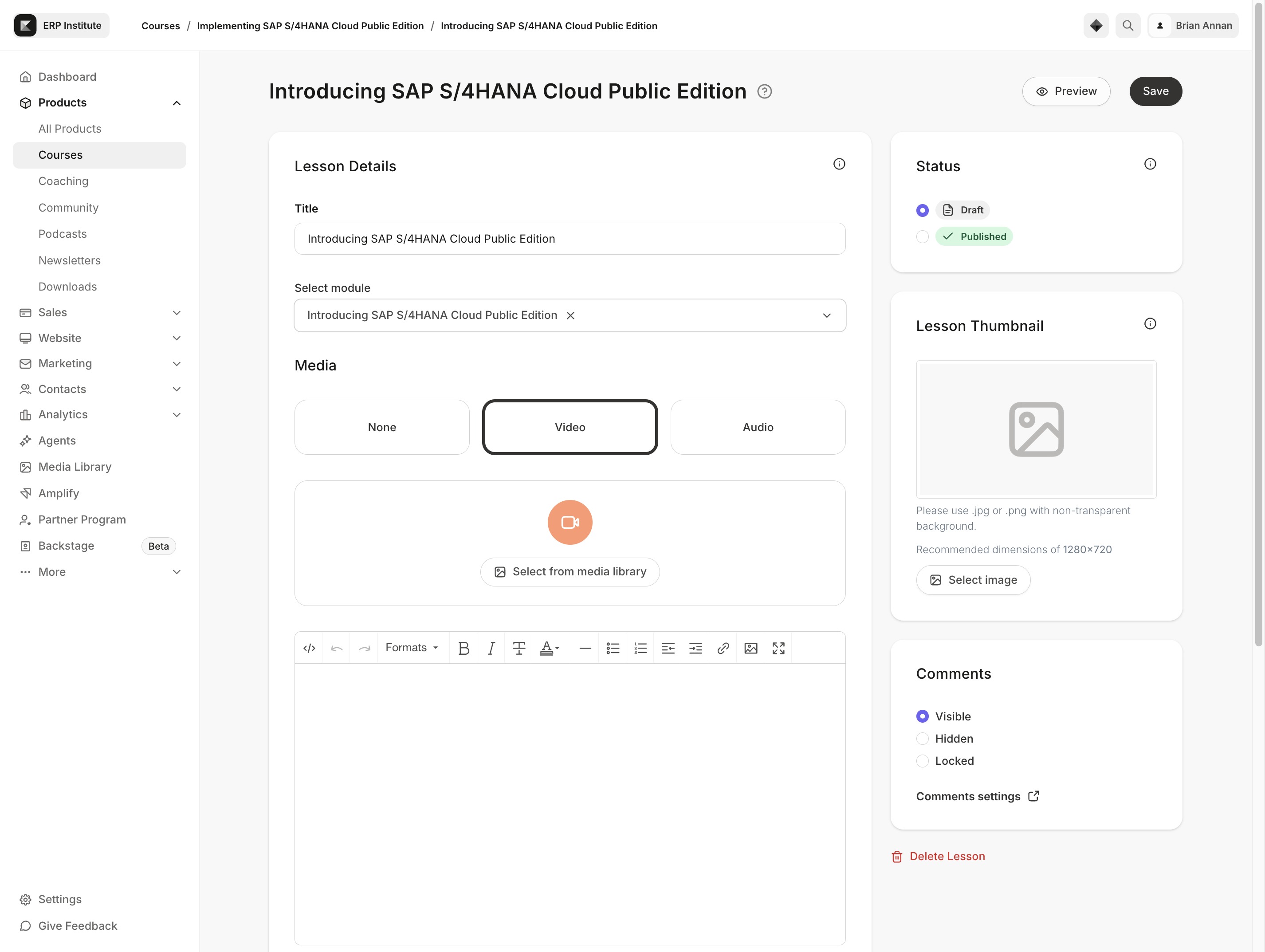
Click the Products link
This will take you to the Products section where you can view and manage your courses and related content.
Loading screenshot…
100%
In this detailed how-to guide, learn to create and manage products in Kajabi, including adding course materials, organizing modules, and enhancing content with multimedia…
 brian.annan
In this detailed how-to guide, learn to create and manage products in Kajabi, including adding course materials, organizing modules, and enhancing content with multimedia resources. Follow these step-by-step instructions to effectively build and enrich your online courses, ensuring a valuable learning experience for your students.
This will take you to the Products section where you can view and manage your courses and related content.
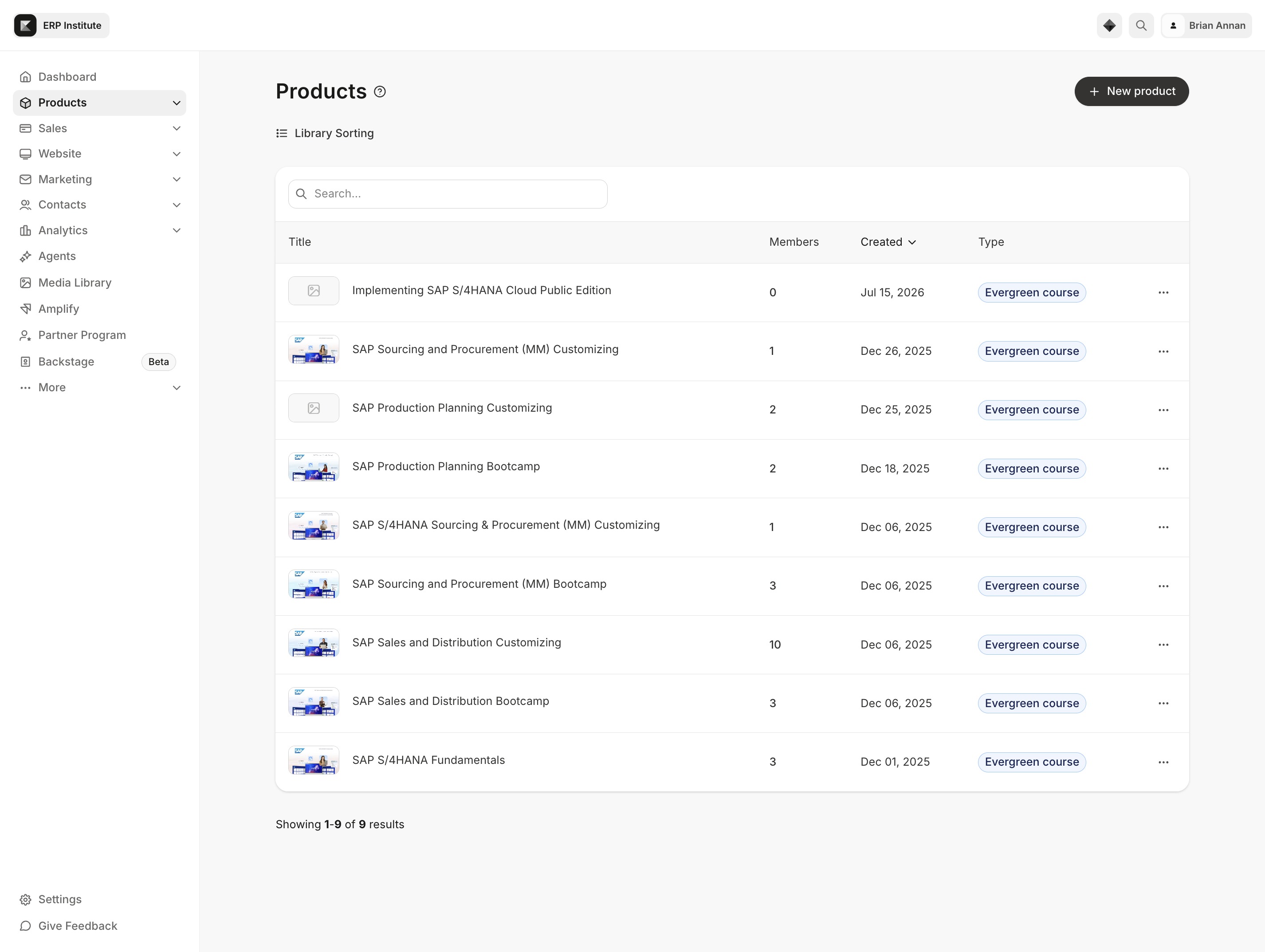
This action will navigate you to the complete list of available products. You can view details about each product, including member counts, creation dates, and types.

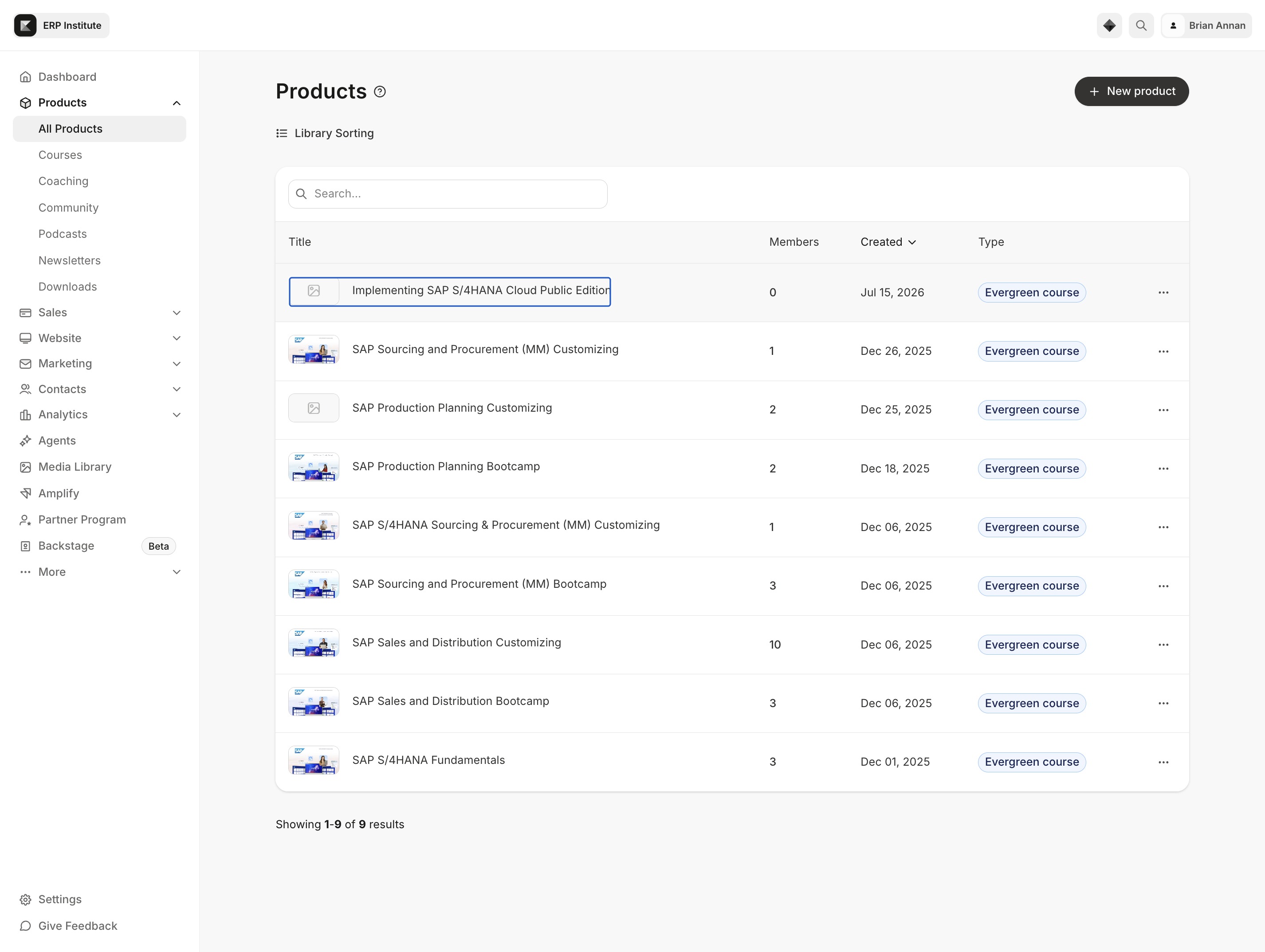
This action will direct you to the detailed course page for implementing SAP S/4HANA Cloud Public Edition, where you can access course materials and information.
This will prompt you to add new materials or resources to your course, enabling you to enrich the learning experience for your students.
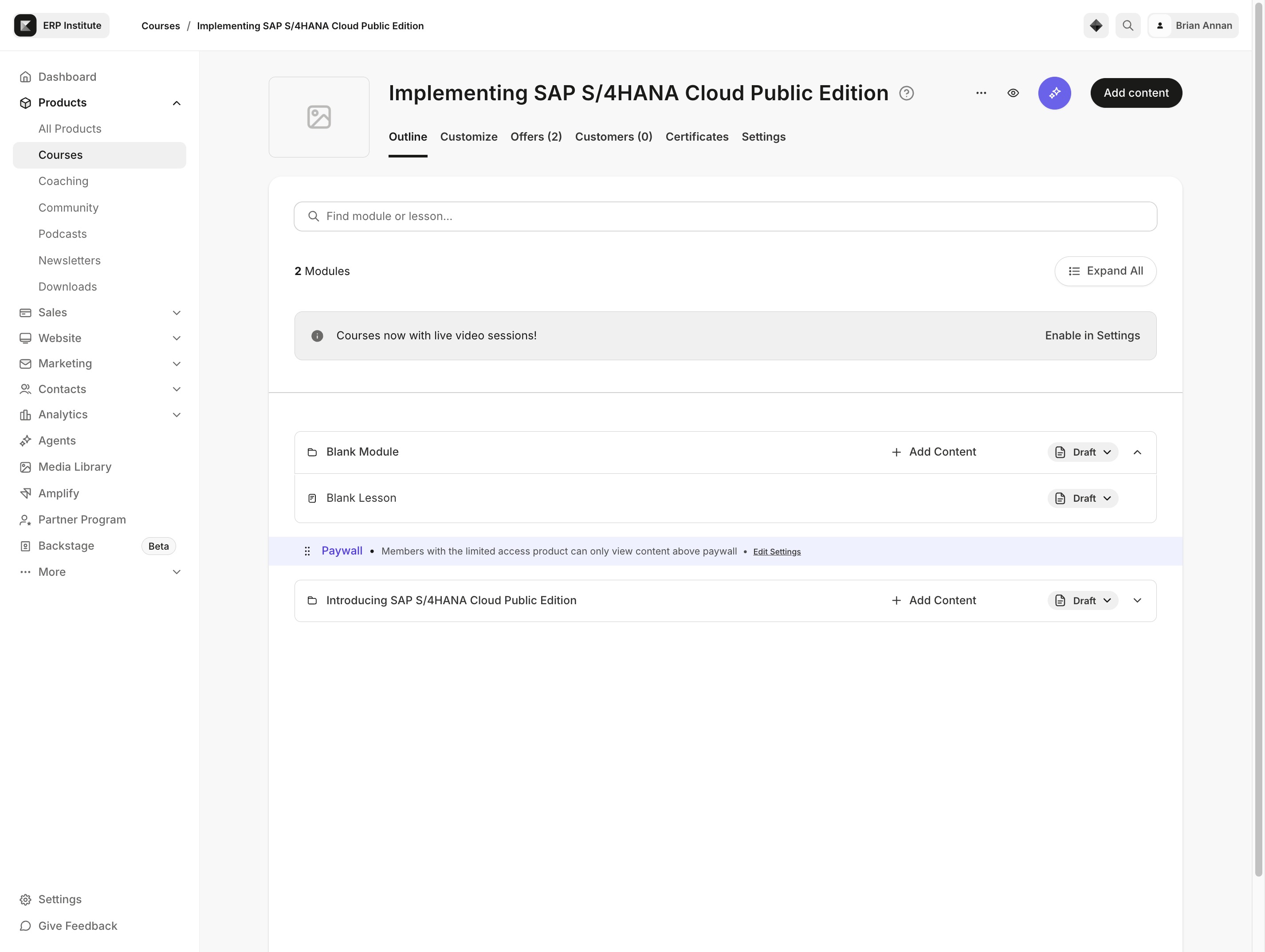
This action opens the Module options, allowing you to select or manage the modules within your course.
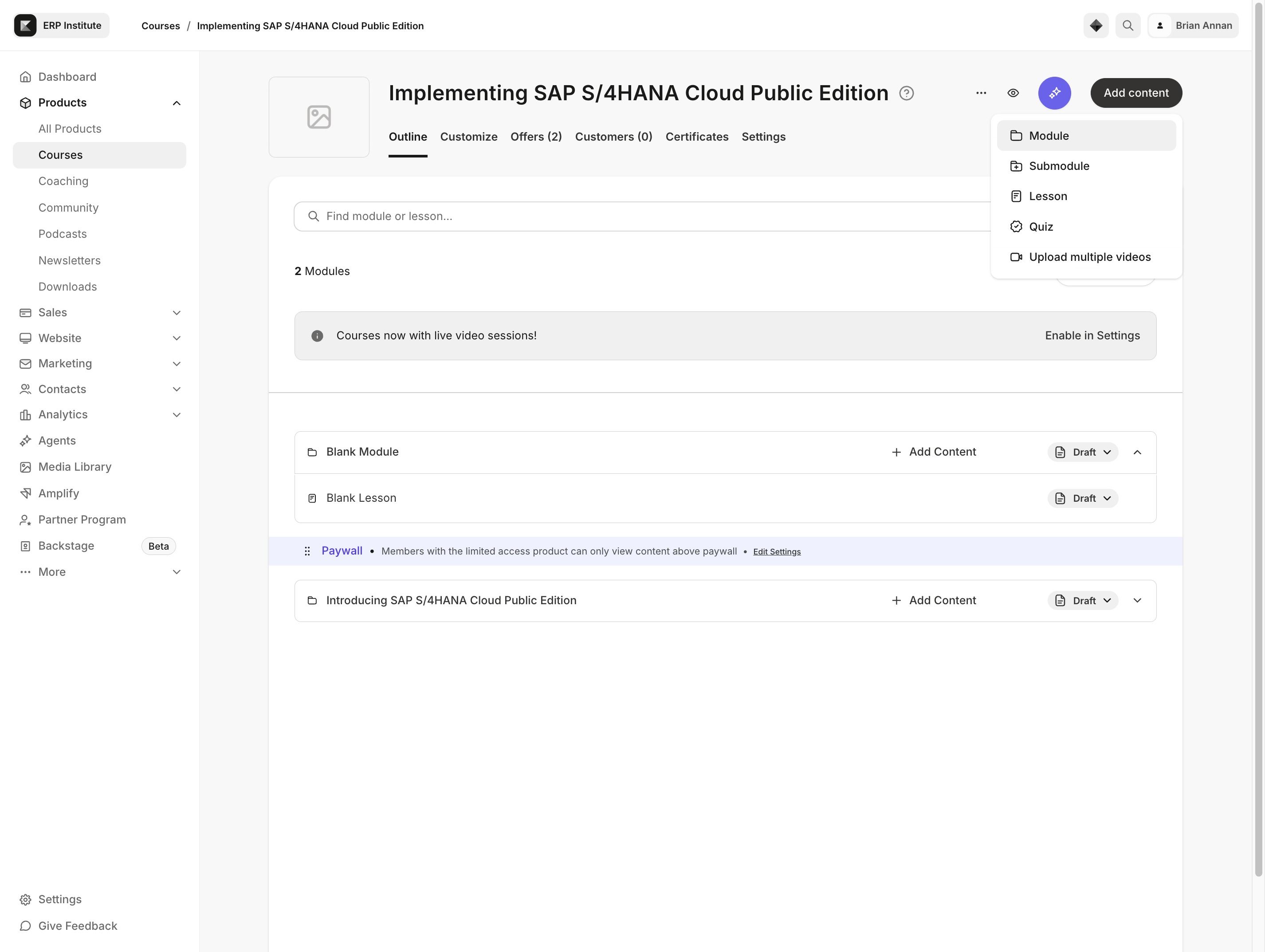
This action allows you to add new materials or updates to the current course module, enhancing the instructional content available to students.

Selecting the 'Submodule' option allows you to manage and edit specific learning modules within the course structure. This action is essential for organizing course content effectively.
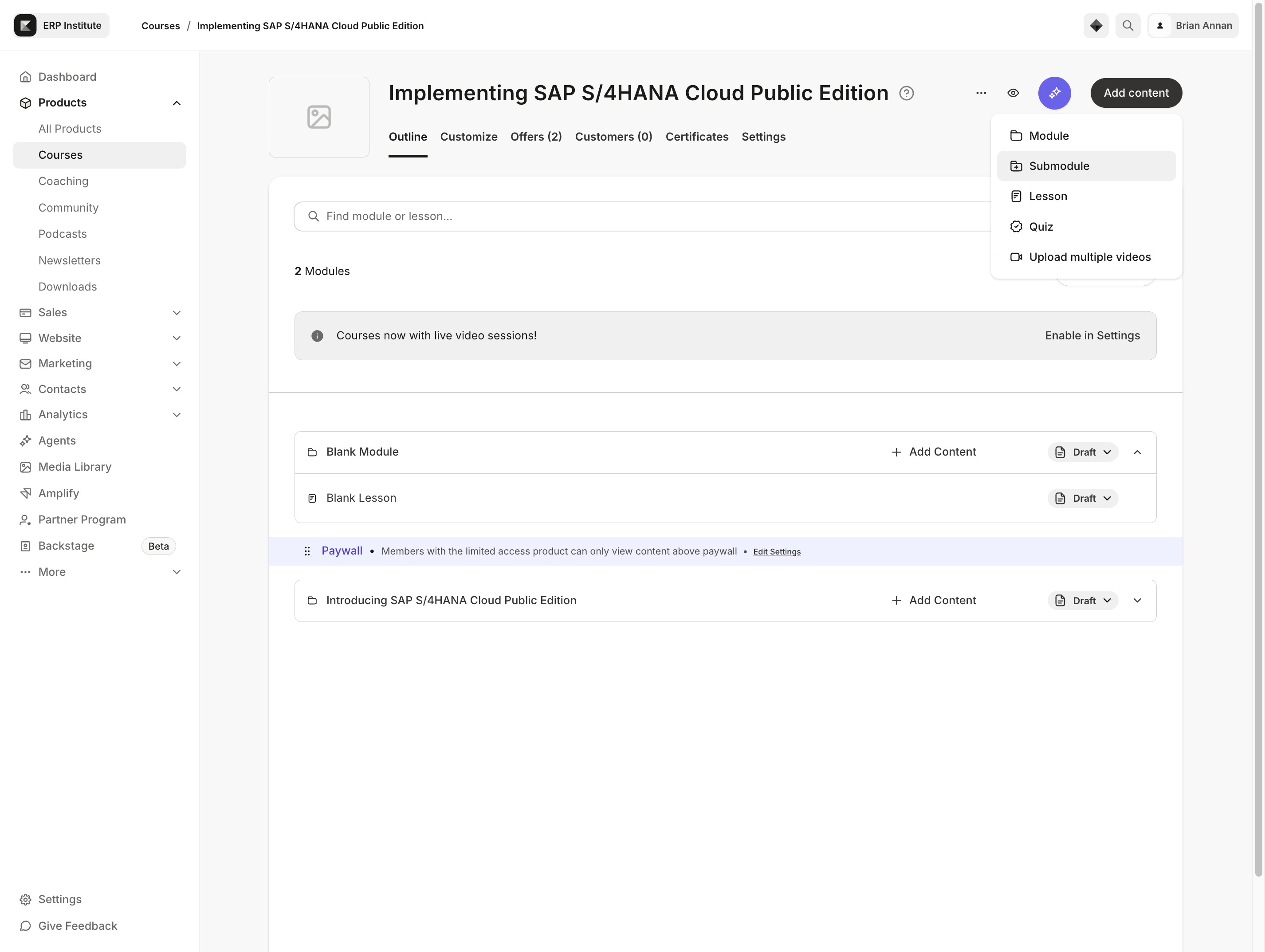
This action allows you to choose the primary module for your new submodule. Selecting a top-level module will define the context and structure of the submodule you're about to create.

This action opens a menu allowing you to insert various types of content into the selected module or lesson. You can add items such as quizzes, documents, or videos to enhance your course material.

This action will open the details for the selected lesson, allowing you to edit or view its content.
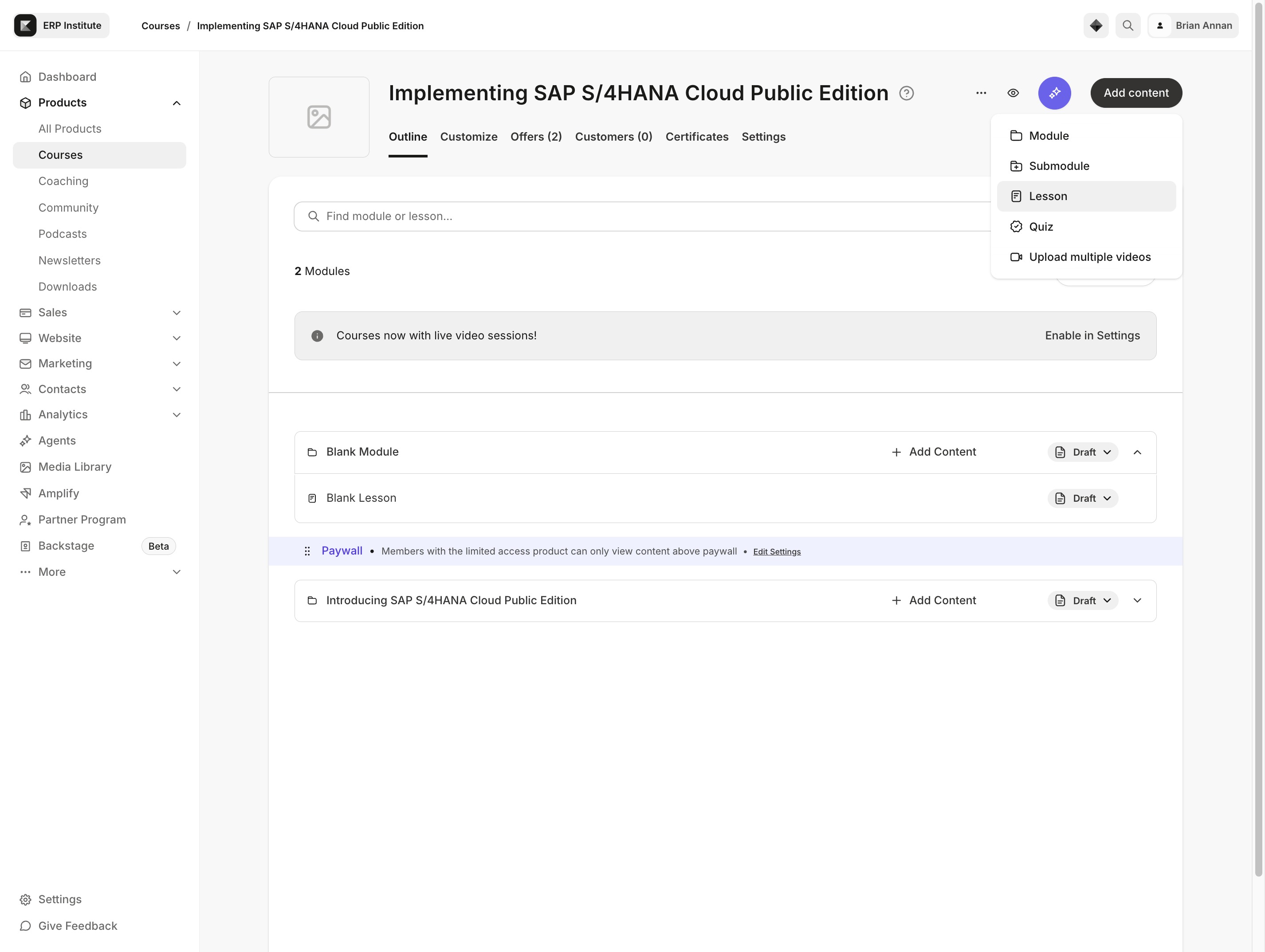
This action opens a dropdown menu where you can choose from the available modules to associate with your new lesson.
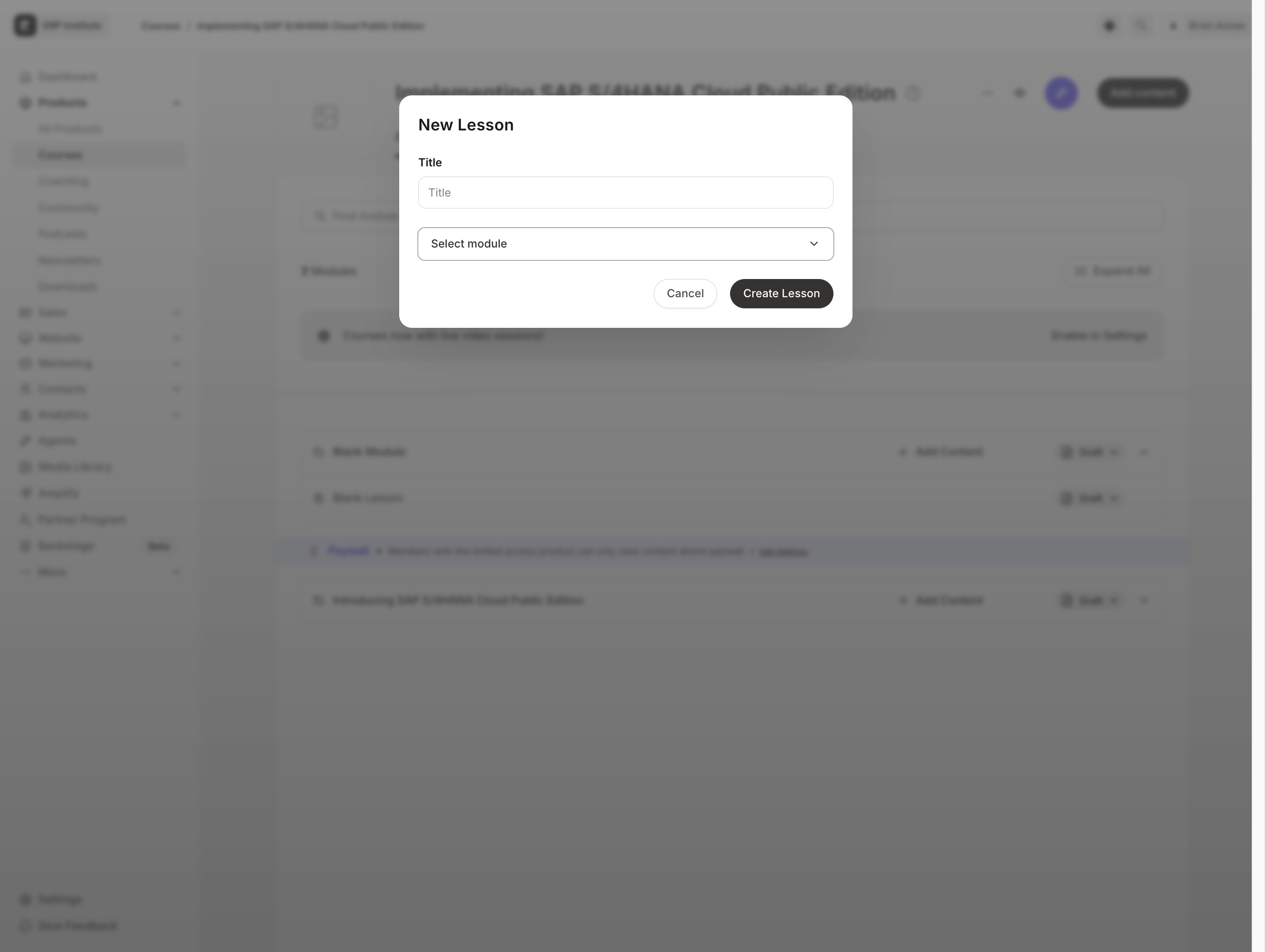
Clicking the 'Expand' button will reveal additional options and details related to the selected module, allowing you to manage content more effectively.
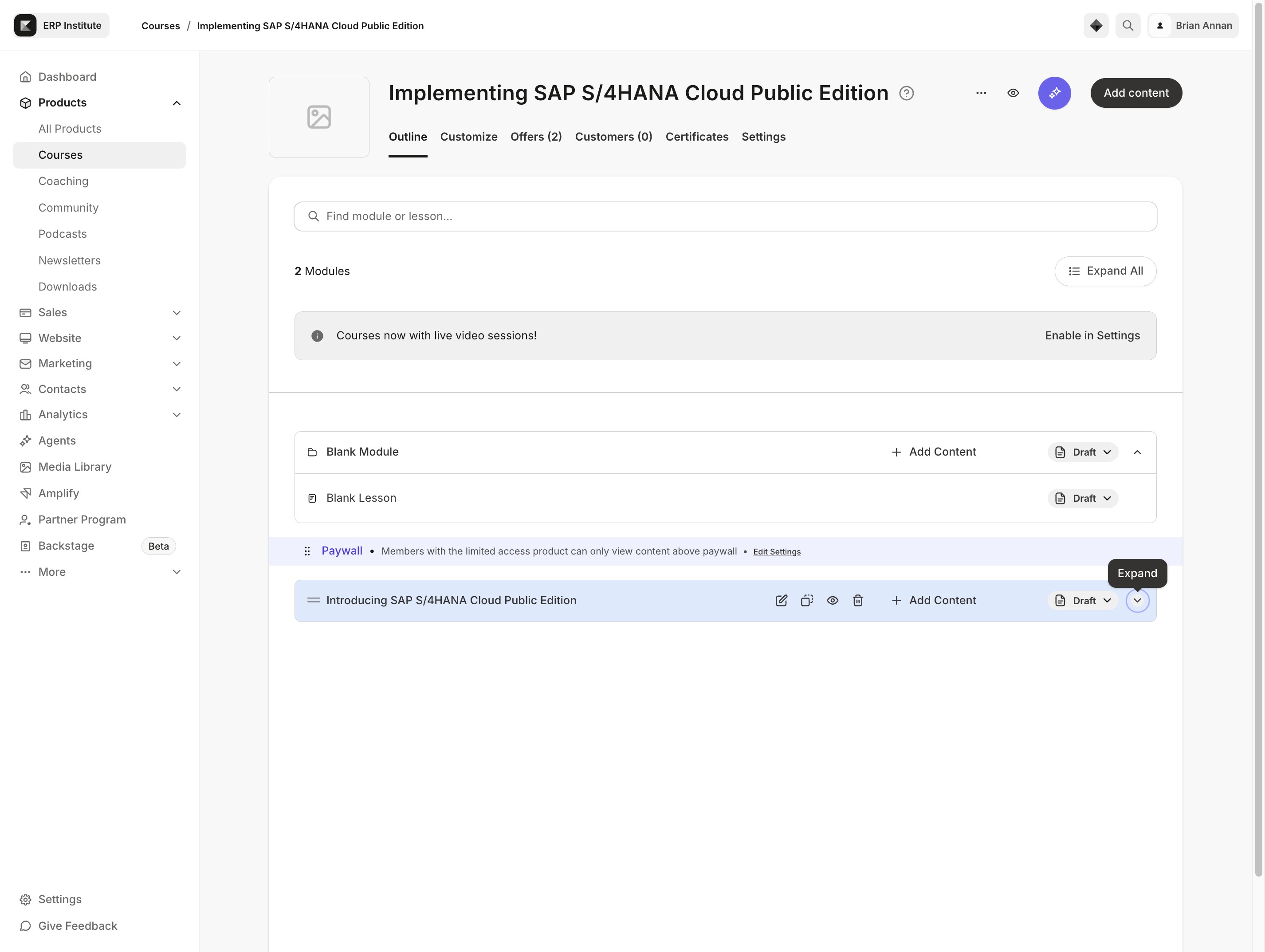
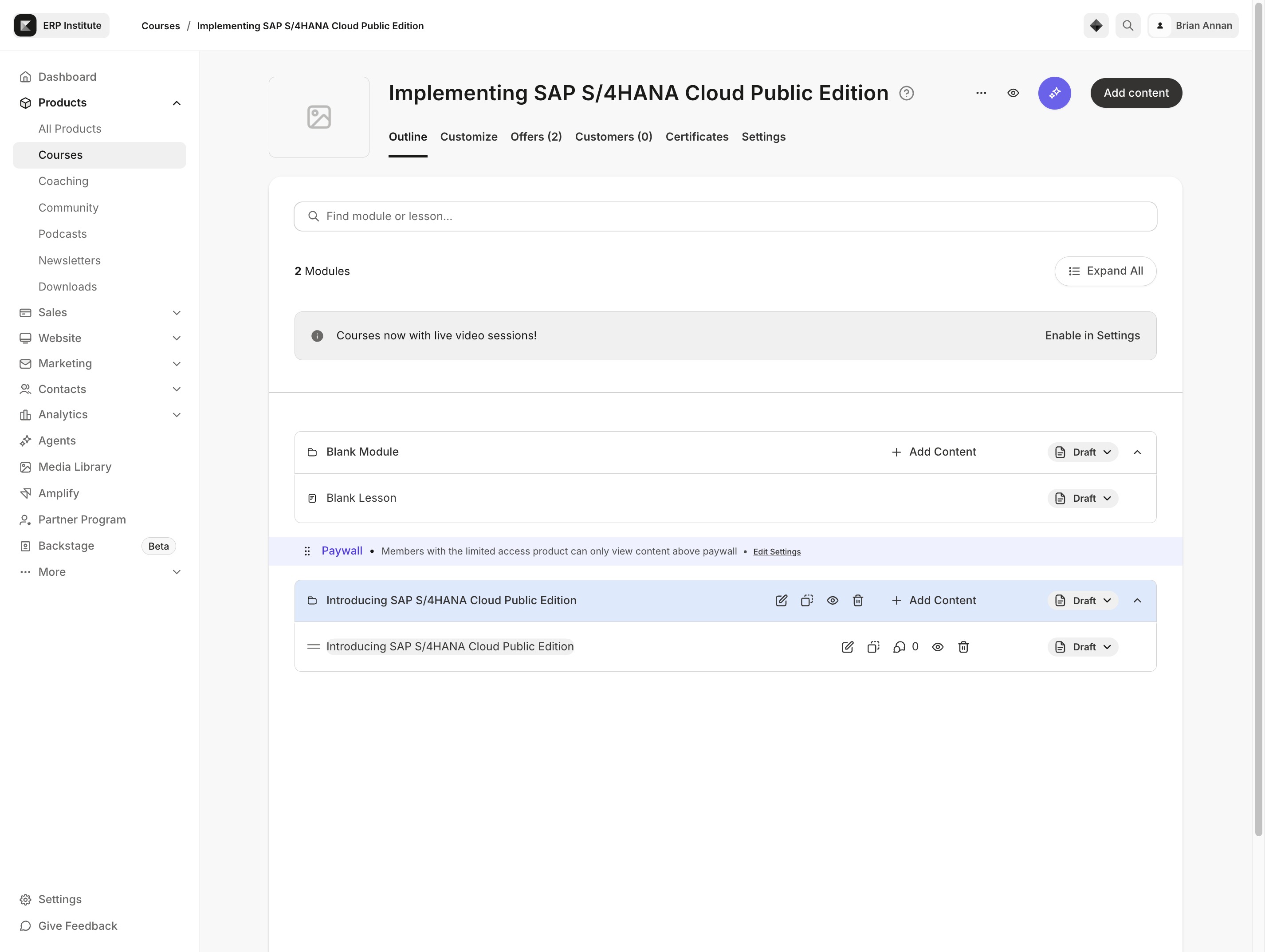
This will take you to the detailed module overview, where you can access content and resources related to SAP S/4HANA Cloud Public Edition.
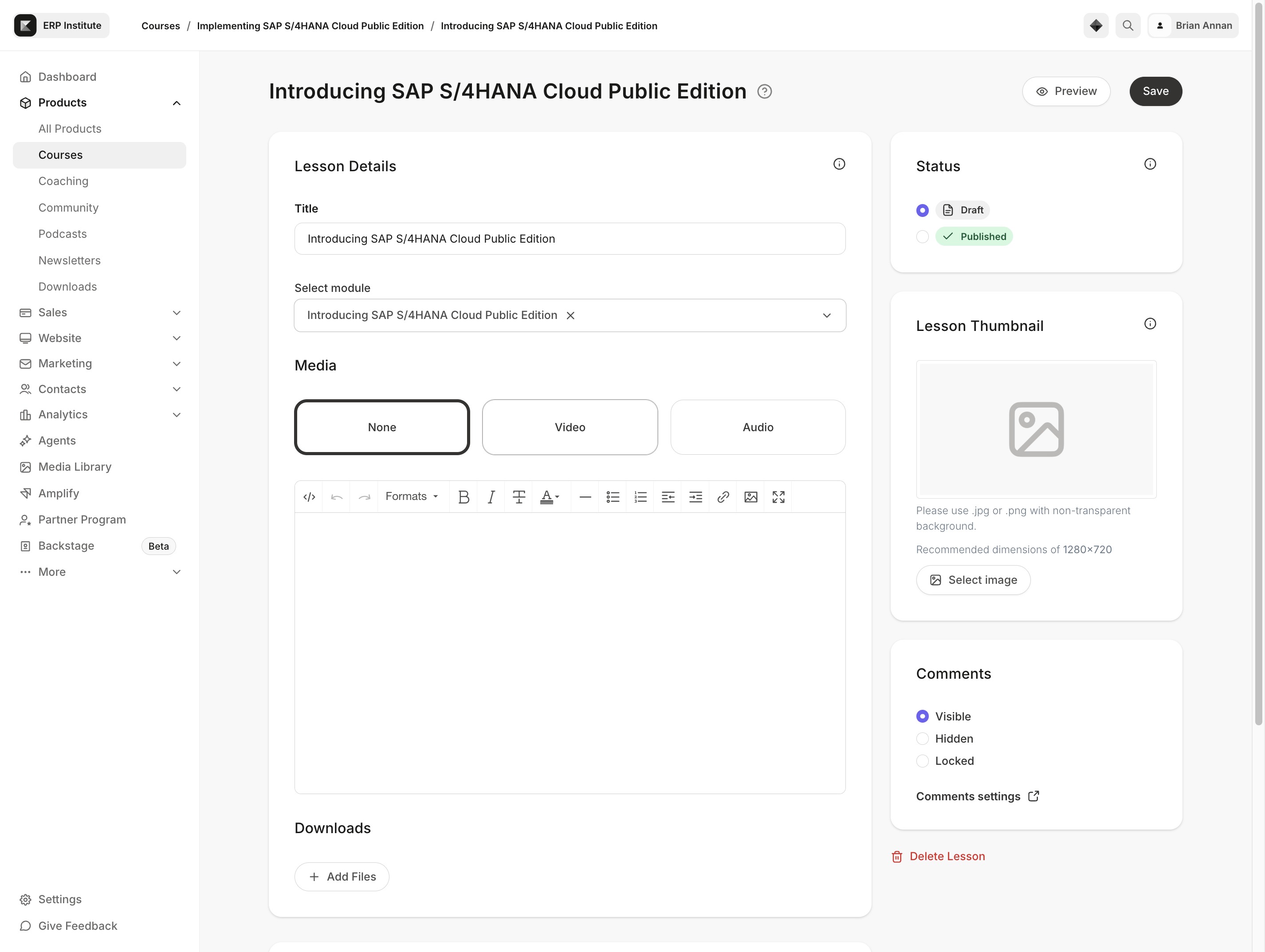
This action allows you to upload or manage video content for your lesson module. Once clicked, you'll be able to choose a video file to enhance your course material.
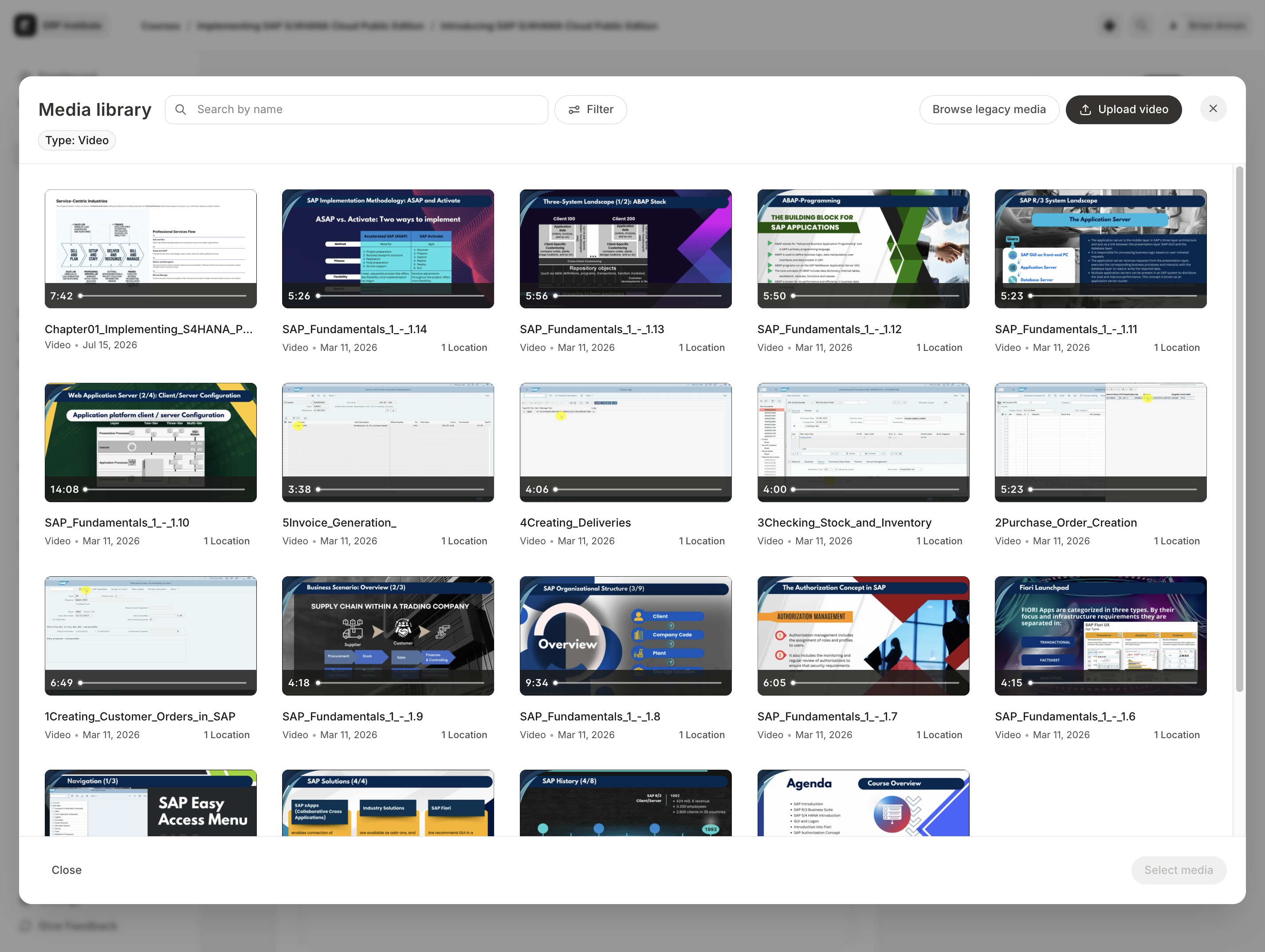
This action will open the media library, allowing you to choose from available media files to add to your lesson.

By clicking this link, you will initiate the process to upload new files to the media library. Ensure that you have the appropriate files ready for upload.
Clicking the Preview link will display a live preview of the course content as it will appear to learners, allowing you to review any changes before publishing.