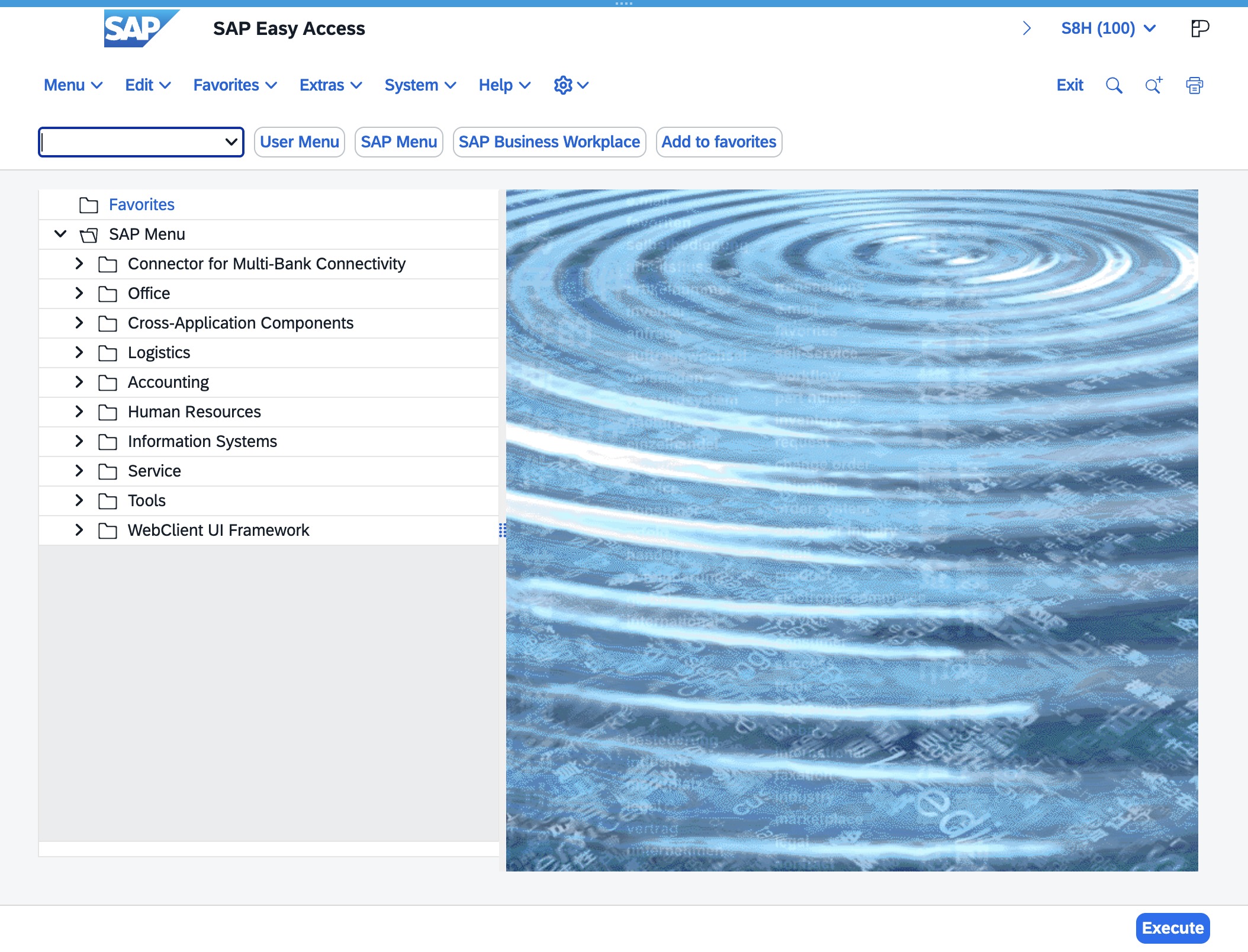
Click the Enter Transaction Code field
Click inside the 'Enter transaction code' input field to begin entering the desired transaction code for further processing within the SAP Easy interface.
Loading screenshot…
100%
This how-to guide walks you through the essential steps for navigating the SAP Easy Access interface, from accessing the system to entering transaction codes.
 brian.annan
This how-to guide walks you through the essential steps for navigating the SAP Easy Access interface, from accessing the system to entering transaction codes. Learn how to efficiently create a new purchase order using the transaction code 'me21n' and manage supplier details effectively.
Click inside the 'Enter transaction code' input field to begin entering the desired transaction code for further processing within the SAP Easy interface.
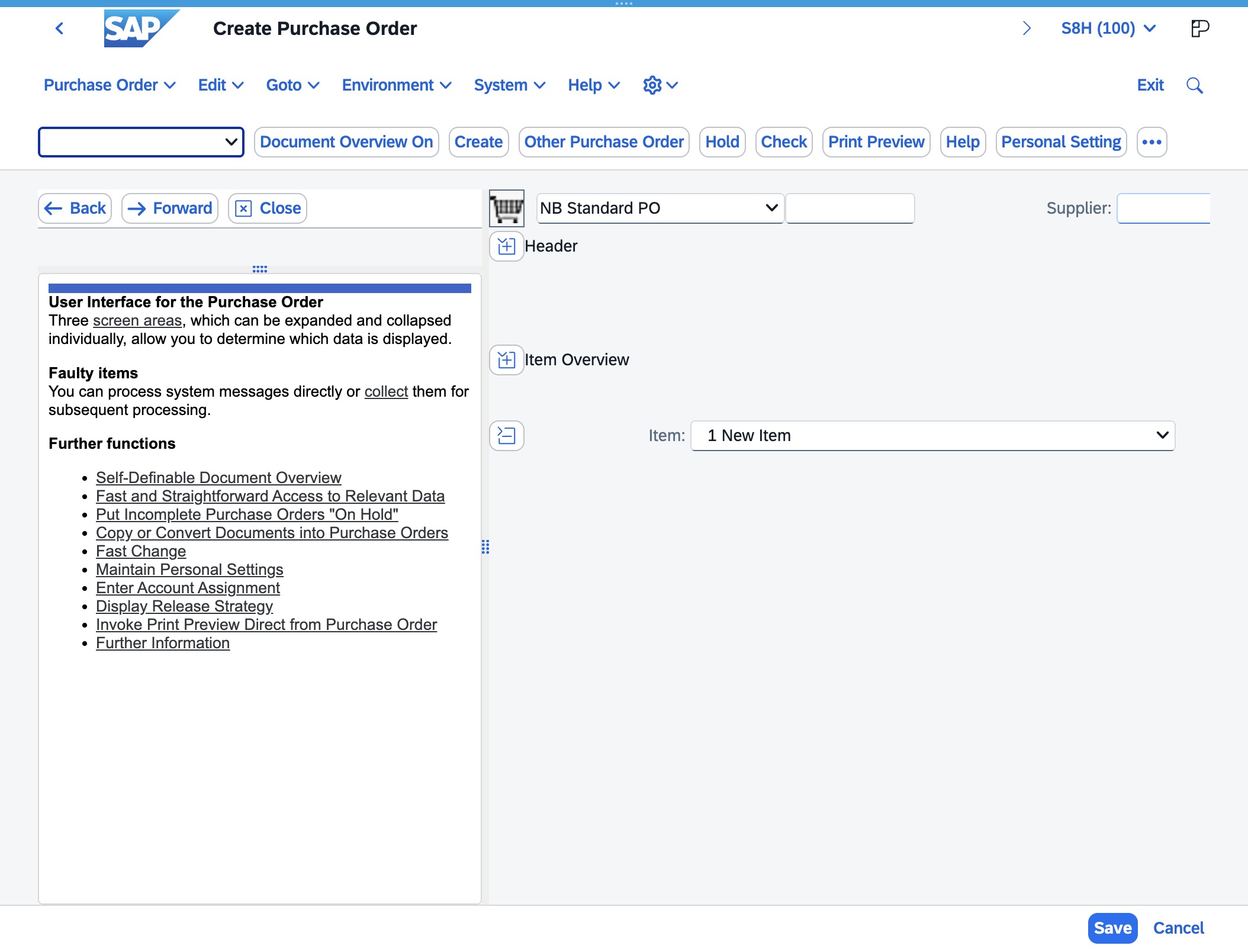
Enter the code 'me21n' in the Toolbar OK Code input field to access the Create Purchase Order transaction in SAP. This will initiate the process of creating a new purchase order.
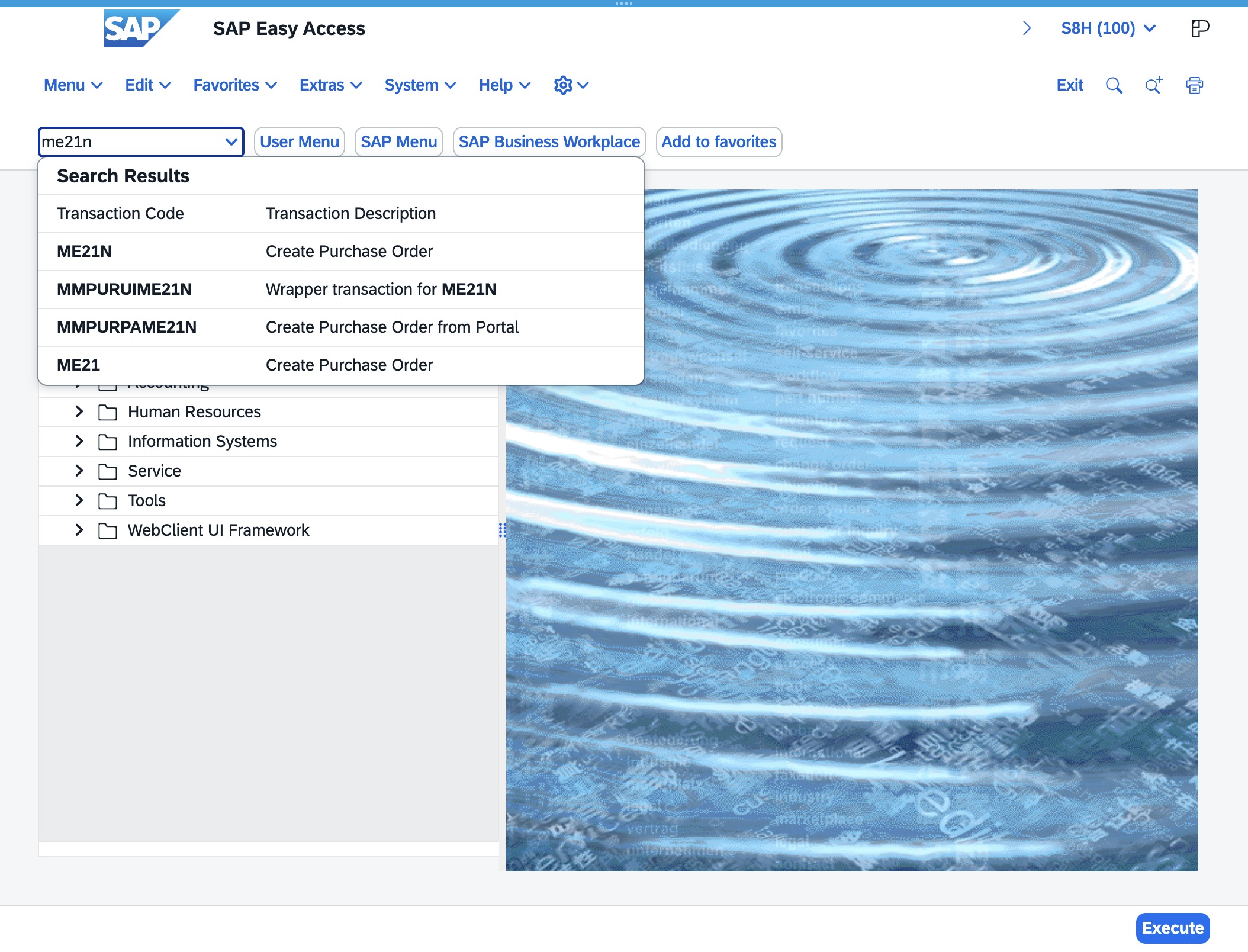
Selecting this field allows you to specify or change the supplier or supplying plant associated with the purchase order being created.