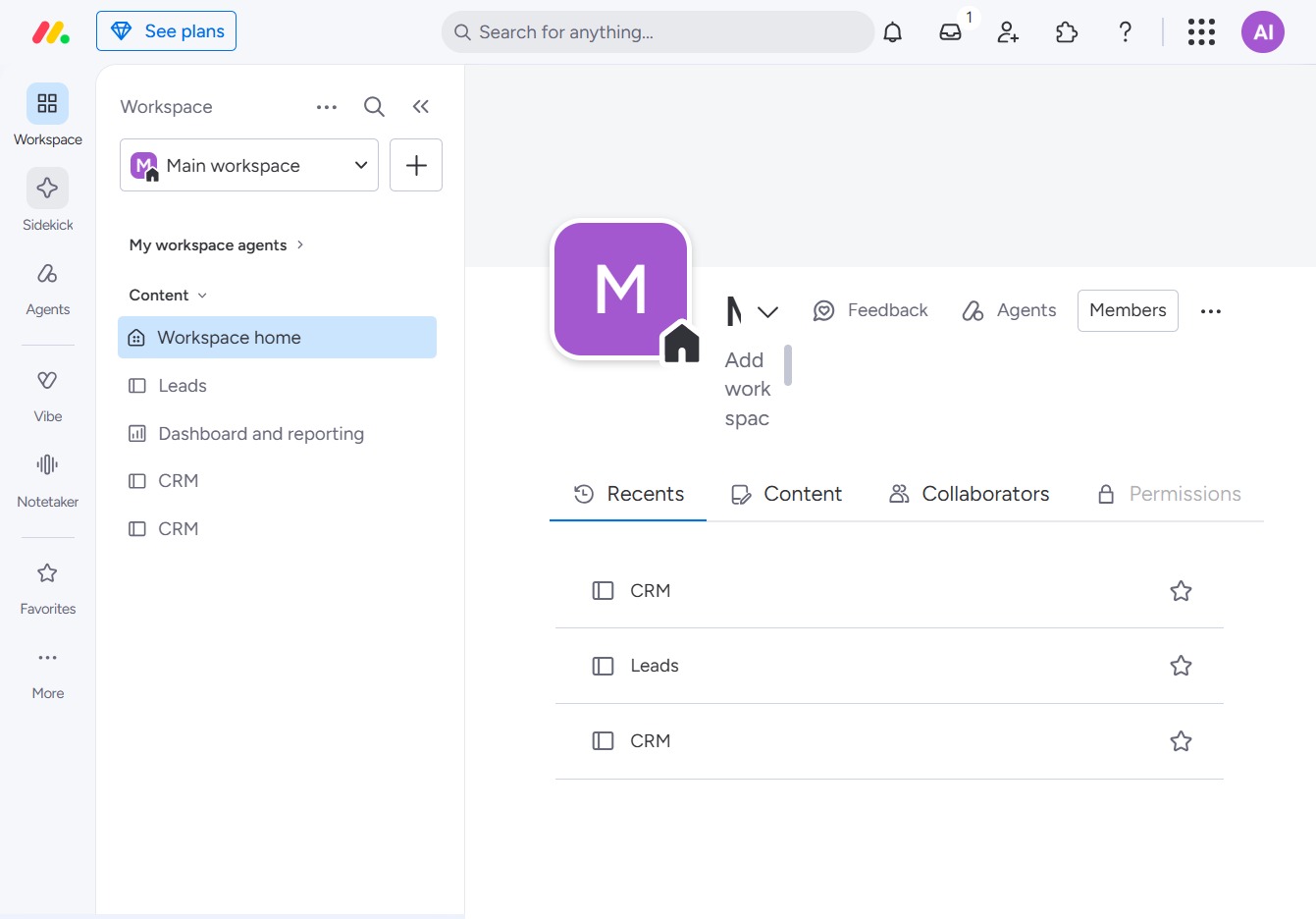
Click the Agents section
Selecting the 'Agents' section allows you to manage and configure different agents within your workspace, adjusting settings and permissions as needed.

Loading screenshot…
100%
In this video guide, you'll learn how to effectively navigate workspaces in monday.com, covering essential features like managing agents, accessing dashboards, and utilizing the…
 viktoria
In this video guide, you'll learn how to effectively navigate workspaces in monday.com, covering essential features like managing agents, accessing dashboards, and utilizing the Sidekick icon for enhanced productivity. Follow along to optimize your workspace experience and streamline your workflow.
Selecting the 'Agents' section allows you to manage and configure different agents within your workspace, adjusting settings and permissions as needed.
Clicking the 'Workspace' section will display various options related to the main workspace, including access to dashboards, leads, and reporting tools.

Clicking the Sidekick icon opens a sidebar that enhances your workspace with helpful tools and features for improved productivity.
tes