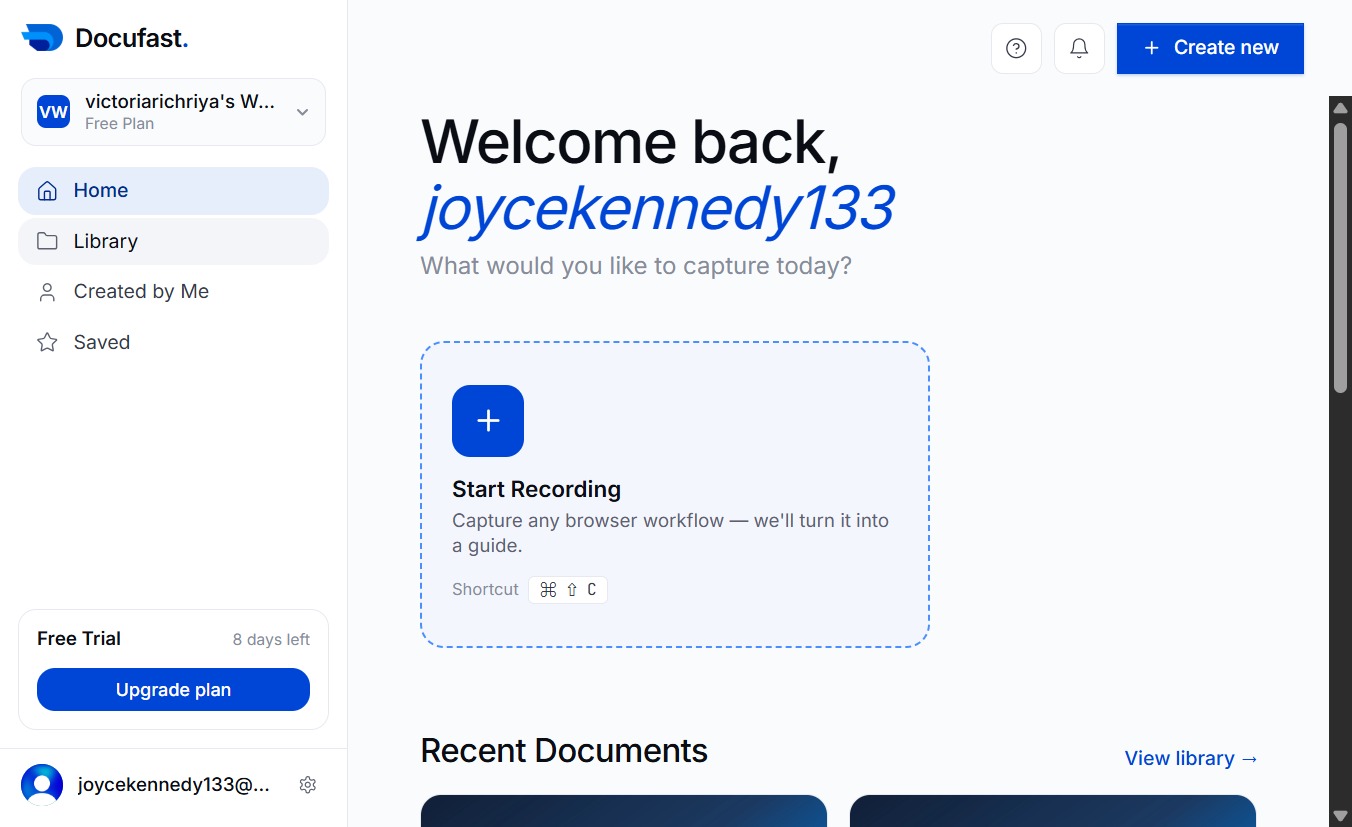
Click the Home link
This will take you to the main dashboard of your account, allowing you to access your documents and content.
Loading screenshot…
100%
This how-to guide walks you through accessing and managing your documents on the DocuFast Dashboard in just five simple steps.
 joycekennedy133
This how-to guide walks you through accessing and managing your documents on the DocuFast Dashboard in just five simple steps. Learn how to efficiently navigate the main dashboard, access your saved content, and quickly find your created documents to enhance your productivity.
This will take you to the main dashboard of your account, allowing you to access your documents and content.
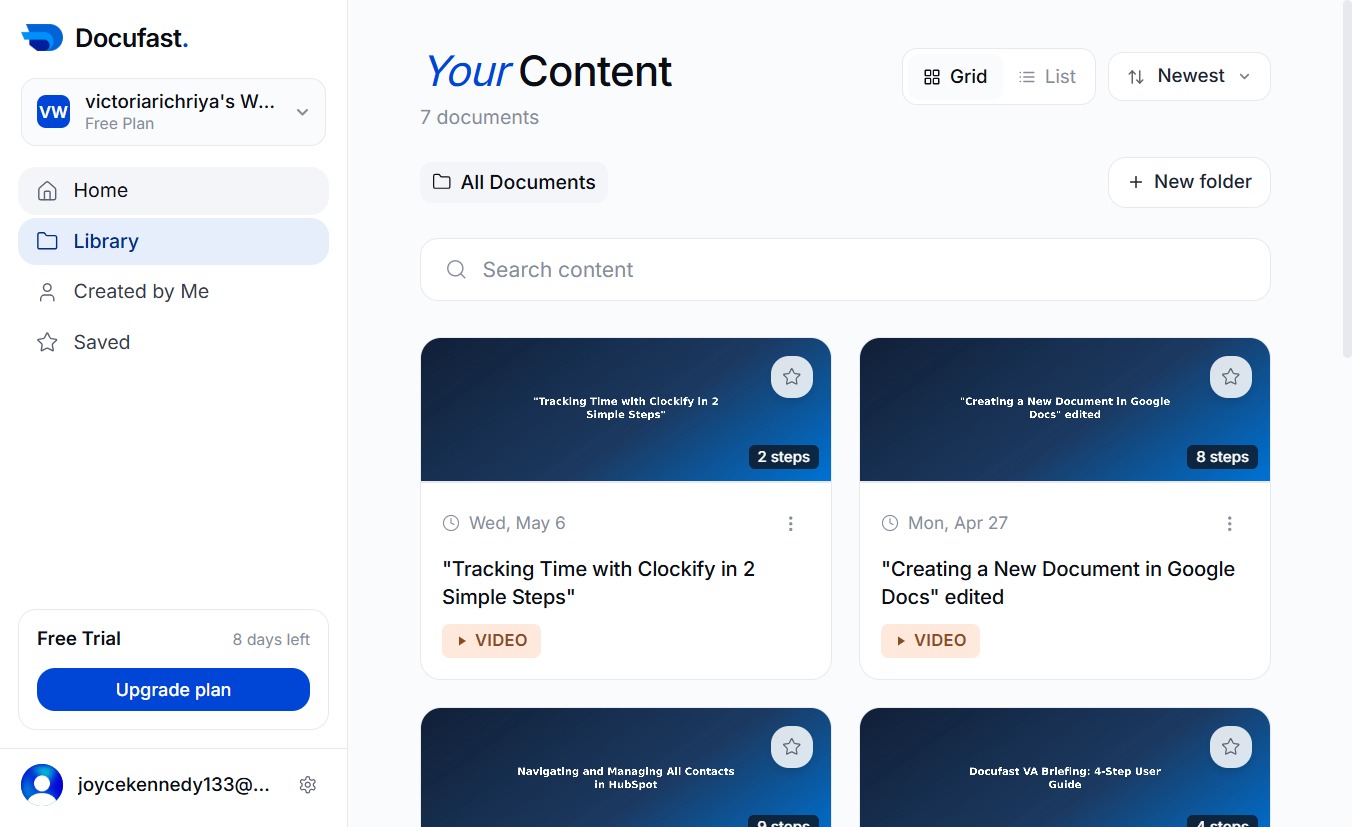
Selecting the Library link will take you to your saved documents and resources, allowing you to manage your content.
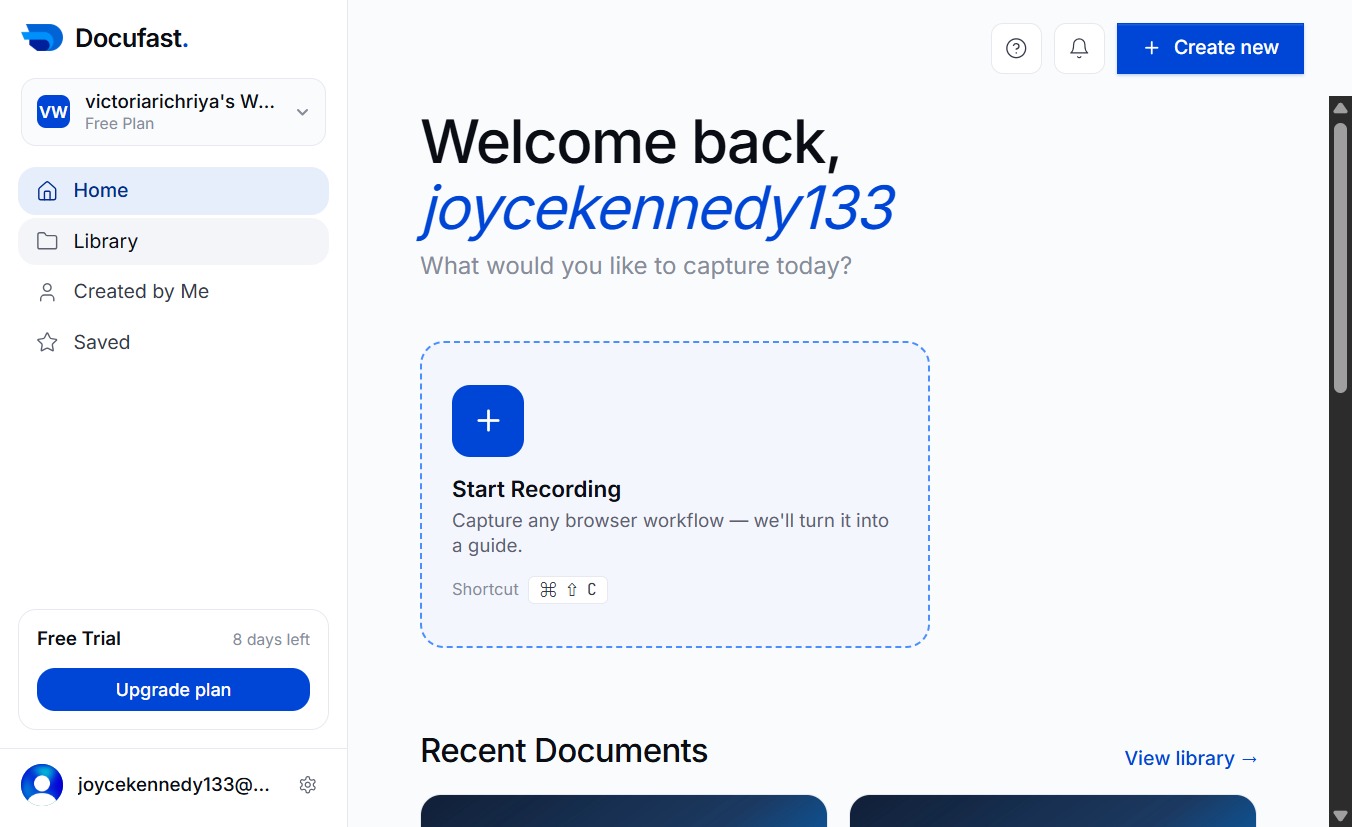
This action will display documents or items that you have personally created, helping you quickly access your work.