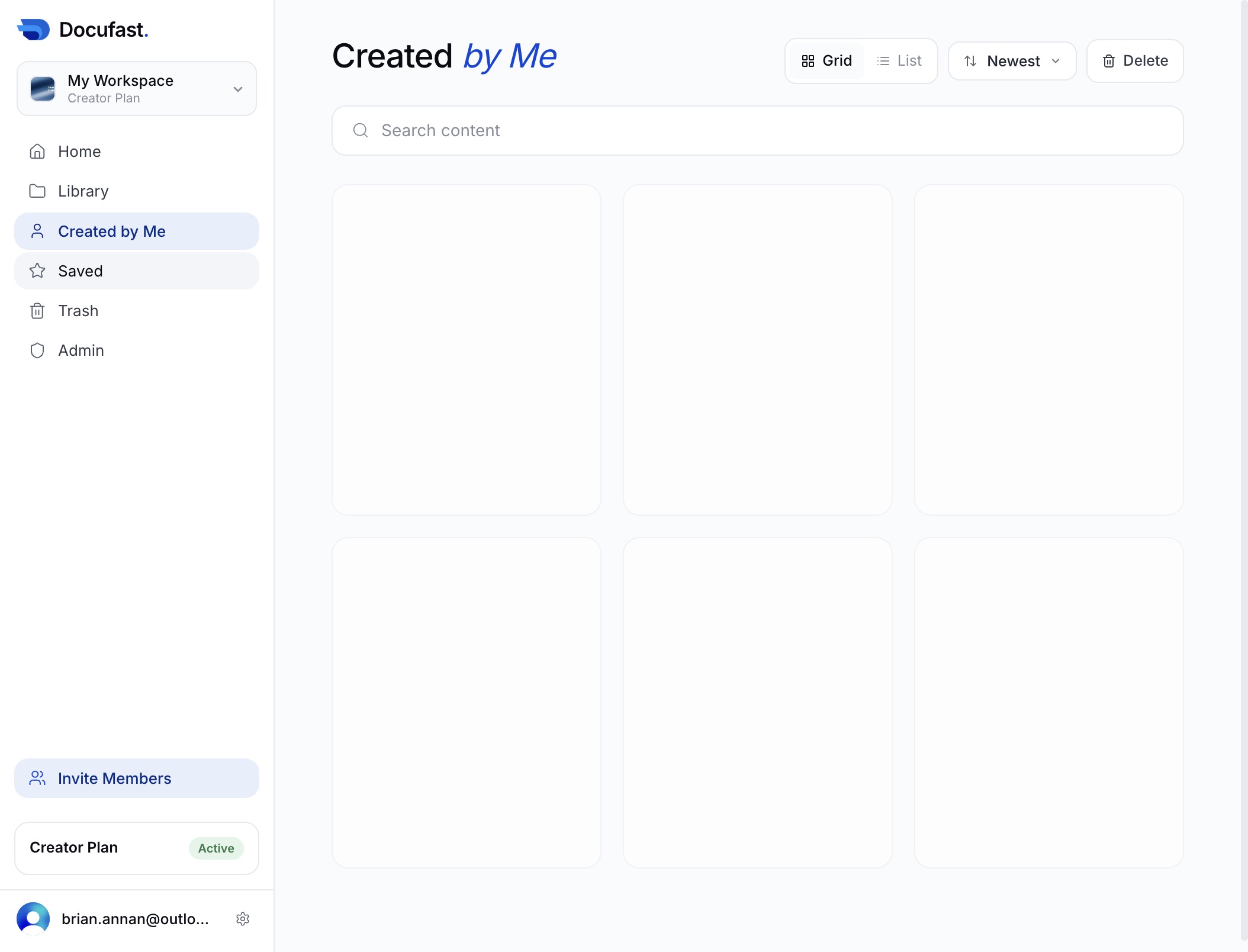
Click the Home link
This action takes you back to the main page of your workspace, where you can access your documents and manage your content.
Loading screenshot…
100%
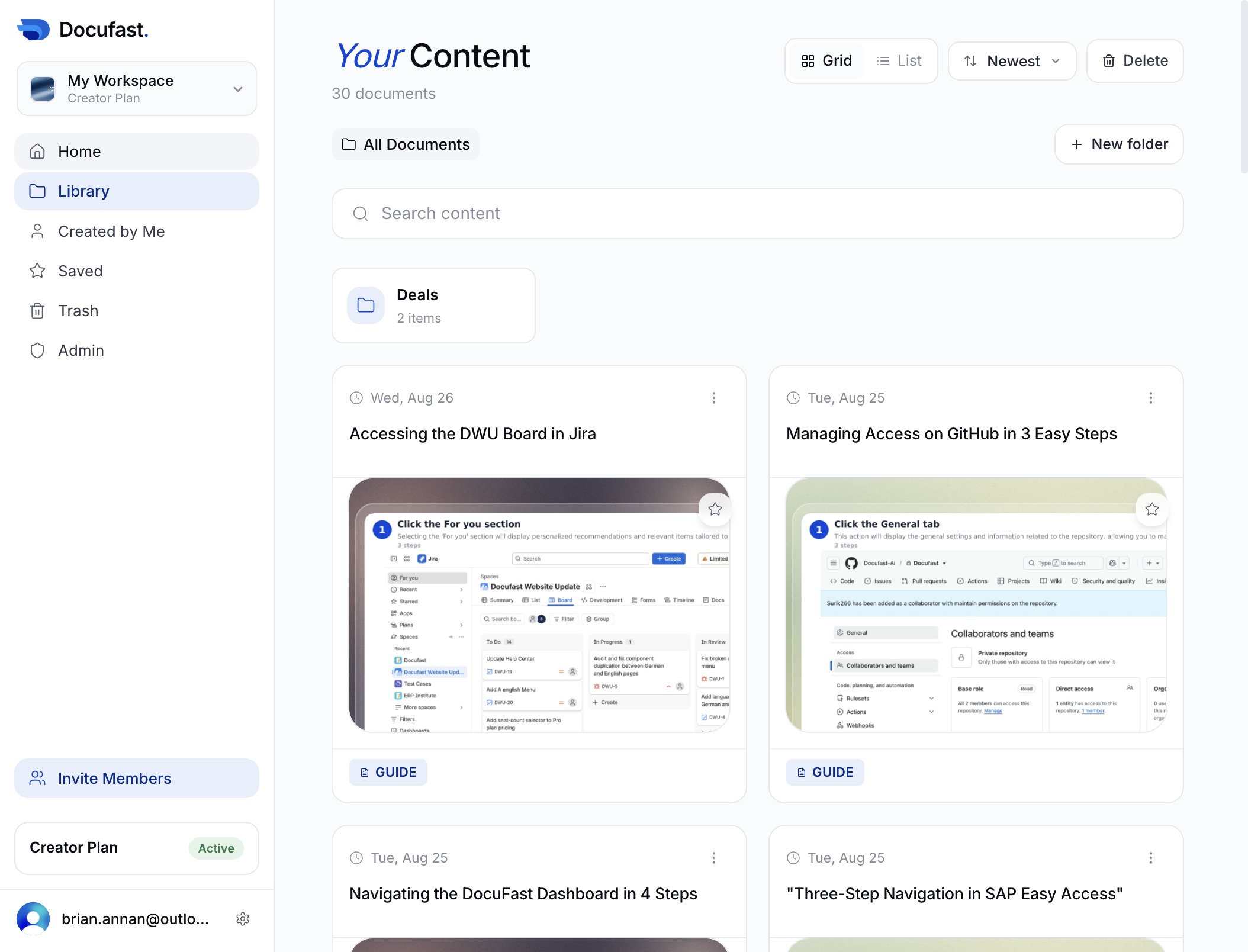
In this guide, you'll learn how to effectively navigate the DocuFast Dashboard through three straightforward steps.
 brian.annan
In this guide, you'll learn how to effectively navigate the DocuFast Dashboard through three straightforward steps. By following these instructions, you'll easily access your main workspace, view your personal documents, and manage your saved content for seamless organization.
This action takes you back to the main page of your workspace, where you can access your documents and manage your content.
This action will display documents specifically created by you, allowing you to easily access and manage your personal files within the Docufast platform.
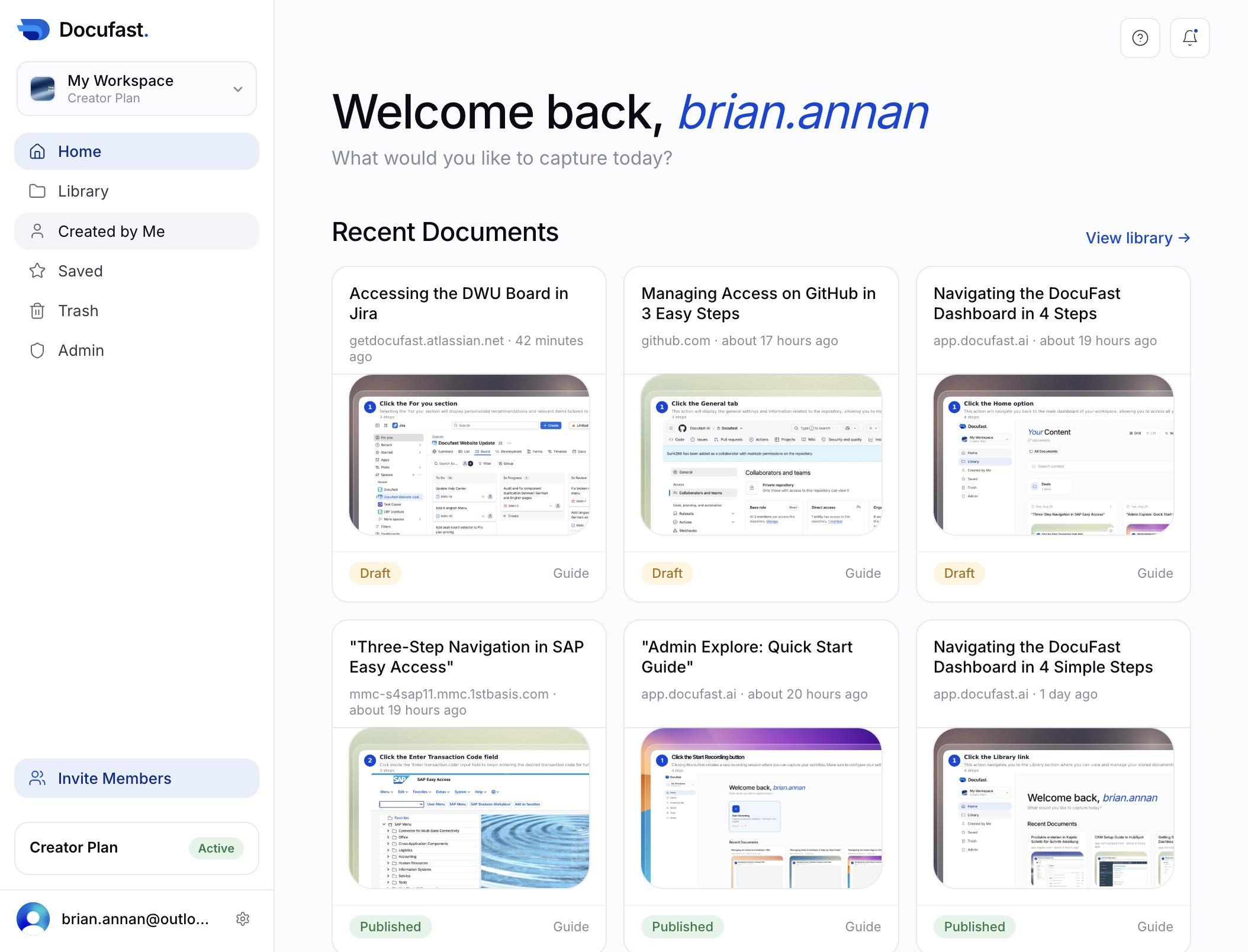
This action allows you to view all items that you have saved for quick access later. You can manage your saved content within this section.