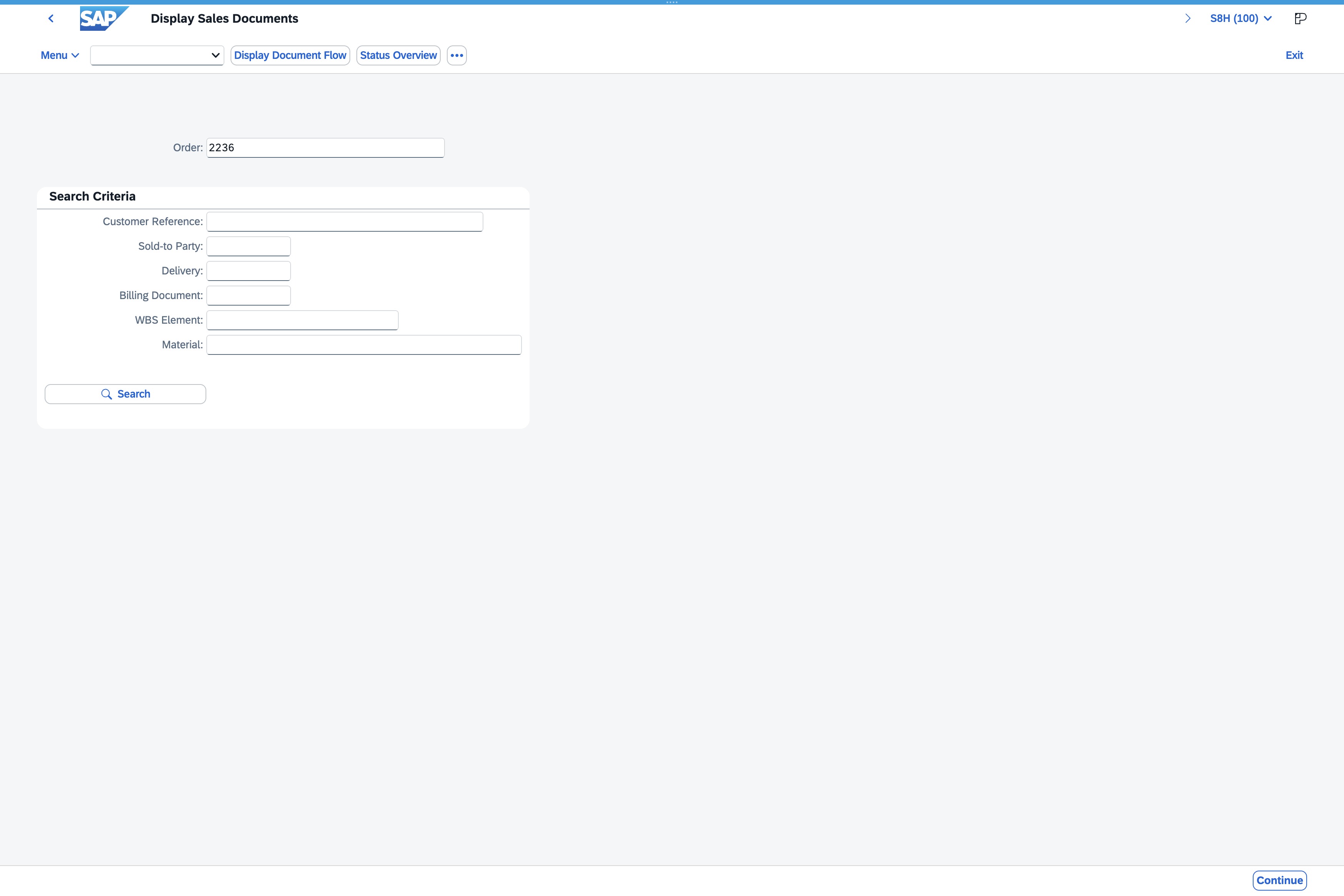
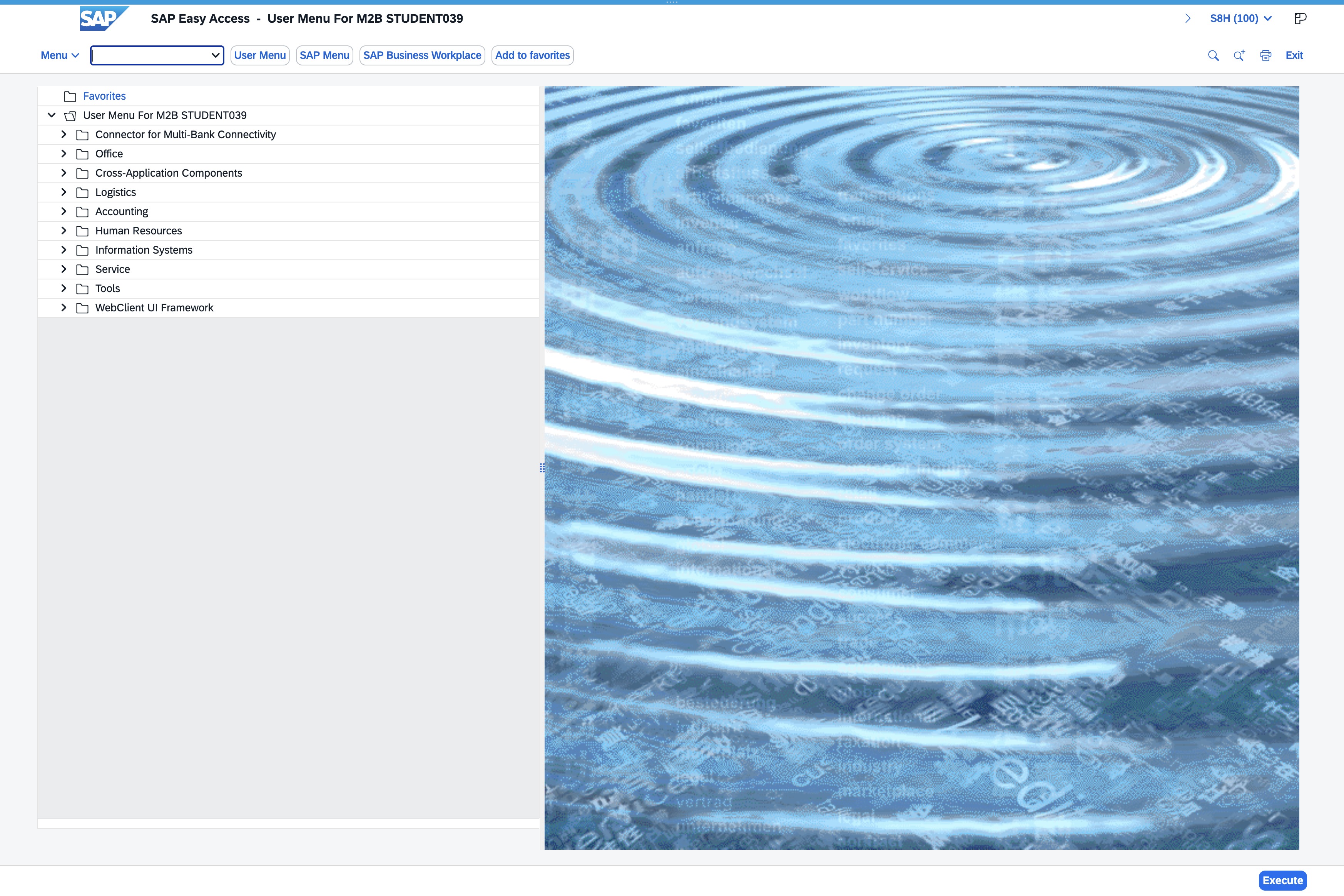
Click the Enter transaction code field
Clicking this field allows you to input the specific transaction code required for processing your request in the SAP system.
Loading screenshot…
100%
This guide provides step-by-step instructions on how to navigate SAP Easy Access for M2B STUDENT039, focusing on entering transaction codes, accessing sales documents, and executing searches for relevant sales records. Follow these steps to efficiently manage your tasks within the SAP system.
Clicking this field allows you to input the specific transaction code required for processing your request in the SAP system.
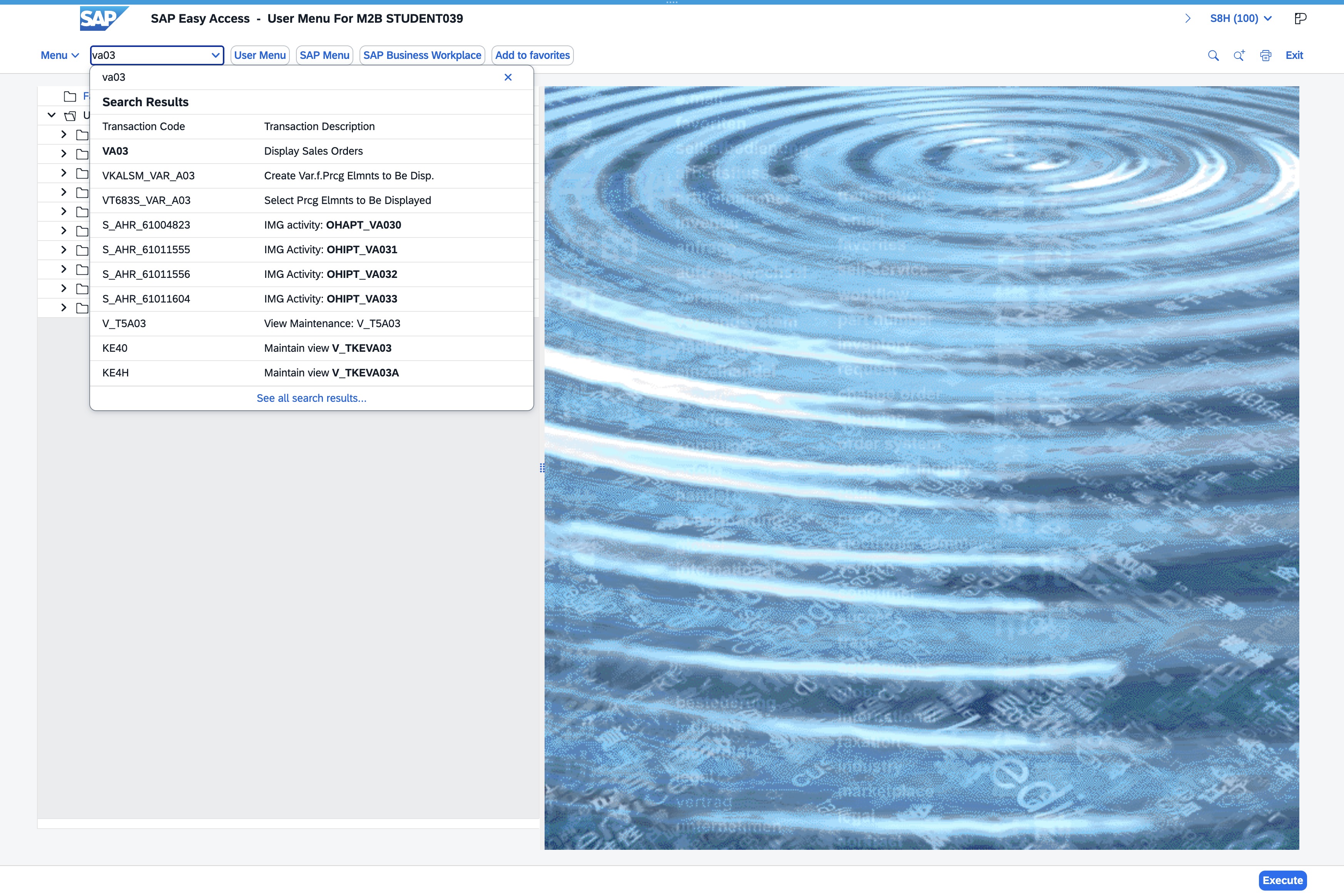
Input 'va03' in the 'Toolbar Ok Code' field to access the corresponding transaction or report. This action will execute the specific command associated with the entered code.
Clicking the Sales Document input field allows you to enter or select a specific sales document reference for searching relevant sales records.
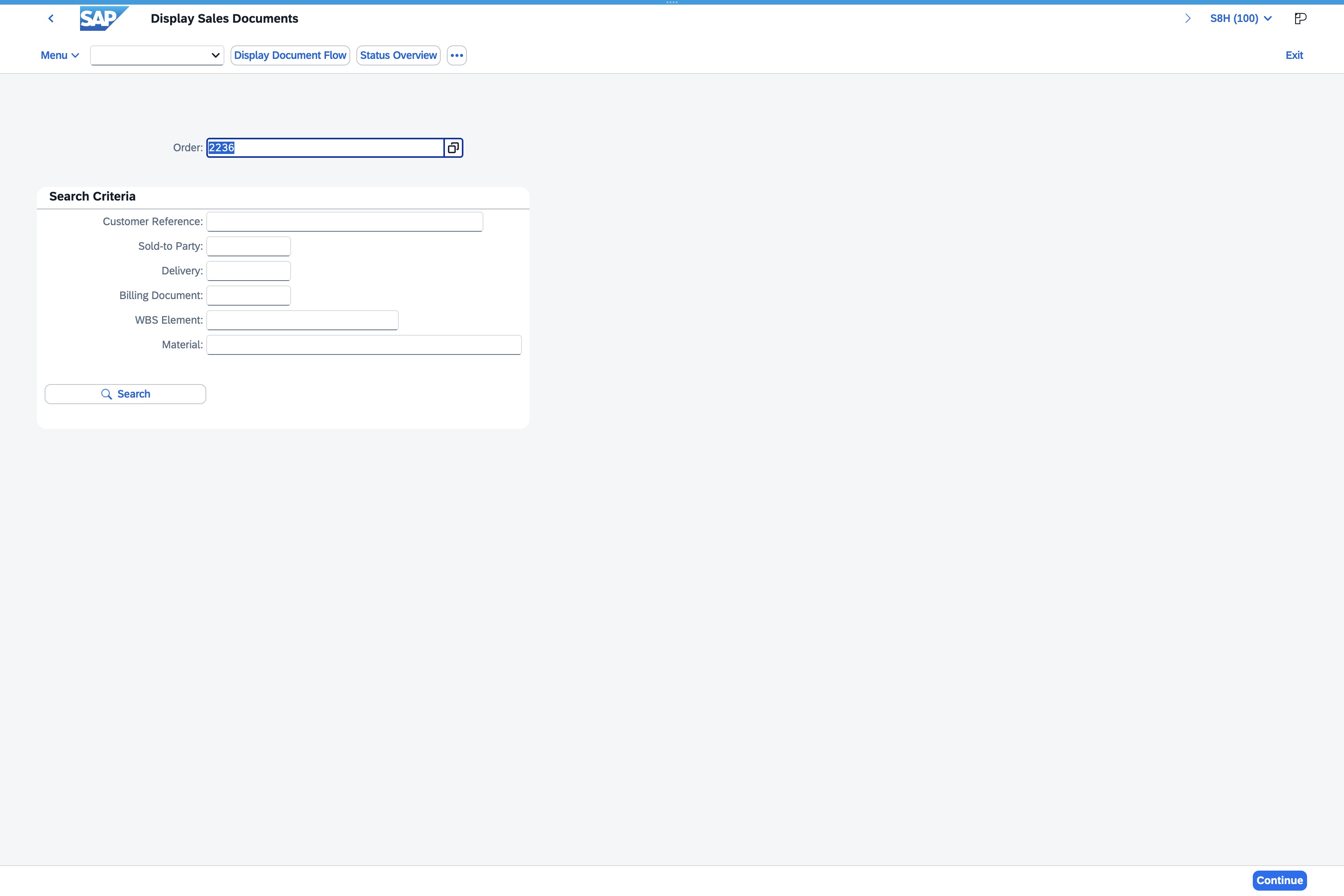
This action will initiate the search using the criteria specified in the Search Criteria fields. Results related to the parameters you entered will be displayed.