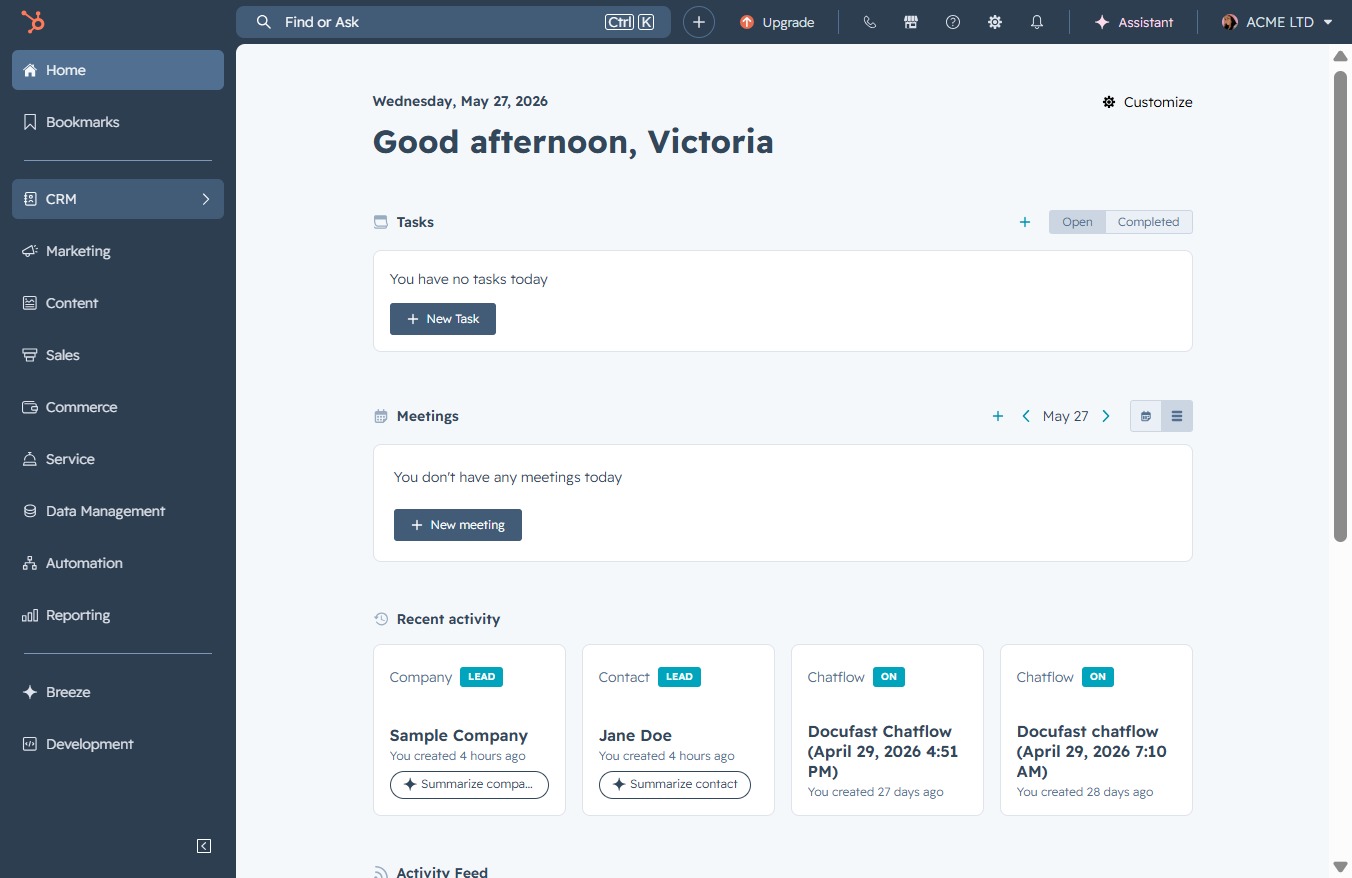
Click the CRM icon
This action will navigate you to the CRM section, allowing you to manage customer relationships, sales data, and interactions effectively.
Loading screenshot…
100%
Create a customized saved contact view in the CRM to better manage and track your contacts based on their lead status and enhance engagement with enriched lead information.
 viktoria
Create a customized saved contact view in the CRM to better manage and track your contacts based on their lead status and enhance engagement with enriched lead information.
This action will navigate you to the CRM section, allowing you to manage customer relationships, sales data, and interactions effectively.
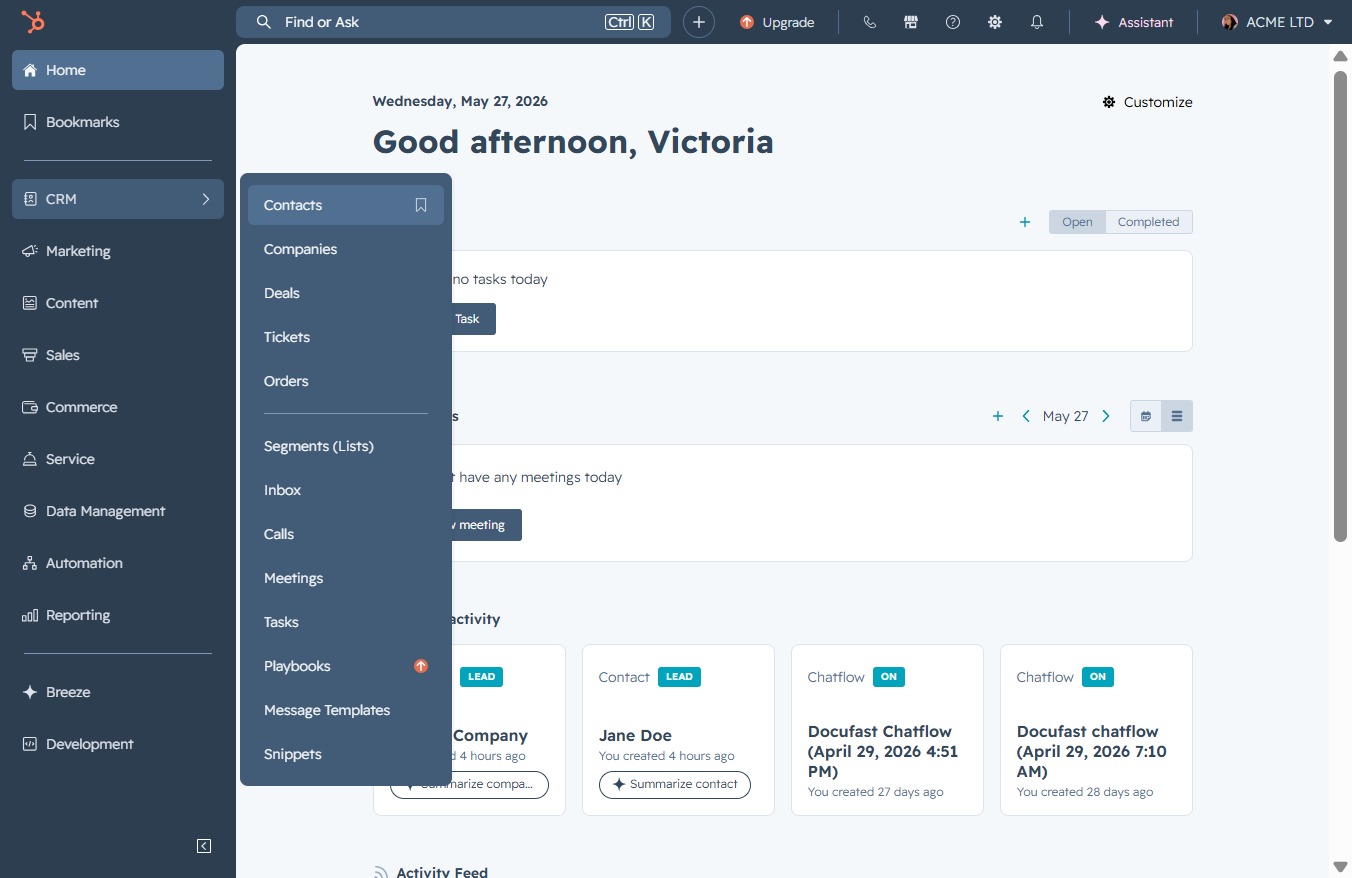
This action will take you to the Contacts section, where you can manage your contacts, view their details, and interact with their information.
Clicking this button allows you to create and customize a new view for your contacts, providing a tailored display of the data that best fits your needs.
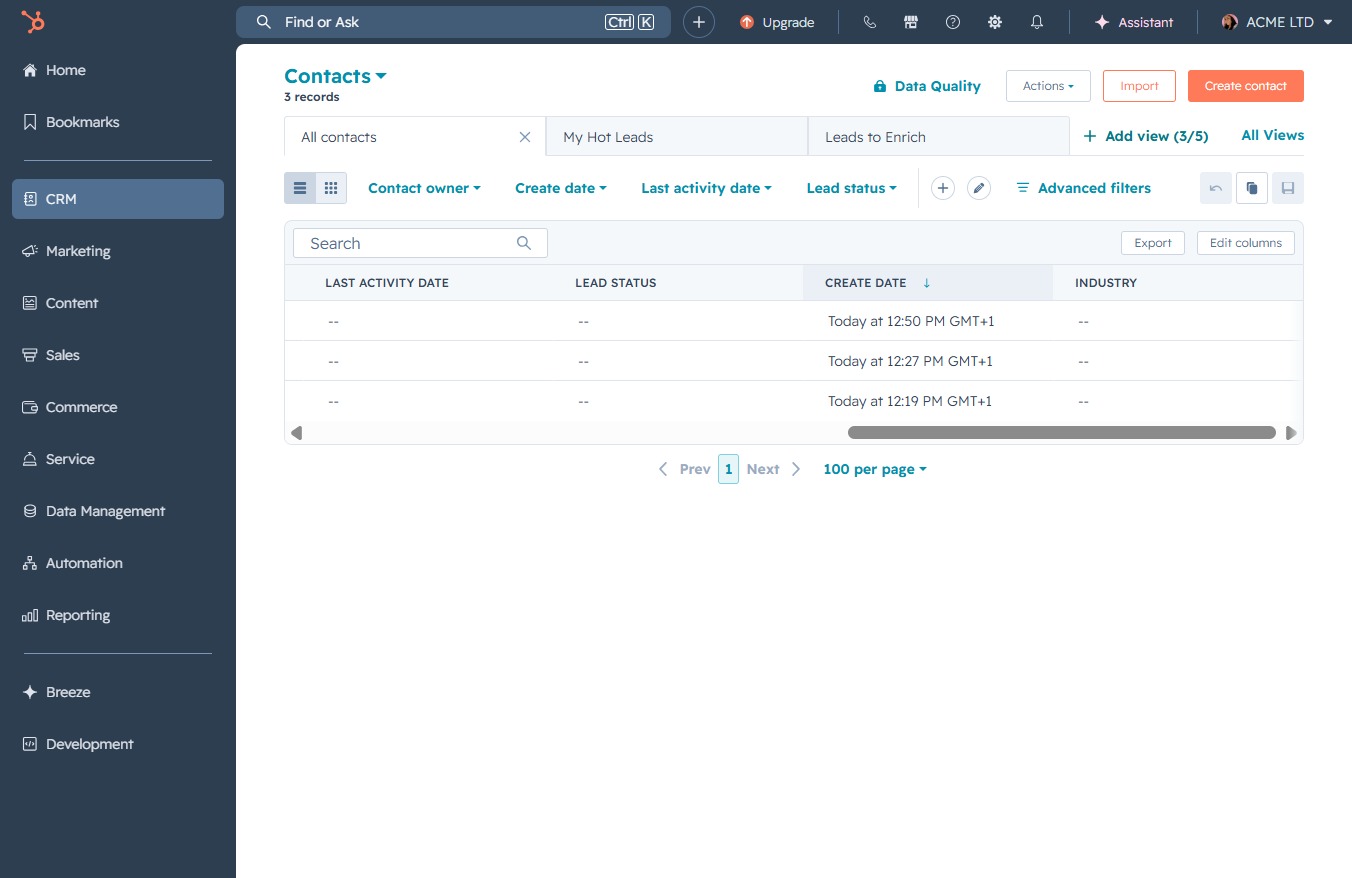
This action directs you to the Enrich section, where you can access enhanced lead information and details for better engagement.

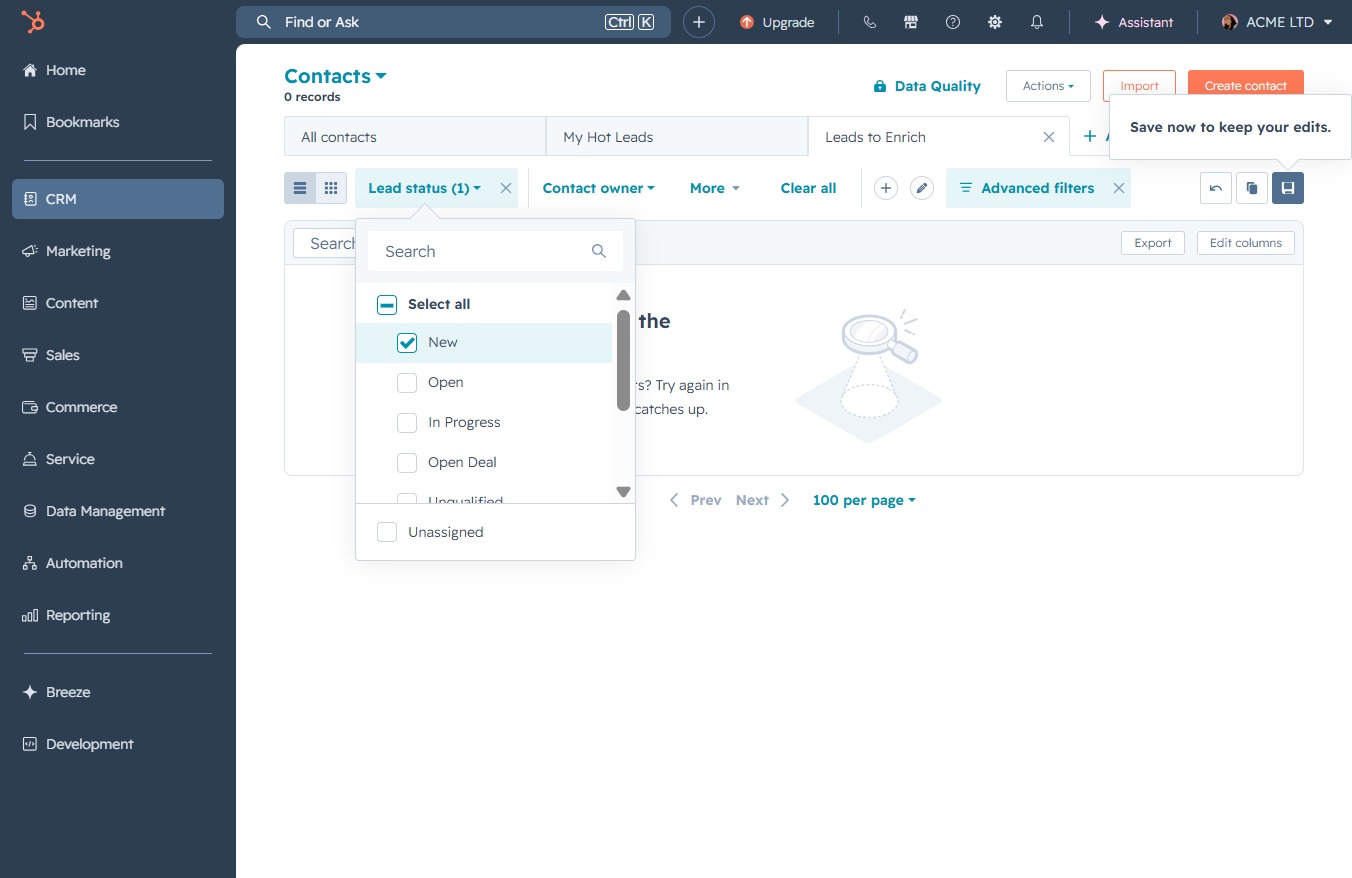
This will open a menu allowing you to select or filter contacts based on their current lead status, helping you manage and track your leads effectively.
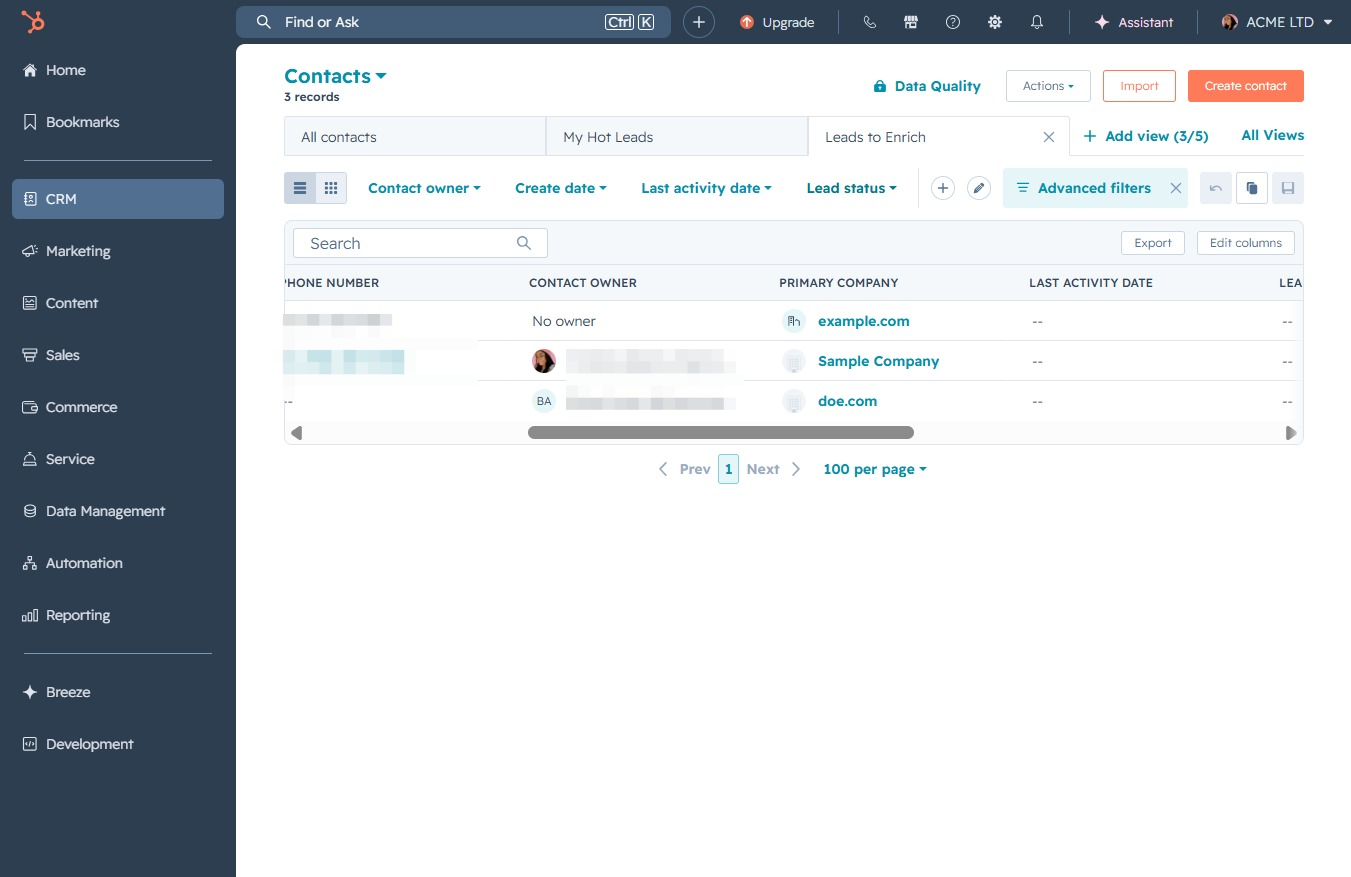
This action will open a dropdown menu allowing you to select specific statuses for filtering the contacts displayed. Choose from options like 'Open', 'In Progress', or other available statuses to refine your view.

This action will initiate the corresponding task or navigation linked to the 'Click here' control in your CRM interface.