Click the Bookmarks section
This action will expand the bookmarks panel, allowing you to view and access your saved bookmarks for quick navigation.
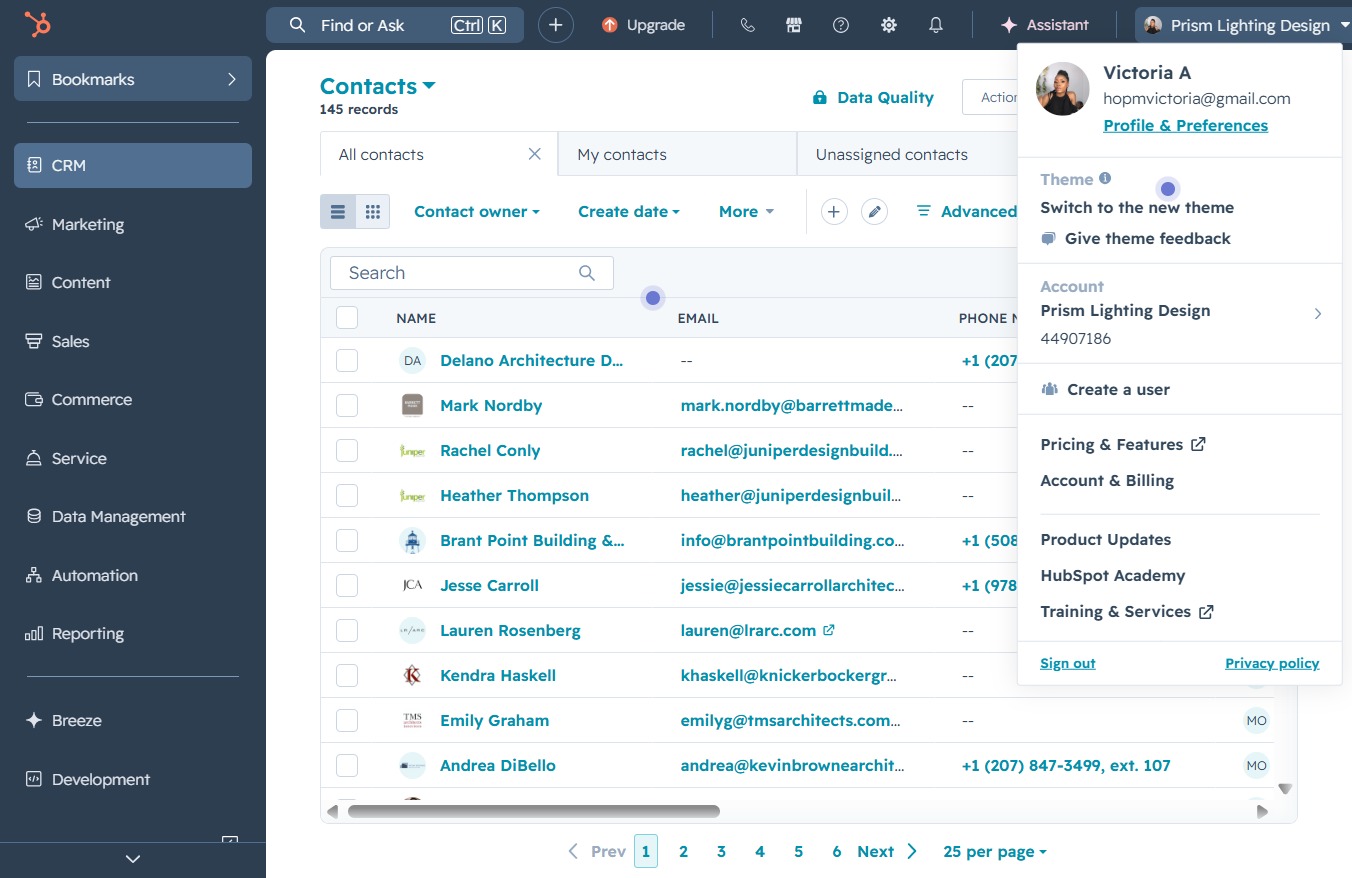
Loading screenshot…
100%
In this guide, you'll learn how to effectively navigate and manage all your contacts in HubSpot.
 victoriarichriya
In this guide, you'll learn how to effectively navigate and manage all your contacts in HubSpot. Follow step-by-step instructions to access essential sections like CRM, Marketing, Sales, and more, enabling you to optimize your contact management and streamline your business operations.
This action will expand the bookmarks panel, allowing you to view and access your saved bookmarks for quick navigation.
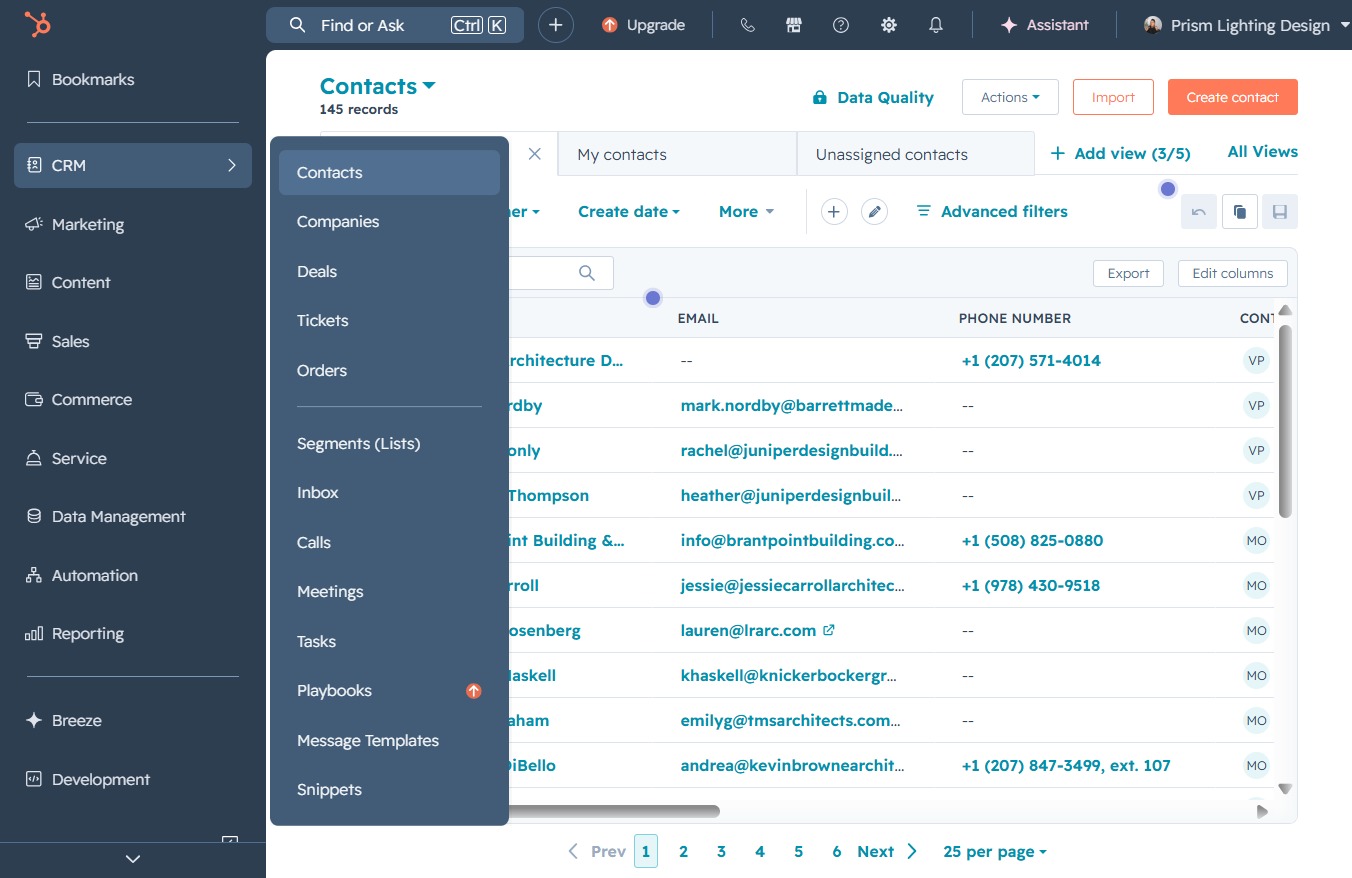
By clicking the CRM option, you will access the Customer Relationship Management section, where you can manage your contacts and related records.
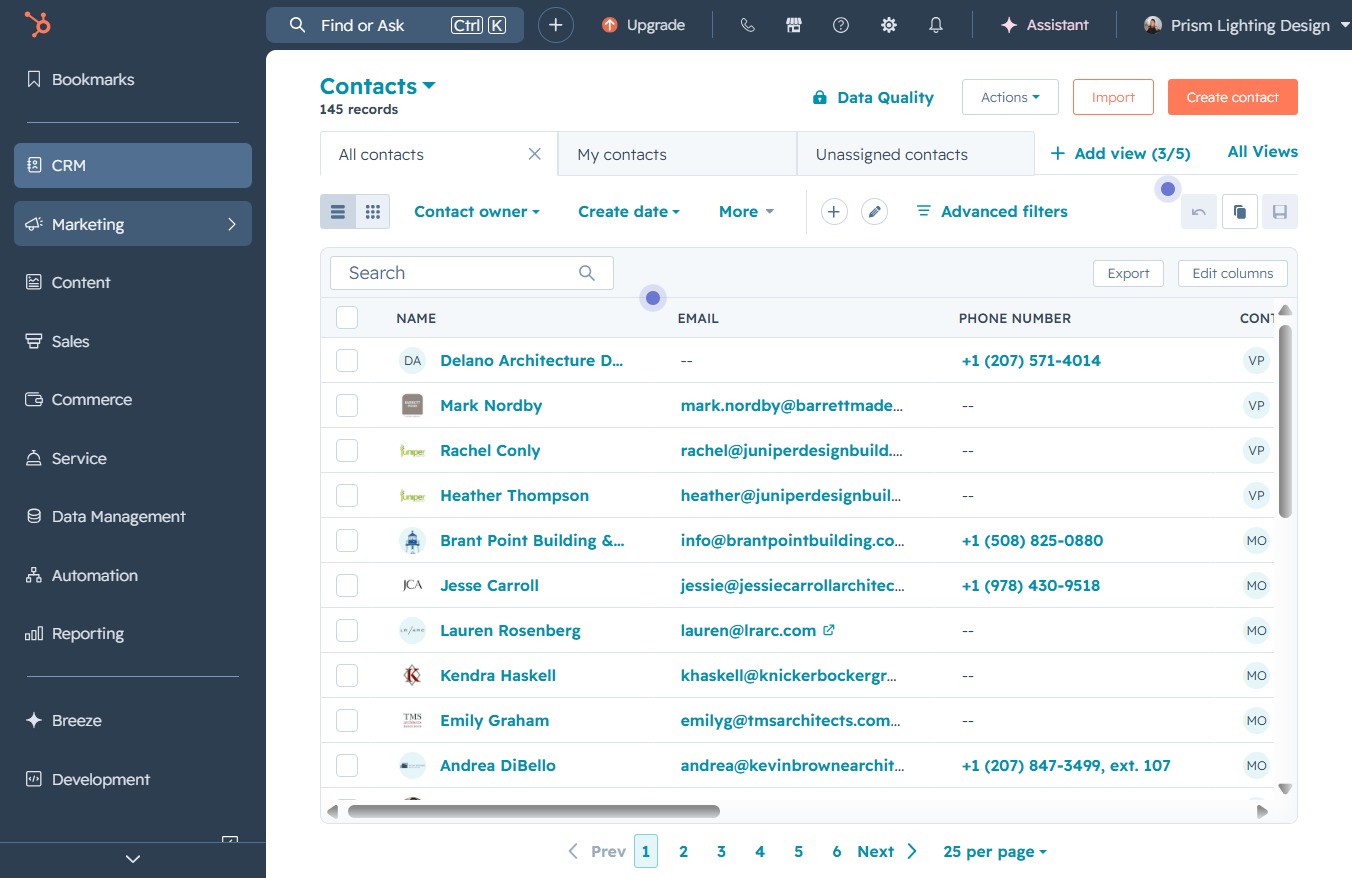
By clicking the Marketing section, you will access related marketing functionalities and options relevant to your contacts.
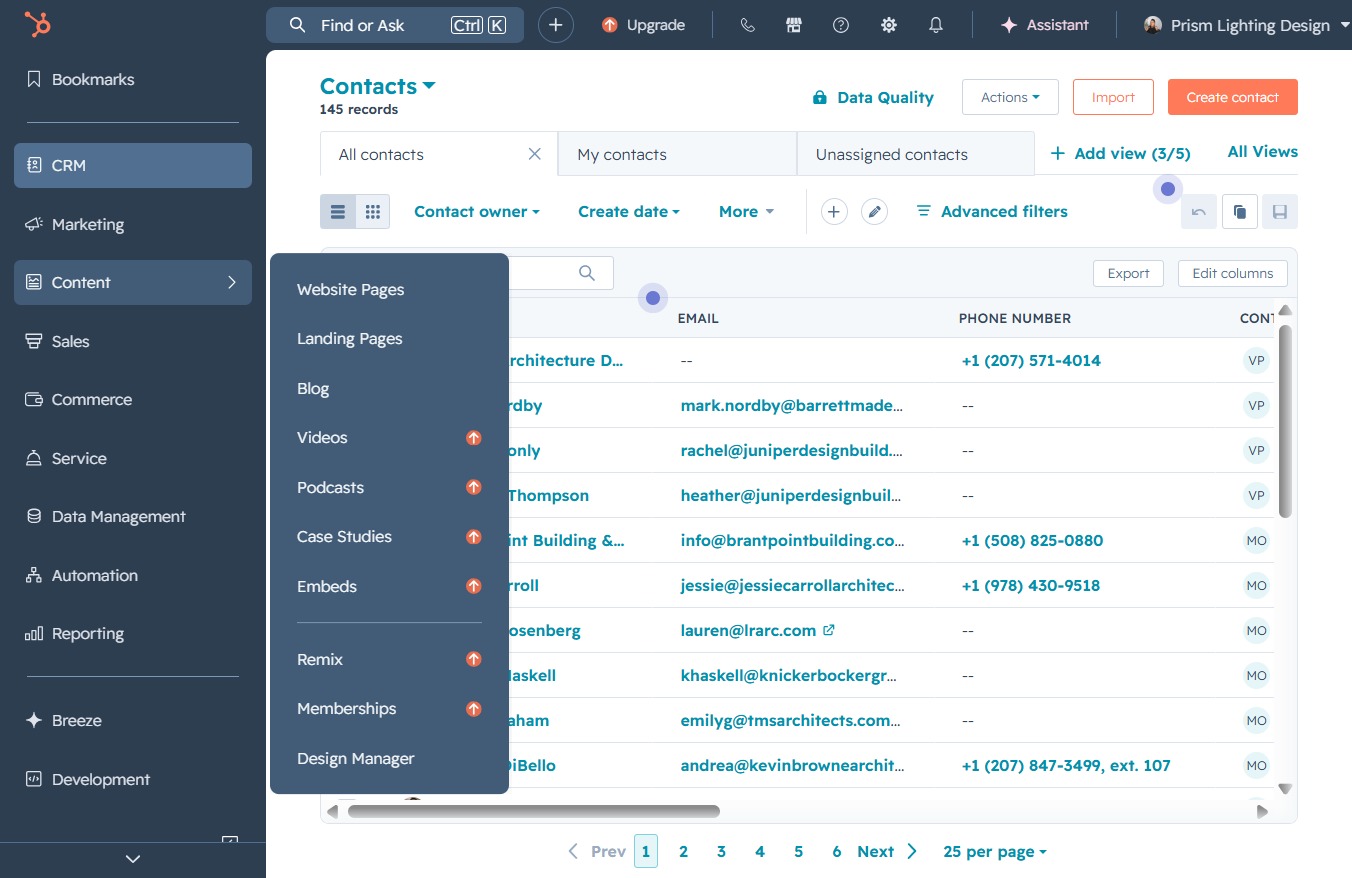
This action opens the Content sub-menu, allowing you to access various content-related features and options related to your contacts.
Clicking the Sales link will navigate you to the Sales section where you can manage your sales-related contacts and tasks.

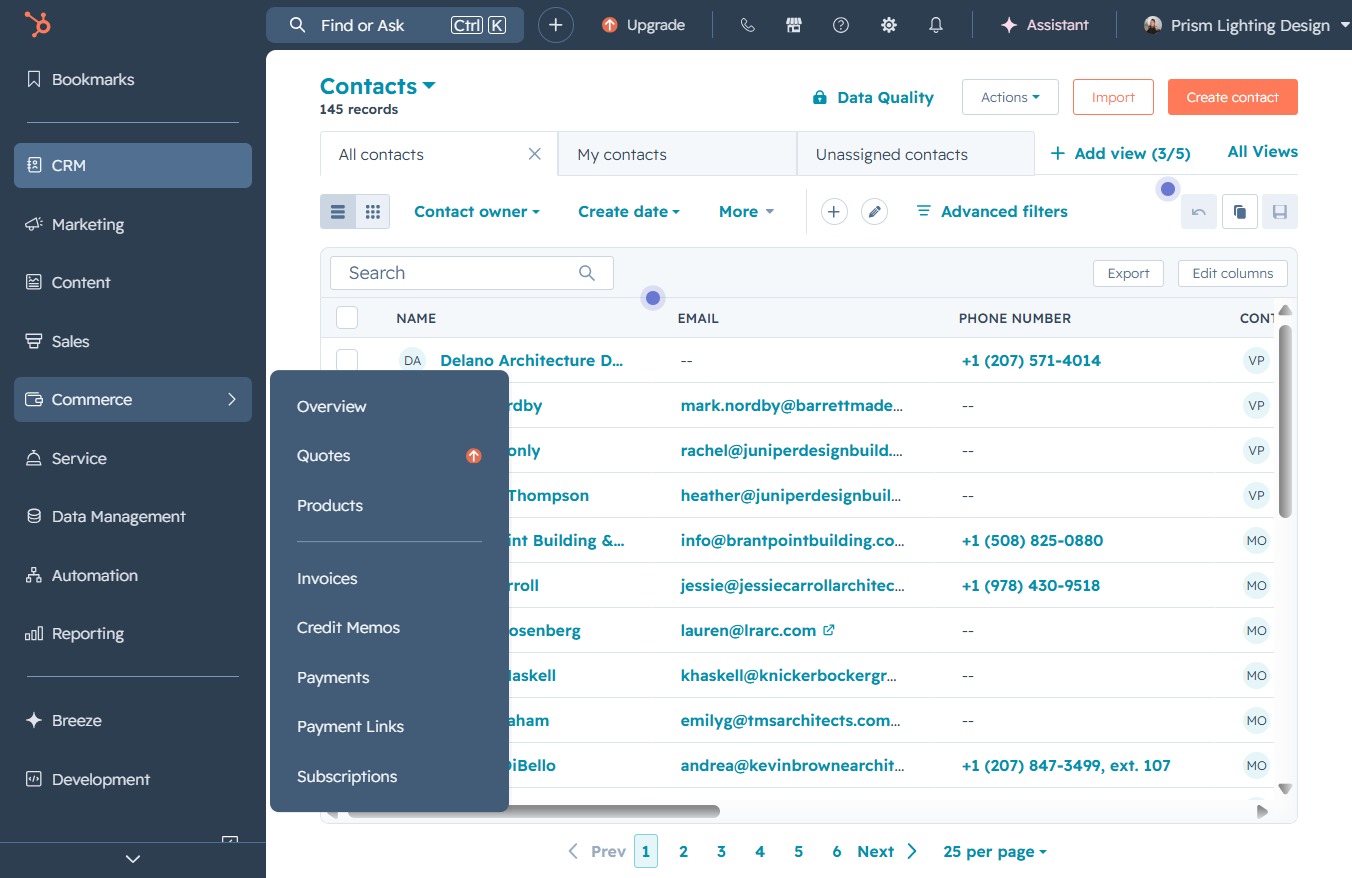
Clicking on the 'Commerce' option will open the related features and settings for managing your business transactions, allowing you to access various commerce-related functions.
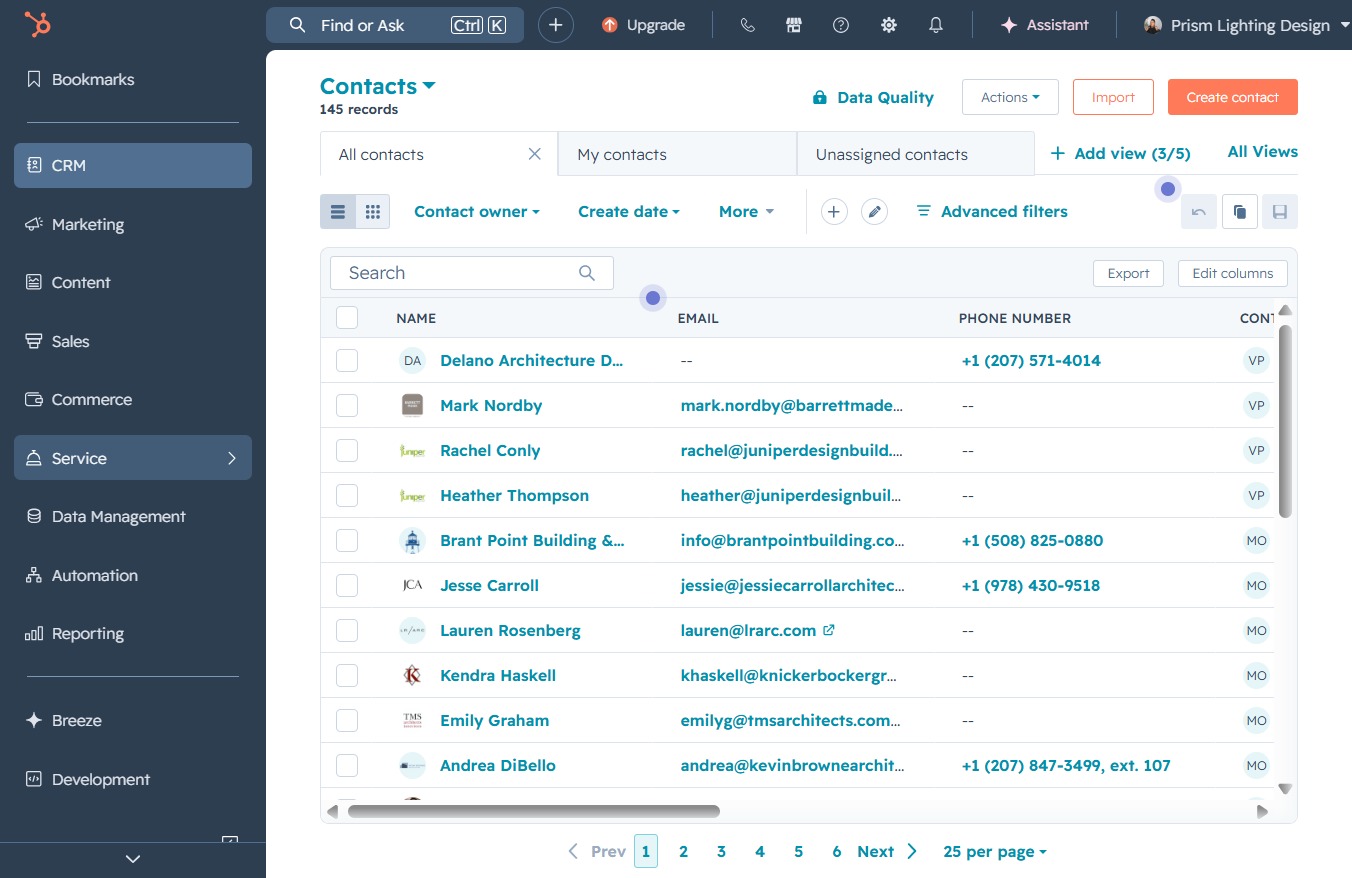
This action will display the service-related functionalities or settings within the application. You will be able to manage service-specific tasks or access relevant information.
Selecting the Data Management option will take you to the section where you can manage various data-related tasks and settings.
