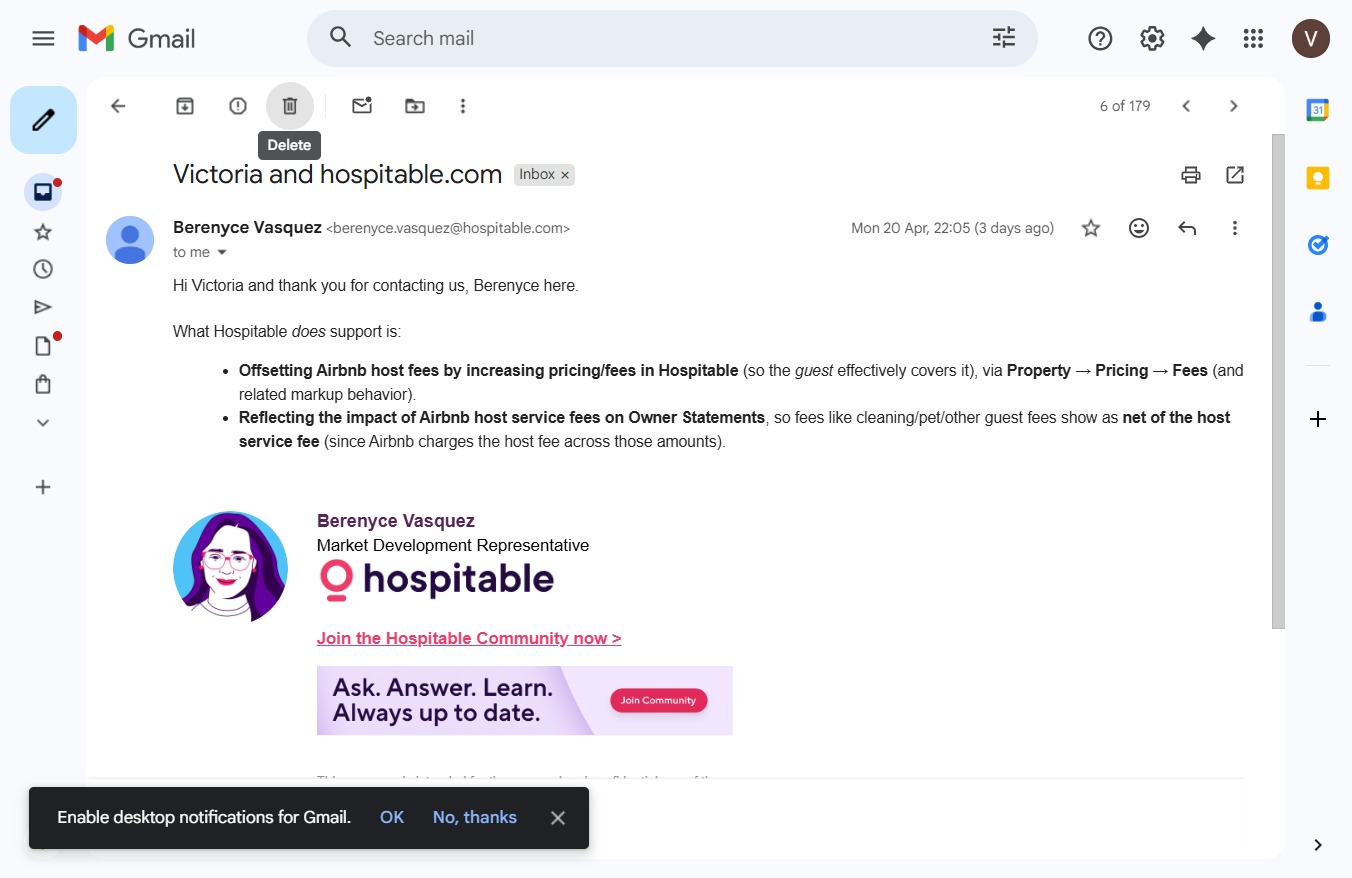
Click here to start a new message
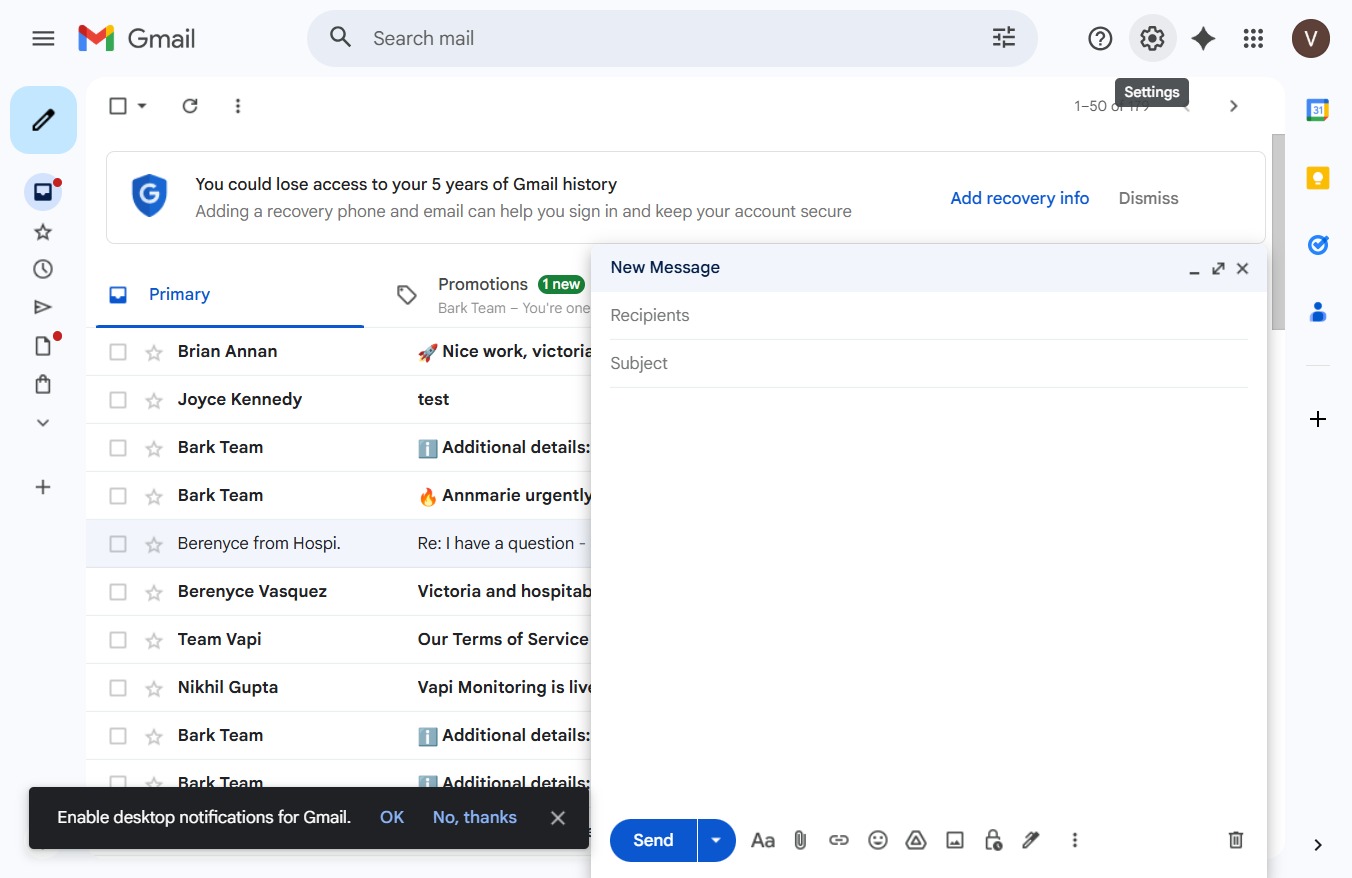
Clicking this link will open a new message window where you can compose an email to your recipients.
Loading screenshot…
100%
In this comprehensive guide, learn how to effectively manage your Gmail inbox by navigating essential features and settings.
 victoriarichriya
In this comprehensive guide, learn how to effectively manage your Gmail inbox by navigating essential features and settings. Follow our step-by-step instructions to compose emails, access Google services, customize your account, and stay updated with notifications, ensuring a seamless email experience.
Clicking this link will open a new message window where you can compose an email to your recipients.
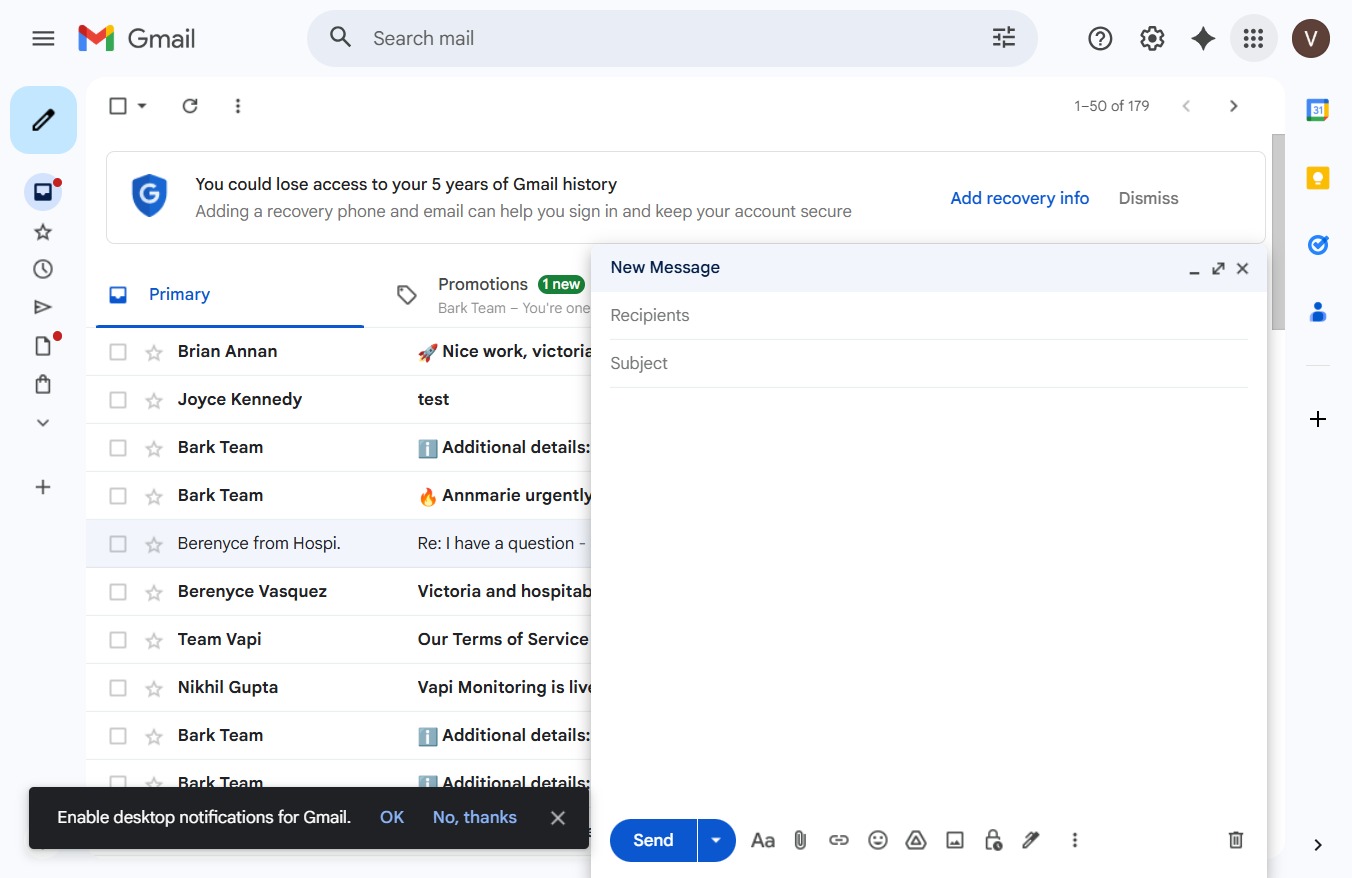
This action opens the Google apps menu, allowing you to access various Google services like Drive, Calendar, and more.
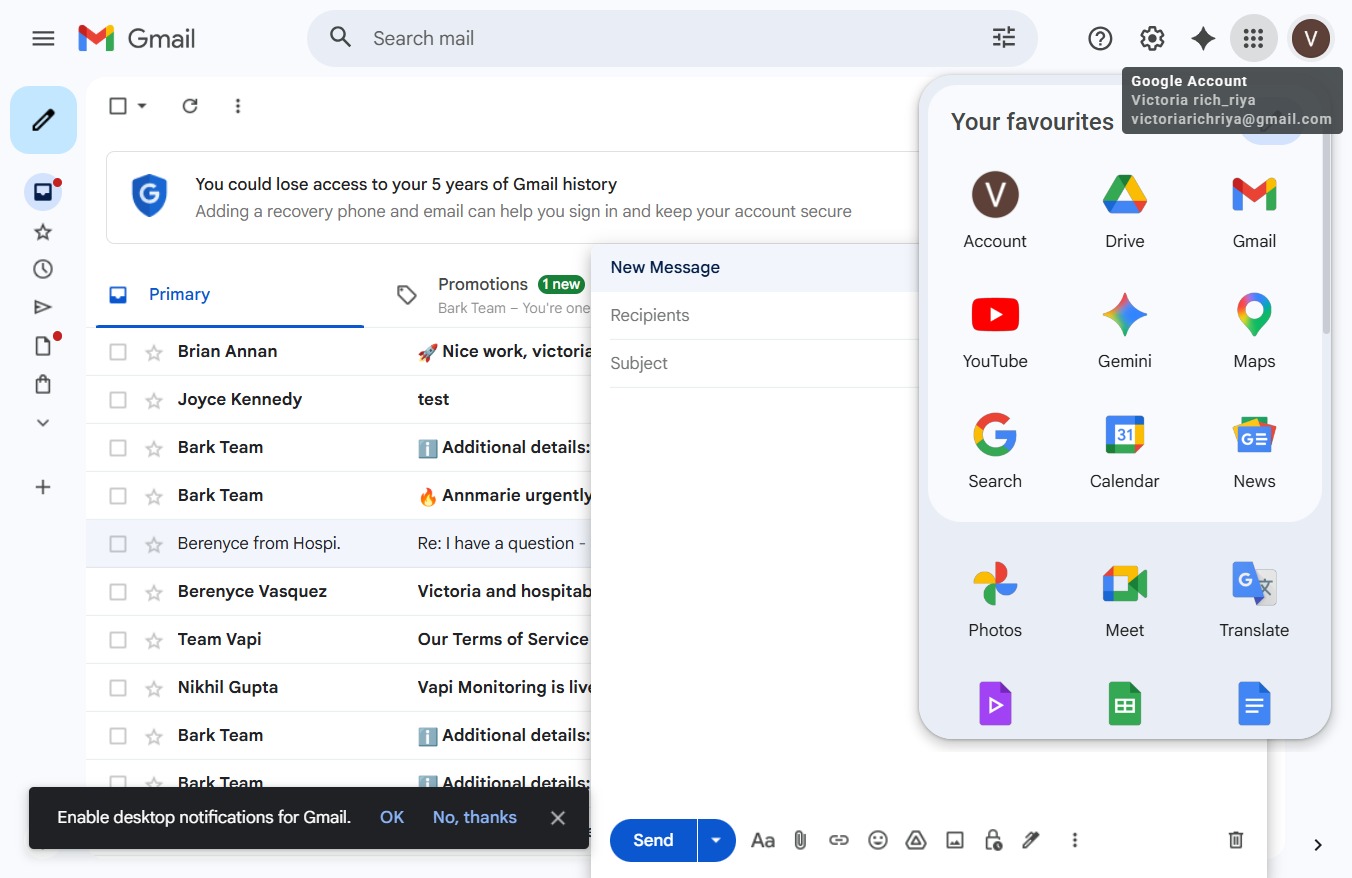
Click on your Google Account name to view or manage your account settings. This allows you to access options related to your account and personalize your experience.
This will close the current pop-up window or modal, returning you to the main interface.
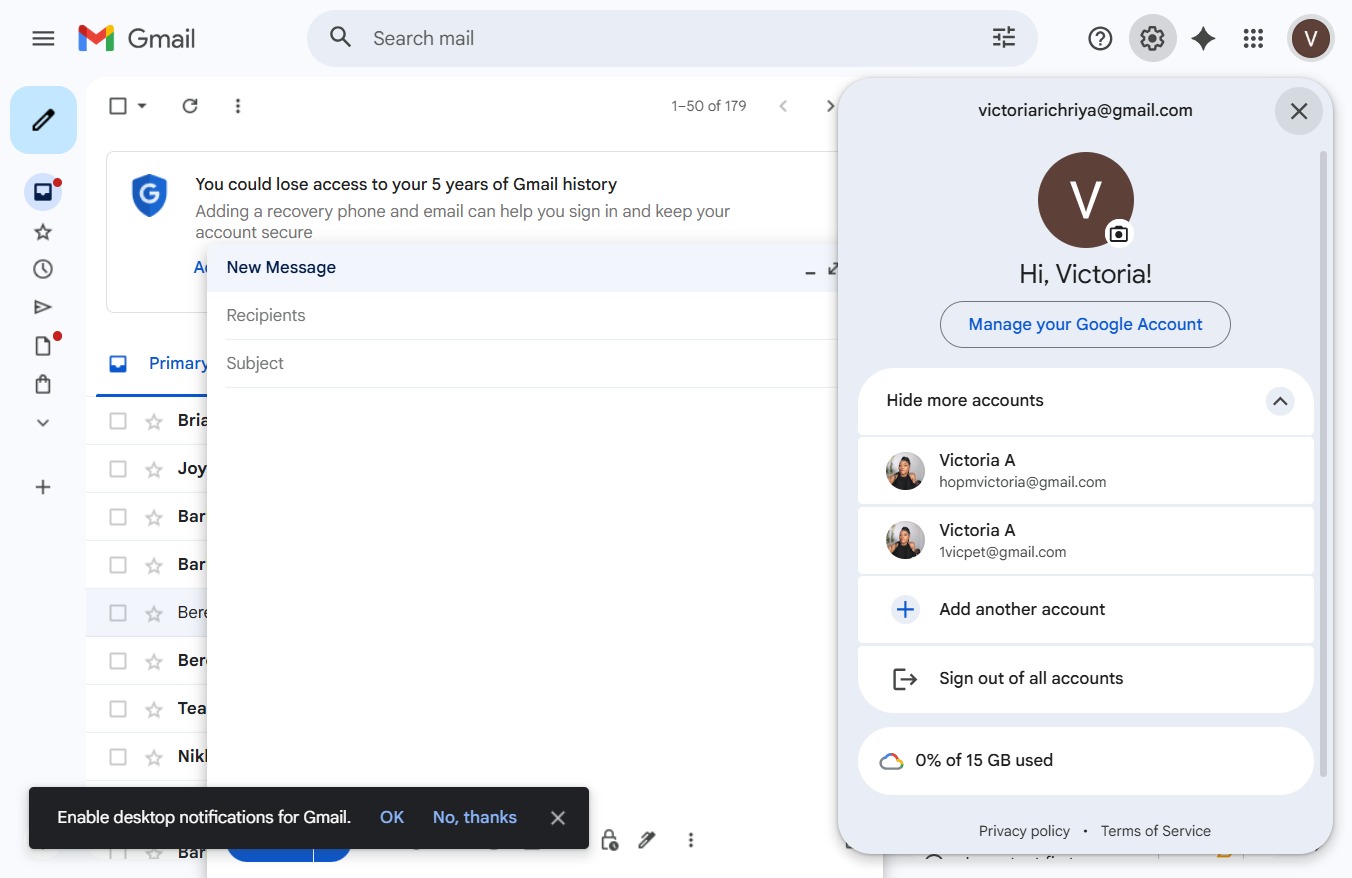
This action saves your changes and closes the current window, allowing you to return to the previous screen.
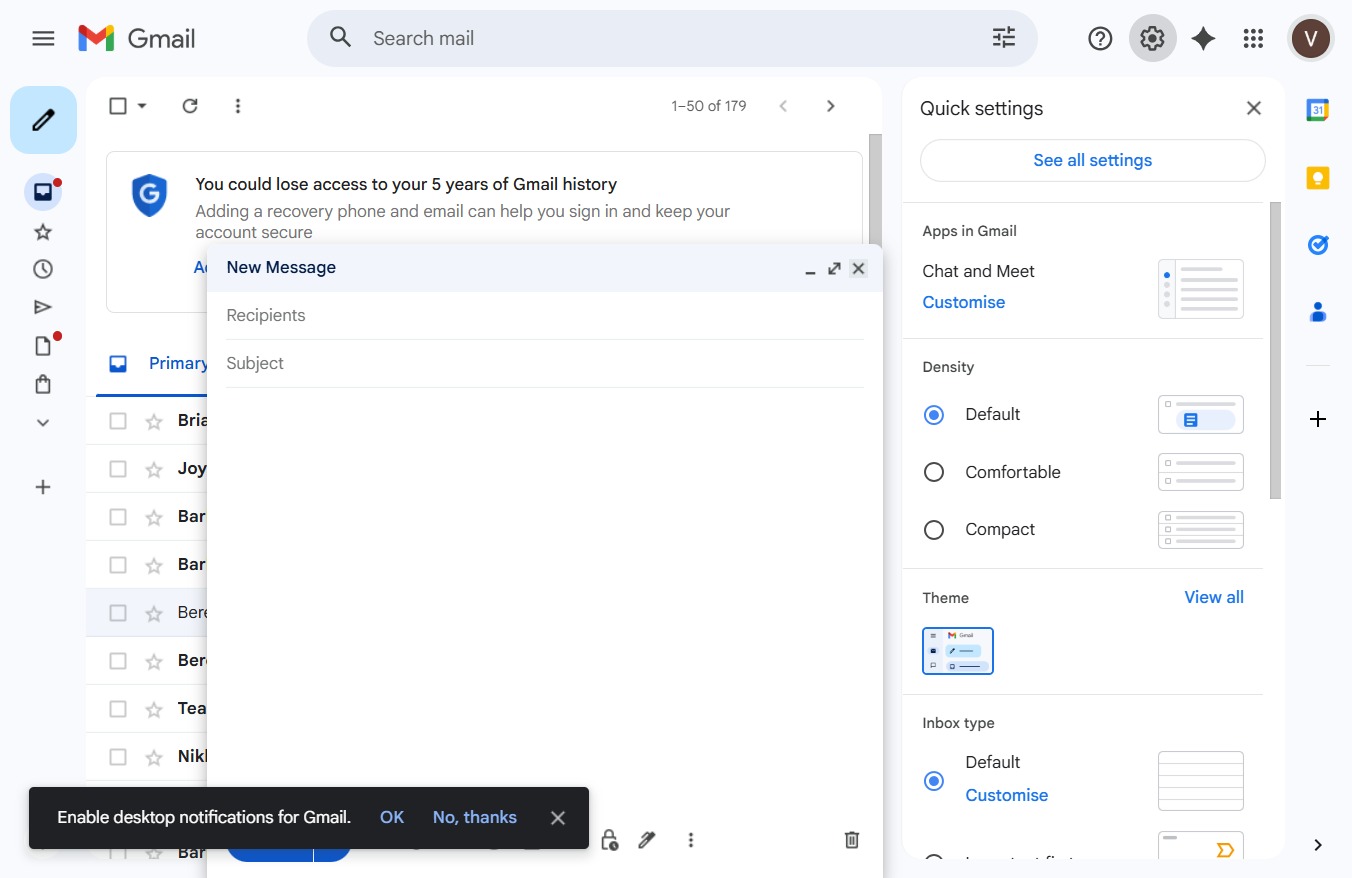
This action will dismiss the notification and remove it from your view without making any changes.

Clicking this message opens the conversation where Berenyce provides information on what Hospitable supports regarding Airbnb host fees.

Clicking this link will open options to enable or disable desktop notifications for Gmail, allowing you to stay updated with new messages.