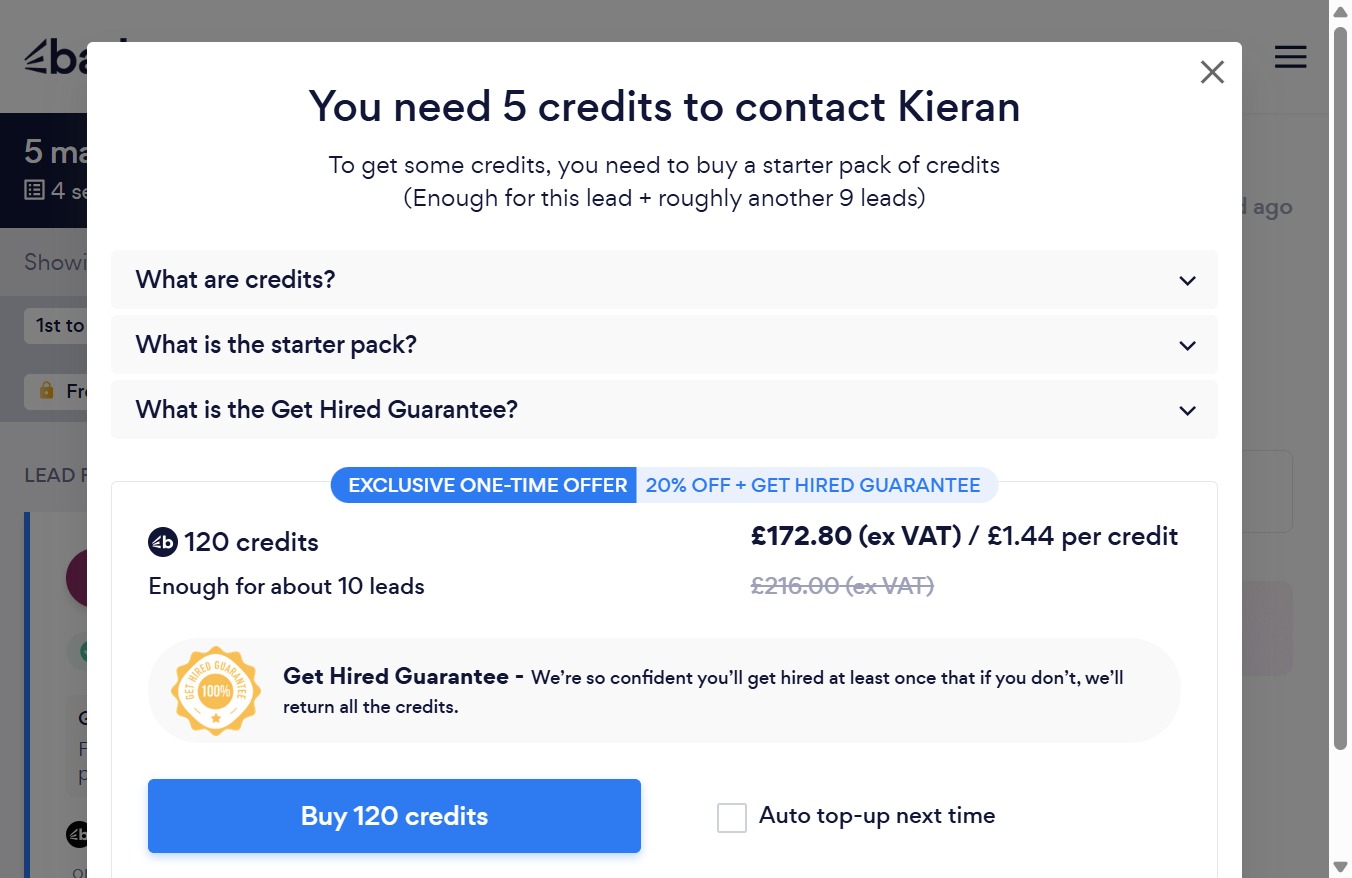
Click the Close button
This action will close the current modal window, allowing you to return to the previous screen.
Loading screenshot…
100%
In this how-to guide, learn the essential steps for efficiently managing starred emails in Gmail.
 victoriarichriya
In this how-to guide, learn the essential steps for efficiently managing starred emails in Gmail. From navigating the application to accessing your important messages, this guide will help you streamline your email organization process.
This action will close the current modal window, allowing you to return to the previous screen.
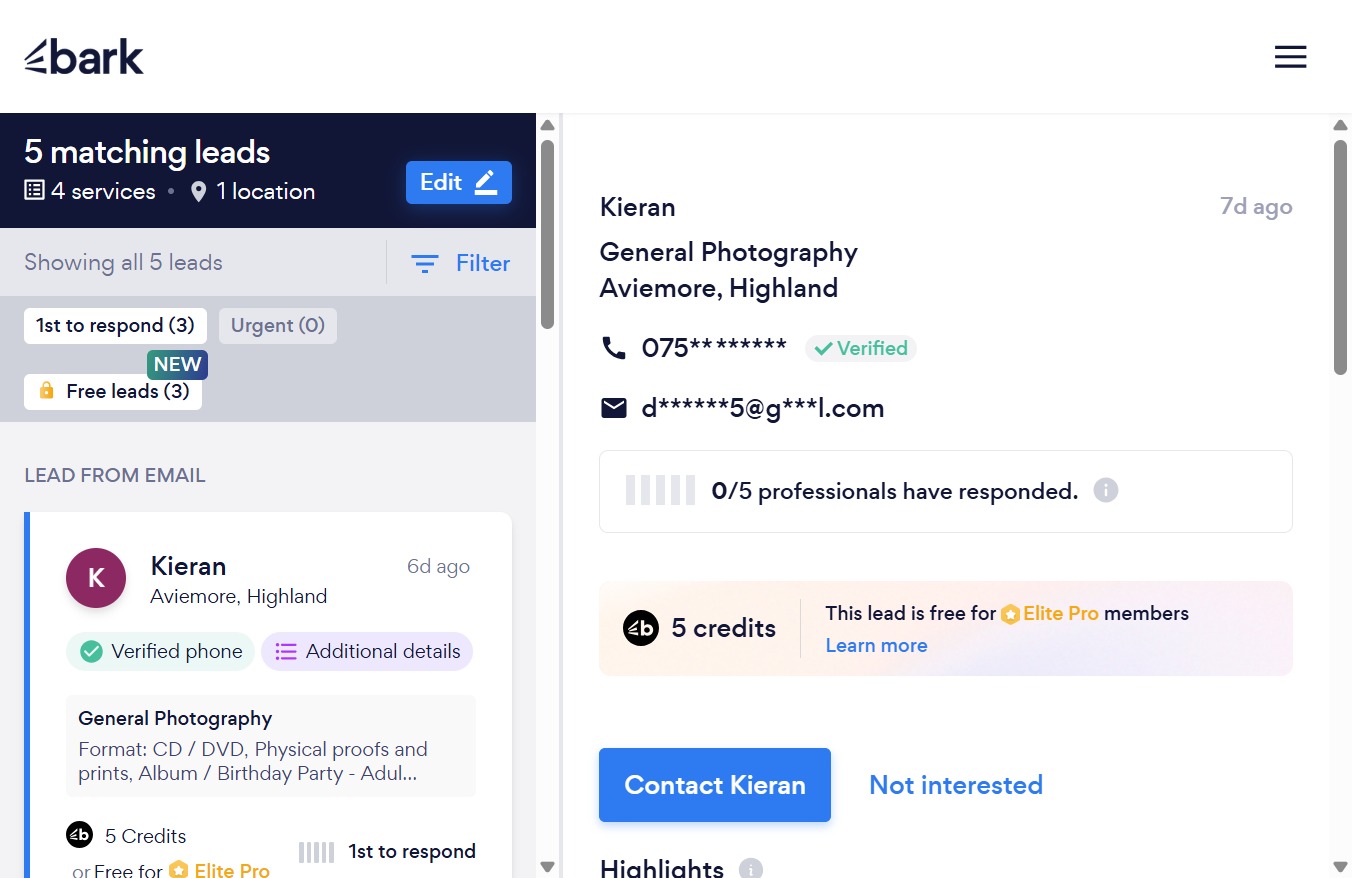
Clicking the hamburger menu icon will open a navigation menu, allowing you to access different sections of the application.
By clicking this link, you will navigate to the section where you can view and manage your responses.
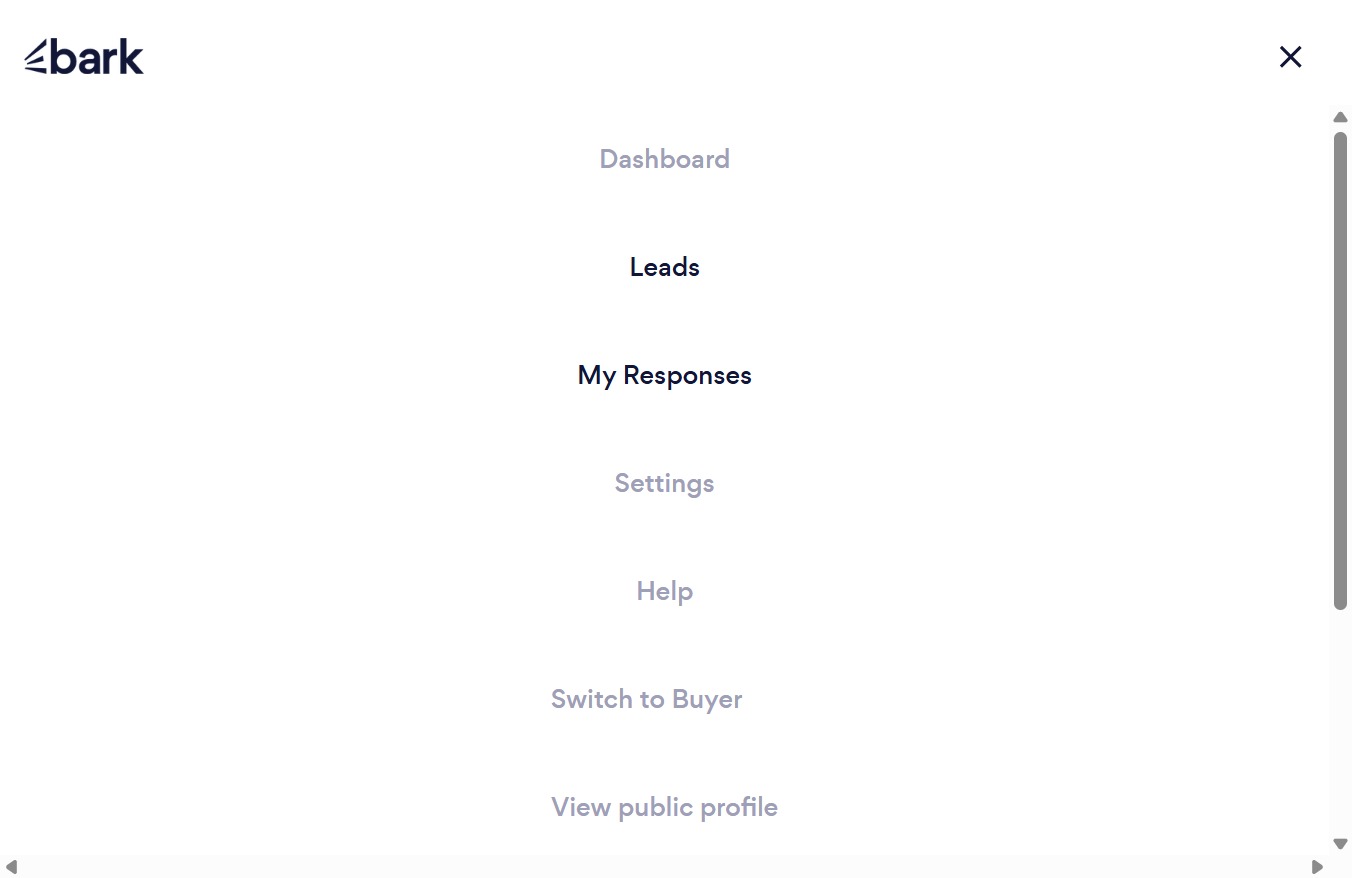
Clicking the hamburger menu icon opens the navigation panel, allowing you to access different sections and features of the application.
