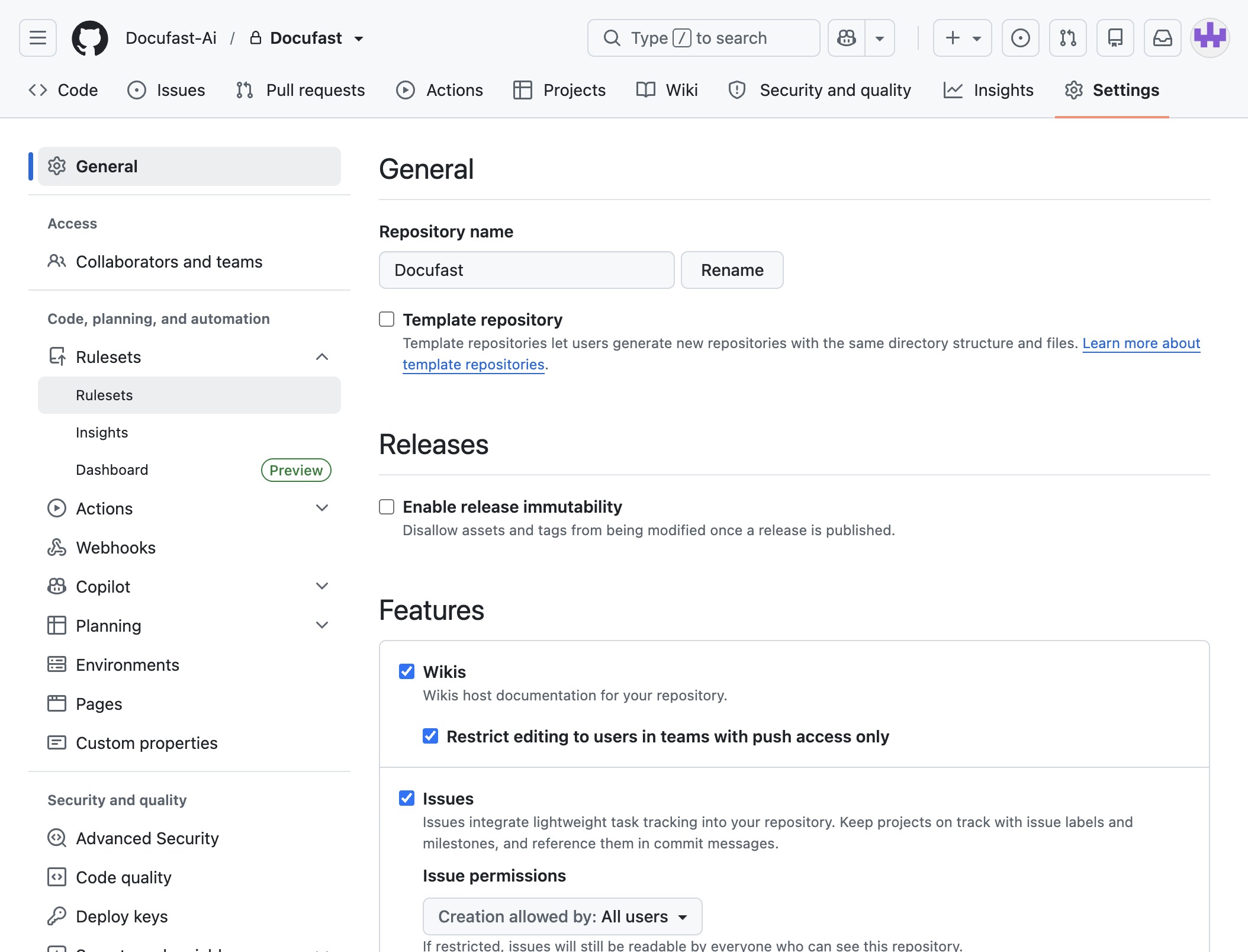
Click the General tab
This action will display the general settings and information related to the repository, allowing you to manage various aspects of your project's configuration.
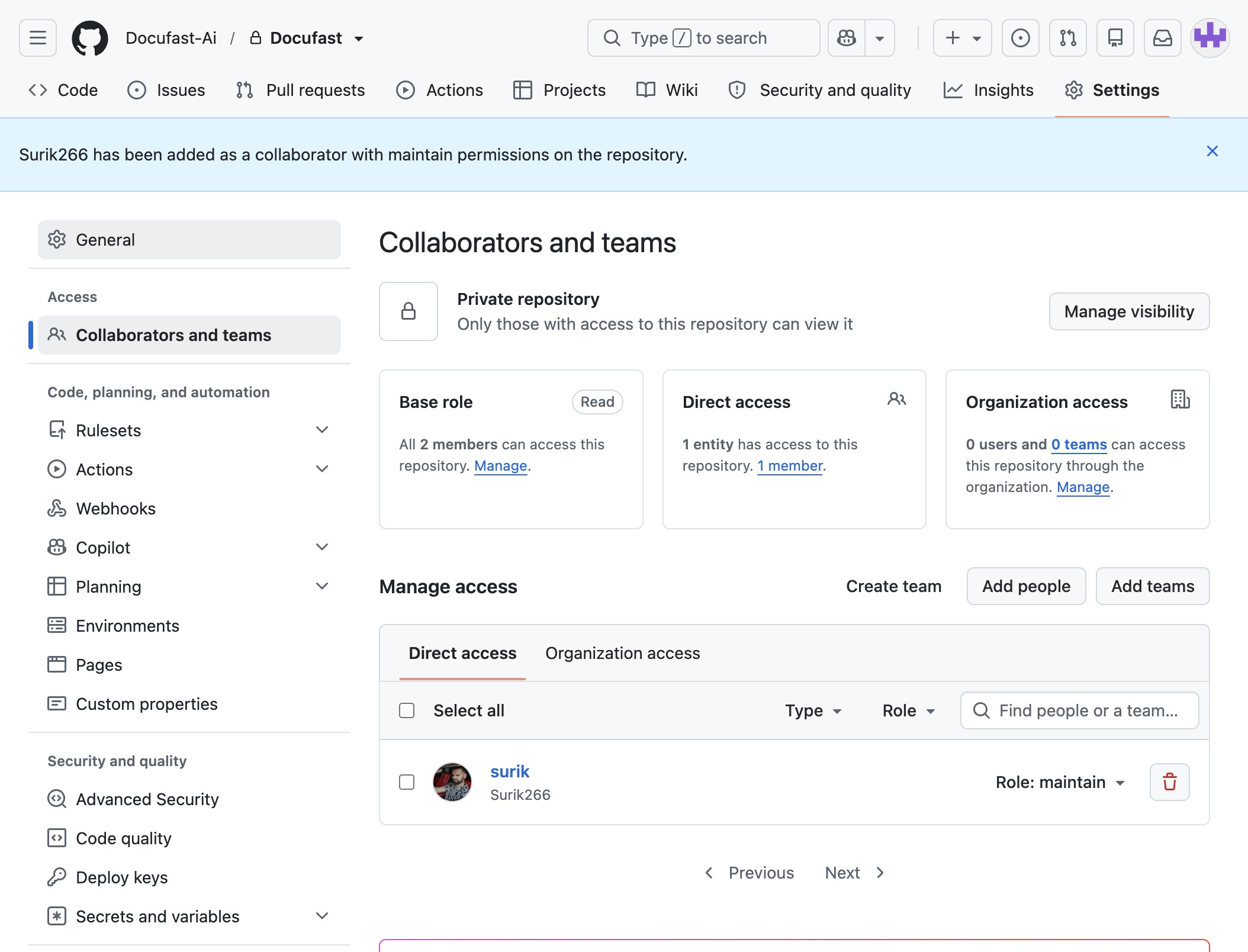
Loading screenshot…
100%
In this guide, you'll learn how to effectively manage access on GitHub in just three easy steps.
 brian.annan
In this guide, you'll learn how to effectively manage access on GitHub in just three easy steps. We will walk you through accessing repository settings, navigating to the Rulesets section, and configuring rules to enhance automated workflows for your project.
This action will display the general settings and information related to the repository, allowing you to manage various aspects of your project's configuration.
This will open the Rulesets section, where you can configure and manage different rules for automation and workflow processes within your repository.
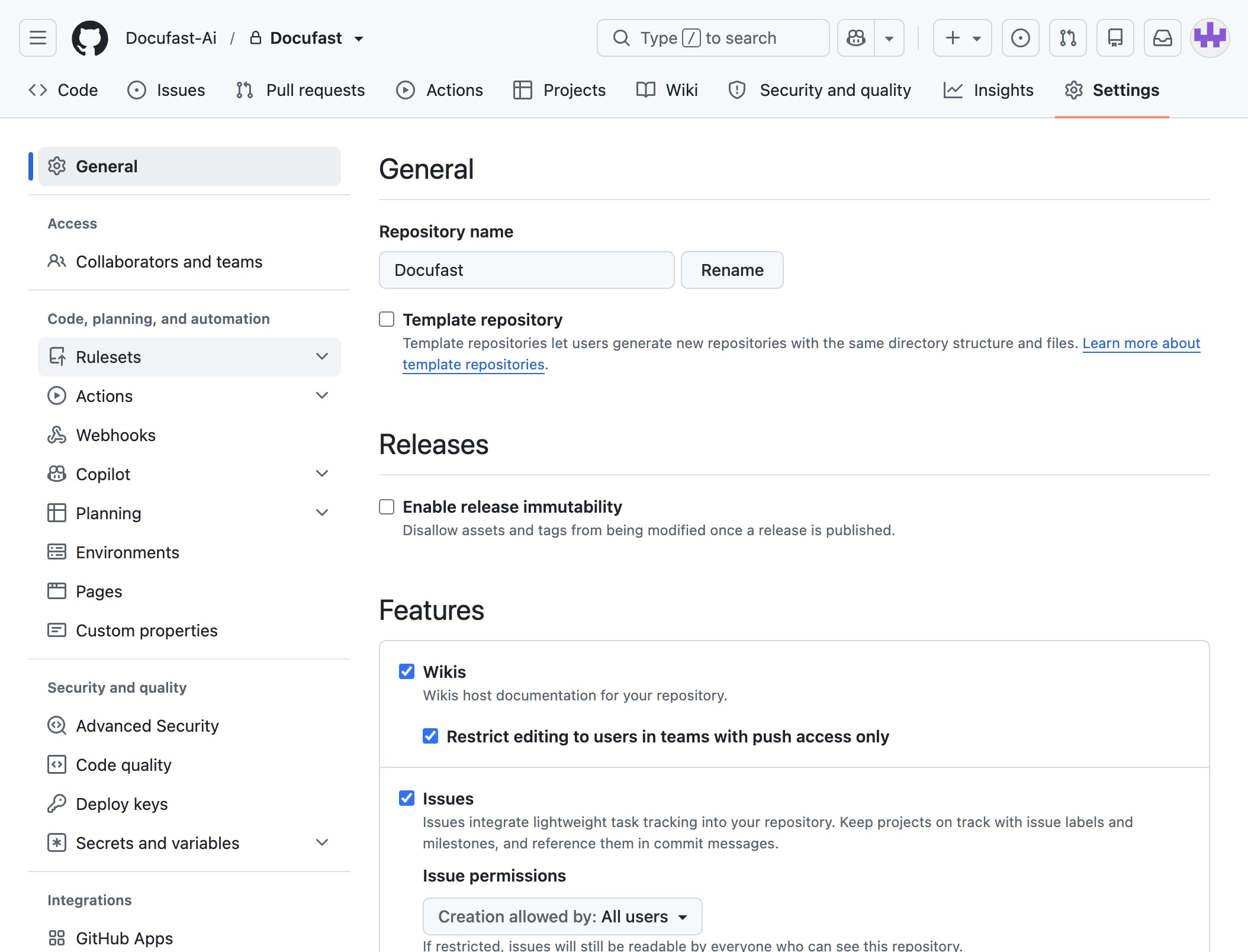
Selecting 'Rulesets' will take you to the section where you can manage and configure various rulesets for your repository, enabling better control over automated workflows.