Click the Menu button
This action opens the navigation menu, allowing you to access different sections like 'Manage workspace' and 'Dashboard and reporting.'

Loading screenshot…
100%
This how-to guide demonstrates how to effectively manage project menu actions in the Acme Dashboard, covering navigation to key sections, accessing important project information,…
 viktoria
This how-to guide demonstrates how to effectively manage project menu actions in the Acme Dashboard, covering navigation to key sections, accessing important project information, and dismissing notifications for a more streamlined workflow. Follow these simple steps to enhance your project management experience.
This action opens the navigation menu, allowing you to access different sections like 'Manage workspace' and 'Dashboard and reporting.'
Clicking this link will provide you additional information or prompt related actions on your current project dashboard.
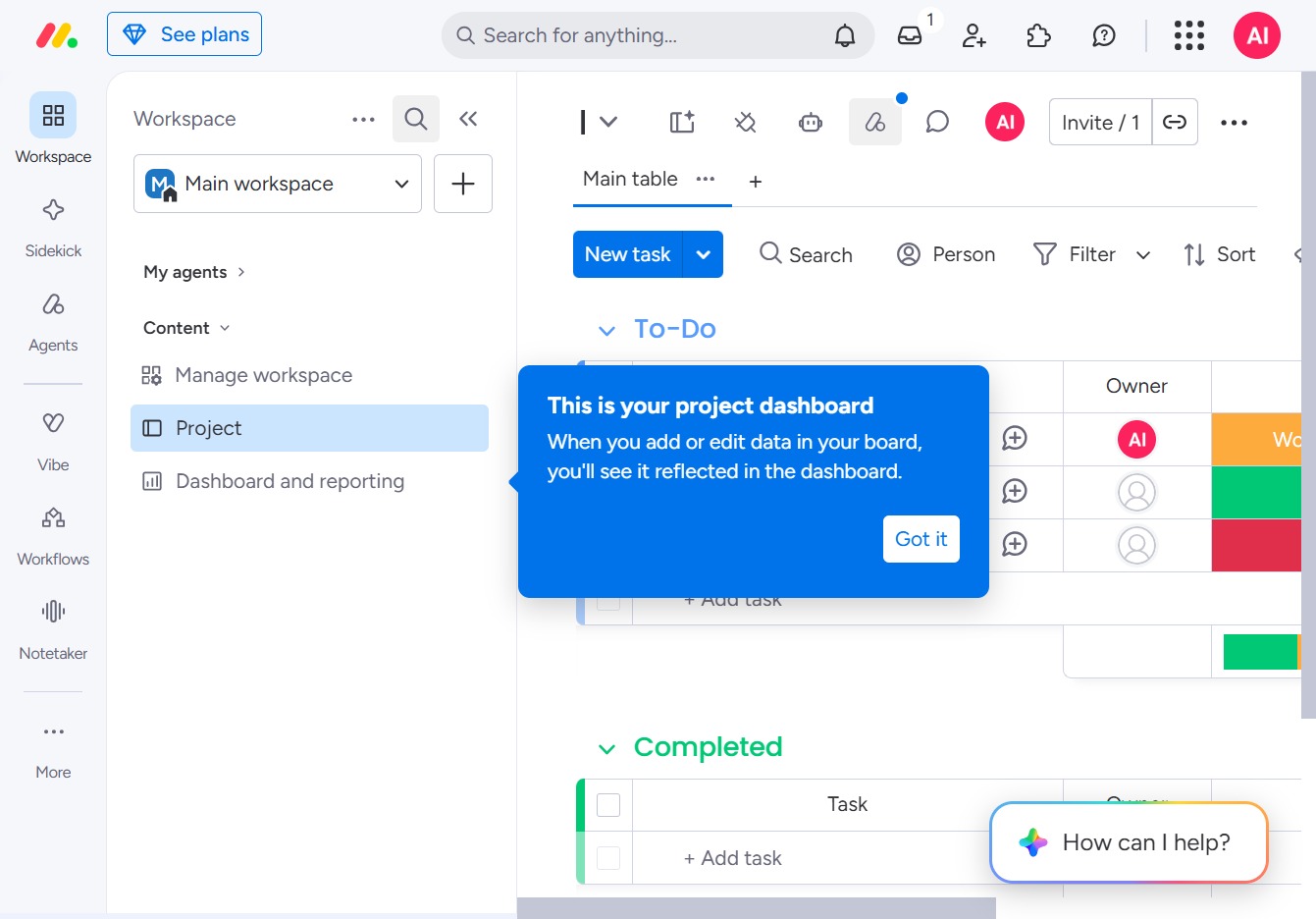
This will dismiss the informational message about your project dashboard, allowing you to continue working on your tasks without distractions.
