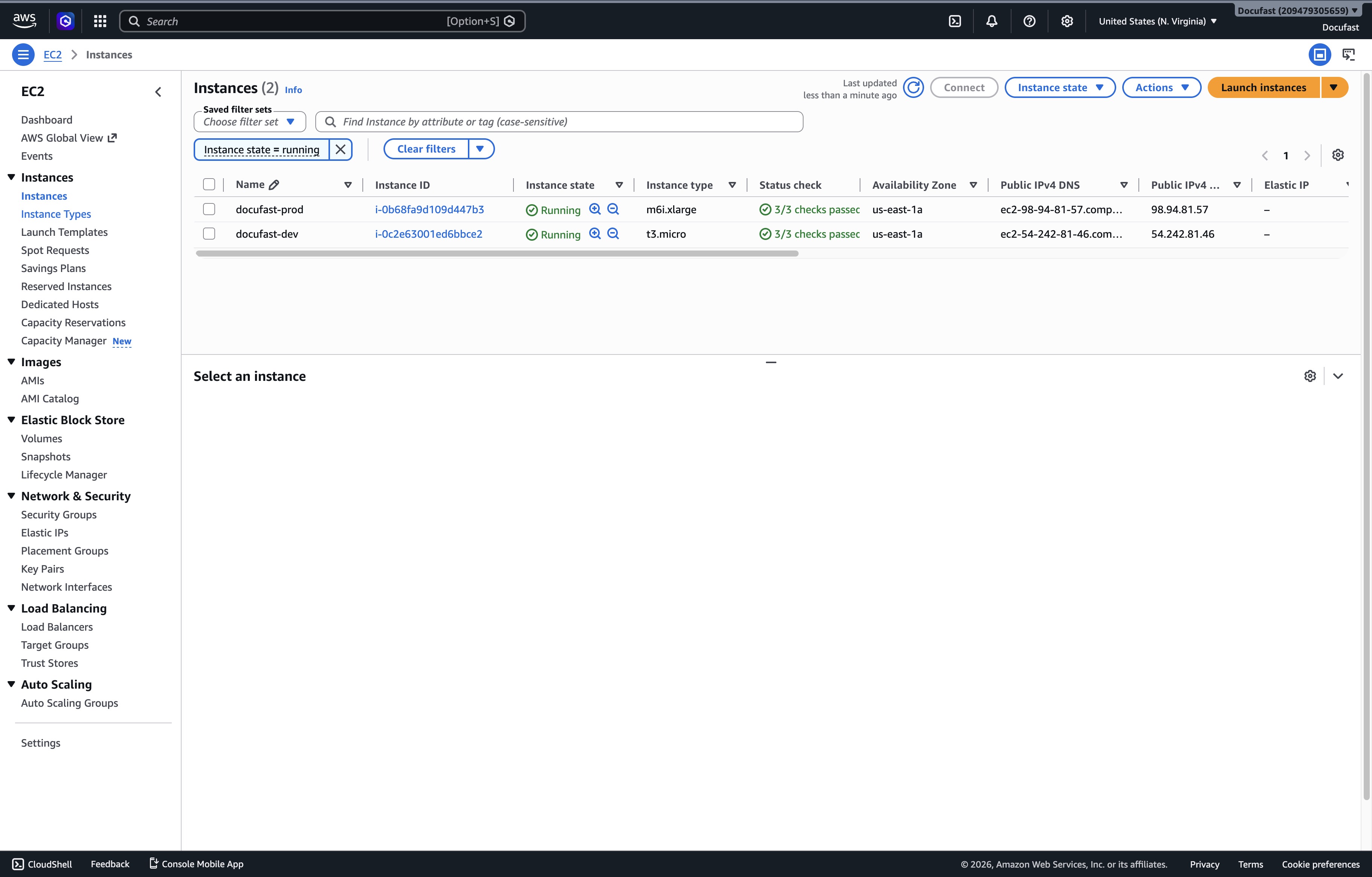
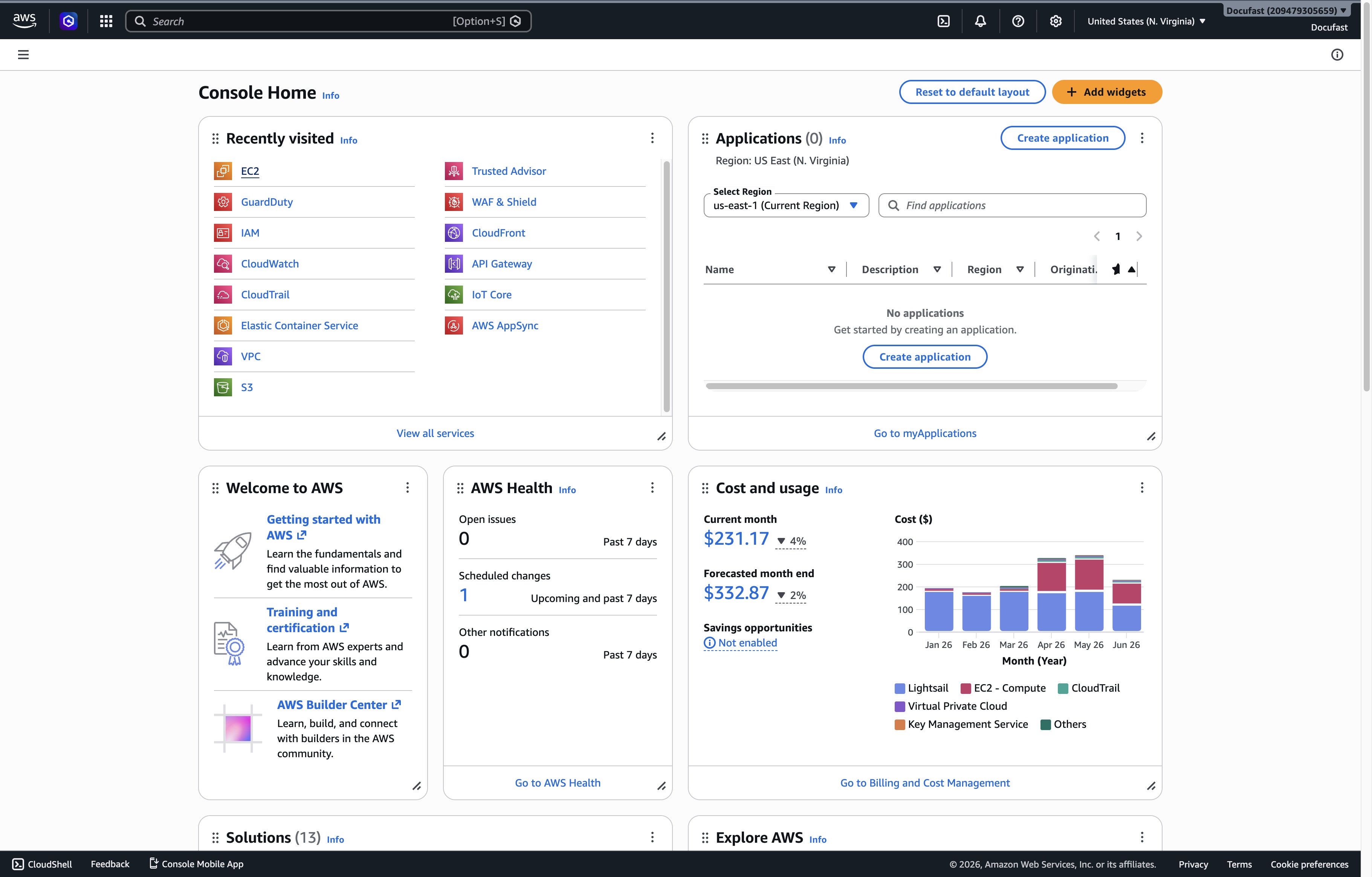
Click the EC2 link
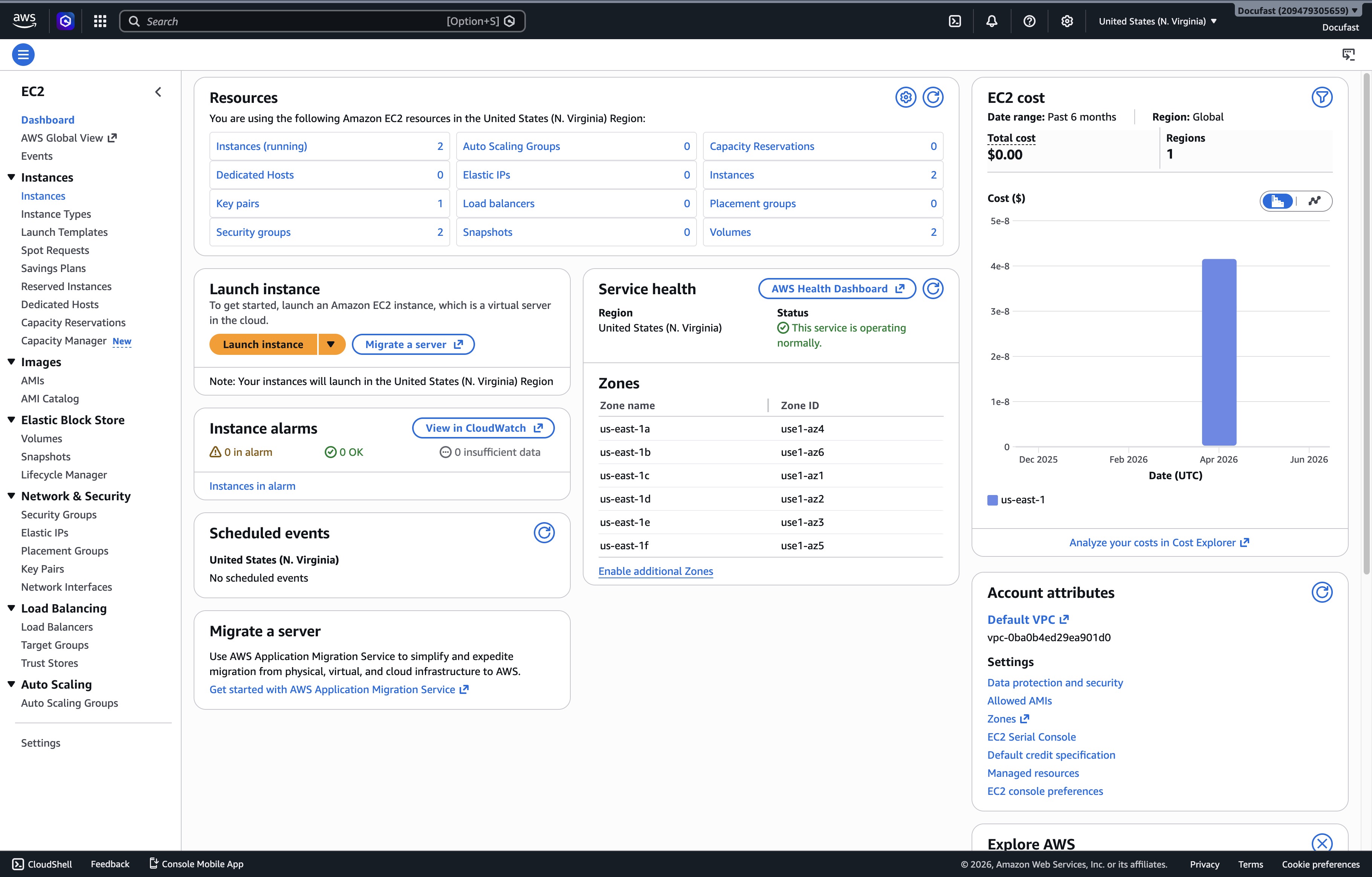
Clicking on the EC2 link will take you to the Amazon EC2 dashboard, where you can manage your virtual servers and monitor resource usage.
Loading screenshot…
100%
This how-to guide demonstrates the step-by-step process of launching an EC2 instance in the AWS Console.
 brian.annan
This how-to guide demonstrates the step-by-step process of launching an EC2 instance in the AWS Console. From accessing the EC2 dashboard to selecting the appropriate instance type, you will learn how to successfully set up and configure your virtual server.
Clicking on the EC2 link will take you to the Amazon EC2 dashboard, where you can manage your virtual servers and monitor resource usage.
By clicking the Instances link, you will access a list of your EC2 instances, where you can manage and monitor your running instances.
This will display a dropdown menu containing various instance types available for selection. Choose an instance type to configure your EC2 settings as needed.