Open Invite Members
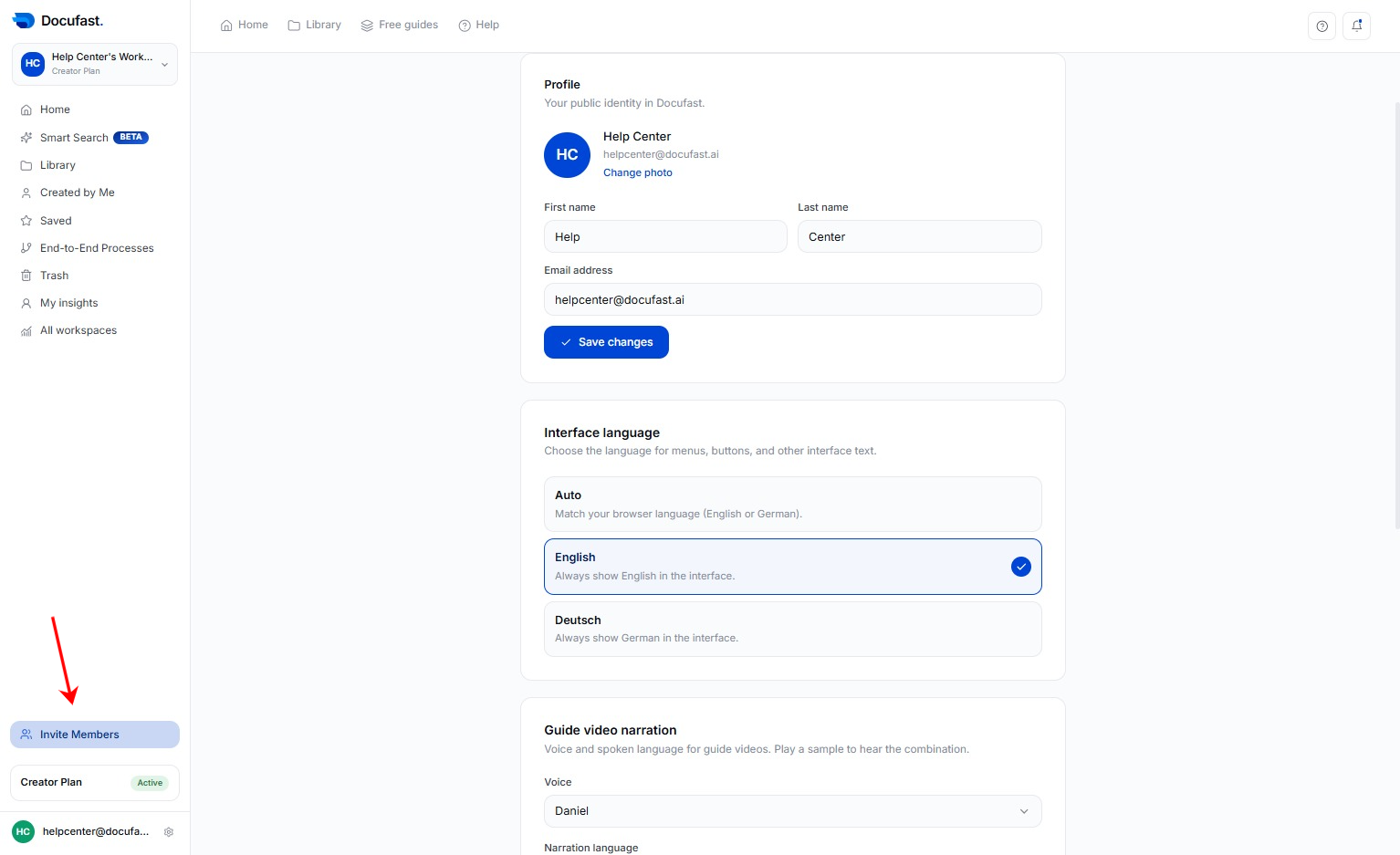
In the left sidebar of the Docufast Dashboard, click Invite Members.
Loading screenshot…
100%
Docufast allows you to collaborate with teammates inside your workspace.
Docufast allows you to collaborate with teammates inside your workspace. You can invite new users, assign them roles, and manage their permissions. Permissions are set at the workspace level, ensuring each teammate has the right access.
In the left sidebar of the Docufast Dashboard, click Invite Members.
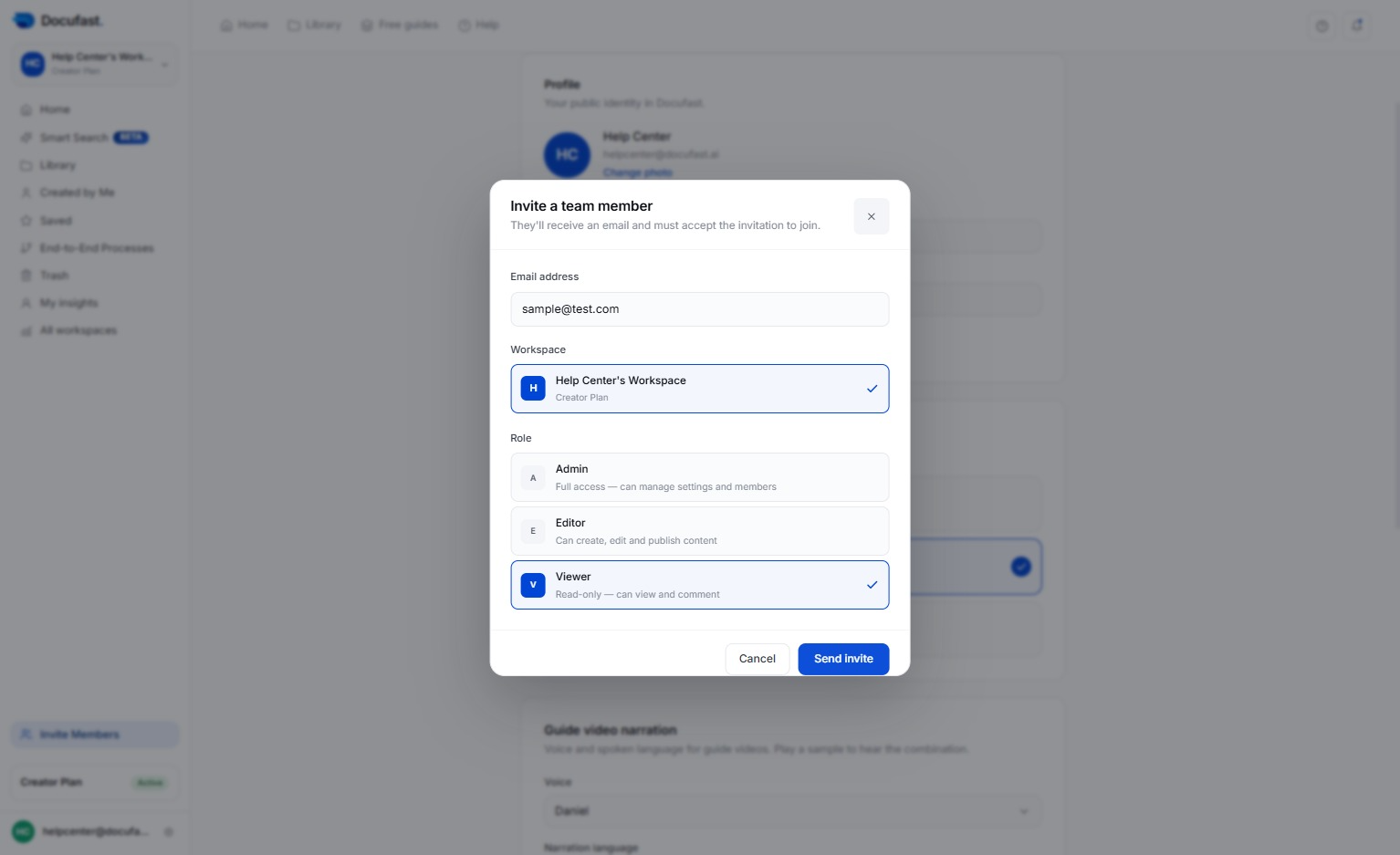
Type the teammate’s email address and choose a role (Admin, Viewer, Editor).
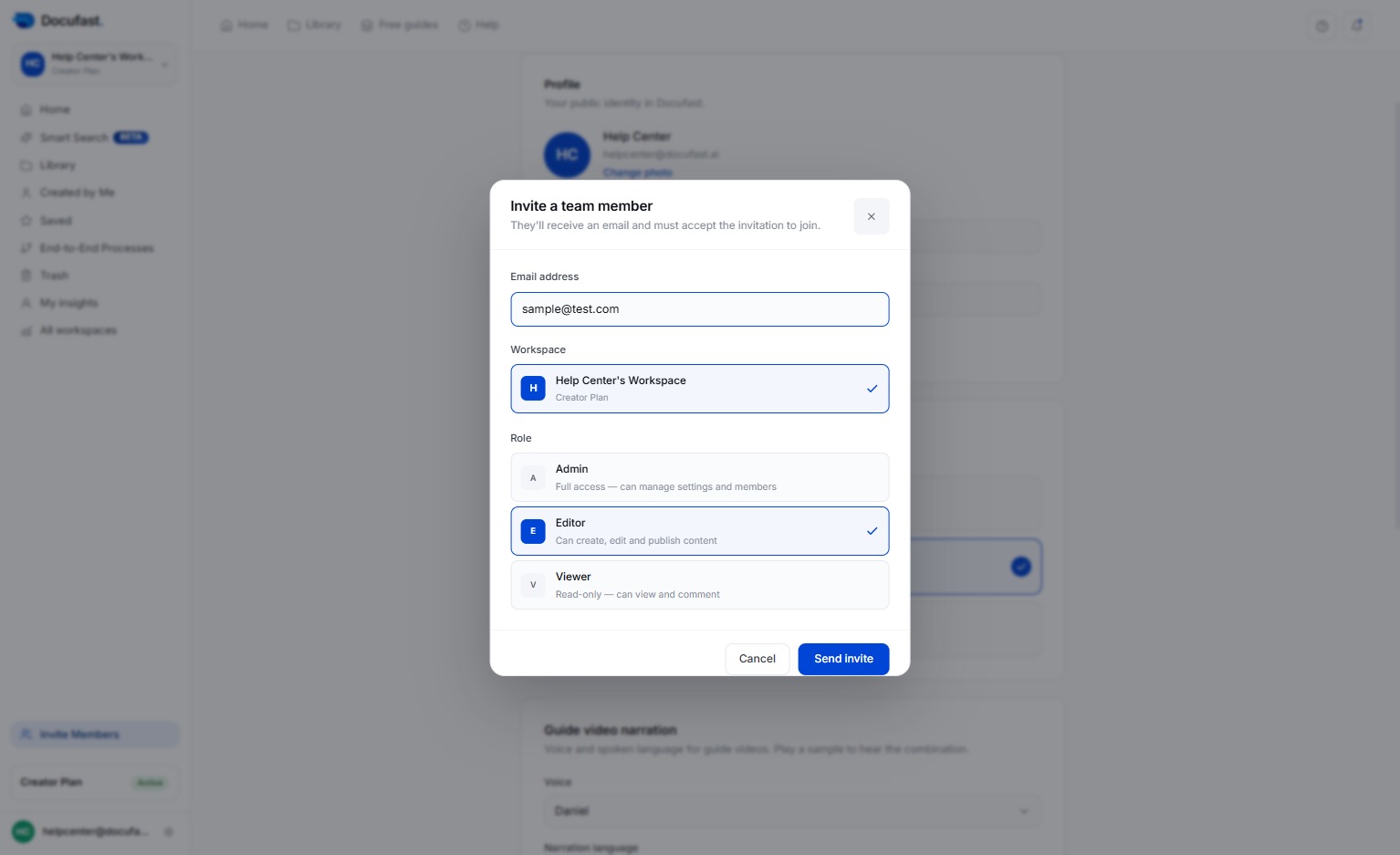
Click Send Invitation to invite a team member.
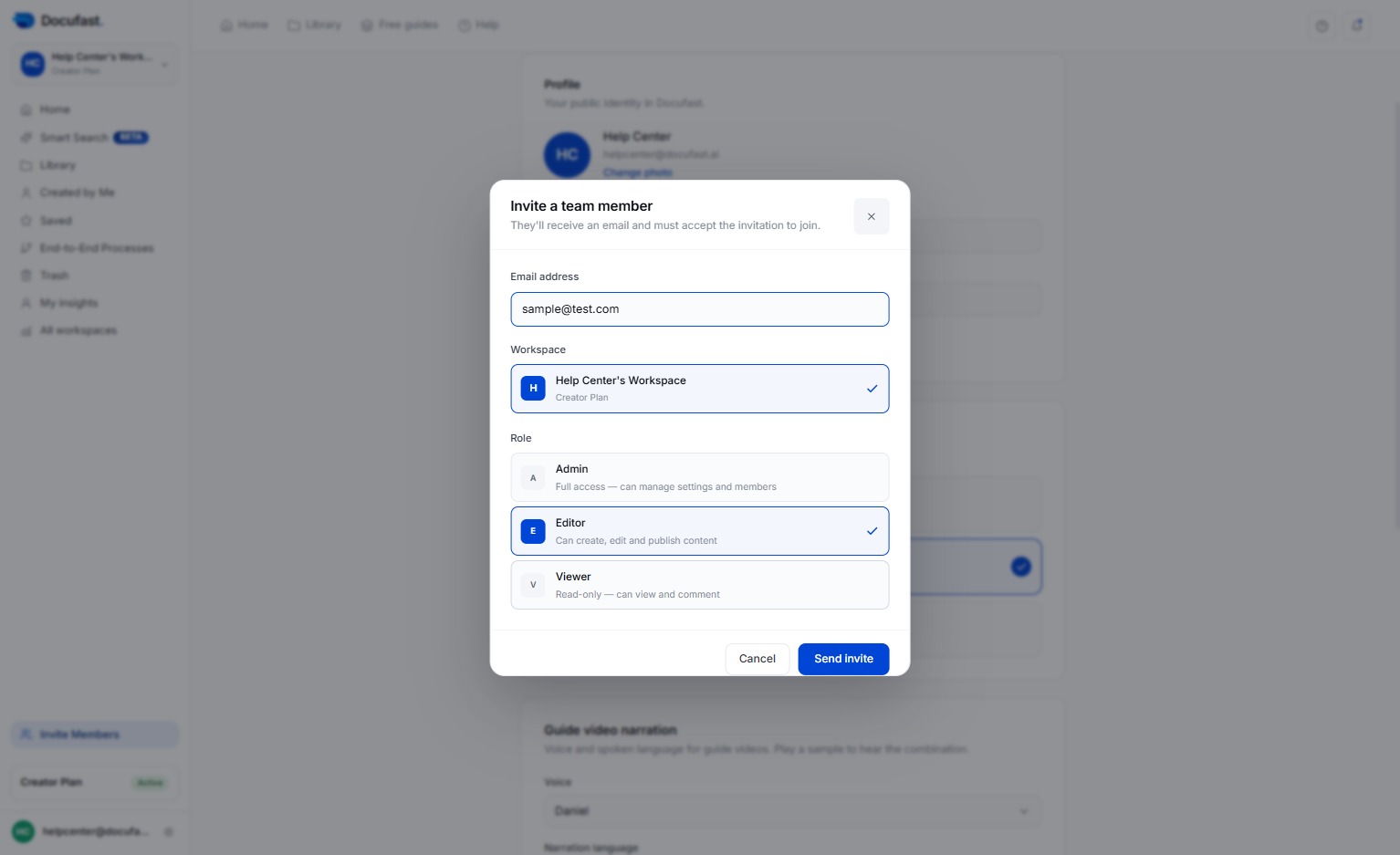
The teammate will receive an email to join your workspace.
Tip
Tip
Tip
Tip
Tip