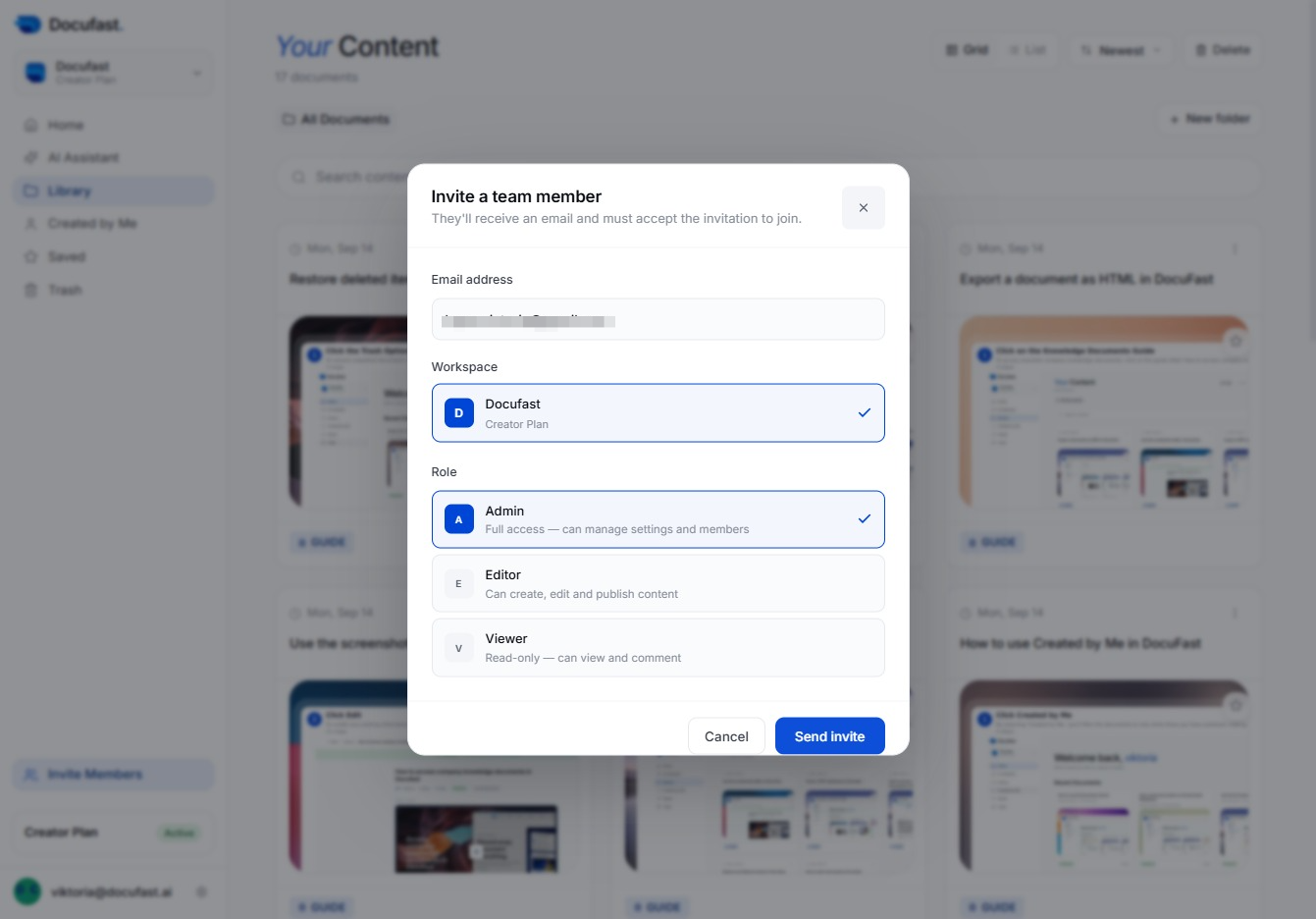
Click Invite Members
To collaborate effectively, click on the 'Invite Members' option to bring new users into your Docufast workspace, allowing them to participate in document management and project discussions.

Loading screenshot…
100%
Invite team members as Admins in Docufast by entering their email addresses, allowing them to manage workspace settings and collaborate effectively on document management.
 viktoria
Invite team members as Admins in Docufast by entering their email addresses, allowing them to manage workspace settings and collaborate effectively on document management.
To collaborate effectively, click on the 'Invite Members' option to bring new users into your Docufast workspace, allowing them to participate in document management and project discussions.
In the invite dialog, type the email address of your colleague to invite them to join your team. This step allows you to add their contact information for sending the invitation.
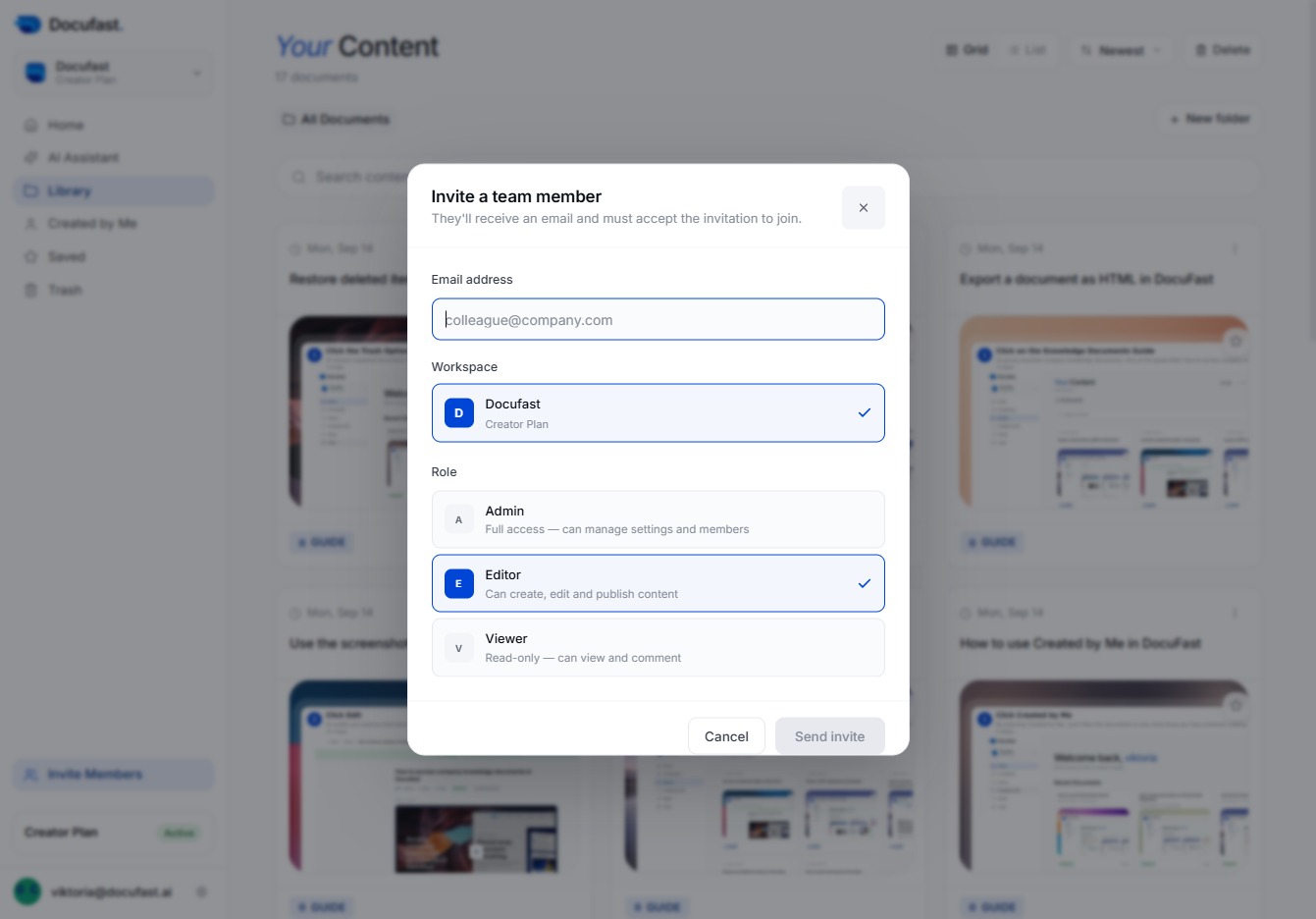
In this step, you'll enter the email address of your colleague that you wish to invite to your Docufast workspace. Make sure it's typed correctly to ensure they receive the invitation.
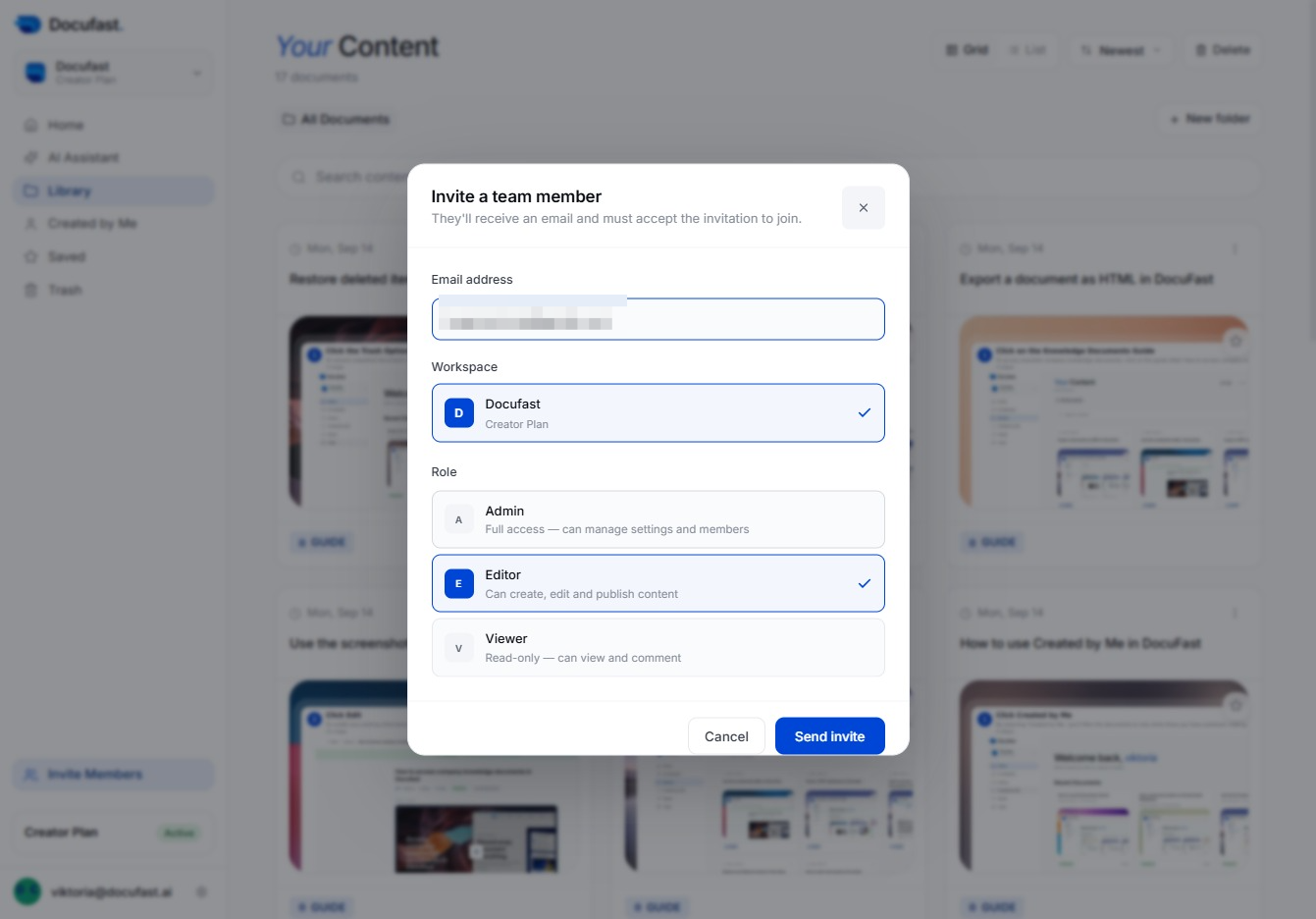
In the invite member dialog, you can select the Admin role, which allows the new member full access to manage settings and members within your Docufast workspace.
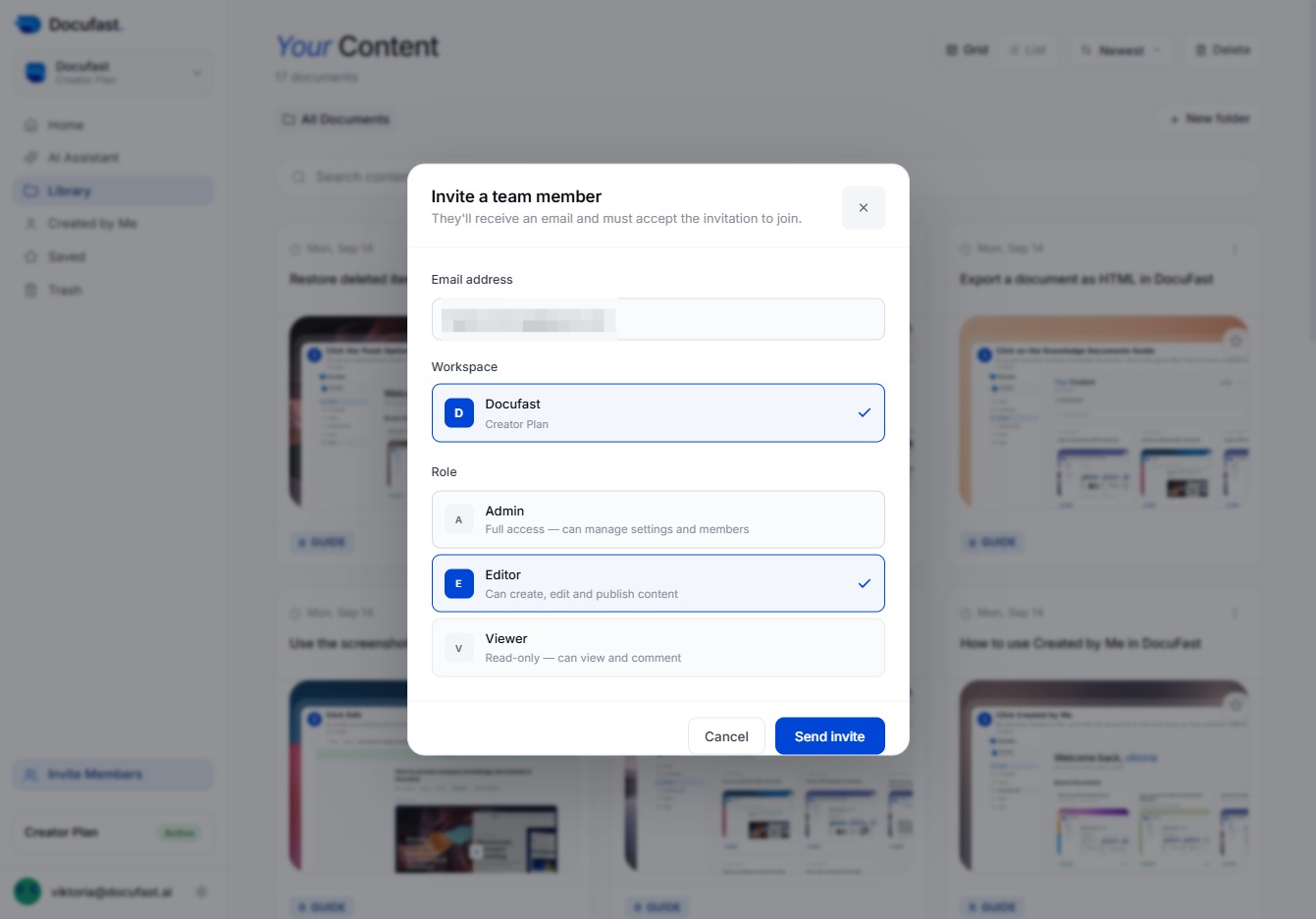
Once you've entered the email address and selected a role for your team member, click 'Send invite' to invite them to your Docufast workspace. They'll receive an email to accept the invitation and join.