Shared guide

How to add community descriptions

Learn how to add a community description in just a few easy steps.

Lukas Richter
·6 steps·33 views·Published

Learn how to add a community description in just a few easy steps. This guide walks you through the process from accessing the edit option to saving your customized description for your community.

insights-test-134insights-test-src:696e21205d5ef4b9b9b3abd7insights-seed-134
Step-by-step guide6 steps
  1. Click on "Click here."
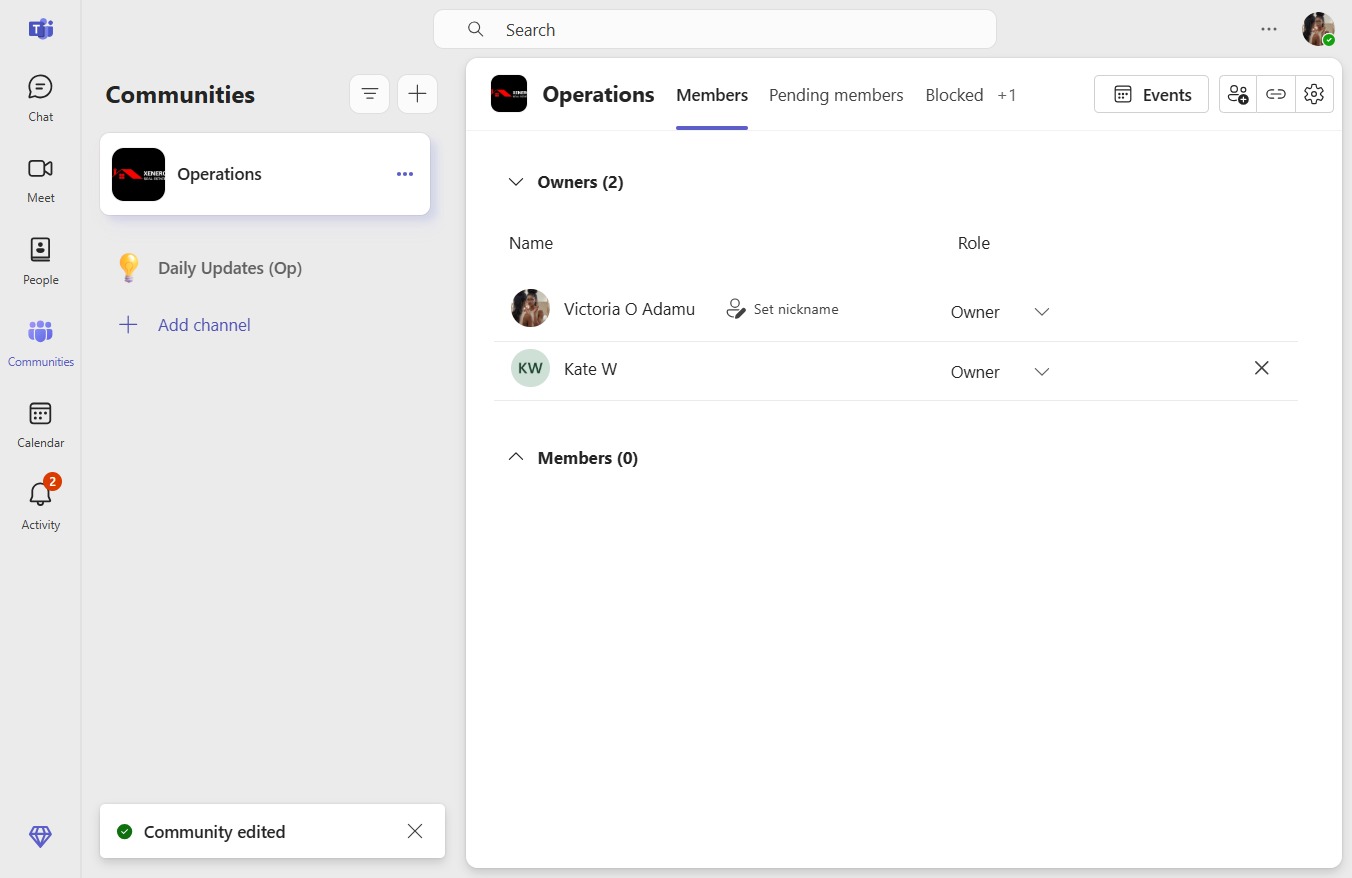
    Click on "Click here."
    Loading screenshot…
    100%
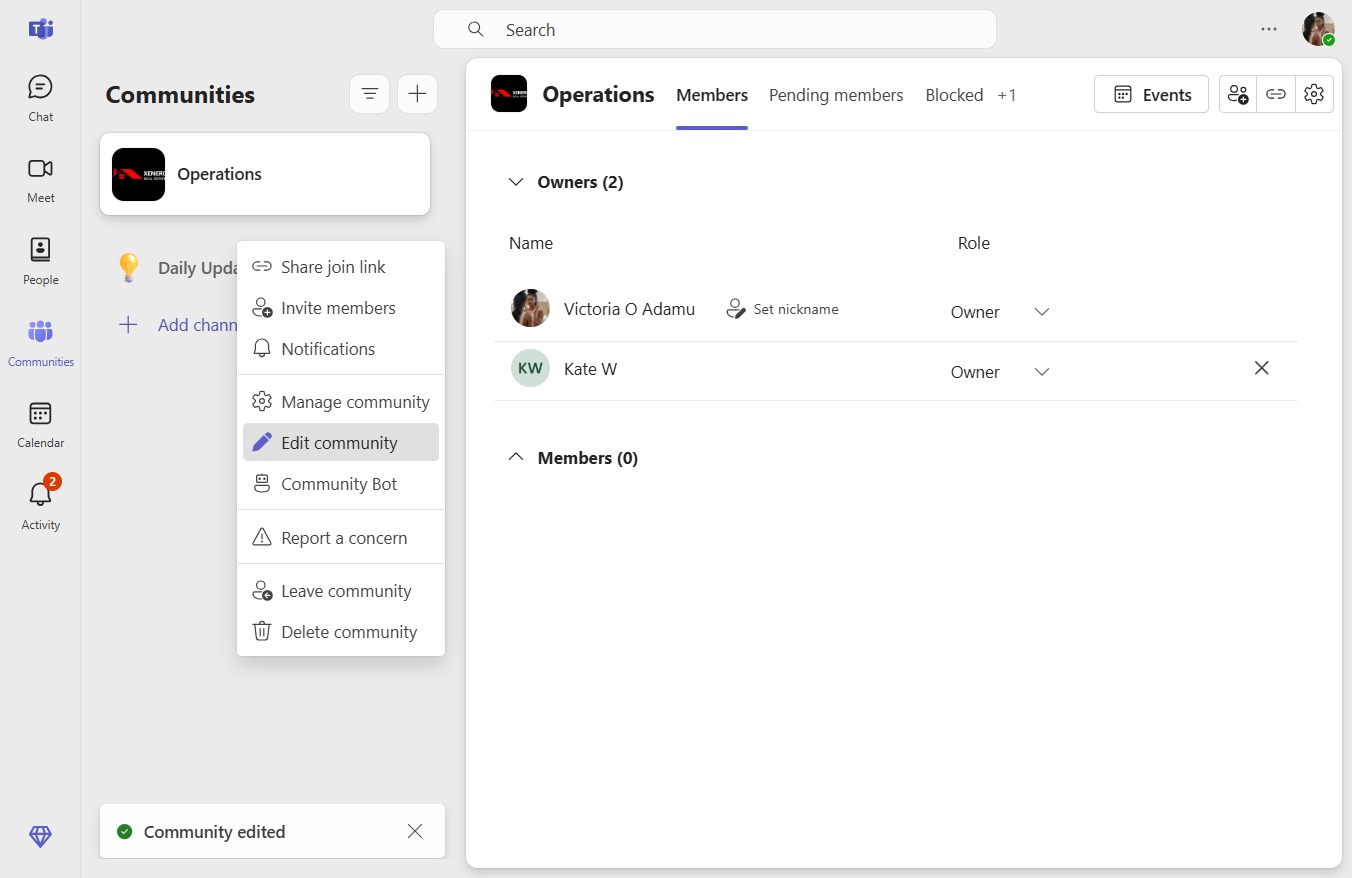
  2. Click Edit community

    Click Edit community
    Loading screenshot…
    100%
  3. Click on "Click here."

    Click on "Click here."
    Loading screenshot…
    100%
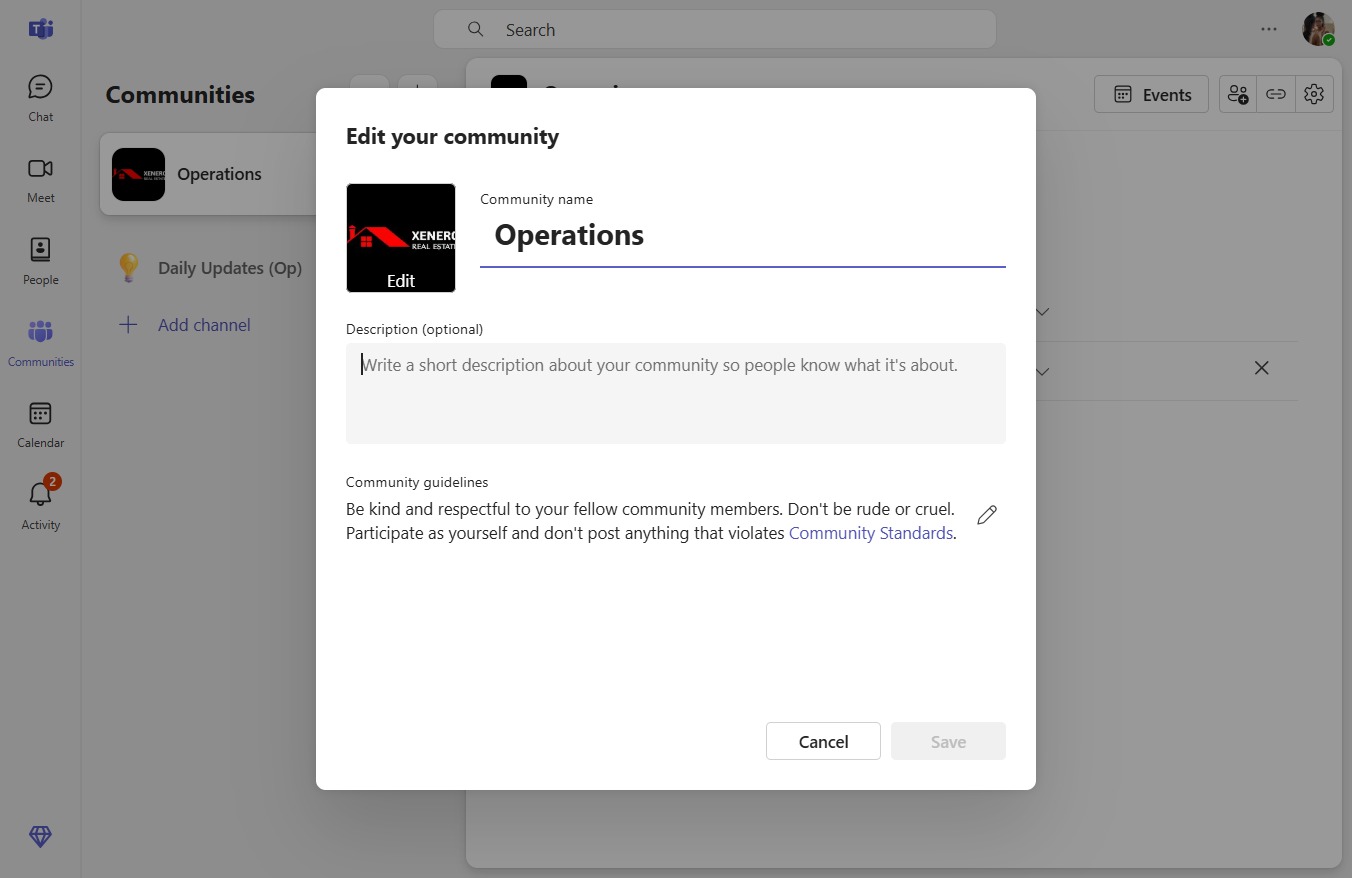
  4. Press v

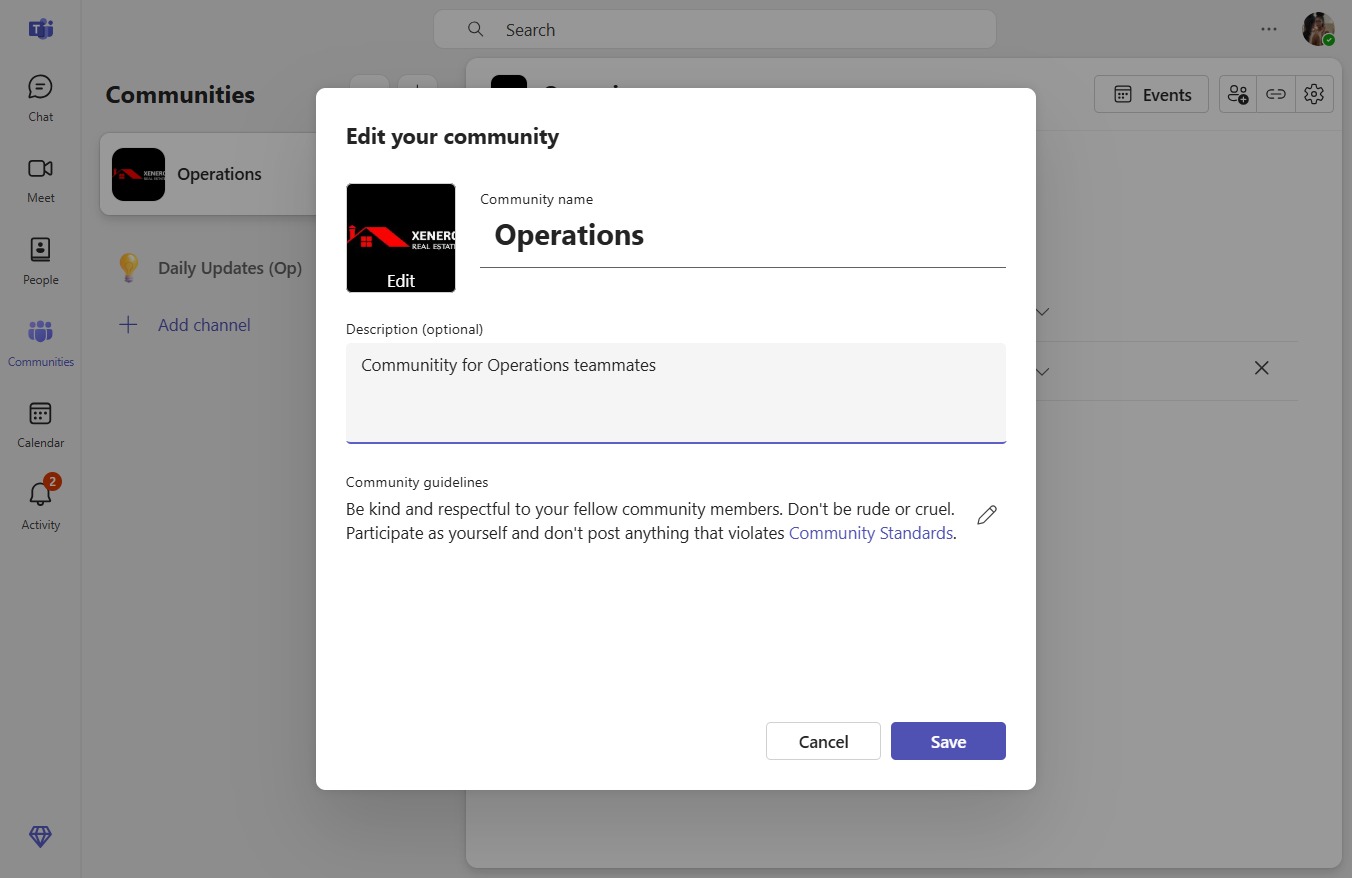
  5. Type "Communitity for Operations tea..." in Description (optional)

  6. Click Save

    Click Save
    Loading screenshot…
    100%