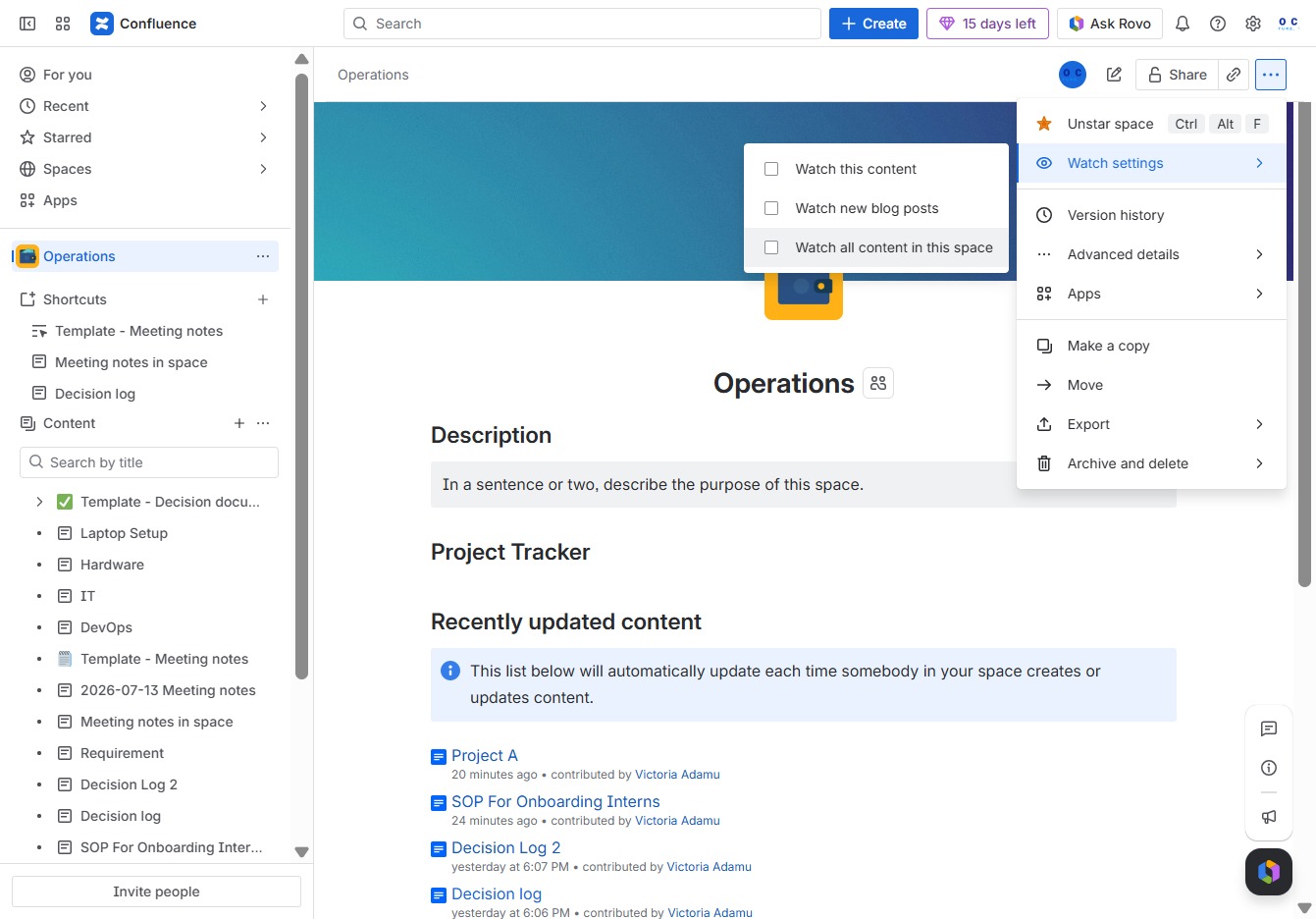
Click the Operations tab
This will take you to the Operations section, where you can view and manage various operational tasks and documents.

Loading screenshot…
100%
In this guide, learn how to effectively watch a space by navigating to the Operations section to manage tasks and documents.
 viktoria
In this guide, learn how to effectively watch a space by navigating to the Operations section to manage tasks and documents. Follow the steps to set up your notification preferences, ensuring you stay updated on all changes and activities within your designated space.
This will take you to the Operations section, where you can view and manage various operational tasks and documents.
This will open a dropdown with additional options related to managing your space and content, offering tools for further actions.

This will open the settings menu for managing your watch notifications and preferences.
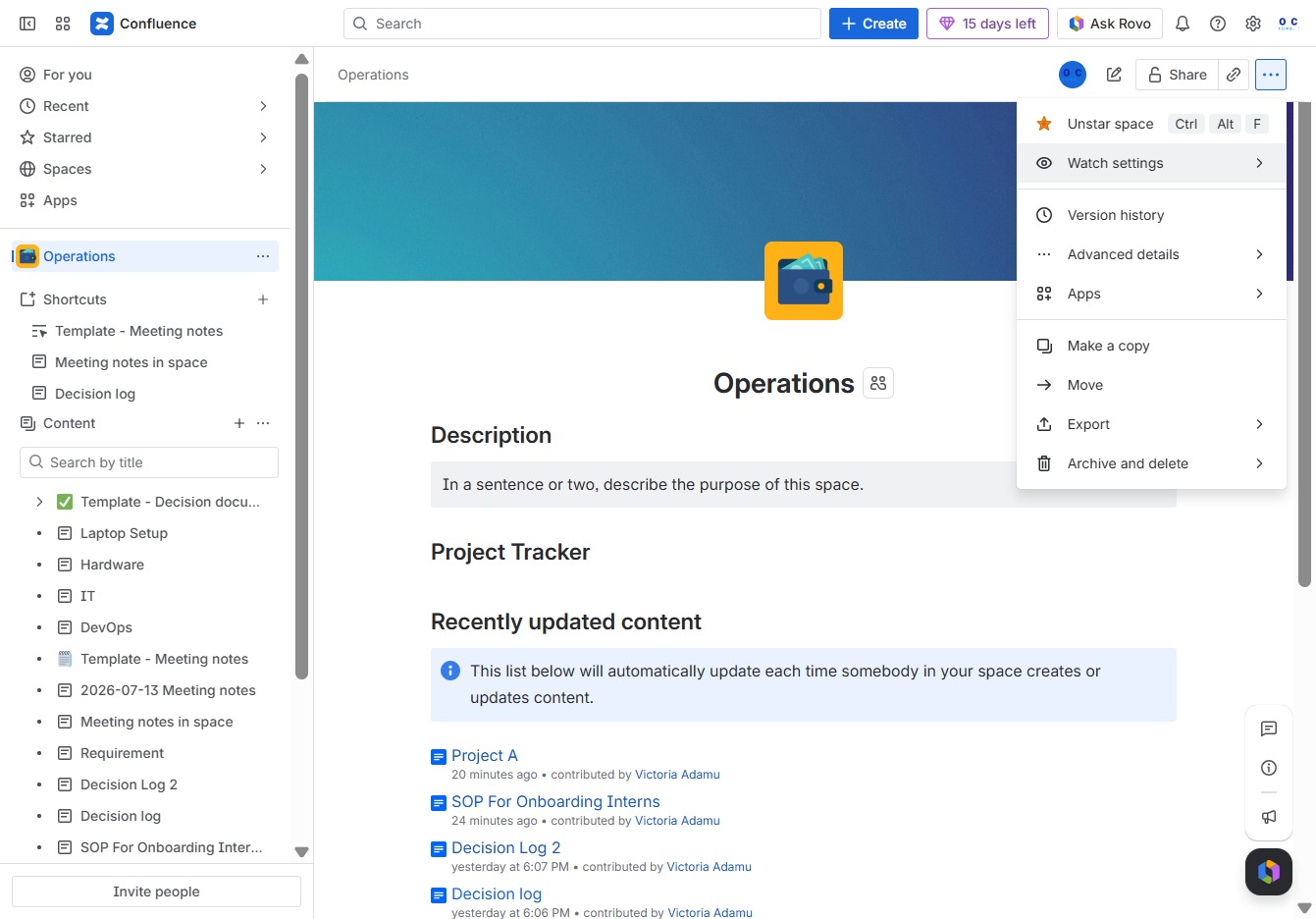
By clicking this option, you will receive notifications for all updates and changes made within the current space.