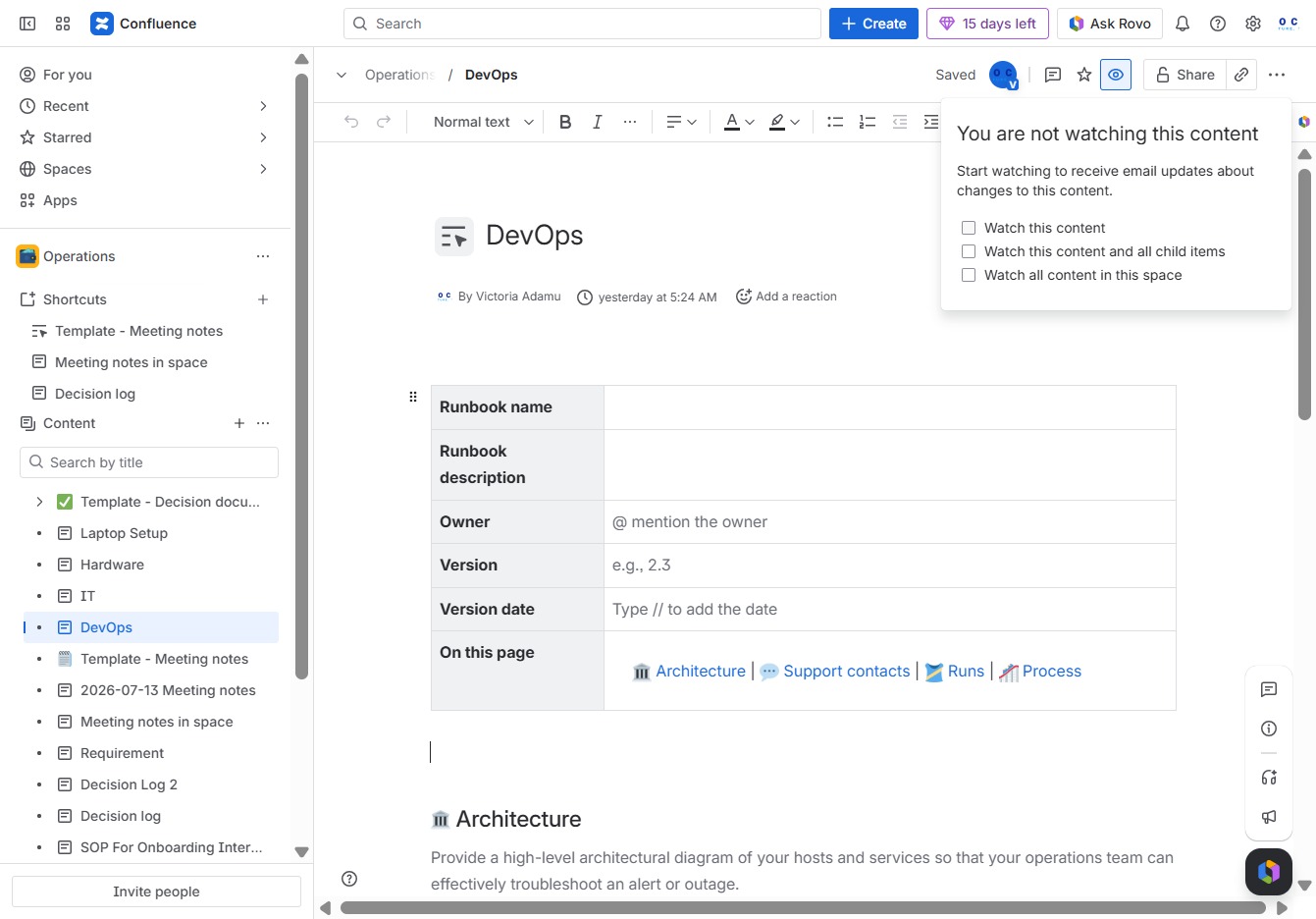
Click the Operations section
Selecting the 'Operations' section will take you to a list of tasks and related documents for ongoing projects within Confluence.

Loading screenshot…
100%
This how-to guide demonstrates the steps to effectively watch a page within Confluence, from navigating the Operations section to setting up notifications for content changes.
 viktoria
This how-to guide demonstrates the steps to effectively watch a page within Confluence, from navigating the Operations section to setting up notifications for content changes. Follow these instructions to streamline your access to ongoing project updates and stay informed on DevOps tasks.
Selecting the 'Operations' section will take you to a list of tasks and related documents for ongoing projects within Confluence.
Selecting the DevOps button opens the options to create new child content specifically tailored for DevOps projects.

Clicking this button will initiate the video playback, allowing you to start watching the selected content immediately.

By clicking this link, you will receive notifications about changes to the content you're currently viewing in Confluence.