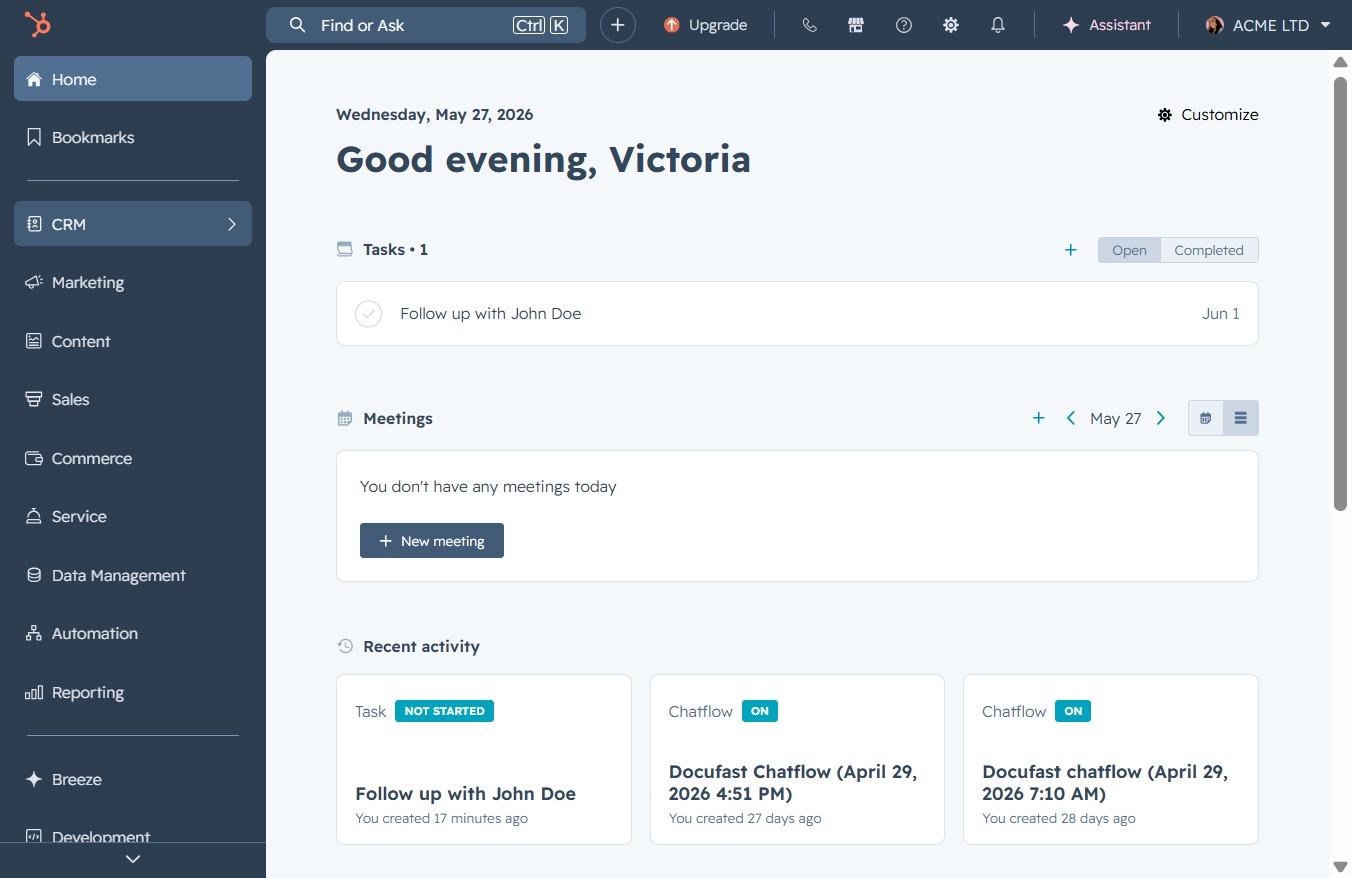
Click the CRM icon
This will open the CRM interface where you can manage contacts, deals, and other customer-related activities.
Loading screenshot…
100%
Access the CRM interface to view John Doe's detailed contact information, including activity history and associated tasks, for effective interaction tracking.
 viktoria
Access the CRM interface to view John Doe's detailed contact information, including activity history and associated tasks, for effective interaction tracking.
This will open the CRM interface where you can manage contacts, deals, and other customer-related activities.
Clicking the 'Contacts' link opens the contacts management section, where you can view and manage your contacts effectively.
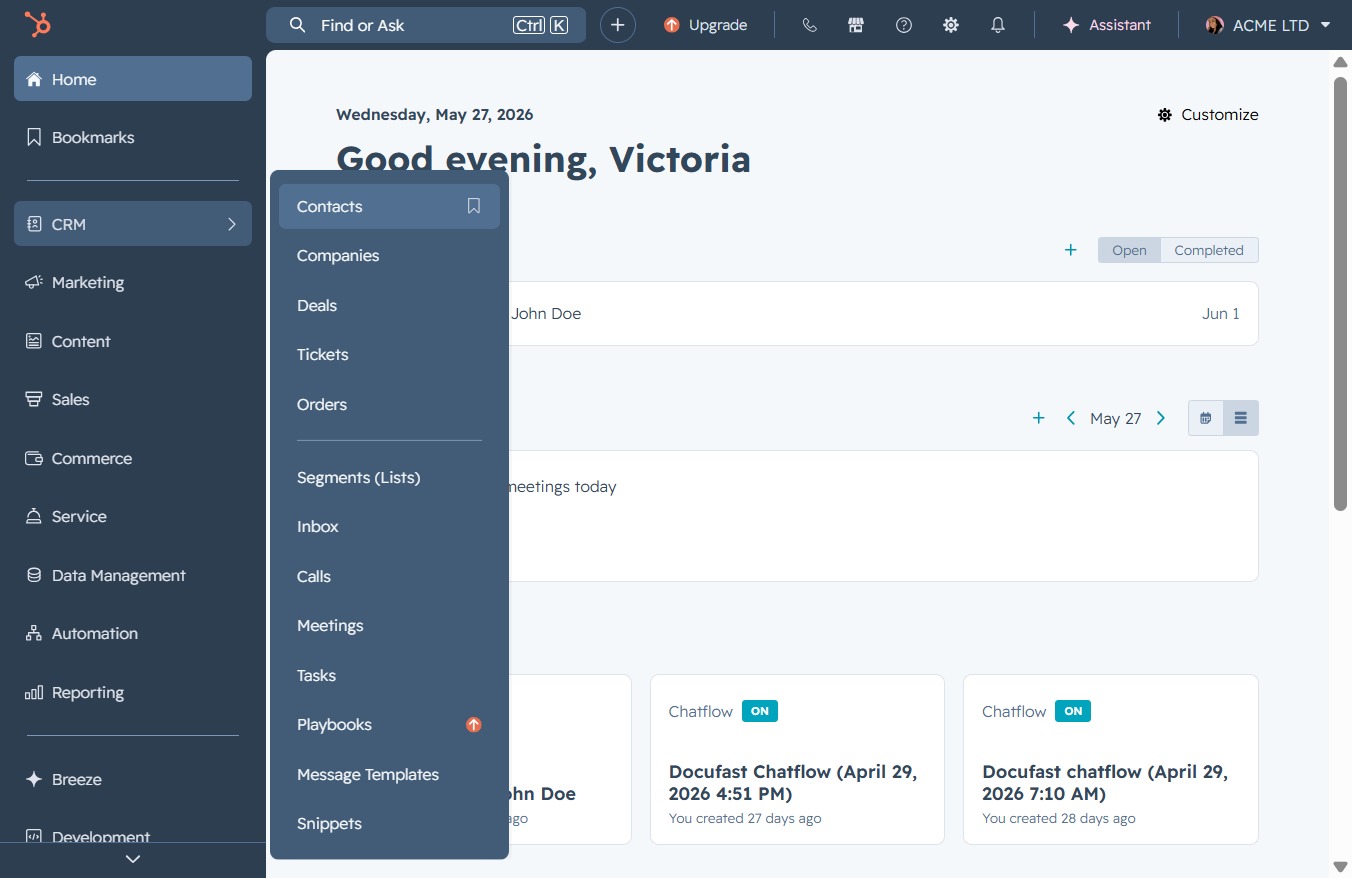
Clicking on the John Doe contact will open the detailed view of this contact, allowing you to edit information, check activity history, or manage associated tasks.

Selecting the Activities link will display the recent activities associated with the contact, allowing you to track interactions and updates effectively.
