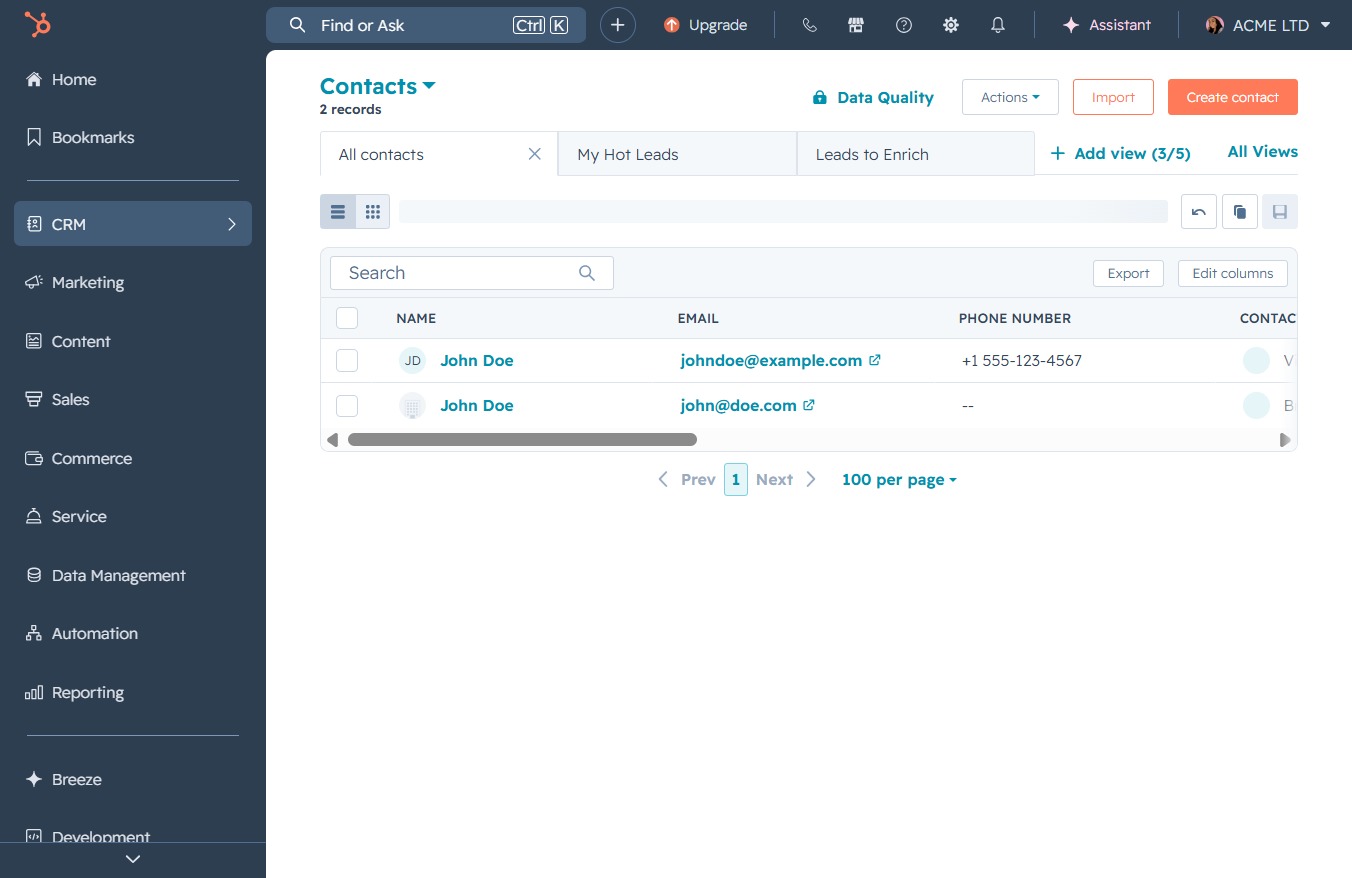
Click the CRM icon
Clicking the CRM icon will navigate you to the Customer Relationship Management section, where you can manage your contacts and view detailed customer information.
Loading screenshot…
100%
View the activity history of a selected company in the CRM to track recent interactions and updates by navigating to the company's activities section in its detailed view.
 viktoria
View the activity history of a selected company in the CRM to track recent interactions and updates by navigating to the company's activities section in its detailed view.
Clicking the CRM icon will navigate you to the Customer Relationship Management section, where you can manage your contacts and view detailed customer information.
Clicking on 'Companies' will display the list of companies associated with your contacts in the CRM, allowing you to manage and view details for each company.

Clicking the 'Sample' company entry will open its detailed view, allowing you to review or edit company-specific information.

Selecting the Activities link will display a list of recent activities associated with the selected company, allowing you to track interactions and updates.
