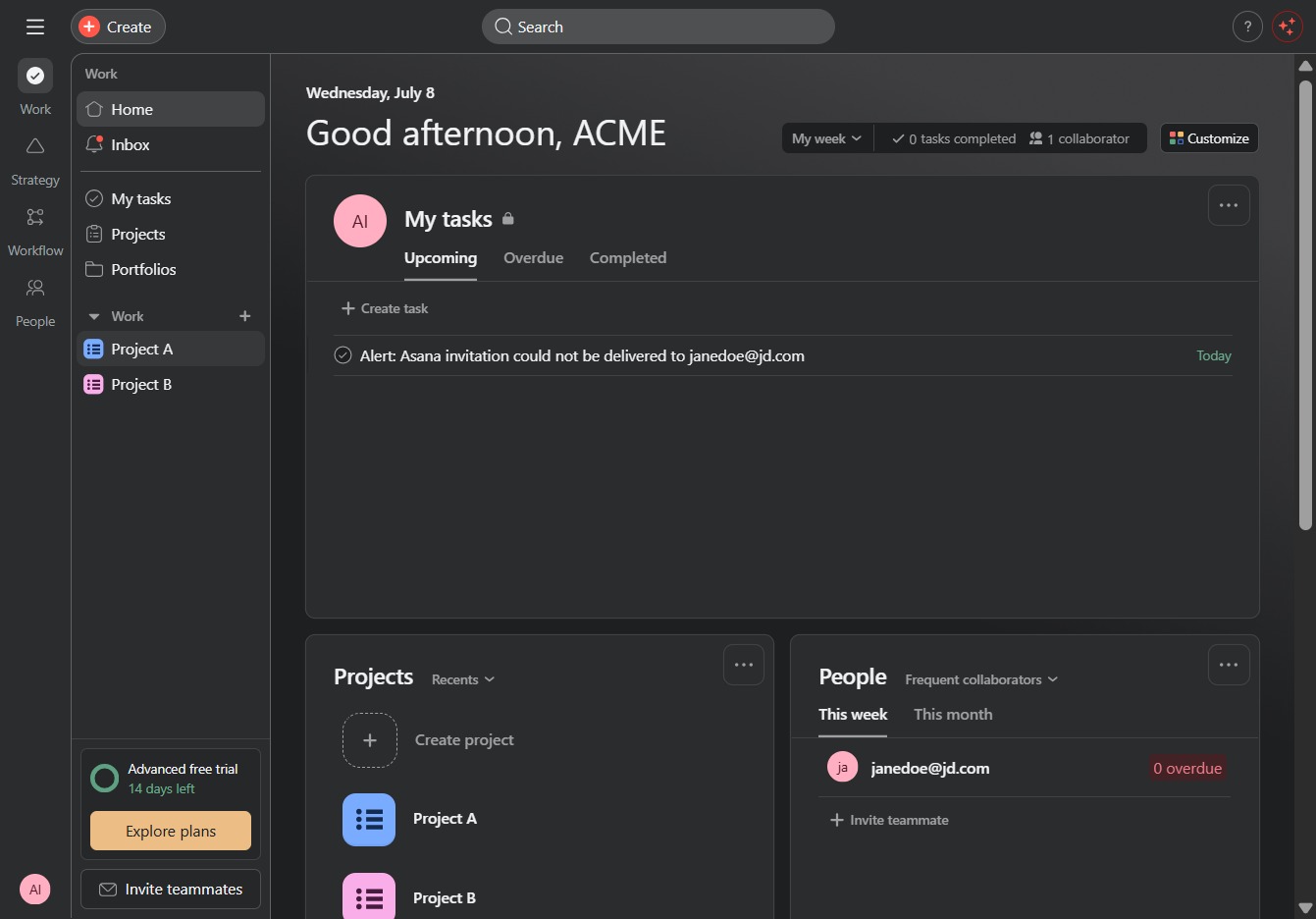
Click the Project A link
This will take you to the details and tasks associated with Project A, allowing you to manage project-specific activities.
Loading screenshot…
100%
This guide teaches you how to effectively utilize the Timeline view for Project A, allowing you to manage tasks and schedules efficiently.
 viktoria
This guide teaches you how to effectively utilize the Timeline view for Project A, allowing you to manage tasks and schedules efficiently. Learn how to navigate through the project dashboard and visually track progress and deadlines to streamline your project management process.
This will take you to the details and tasks associated with Project A, allowing you to manage project-specific activities.
This action opens the Timeline view where you can manage tasks and their schedules for the project. You can visually track progress and deadlines for each task.
