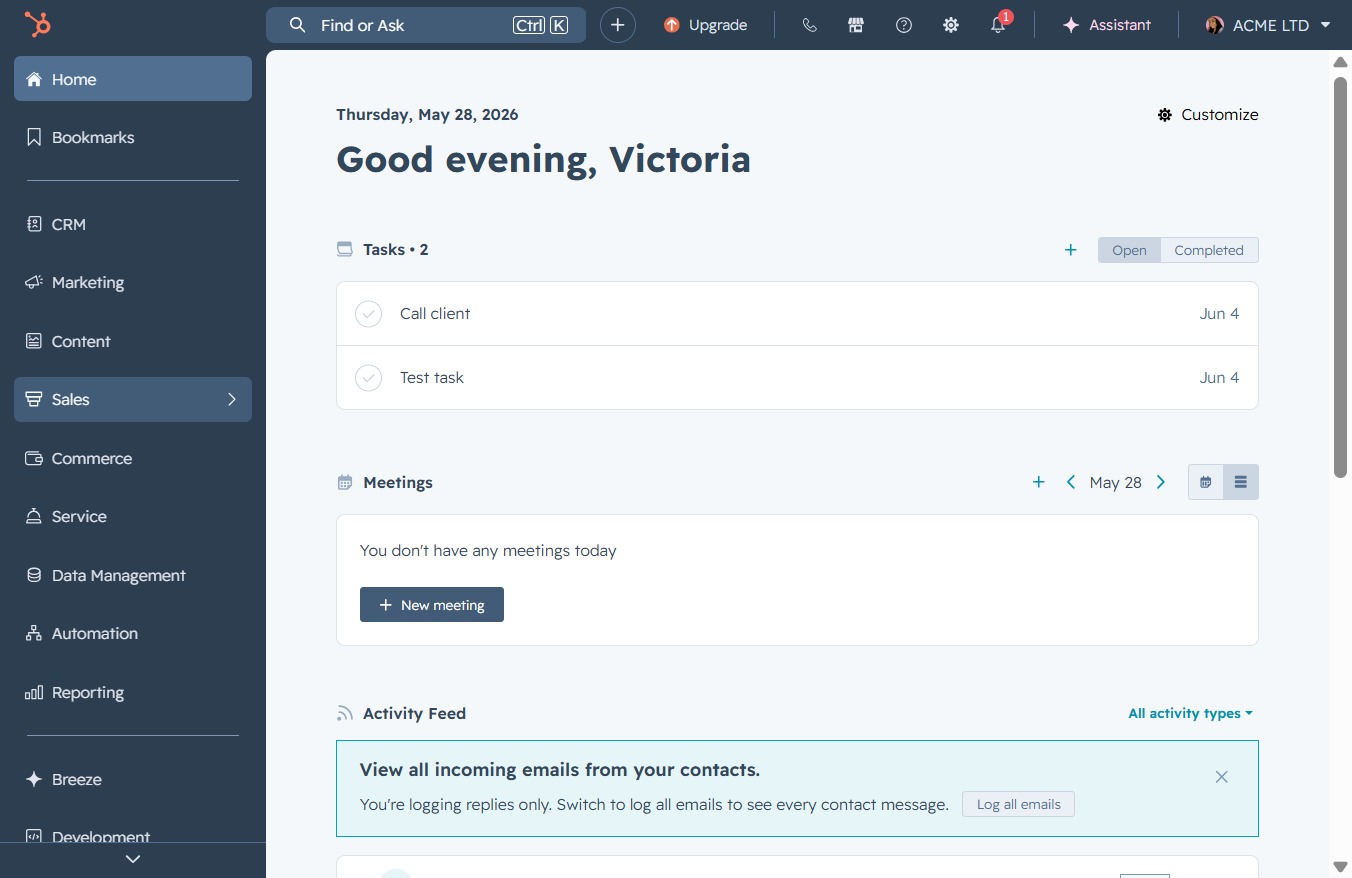
Click the Sales option
This action will navigate you to the Sales section where you can manage your sales activities, view opportunities, and track performance metrics.
Loading screenshot…
100%
Navigate to the Sales Dashboard to copy your personalized meetings scheduling link, enabling smooth sharing and management of your meeting availability and preferences.
 viktoria
Navigate to the Sales Dashboard to copy your personalized meetings scheduling link, enabling smooth sharing and management of your meeting availability and preferences.
This action will navigate you to the Sales section where you can manage your sales activities, view opportunities, and track performance metrics.
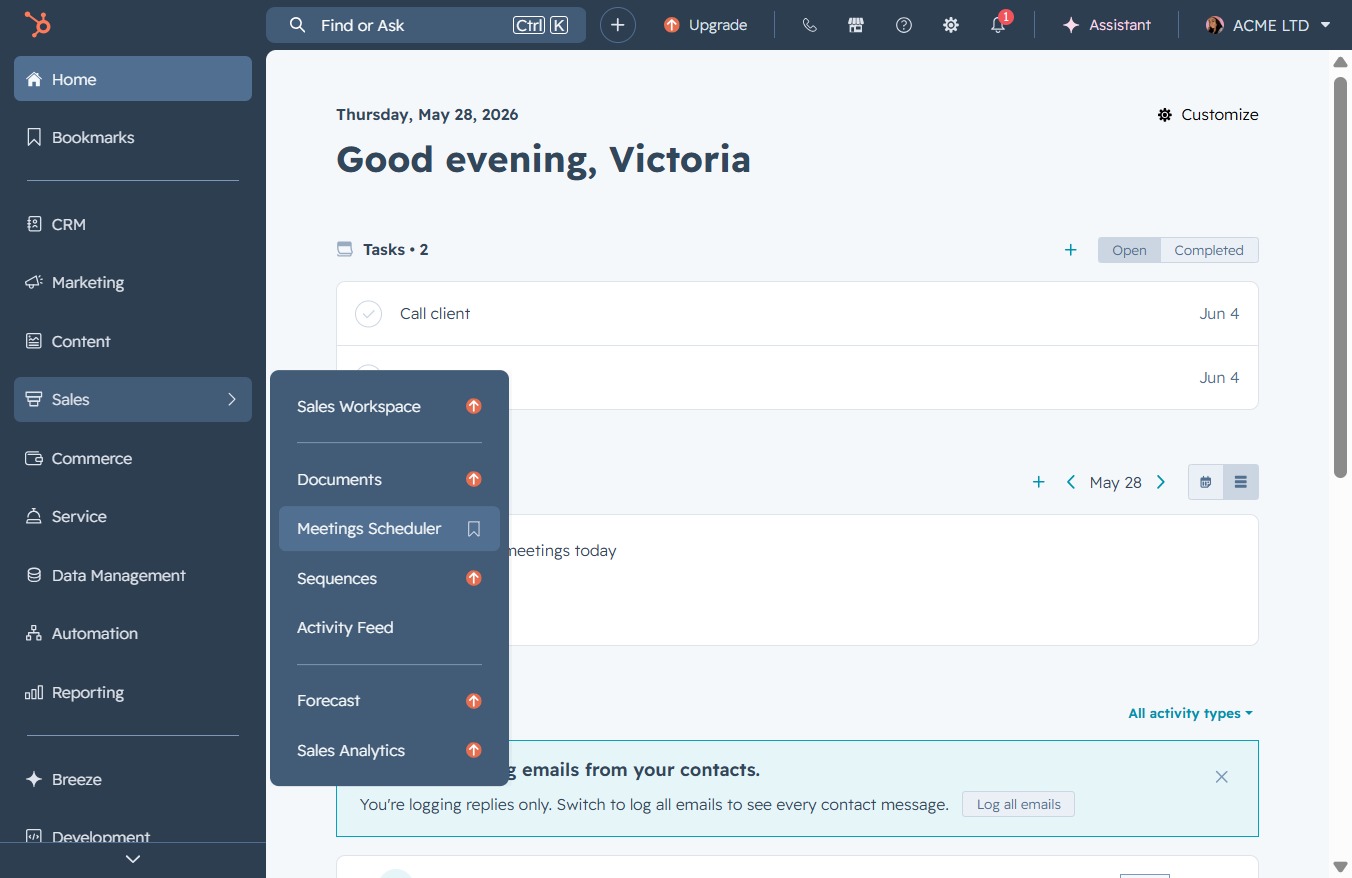
This will take you to the Meetings Scheduler section where you can manage and schedule your meetings.
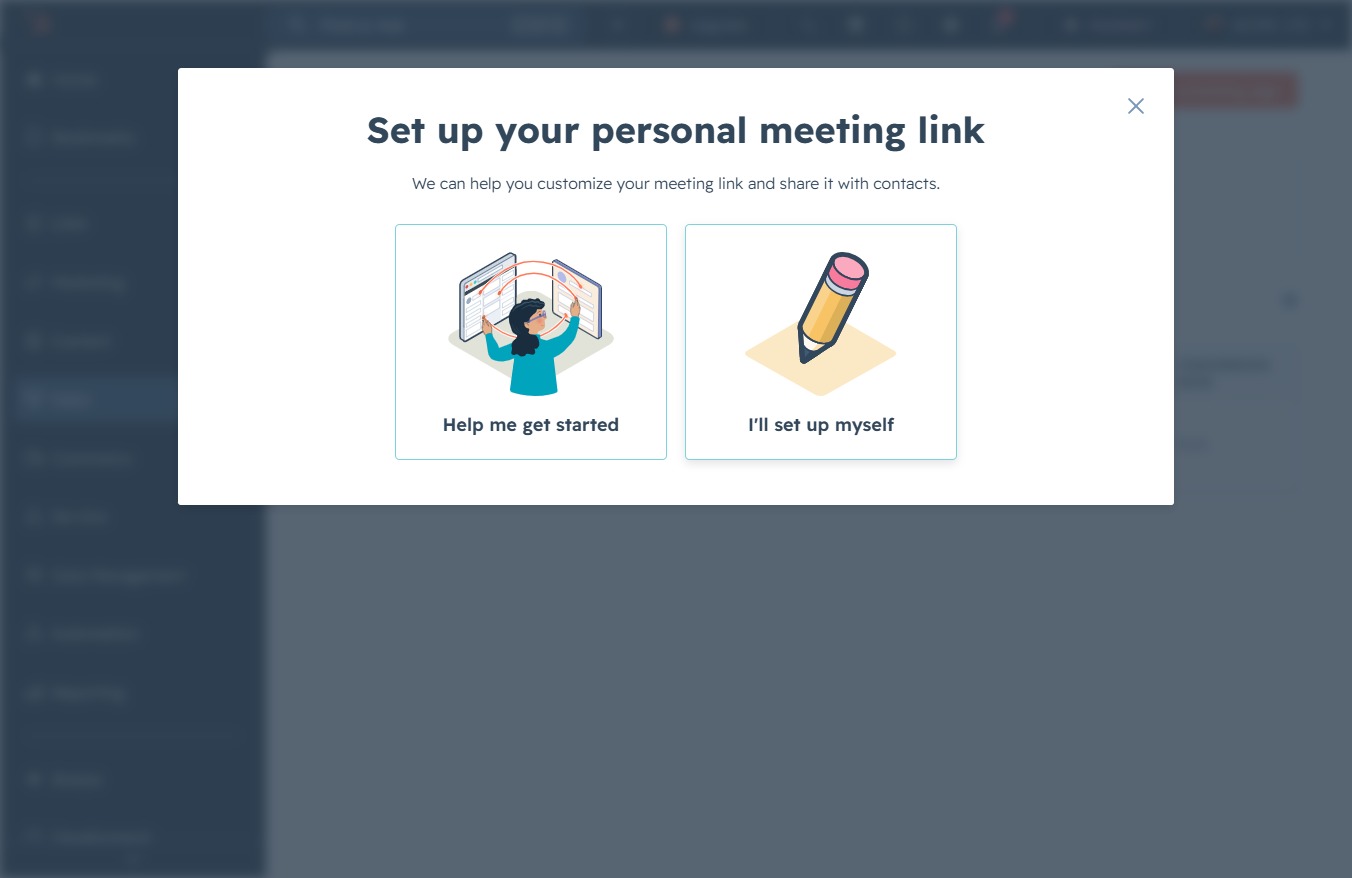
This will initiate the setup process for scheduling meetings with your personal meeting link, allowing you to customize your availability and preferences.

Clicking the pencil illustration icon allows you to manually customize your personal meeting link settings.
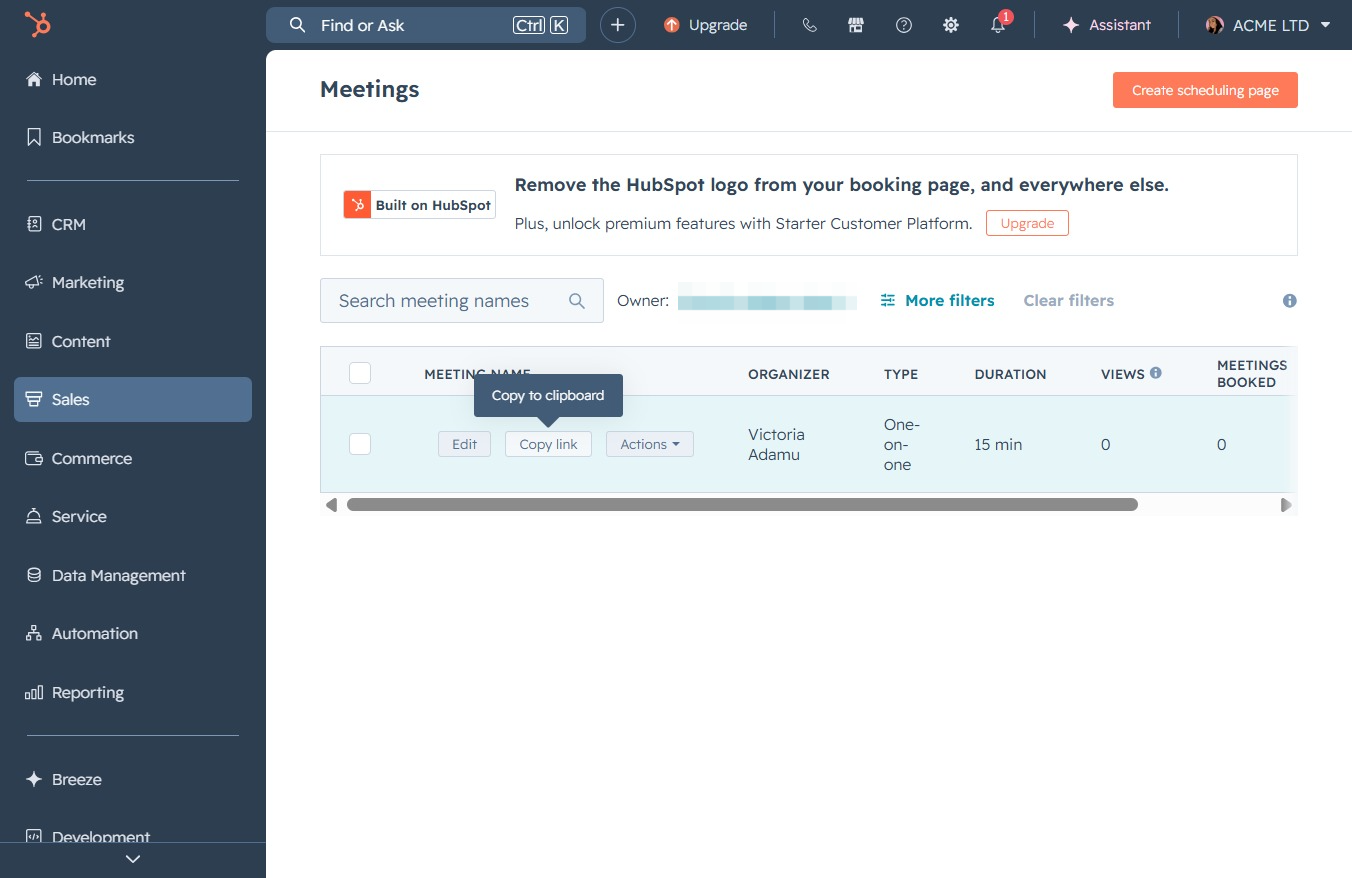
This action copies the meeting link to your clipboard, allowing you to easily share it with others. You can paste the link into emails, messages, or other applications as needed.