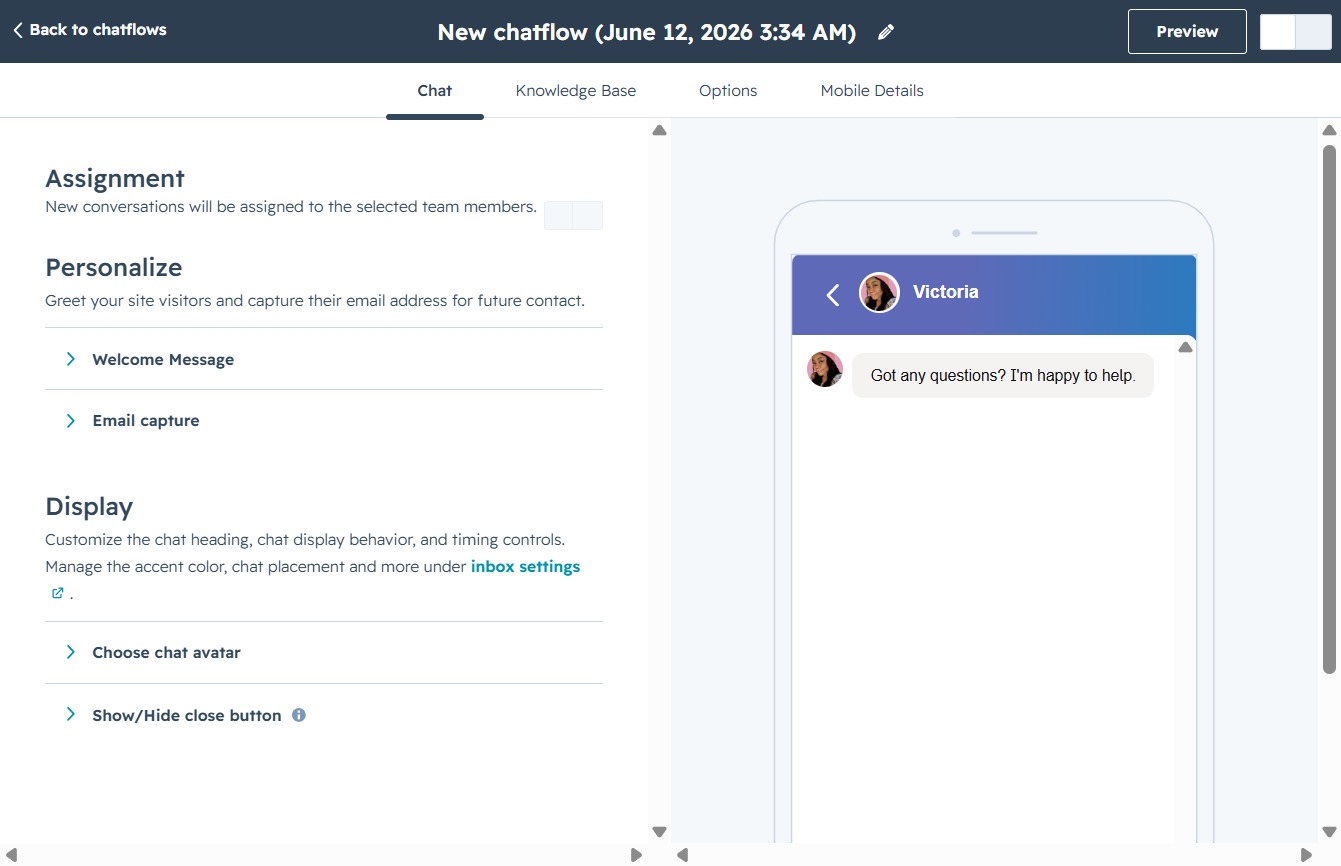
Click the Chatflows link
Selecting the Chatflows link will navigate you to the Chatflows management area, where you can create and manage automated chat interactions.

Loading screenshot…
100%
Create a mobile chatflow in HubSpot to enable automated interactions tailored for mobile devices, enhancing user experience and providing immediate customer support through a…
 viktoria
Create a mobile chatflow in HubSpot to enable automated interactions tailored for mobile devices, enhancing user experience and providing immediate customer support through a knowledge base.
Selecting the Chatflows link will navigate you to the Chatflows management area, where you can create and manage automated chat interactions.
This action opens a new interface where you can design and configure a chatflow tailored for your website or application.

Selecting the Mobile option will configure the chatflow specifically for mobile devices, allowing for tailored interactions and experiences on those platforms.

Proceed to the next step in creating your chatflow by clicking the Next button. This will take you to the final steps of setting up your chatflow details.
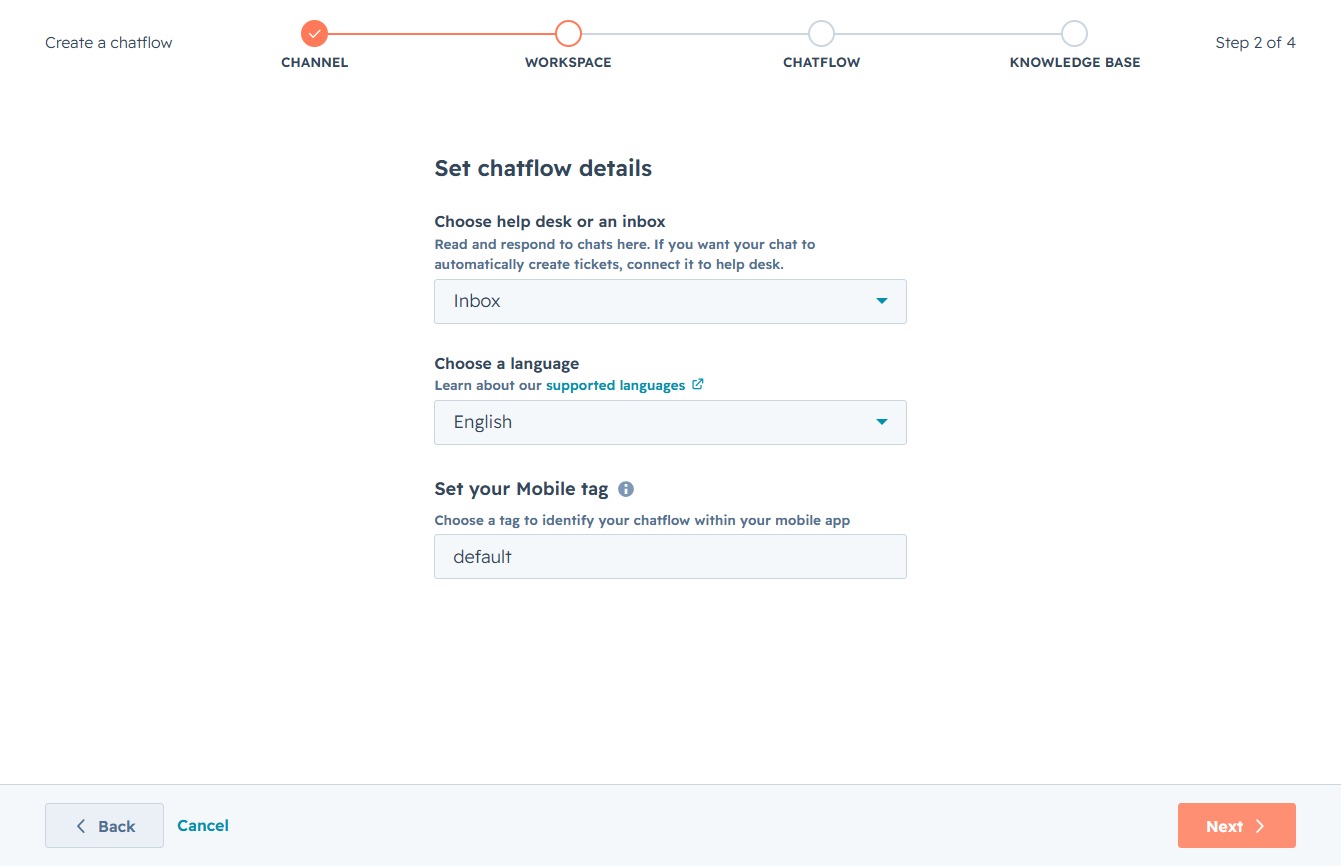
This action will proceed to the next step in the chatflow setup process, allowing you to continue configuring the type of chatflow you want to create.
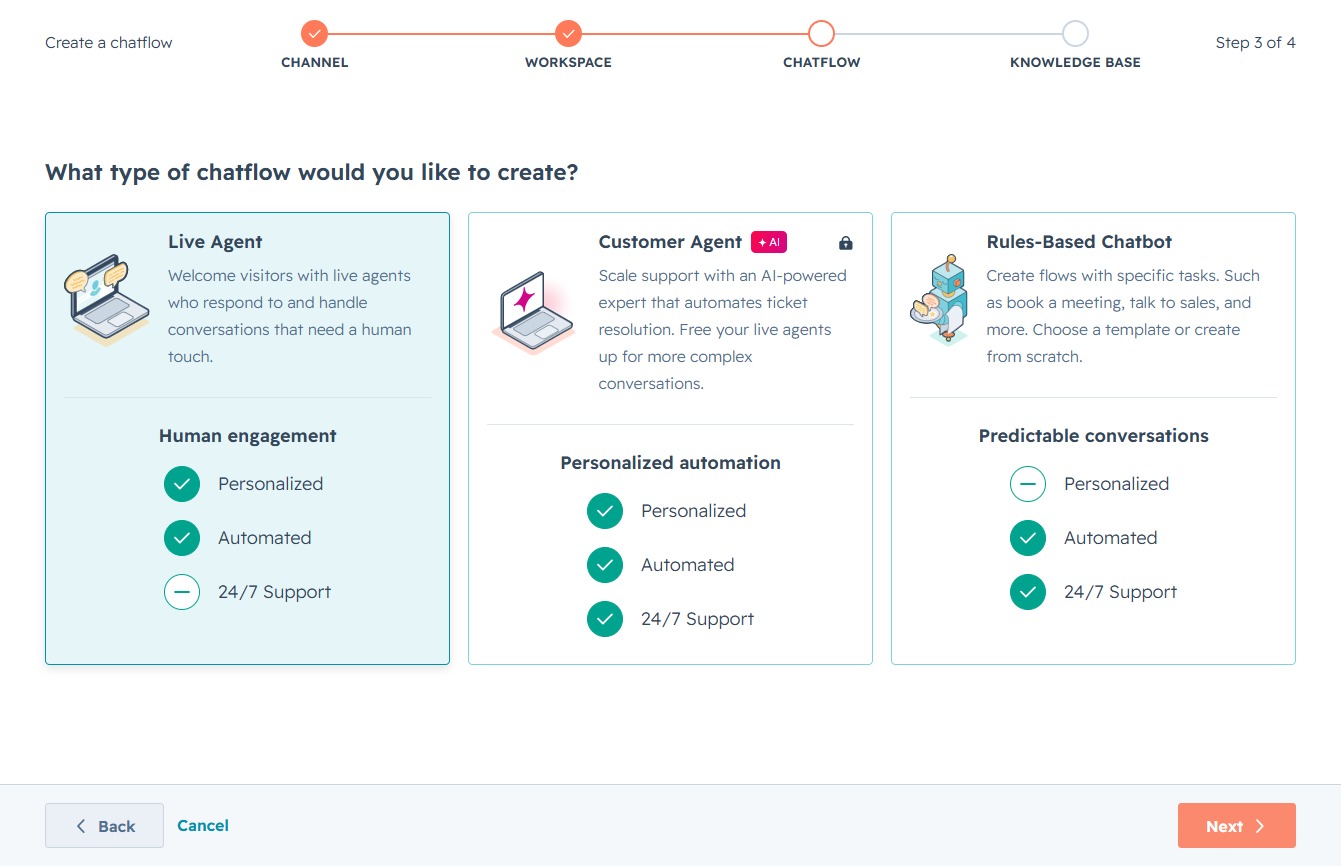
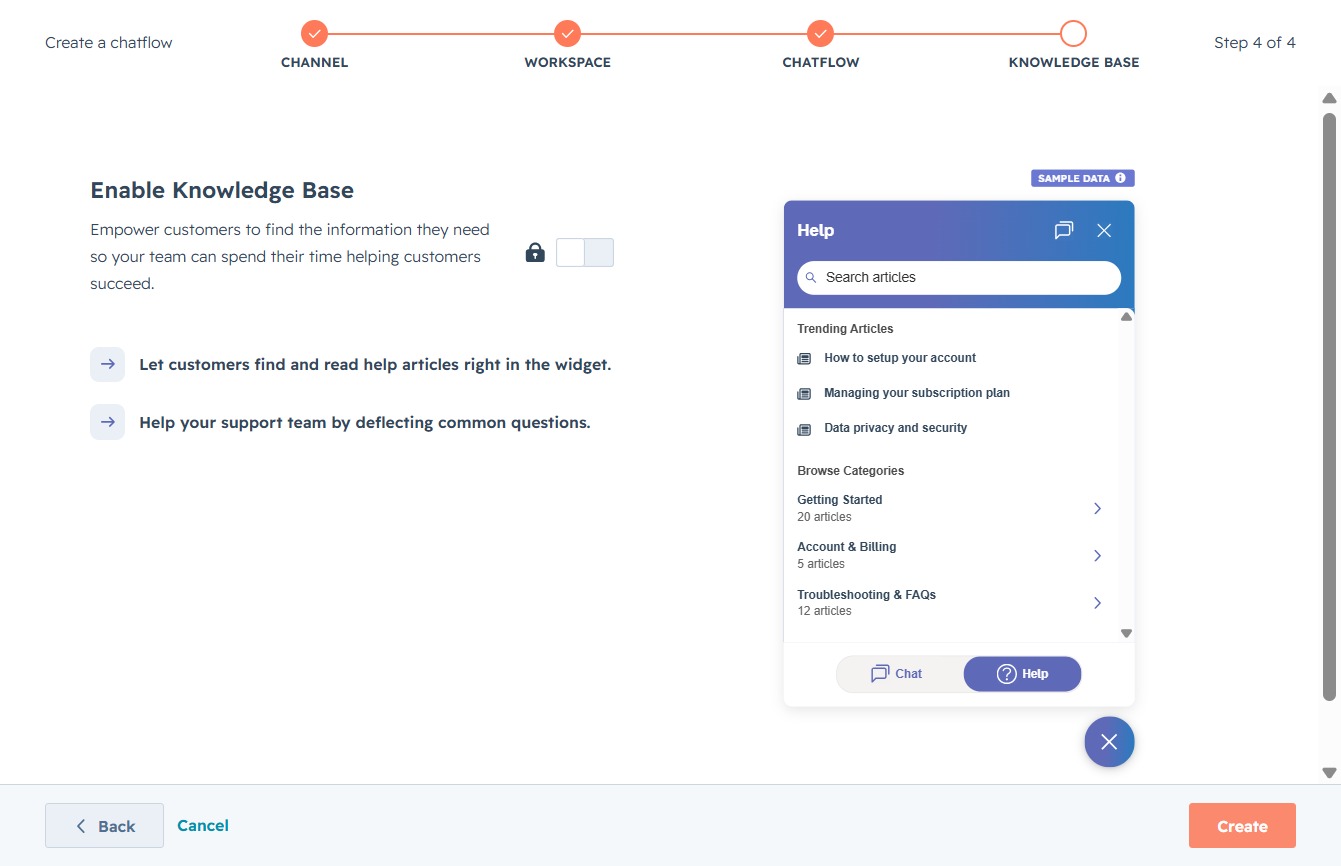
This action will finalize your setup and initiate the creation of your knowledge base for the chatbot, allowing customers to access help articles.
Toggling this switch will enable or disable the chat features on your new chat flow, affecting how it interacts with visitors on your site.