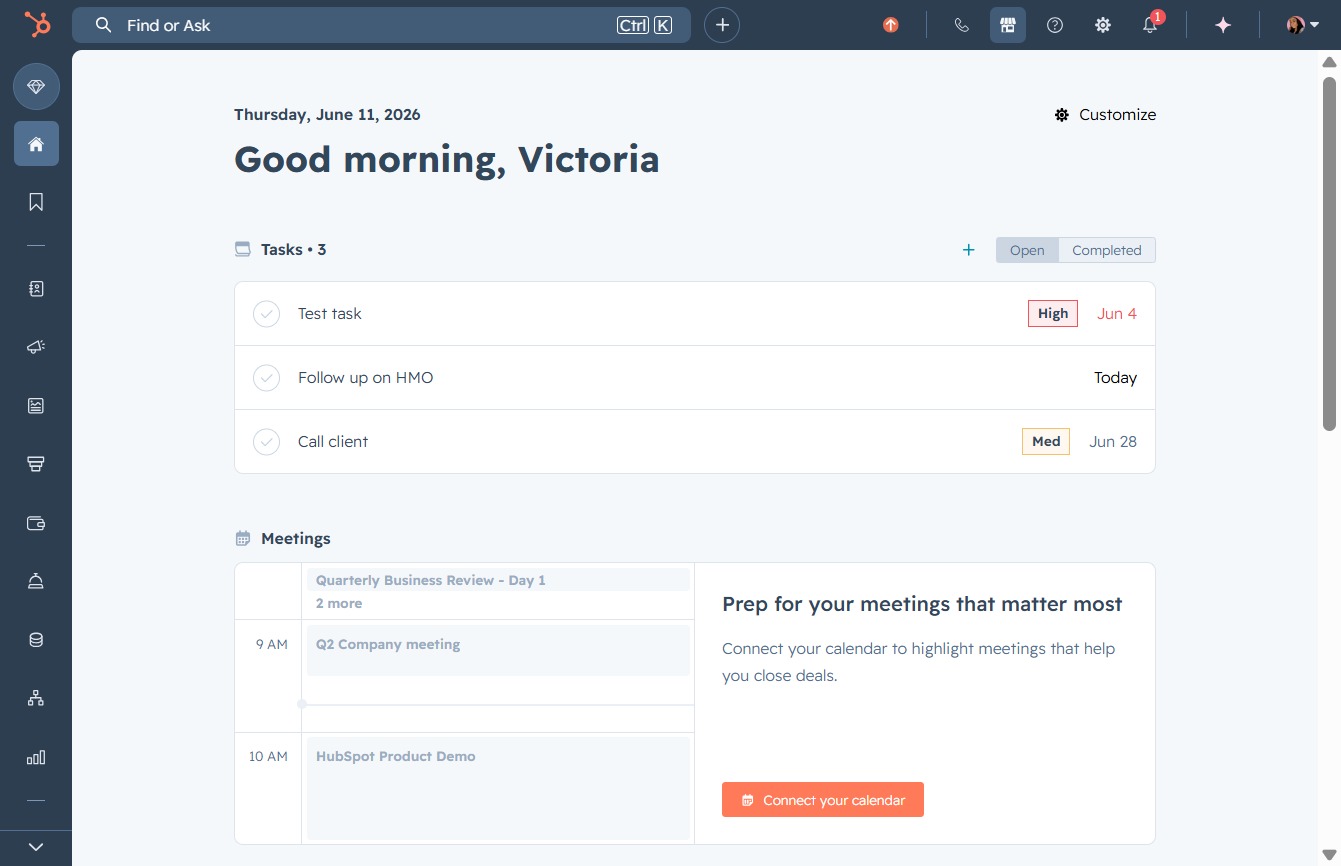
Click here to connect your calendar
By clicking this link, you will initiate the process to connect your calendar, allowing your scheduled meetings to be highlighted for better visibility and organization.
Loading screenshot…
100%
Connect HubSpot with Make to automate workflows by integrating various applications, enhancing your marketing and sales processes, and improving organizational efficiency.
 viktoria
Connect HubSpot with Make to automate workflows by integrating various applications, enhancing your marketing and sales processes, and improving organizational efficiency.
By clicking this link, you will initiate the process to connect your calendar, allowing your scheduled meetings to be highlighted for better visibility and organization.
By clicking the HubSpot Marketplace link, you will access the HubSpot Marketplace to explore available integrations, apps, and tools that can enhance your marketing and sales processes.

Clicking the 'Scroll right' control will navigate you horizontally through the available apps and connectors in your recent Marketplace activity section, allowing you to discover additional tools.

Click the 'Scroll right' control to navigate through additional items in the 'Based on your recent Marketplace activity' section. This allows you to view more applications and assistants related to your recent interactions.

By clicking the Make app, you can connect HubSpot to any application or API, enabling the automation of your workflows for improved efficiency.

This will initiate the installation process for the Make app, allowing you to connect HubSpot to other applications or APIs and automate your workflows.

This action initiates the verification process to confirm that you are not a bot, allowing access to the website.

Clicking the 'Sign in' link will take you to the login page, allowing you to enter your credentials to access your account.

This will initiate the authentication process using your Google account, allowing you to sign in quickly without entering your email and password.

Click on the email address associated with your Google account to initiate the sign-in process for Make. This will allow you to access your account and continue using the application.

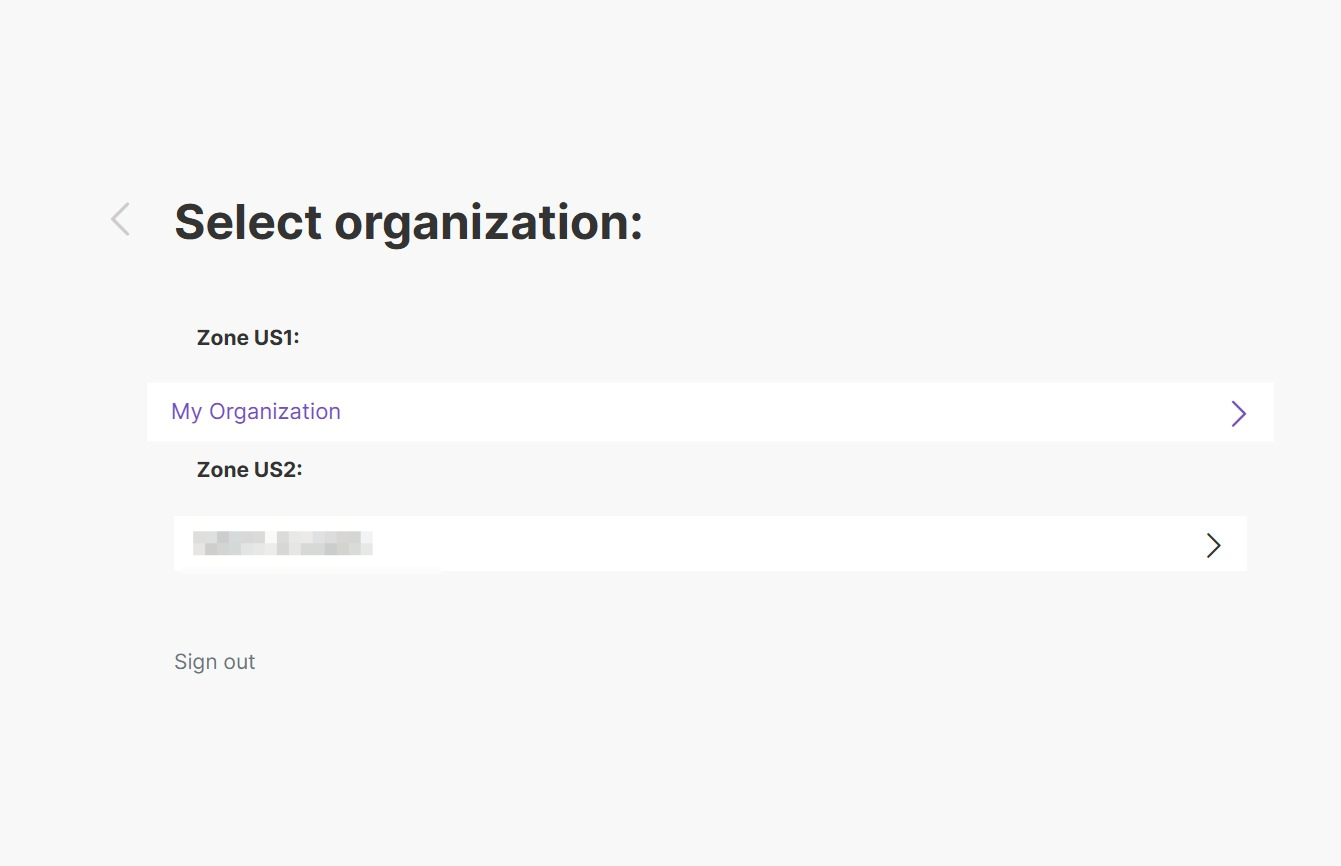
Selecting 'My Organization' will allow you to access the specific settings and features associated with that organization within the application.