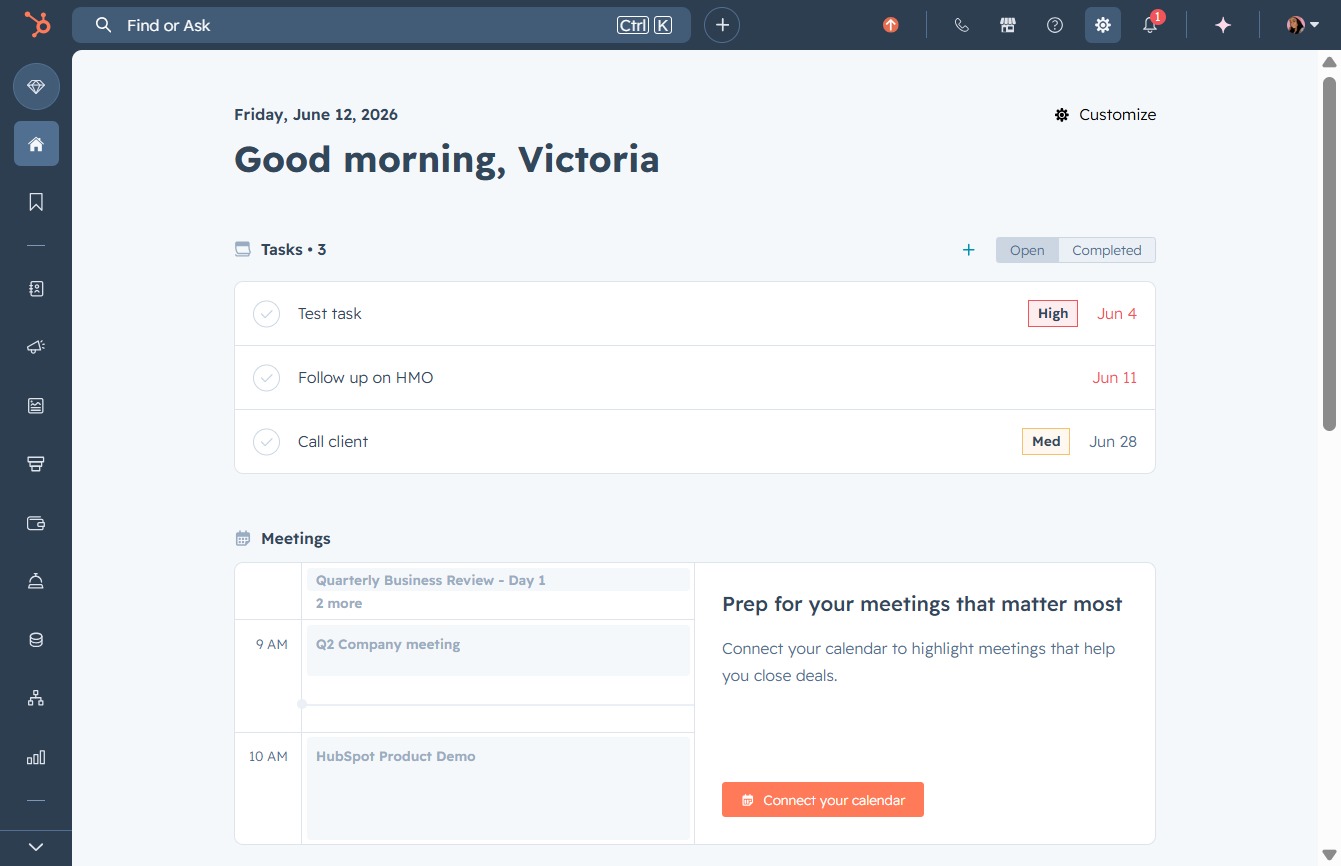
Click here to connect your calendar
This action opens the connection options for your calendar, allowing you to highlight important meetings that help you stay organized.
Loading screenshot…
100%
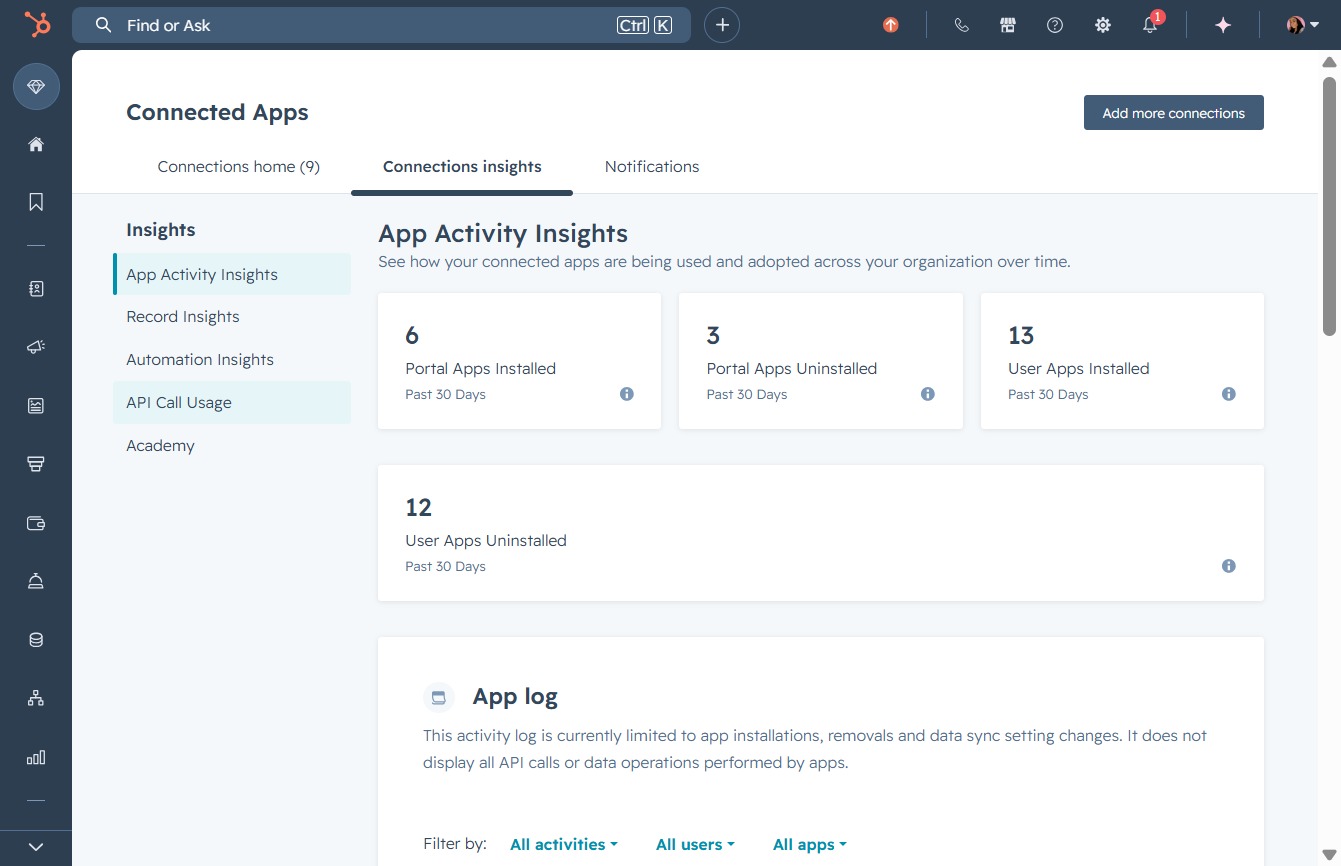
Check your API call usage and limits in HubSpot by navigating to the relevant analytics and settings sections, helping you optimize your app integrations for enhanced performance.
 viktoria
Check your API call usage and limits in HubSpot by navigating to the relevant analytics and settings sections, helping you optimize your app integrations for enhanced performance.
This action opens the connection options for your calendar, allowing you to highlight important meetings that help you stay organized.
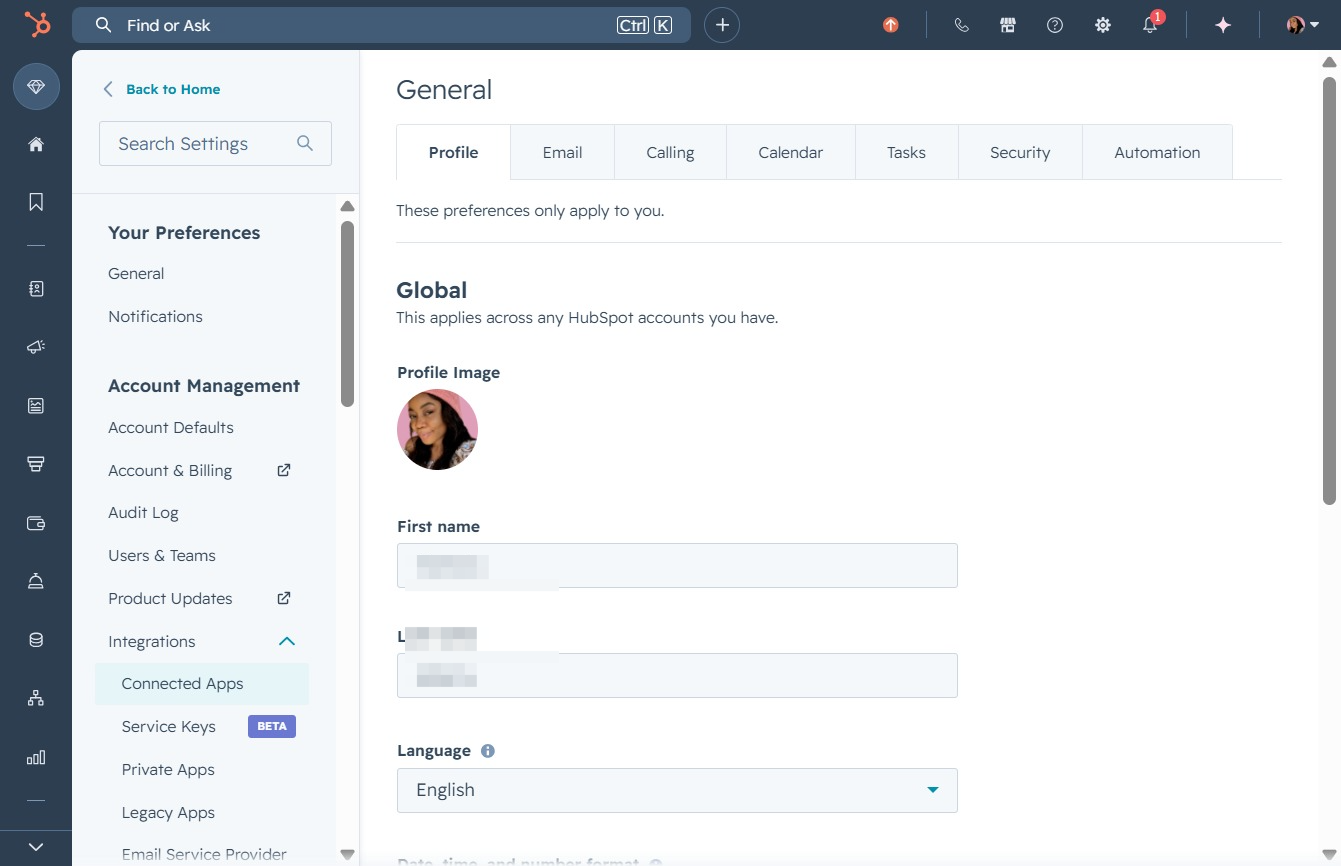
This will open a section where you can manage your integrated applications and their settings within your HubSpot account.
Access detailed analytics and insights related to your connected applications. This section provides metrics and performance data that can help enhance your app integrations.

This action will display the API usage statistics within your application, providing insights into how your API calls are being utilized.