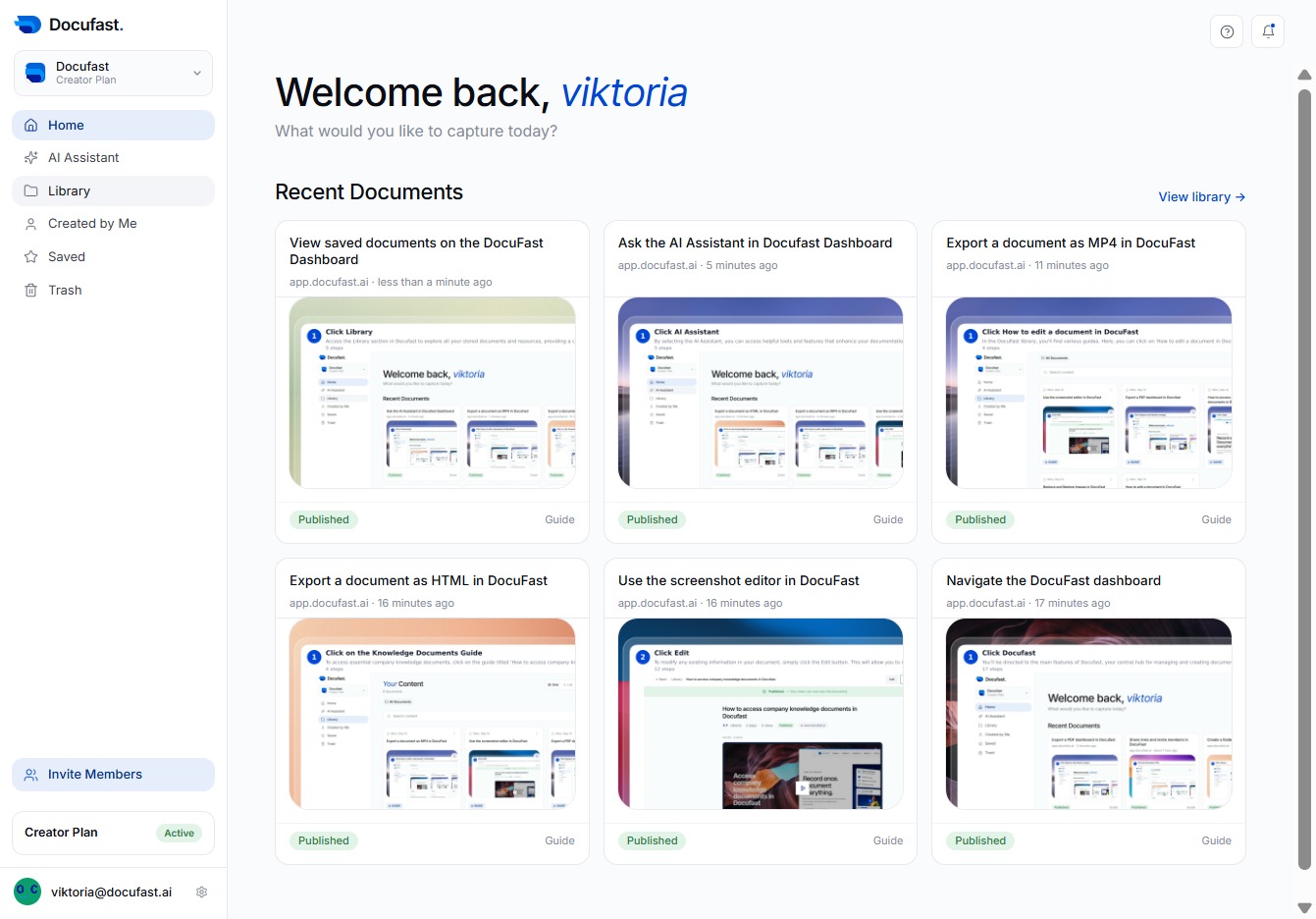
Click Library
By clicking on the Library option, you can access a collection of saved documents and resources within Docufast, making it easier to organize and retrieve your important files.
Loading screenshot…
100%
Access recently created documents in the Docufast Dashboard by navigating to the Library and selecting the 'List' view, ensuring you quickly find your latest work.
 viktoria
Access recently created documents in the Docufast Dashboard by navigating to the Library and selecting the 'List' view, ensuring you quickly find your latest work.
By clicking on the Library option, you can access a collection of saved documents and resources within Docufast, making it easier to organize and retrieve your important files.
By selecting 'List,' you can switch the view to see your documents organized in a list format, making it easier to browse through your content in Docufast.
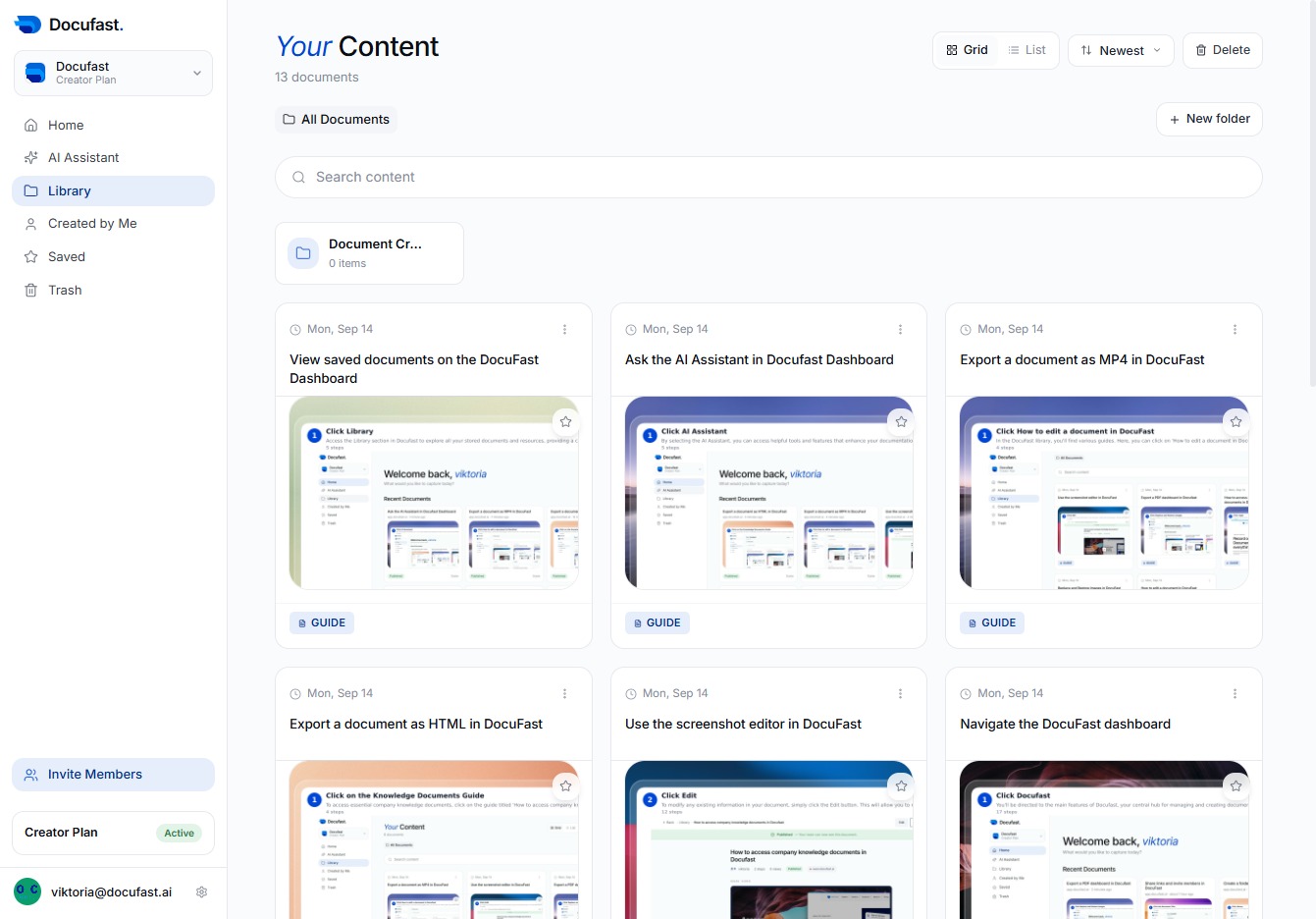
By clicking the 'Newest' option, you can quickly view the most recently added documents in DocuFast, helping you stay updated with the latest content.
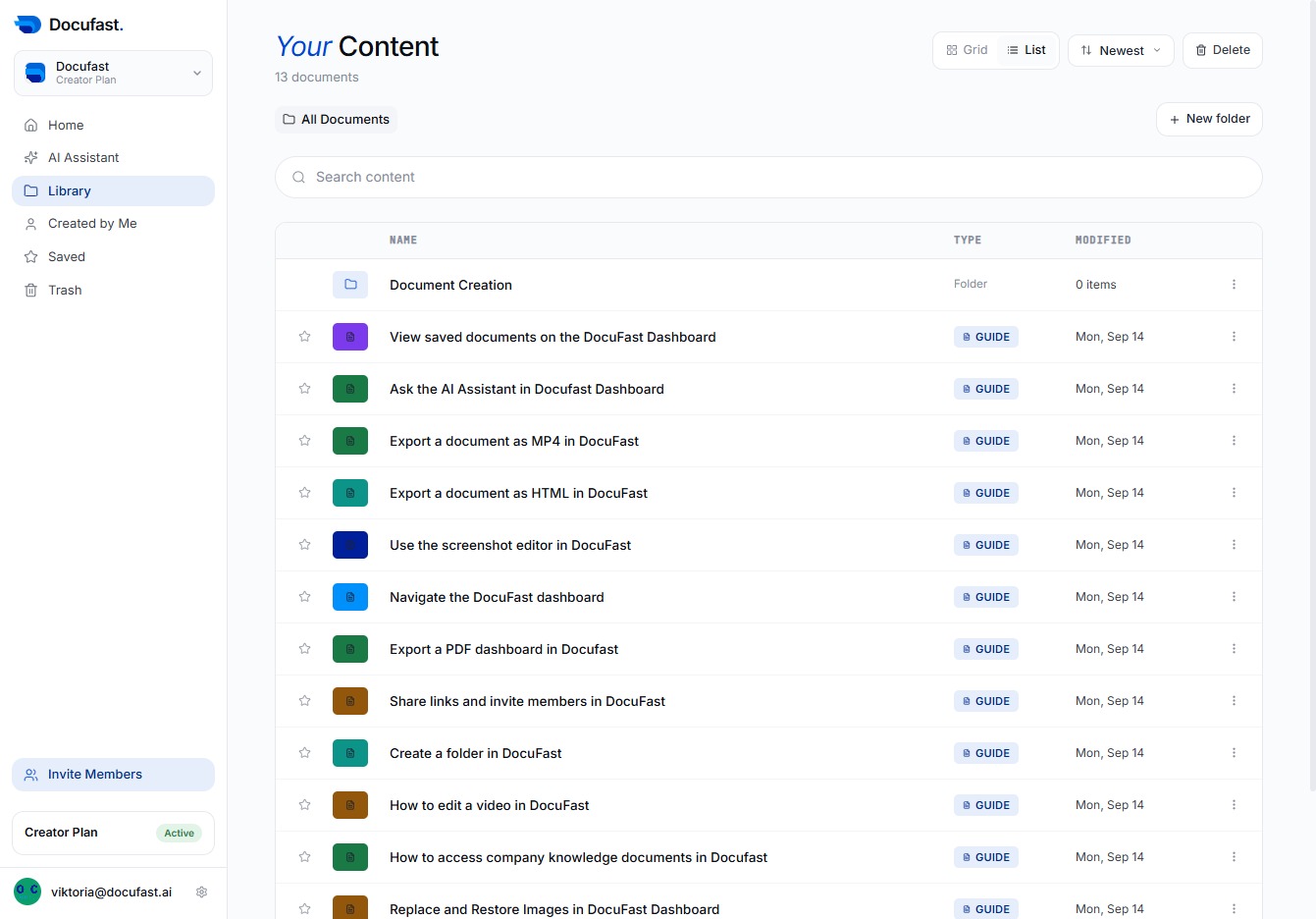
Here you'll find the recently created documents in DocuFast, making it simple to access your latest work and quickly locate the files you need.
