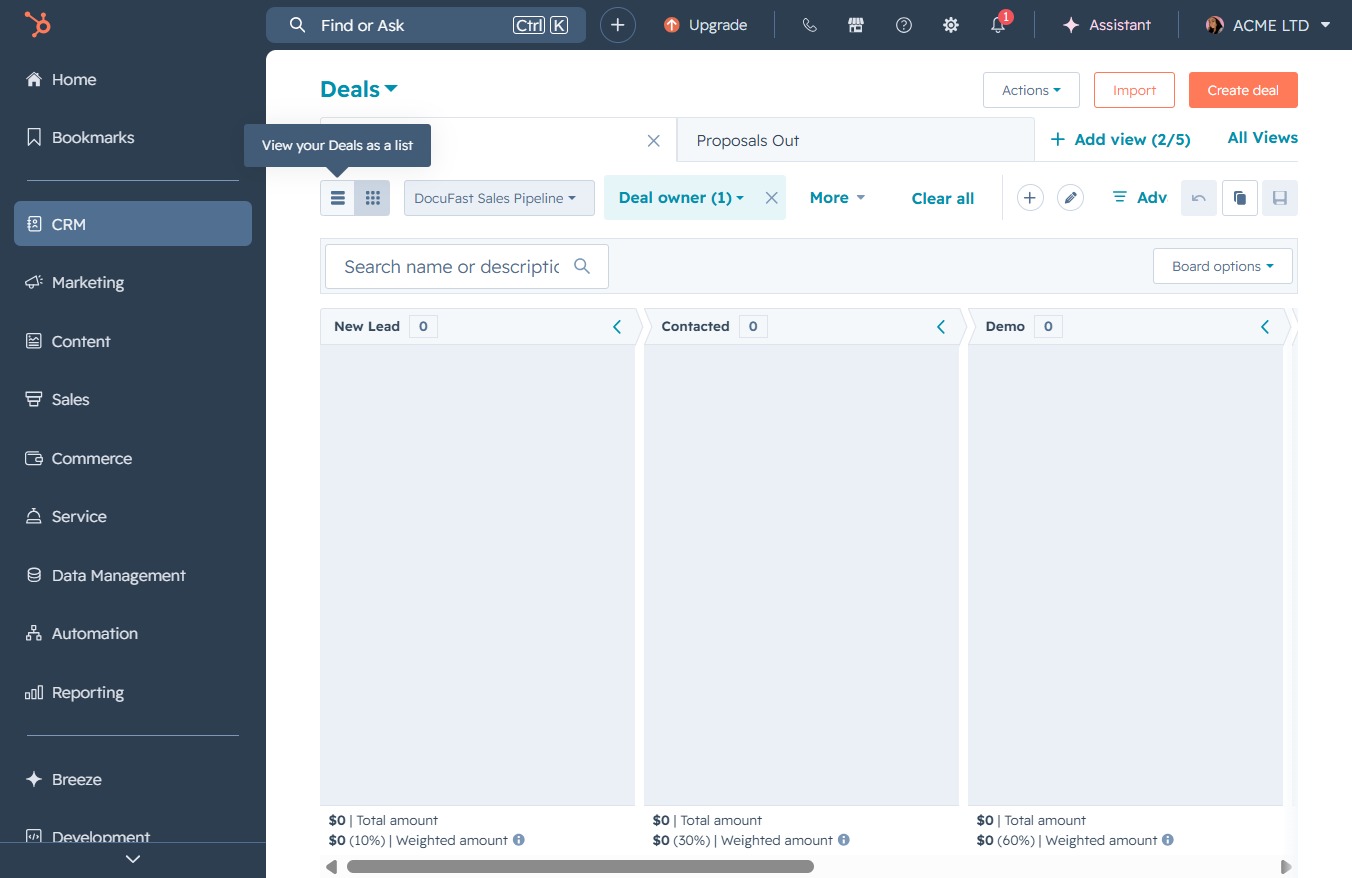
Click the CRM tab
Clicking the CRM tab will take you to the Customer Relationship Management section, where you can manage client interactions, tasks, and overall sales processes.
Loading screenshot…
100%
View and manage your sales opportunities in the CRM by accessing the Deals section, where deals are presented in a list format for streamlined oversight and organization.
 viktoria
View and manage your sales opportunities in the CRM by accessing the Deals section, where deals are presented in a list format for streamlined oversight and organization.
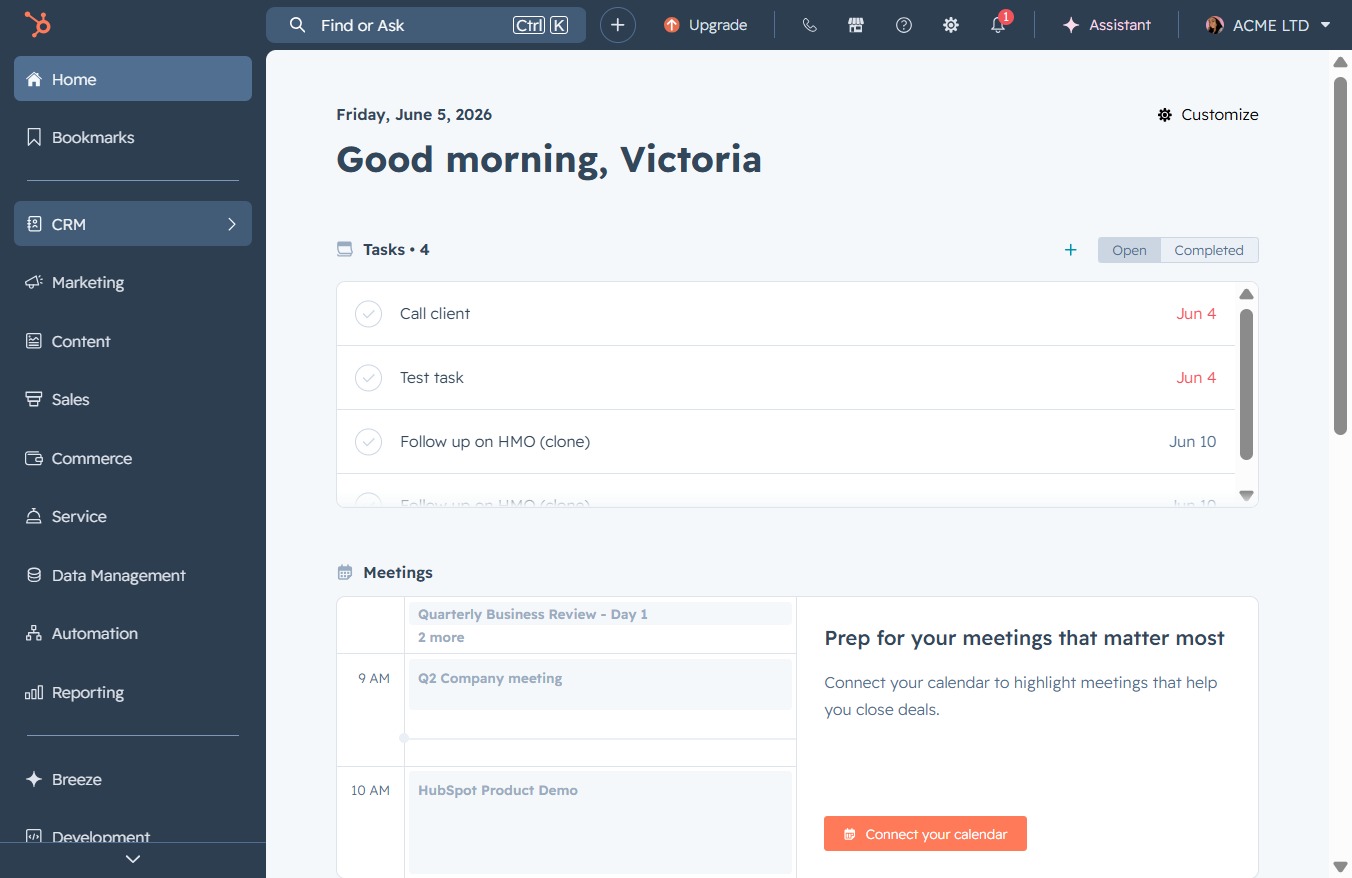
Clicking the CRM tab will take you to the Customer Relationship Management section, where you can manage client interactions, tasks, and overall sales processes.
This will navigate you to the Deals section, where you can manage and track your sales opportunities.
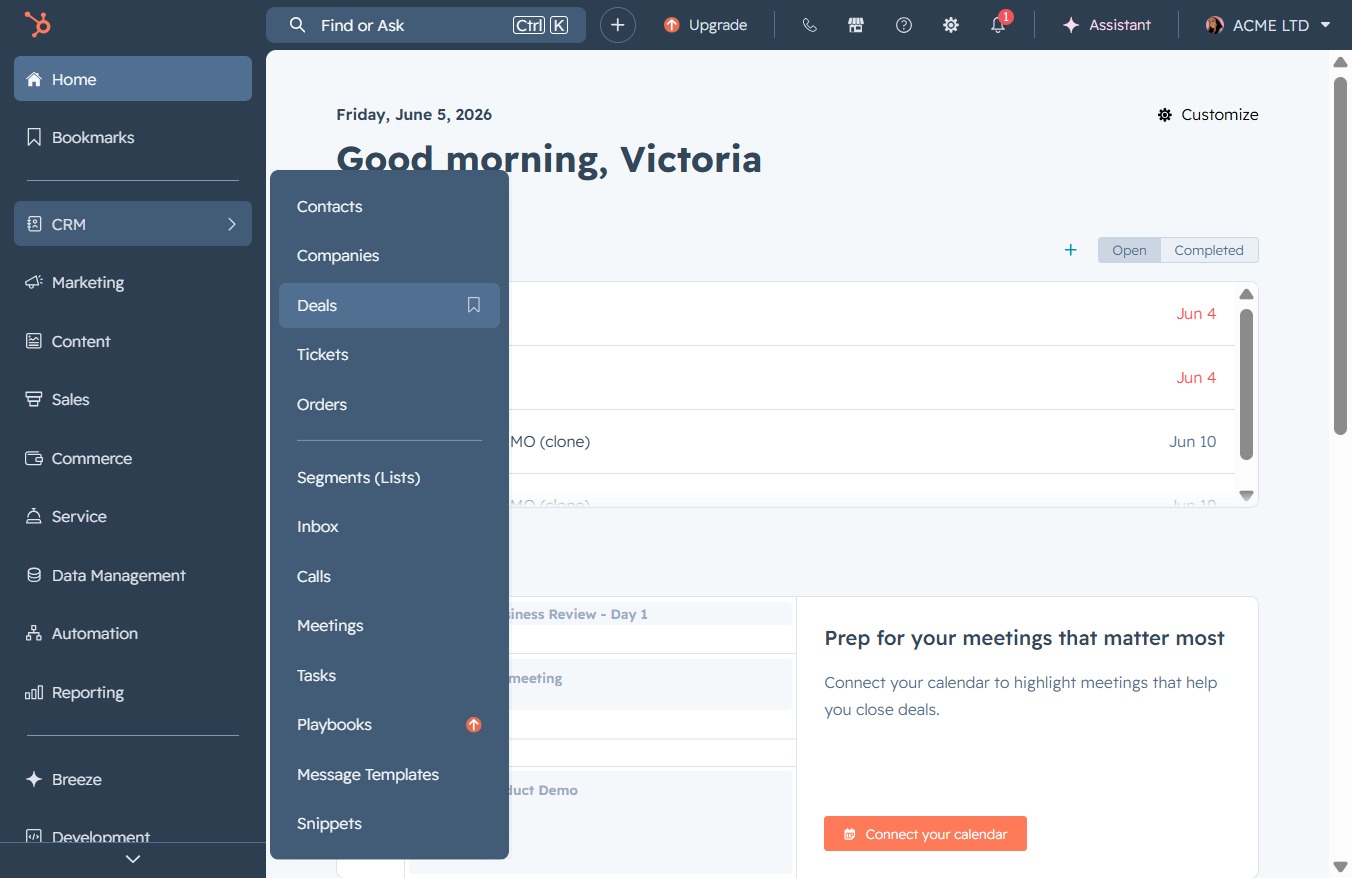
Clicking this option will display your Deals in a list format, allowing for easier viewing and management of individual deals.