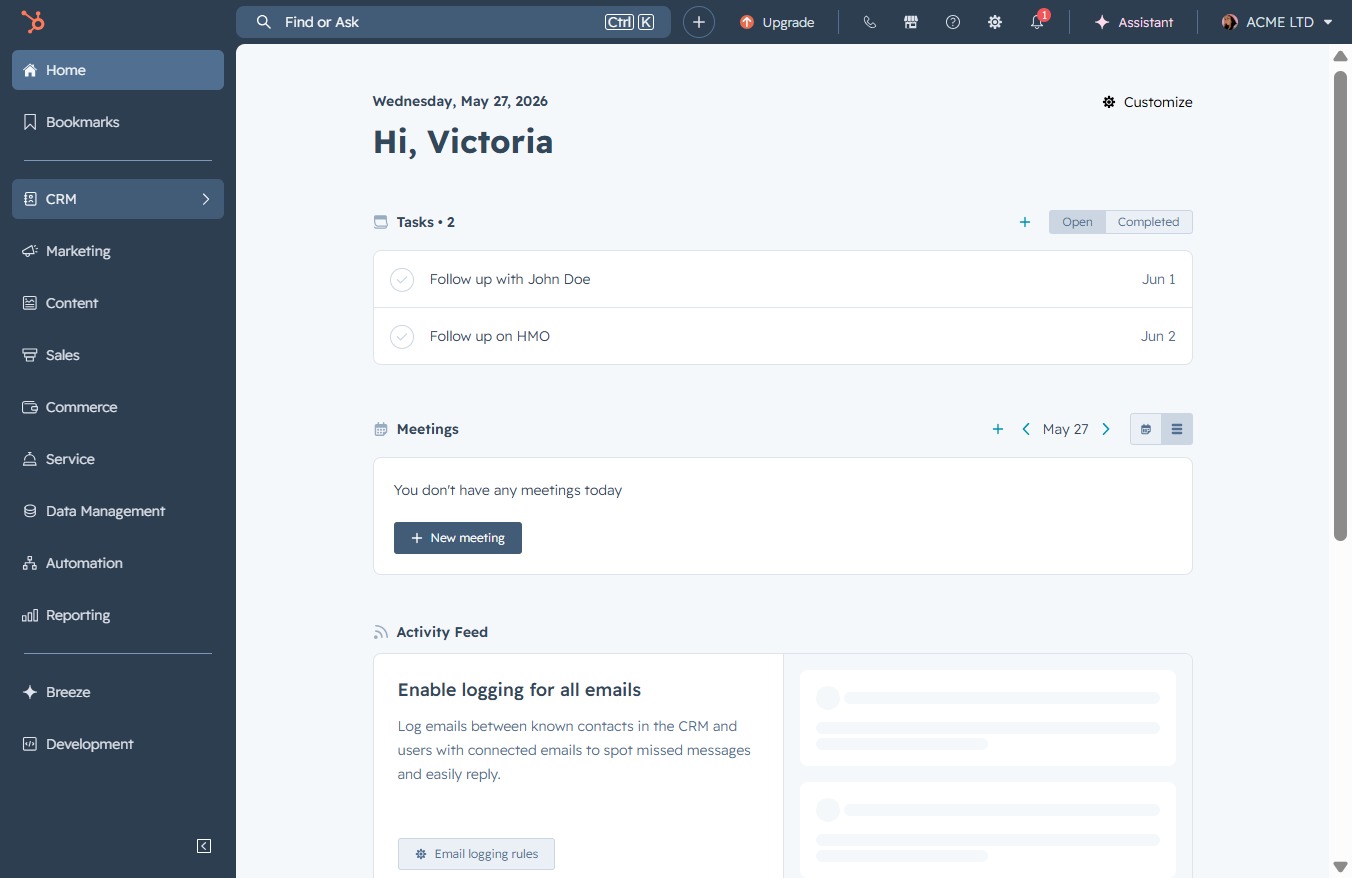
Click the CRM link
This action takes you to the CRM section, where you can manage customer relationships and access relevant features such as contacts, deals, and analytics.
Loading screenshot…
100%
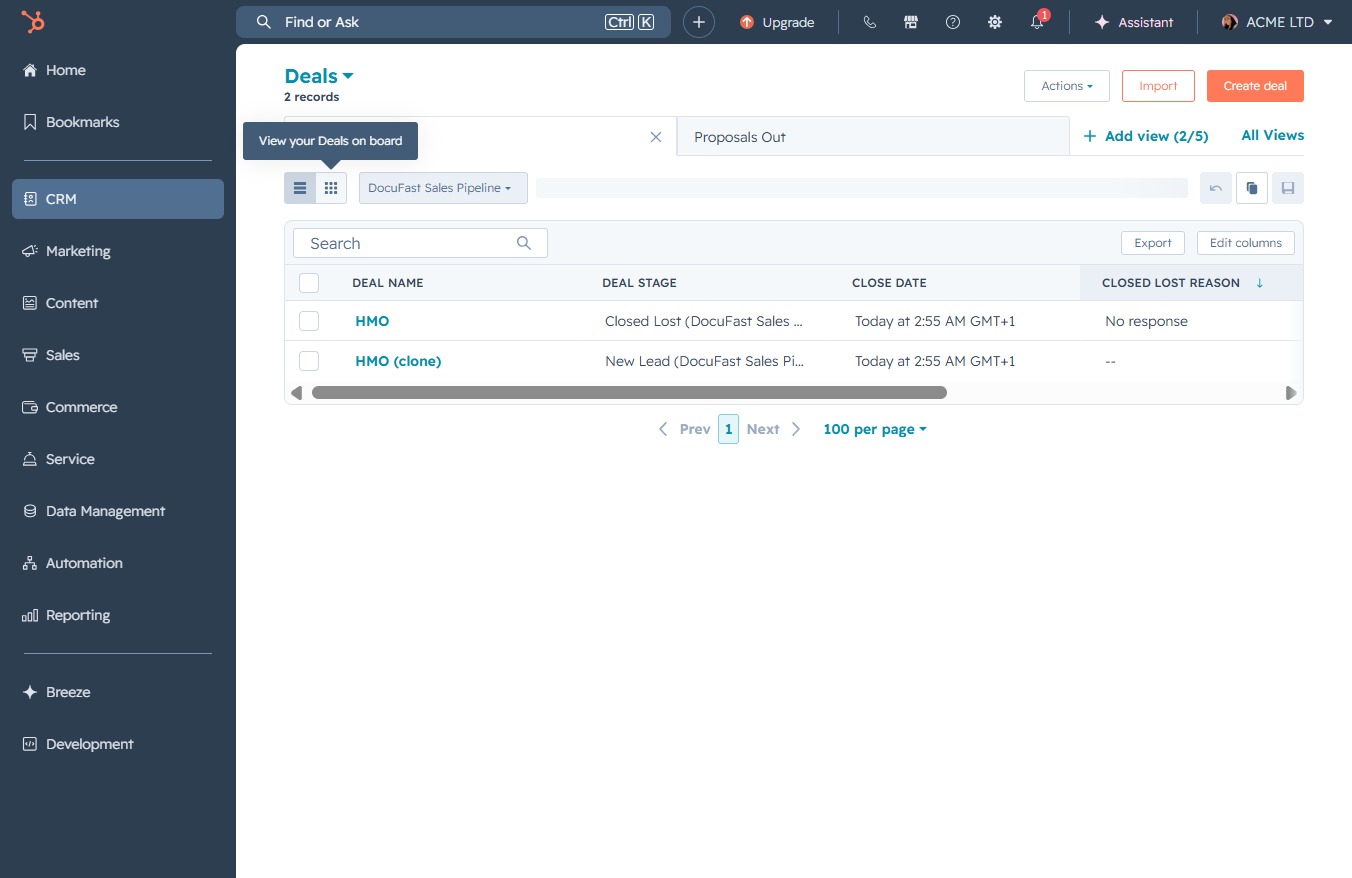
Navigate to the Deals Board View in CRM to manage your ongoing deals, monitor their statuses, and access detailed information about customer interactions and sales opportunities.
 viktoria
Navigate to the Deals Board View in CRM to manage your ongoing deals, monitor their statuses, and access detailed information about customer interactions and sales opportunities.
This action takes you to the CRM section, where you can manage customer relationships and access relevant features such as contacts, deals, and analytics.
This will navigate you to the Deals section, where you can manage and view information about sales opportunities and customer interactions.
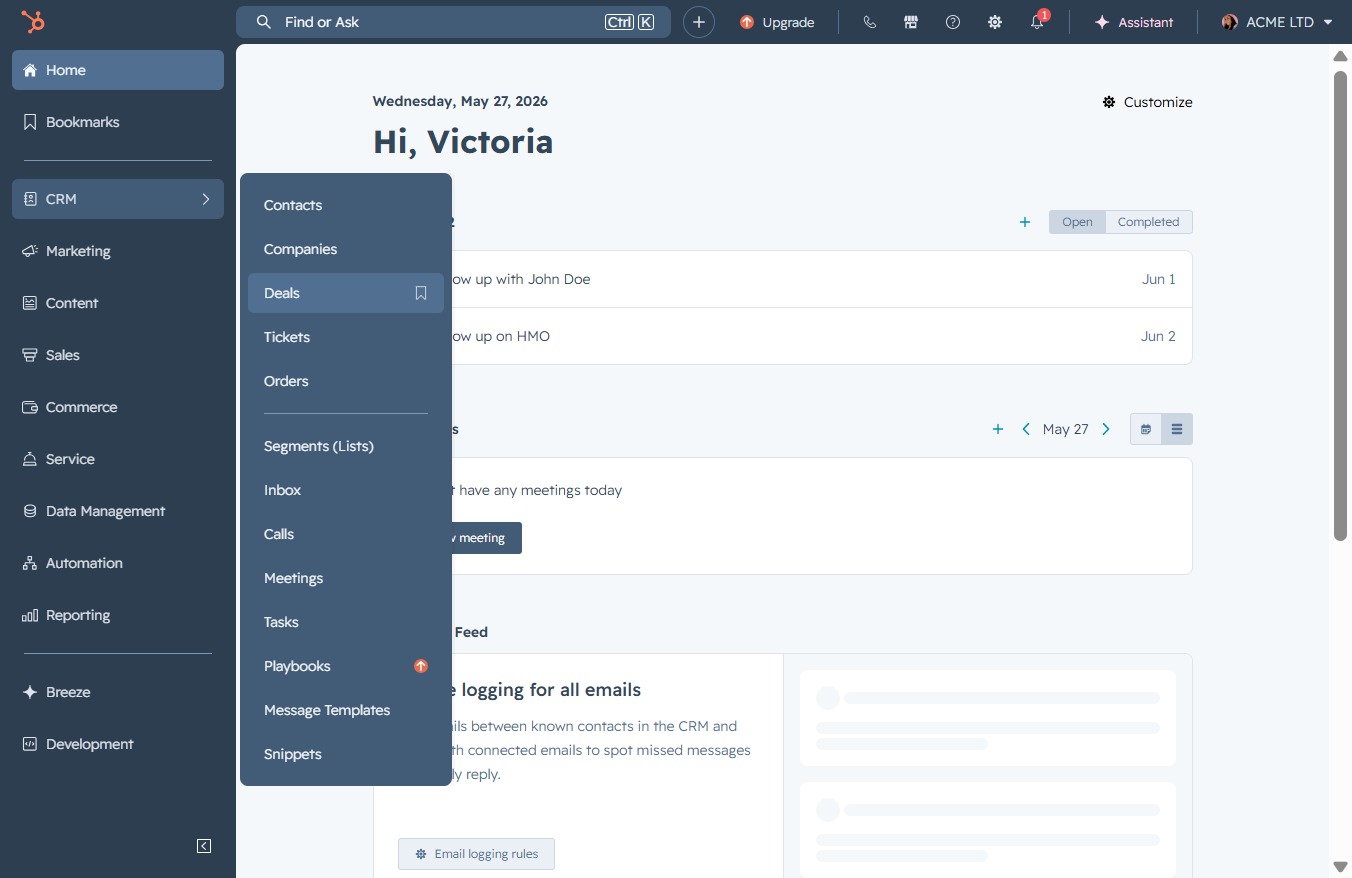
By clicking this button, you will access the Deals section, where you can view and manage your ongoing deals, including their current statuses and relevant details.