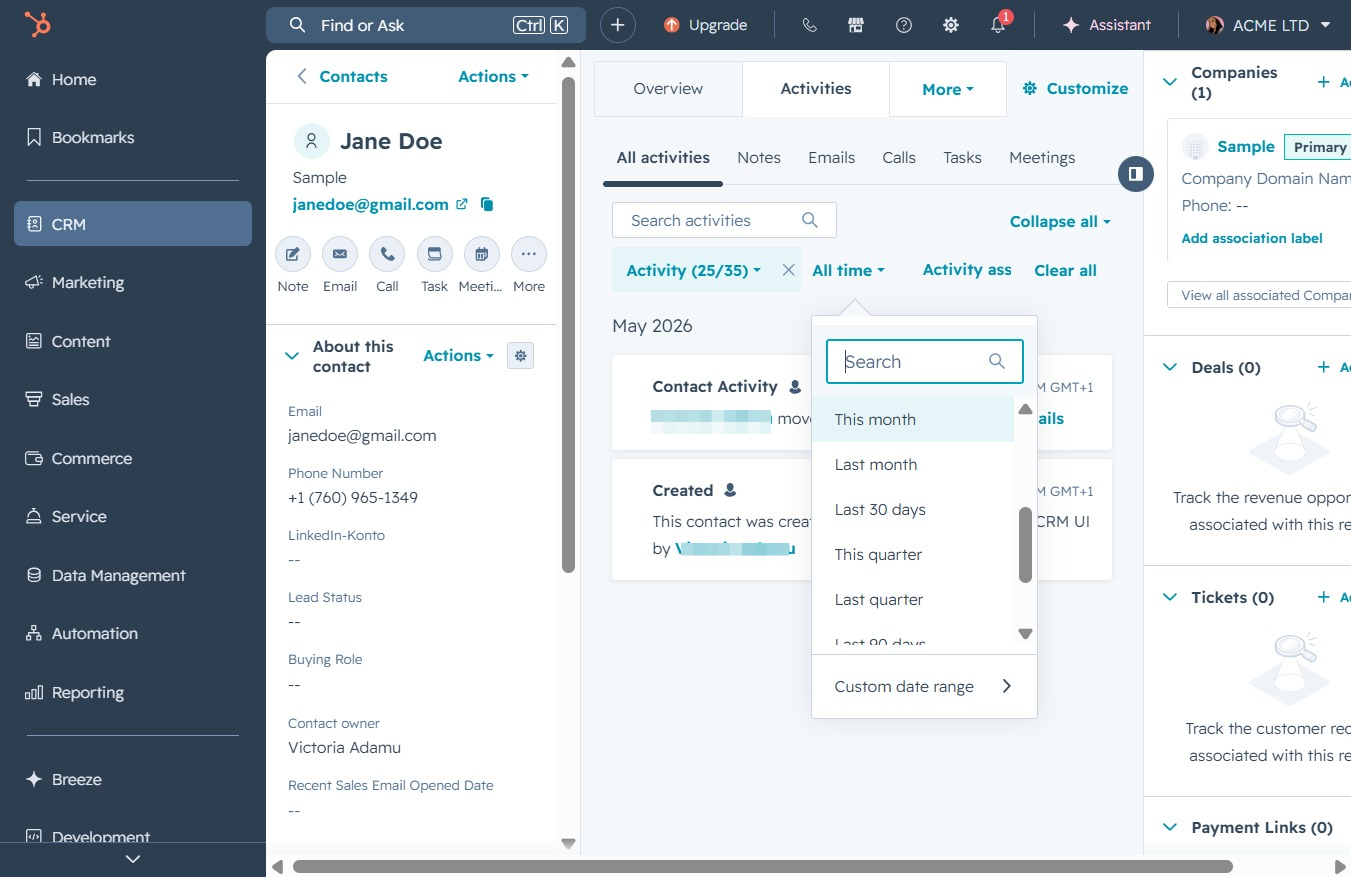
Click the CRM icon
This will navigate you to the CRM section, where you can manage customer relationships, view and edit contact details, track sales, and oversee interactions.
Loading screenshot…
100%
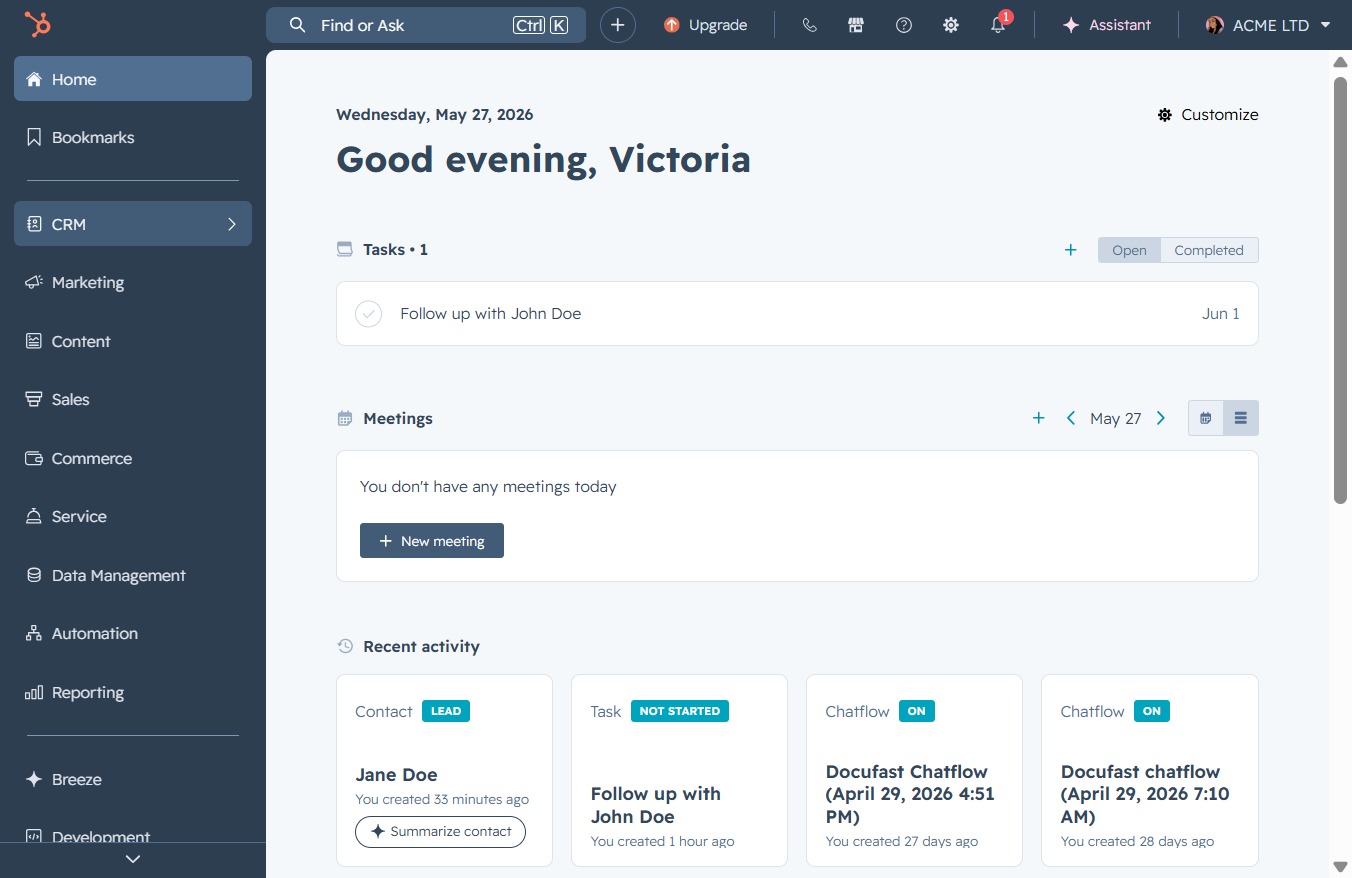
Filter contact activities by month in the CRM to view and analyze interactions specific to the current month for improved customer relationship management.
 viktoria
Filter contact activities by month in the CRM to view and analyze interactions specific to the current month for improved customer relationship management.
This will navigate you to the CRM section, where you can manage customer relationships, view and edit contact details, track sales, and oversee interactions.
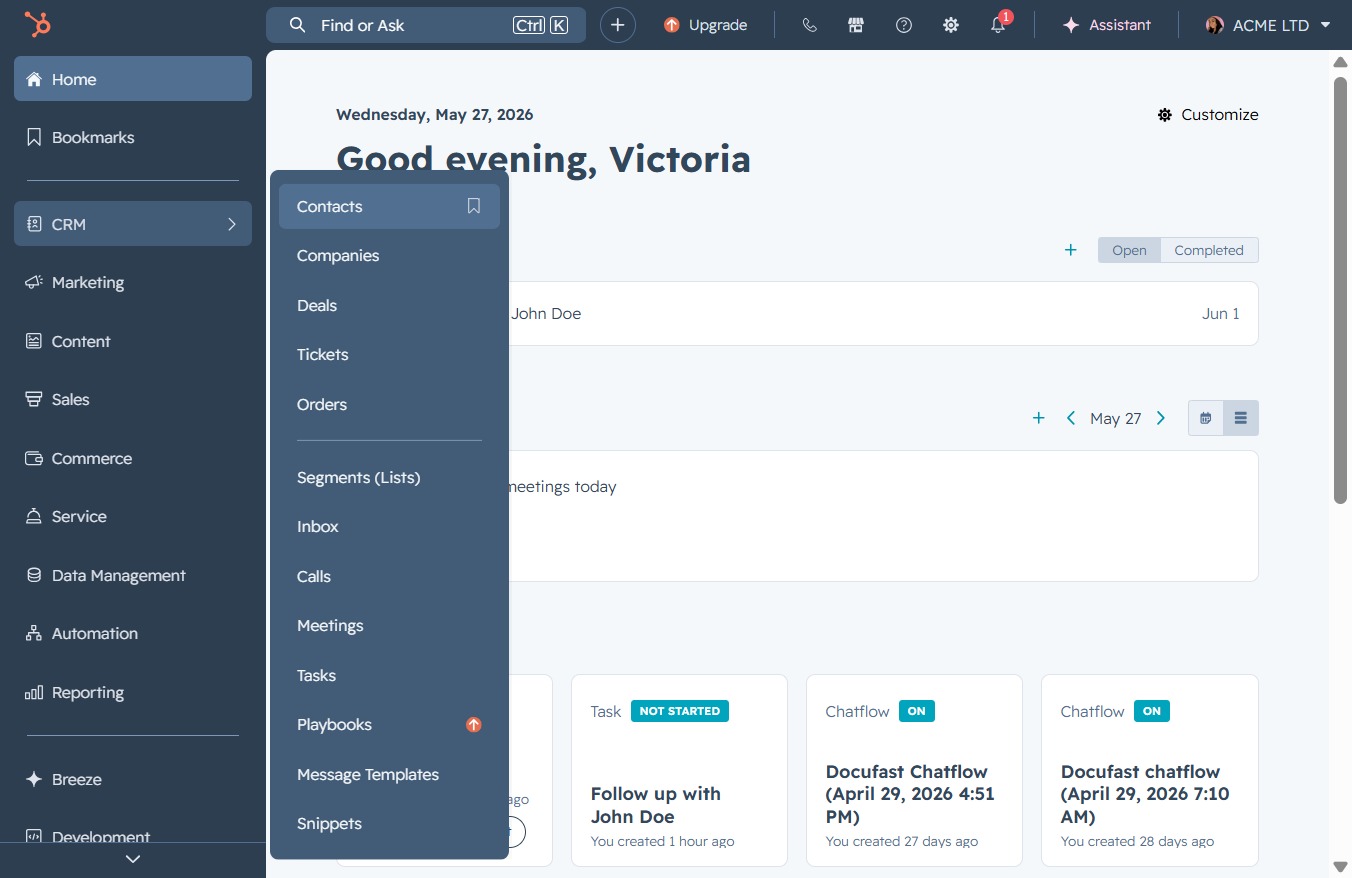
Clicking the 'Contacts' link will take you to the section where you can manage your CRM contacts, view their details, and interact with your contact list.
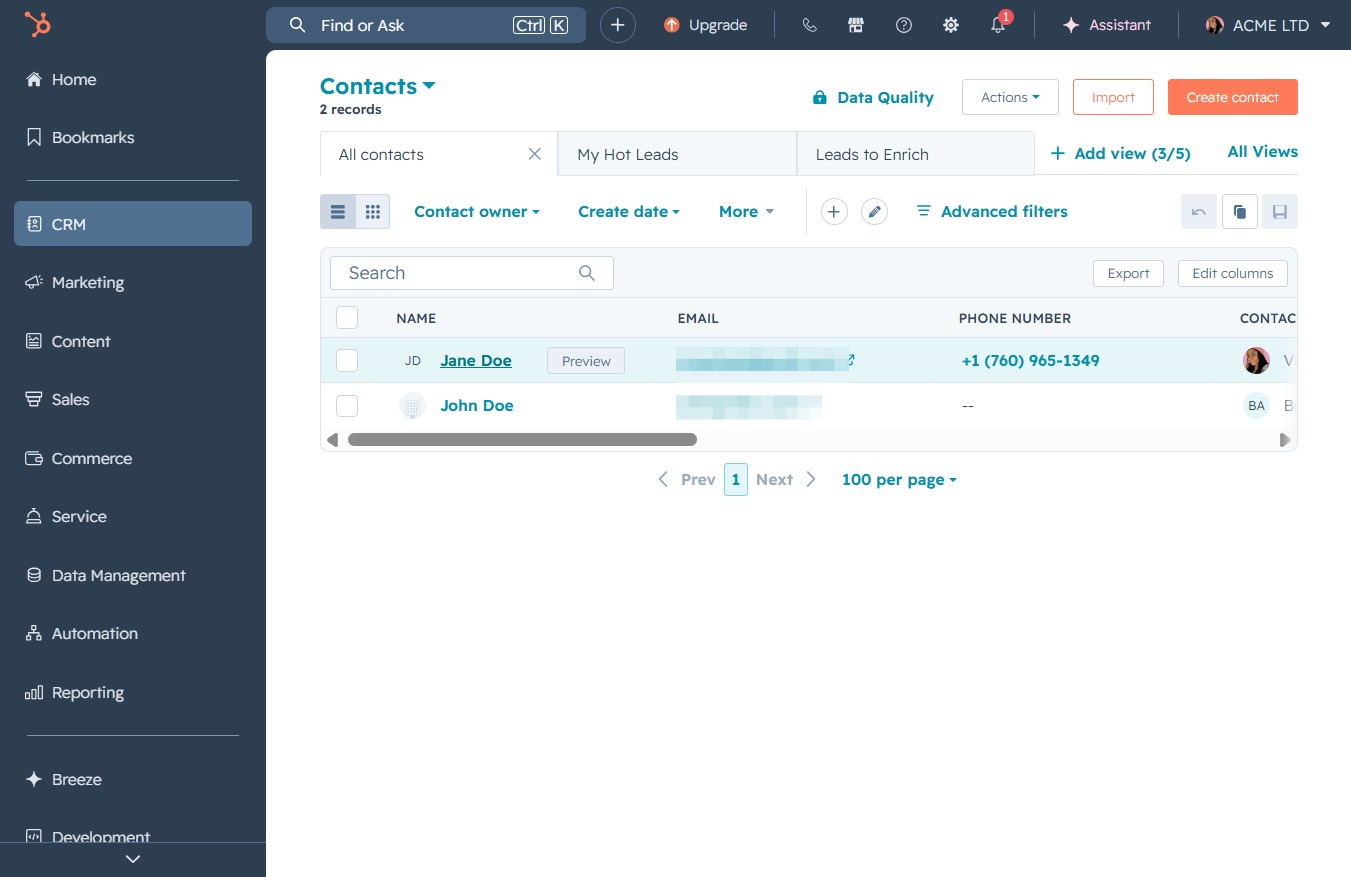
This action will open the contact details for Jane Doe, allowing you to view and edit her information within the CRM.
This action will display all activities associated with the selected contact in the Activities section, allowing you to review their complete interaction history.
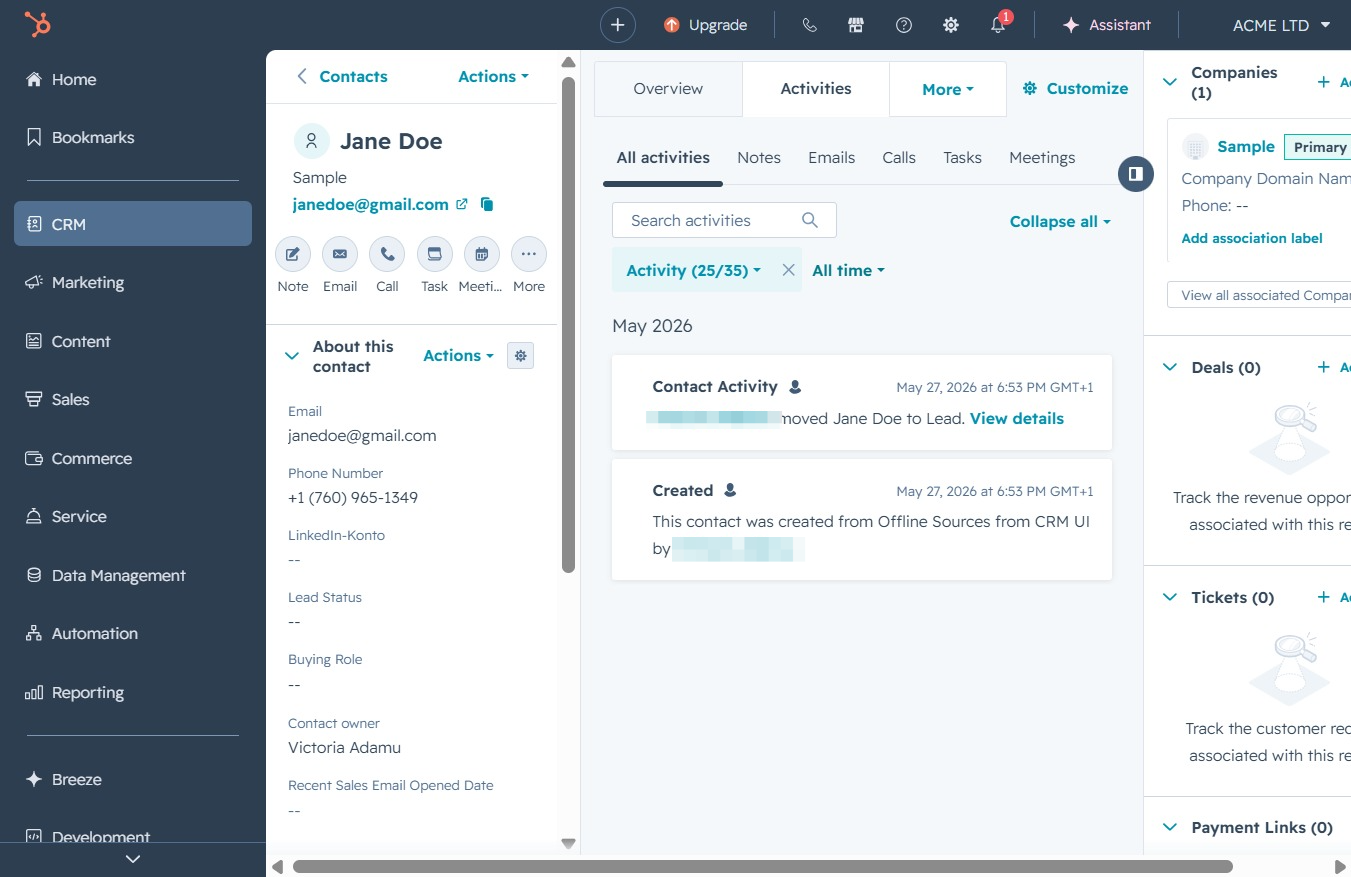
Clicking this filter will display contact activities specifically from the current month, allowing you to narrow down the activity overview.