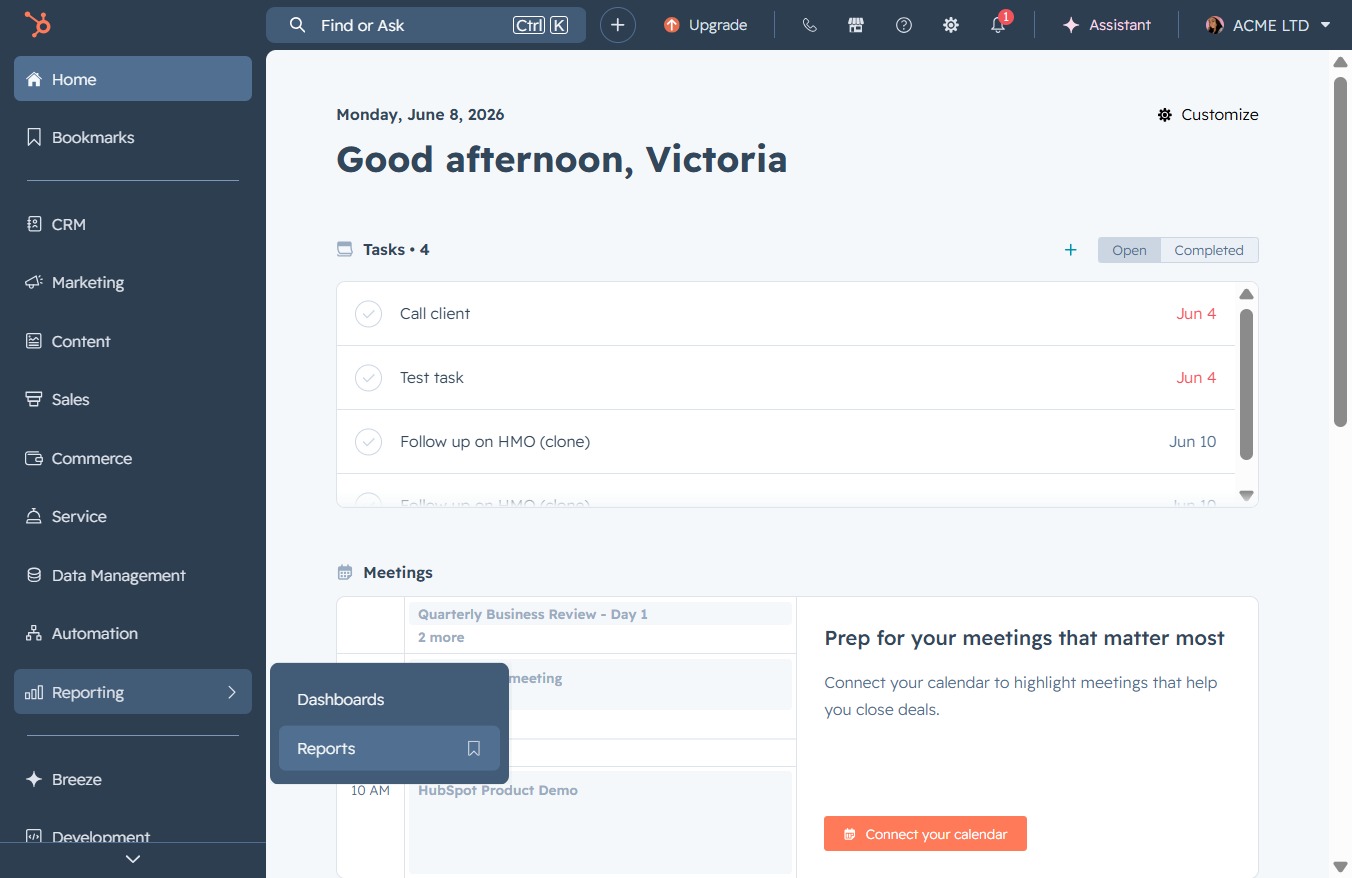
Click the Reporting link
This action will navigate you to the Reporting section, where you can view and manage your reports and analytics.

Loading screenshot…
100%
Generate a Contact Activity Report in the Reporting Tool by selecting specific templates, configuring parameters, and saving the report with designated access settings for…
 viktoria
Generate a Contact Activity Report in the Reporting Tool by selecting specific templates, configuring parameters, and saving the report with designated access settings for effective data analysis.
This action will navigate you to the Reporting section, where you can view and manage your reports and analytics.
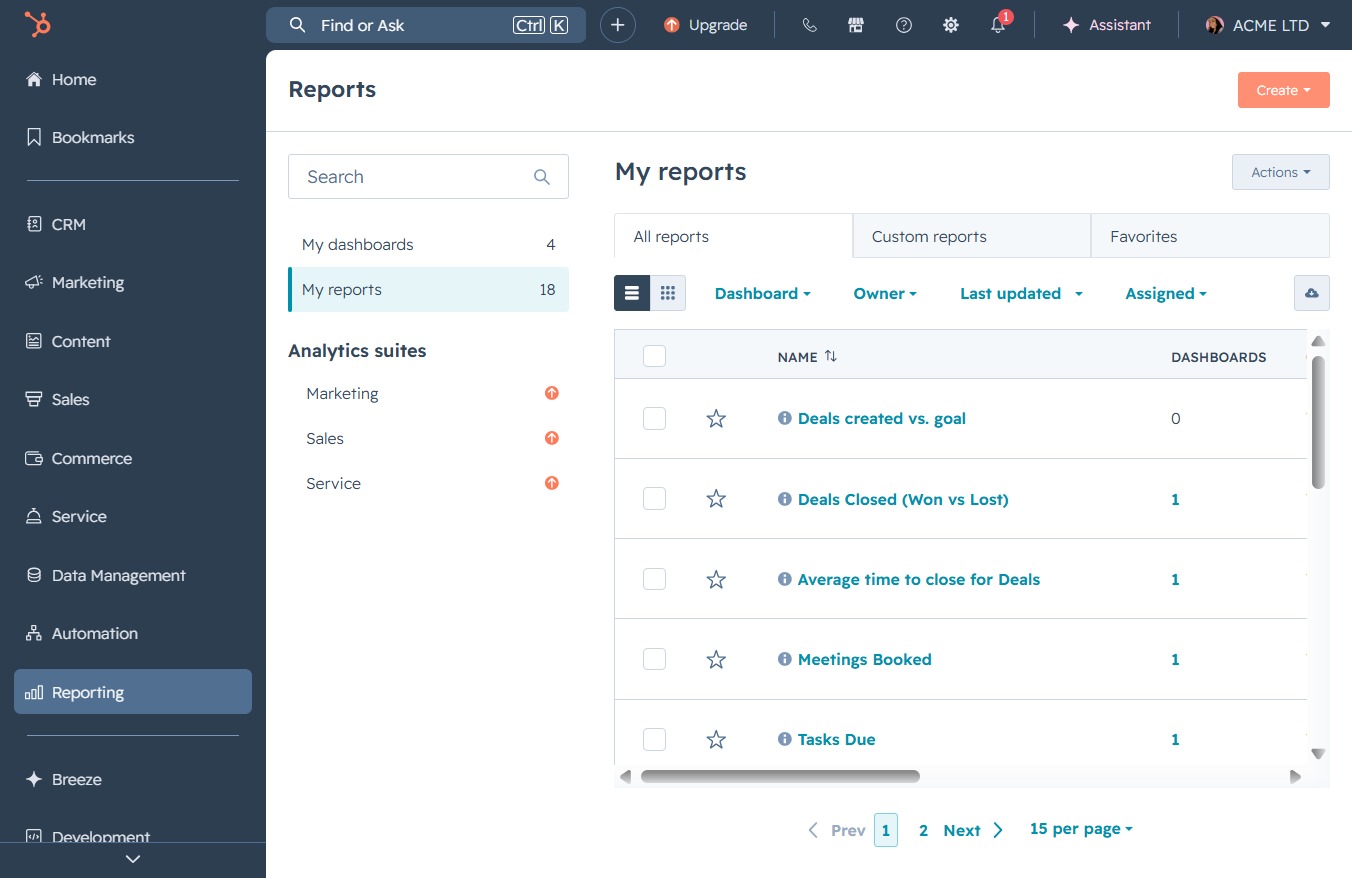
This will navigate you to the Reports section, where you can view and analyze various data reports related to your activities.
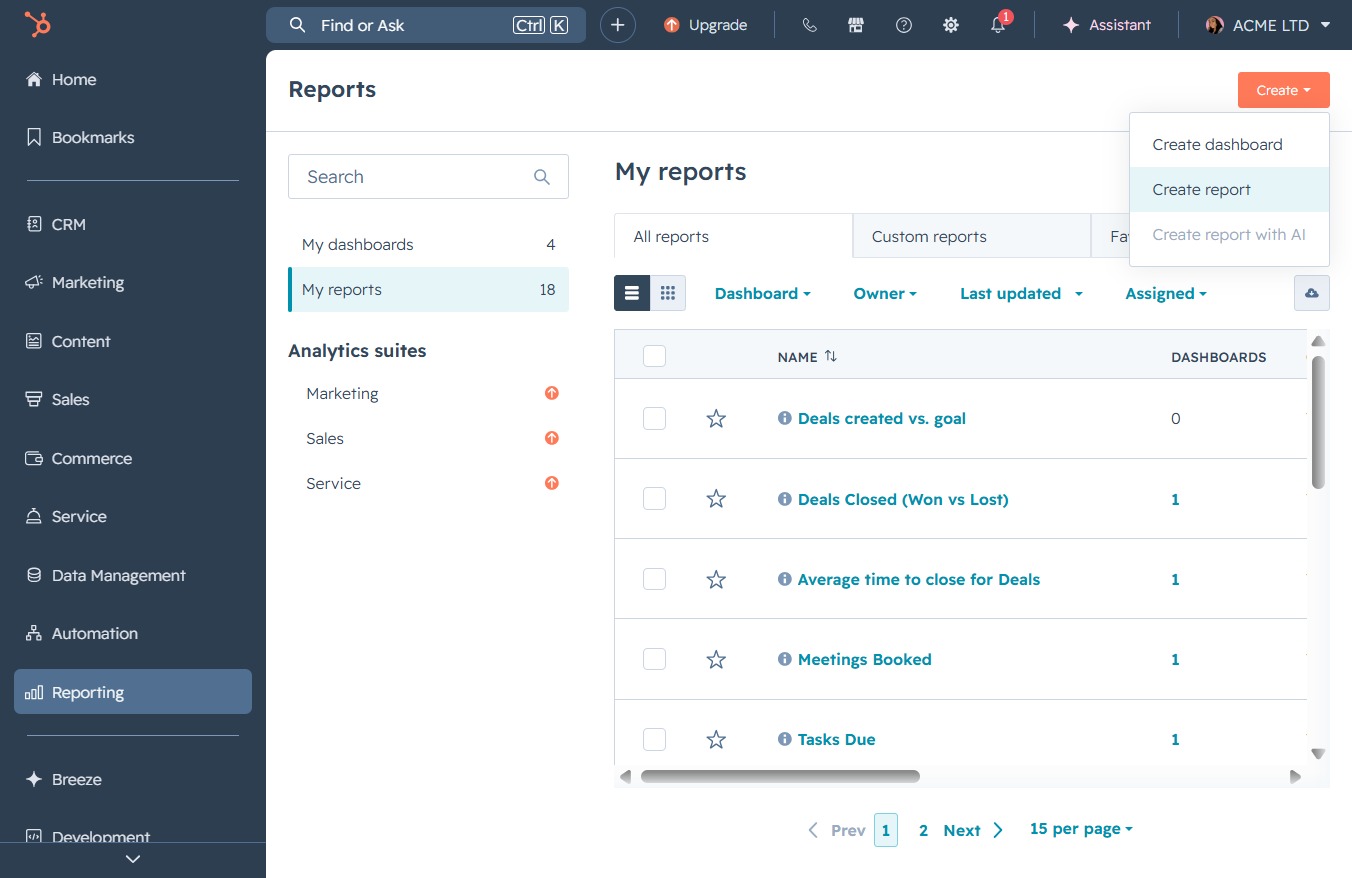
Clicking the 'Create' button will open a form to initiate a new report, allowing you to define the report parameters and settings.
This action opens the report creation interface, allowing you to configure and generate a new report based on your selected criteria.
This field allows you to search for specific templates within the available options. Enter keywords to filter and quickly find the desired template.
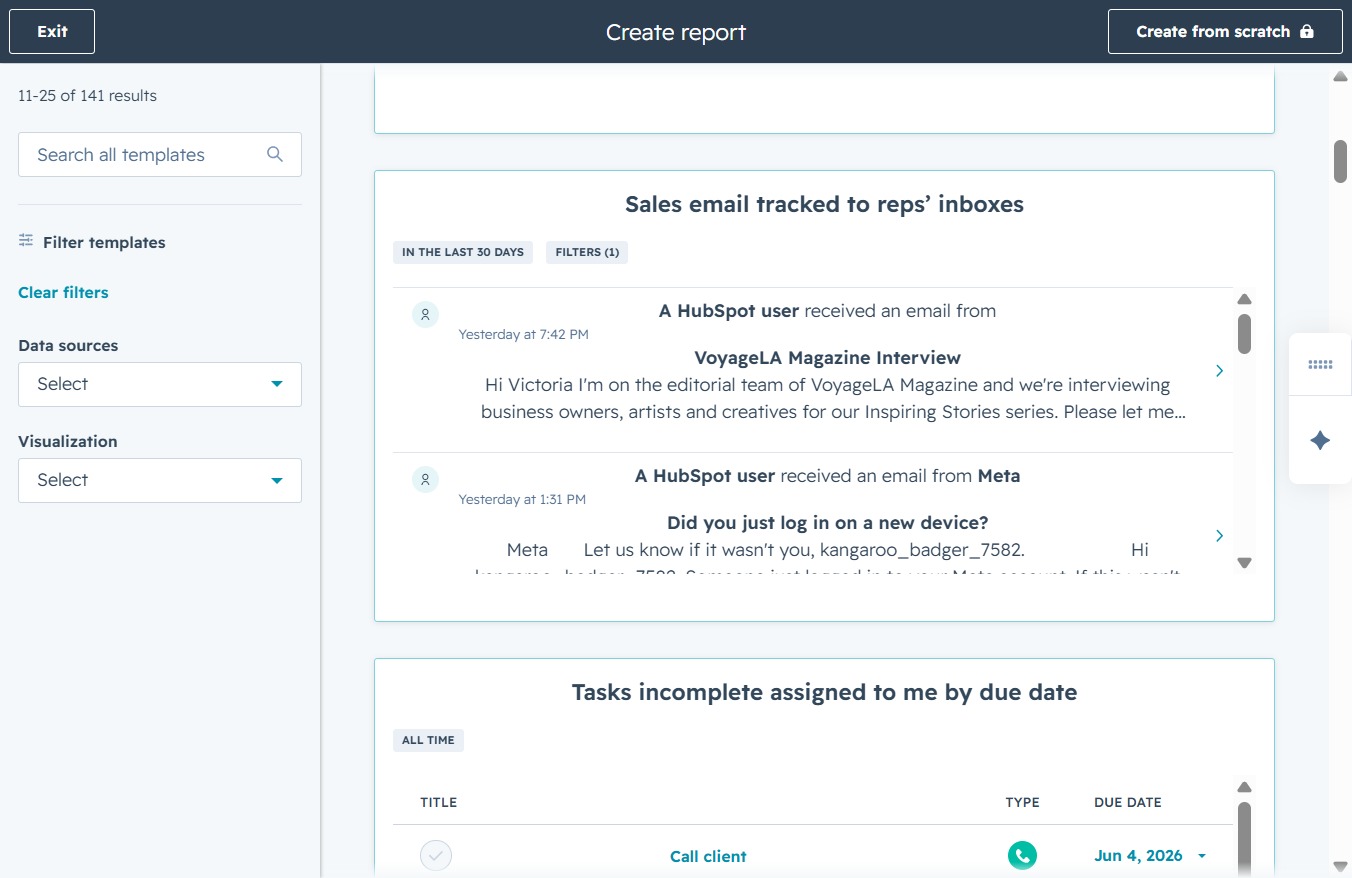
Enter 'CONTAC' into the search field to find relevant templates related to contacts. This will display all templates that match your query for easier selection.
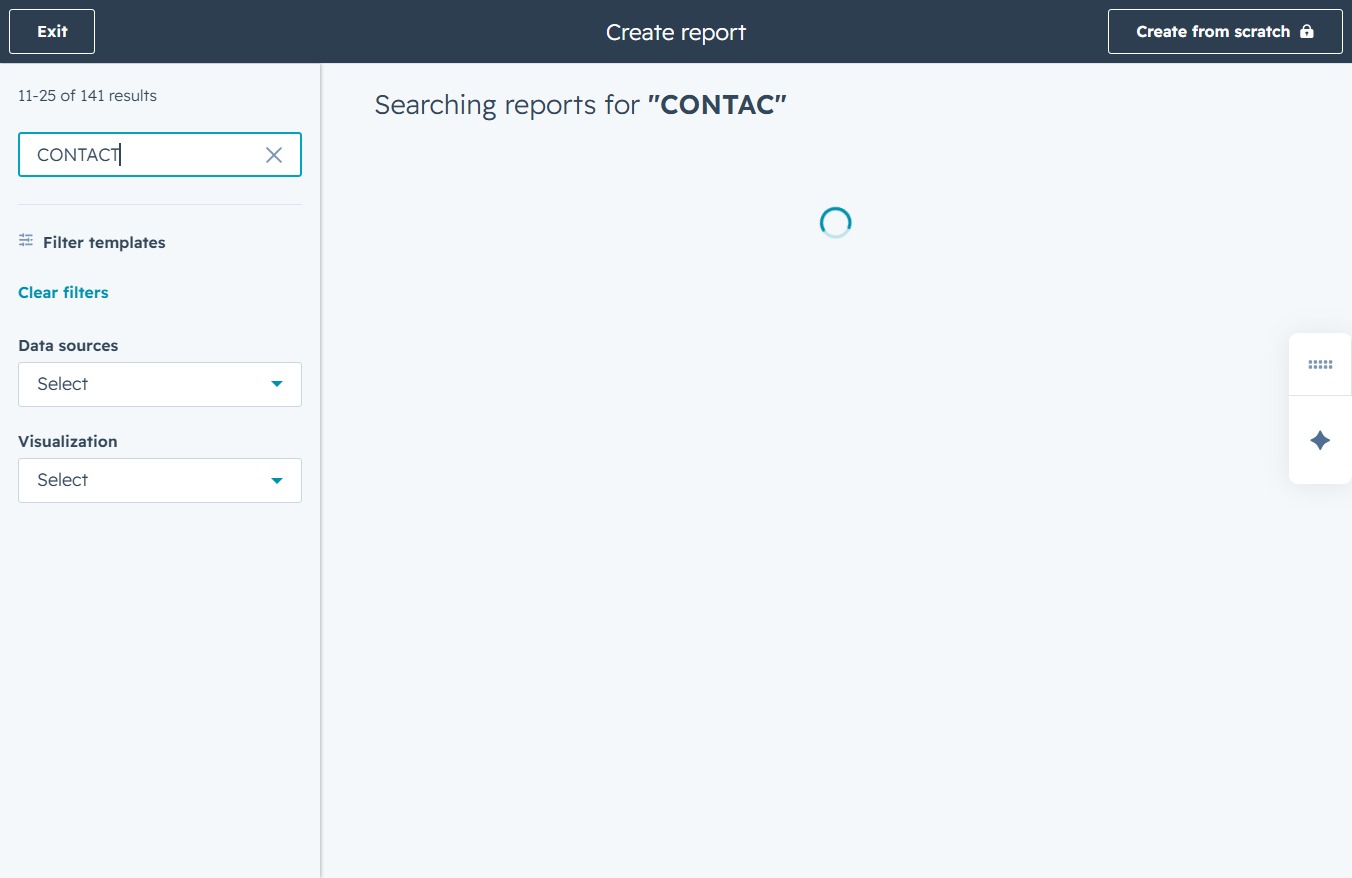
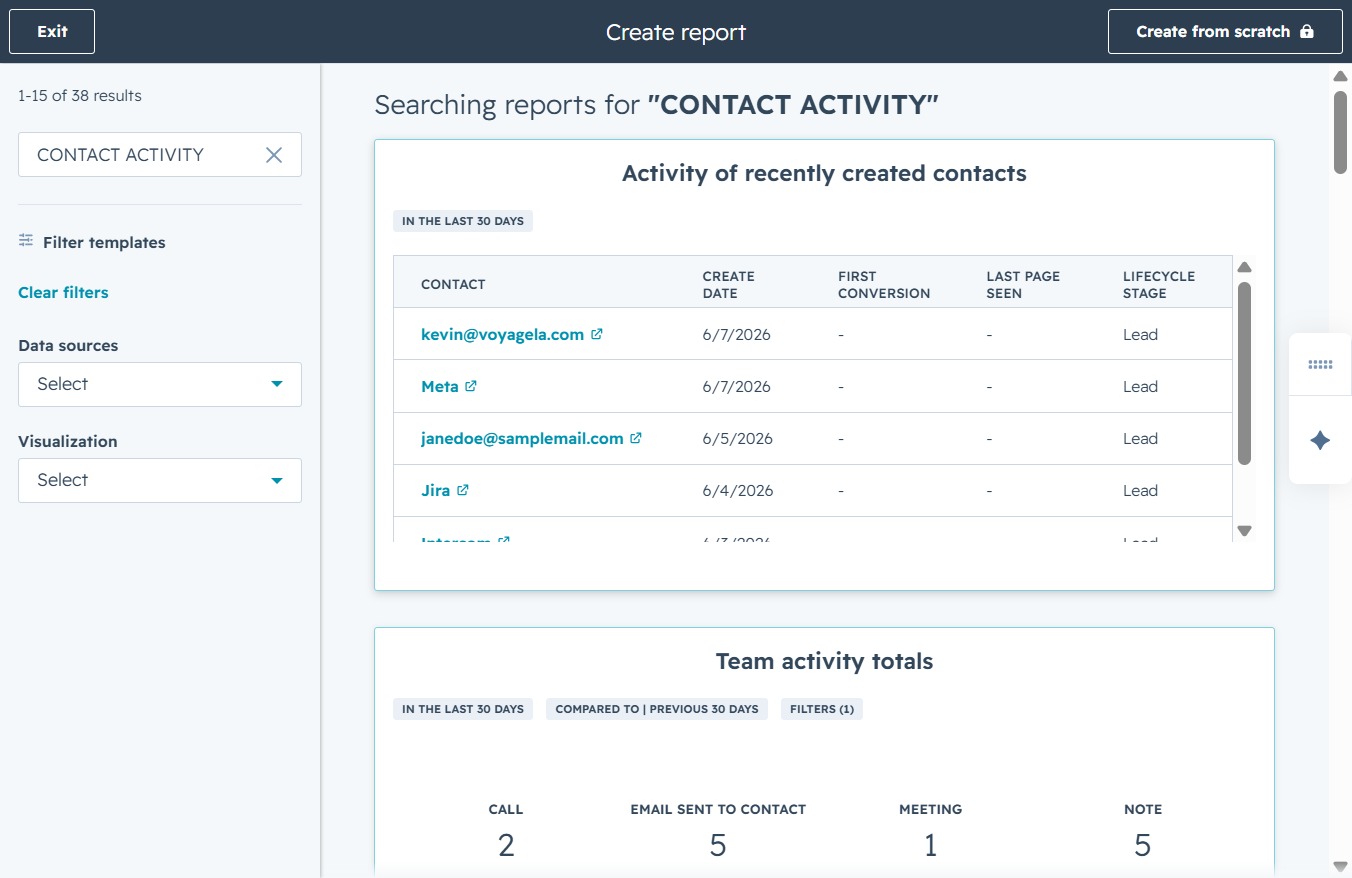
Entering 'CONTACT ACTIVITY' in the search field will filter available templates, showing relevant options for reporting on contact activities.

This will display detailed metrics of contacts created in the last 30 days, including their create date, first conversion, last page seen, and lifecycle stage.
This action will save your current report, capturing the activity of recently created contacts based on your selected filters and settings.
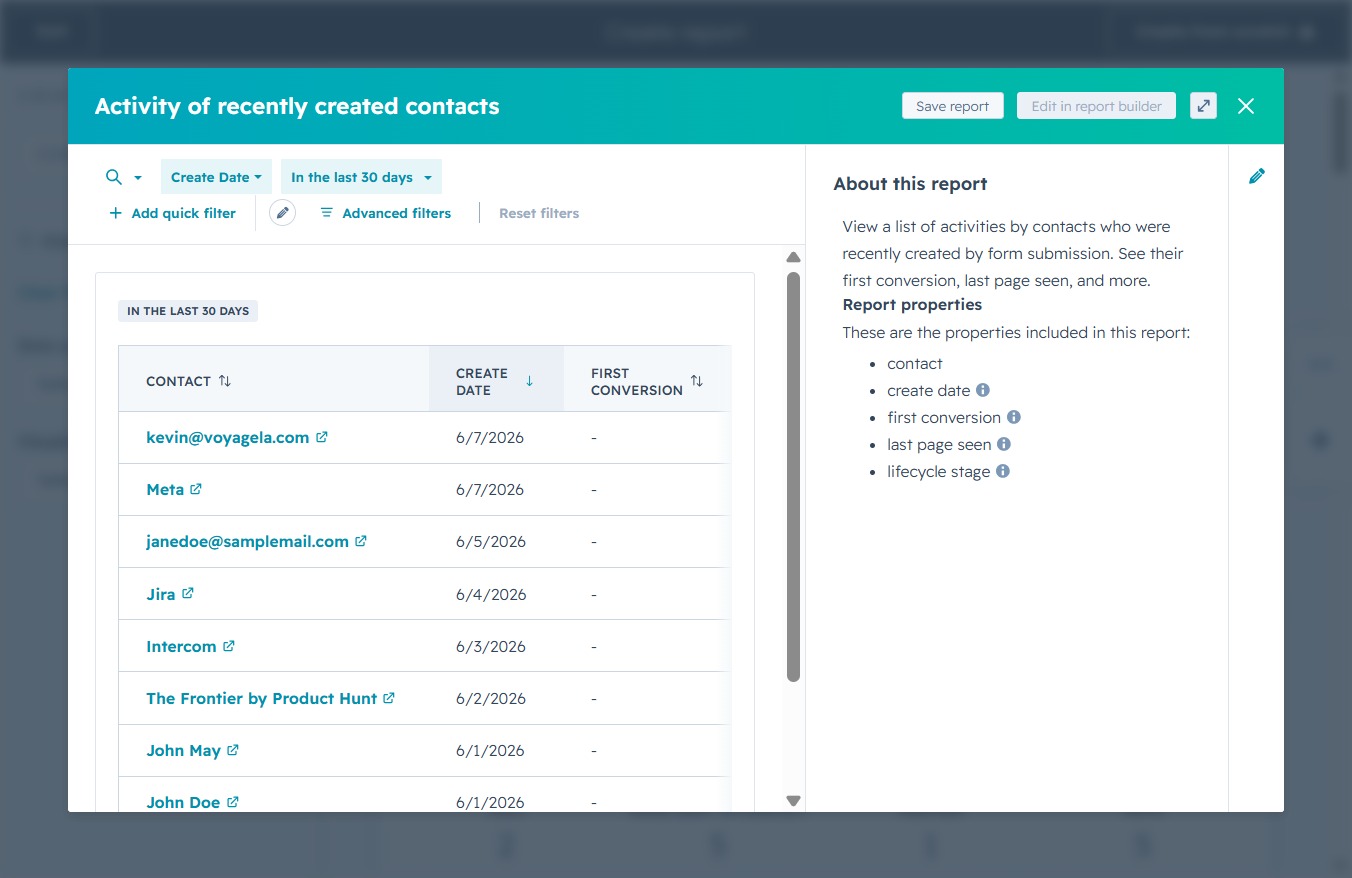
This action will advance you to the next step in the report saving process, allowing you to finalize report settings or add it to a dashboard.

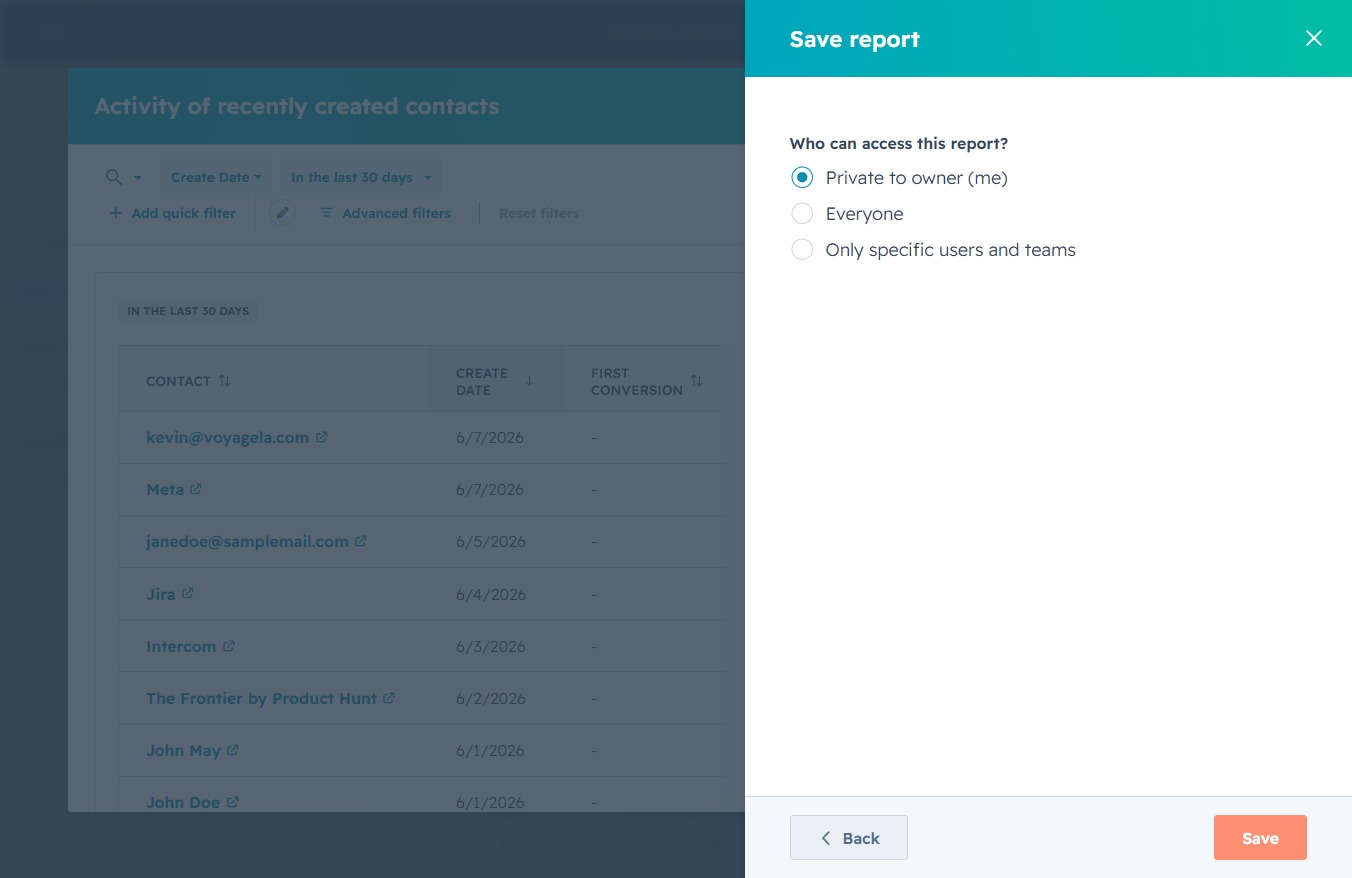
This action saves the report with the selected access permissions, allowing you to determine who can view or edit the report. After saving, your settings for report access will be applied accordingly.

This will save your report with the selected access settings, ensuring that only the users or teams you've defined can view it.