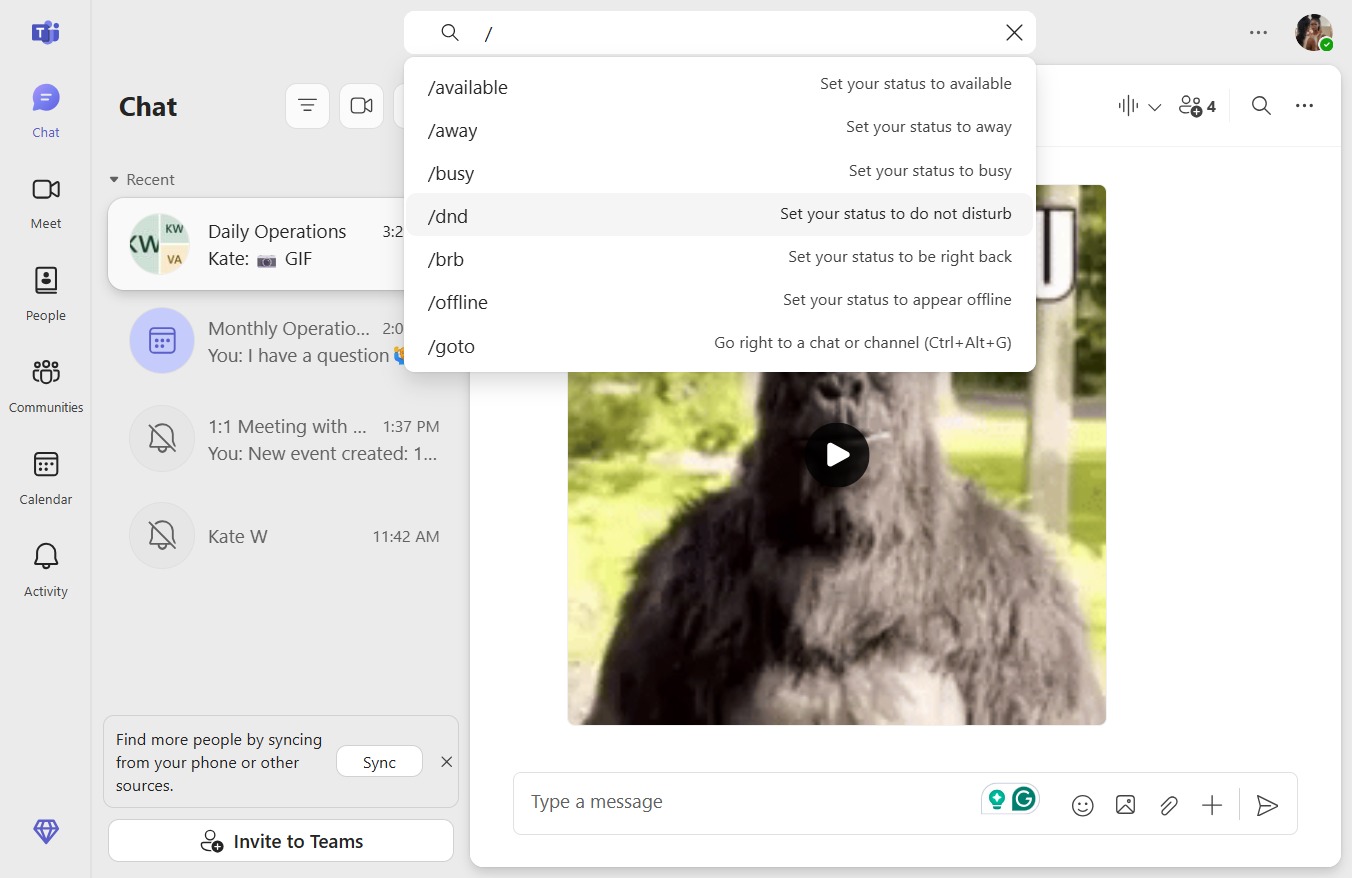
Click on "Click here."

Loading screenshot…
100%
In this quick guide, you'll learn how to efficiently use the command bar by following simple steps to set your status to "Do Not Disturb." Discover how to access the command bar…
 victoriaworkflows
In this quick guide, you'll learn how to efficiently use the command bar by following simple steps to set your status to "Do Not Disturb." Discover how to access the command bar and customize your availability settings to enhance your focus while working.