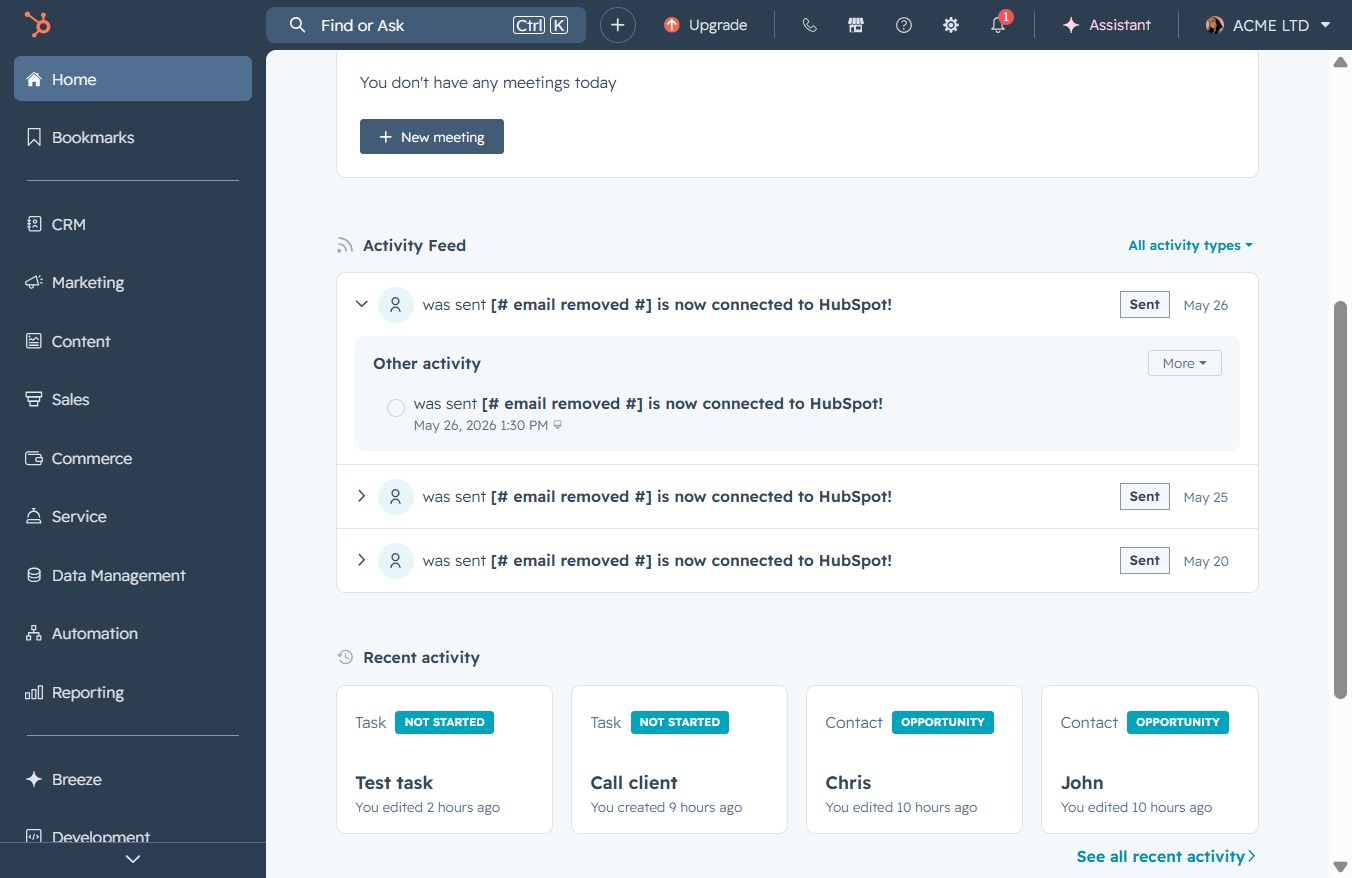
Click the Home button
This action will navigate you back to the main dashboard of the application, allowing you to access all primary features and sections.

Loading screenshot…
100%
Disable notifications for new threads in the activity feed of your HubSpot application, allowing you to manage alerts more effectively and focus on relevant updates.
 viktoria
Disable notifications for new threads in the activity feed of your HubSpot application, allowing you to manage alerts more effectively and focus on relevant updates.
This action will navigate you back to the main dashboard of the application, allowing you to access all primary features and sections.
Clicking the 'Close' button will dismiss the current dialog or notification, returning you to the previous view in the application.

Clicking 'More' will expand the activity feed to show additional information about the email connection to HubSpot, allowing you to view further details related to the activity.

Clicking 'More' will expand additional settings or options related to the Activity Feed, allowing you to access further details on recent activities.
This action will disable notifications for new threads, helping you manage your activity feed more effectively. You will no longer receive alerts for messages in these threads.
