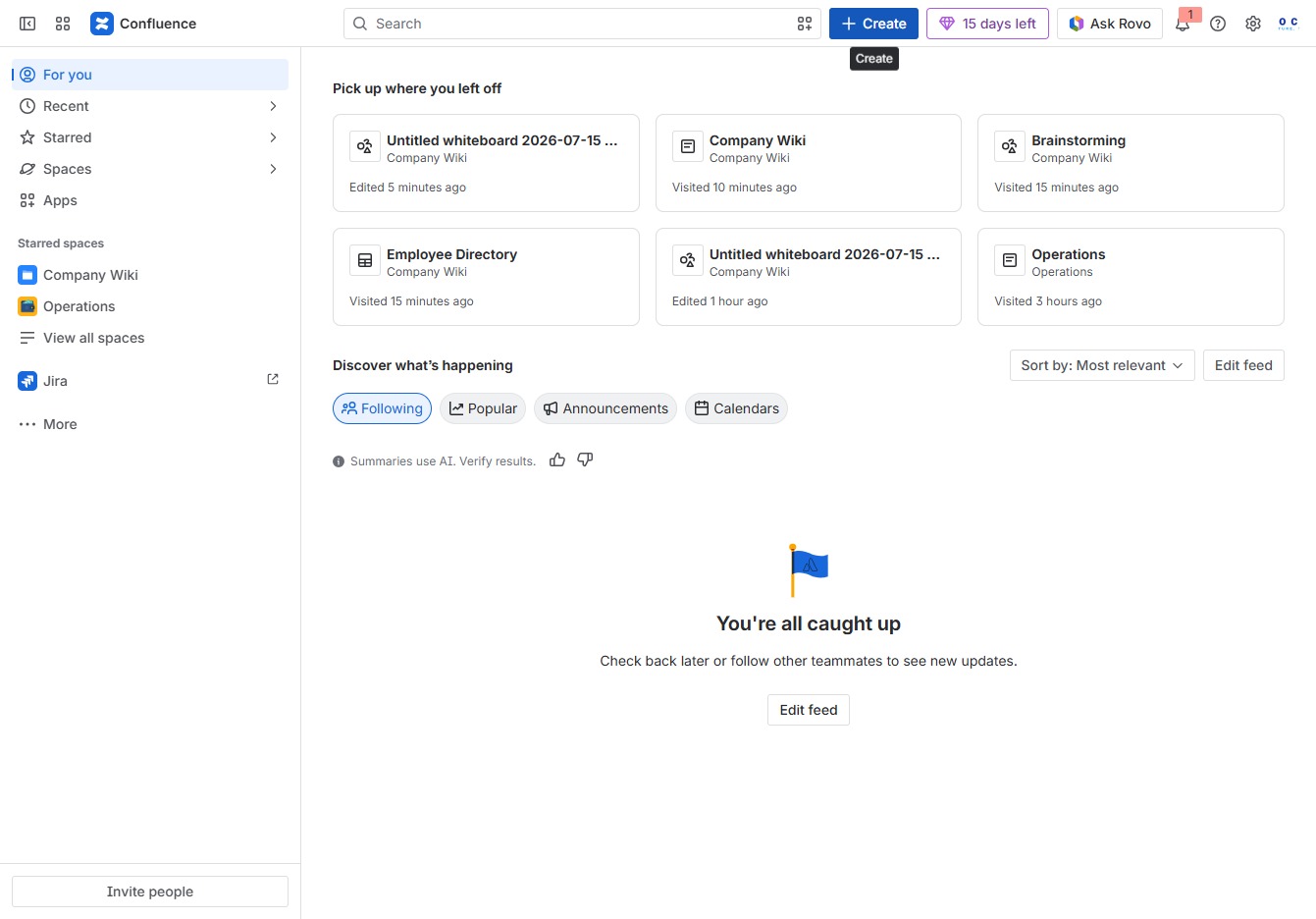
Click the Create button
Clicking the 'Create' button will open a new dialog where you can initiate the creation of a new page, document, or project in Confluence.
Loading screenshot…
100%
Learn how to effectively create and use smart links in Confluence to streamline resource sharing and team collaboration.
 viktoria
Learn how to effectively create and use smart links in Confluence to streamline resource sharing and team collaboration. This guide walks you through navigating the platform, initiating new pages, and integrating Jira links for project management, enhancing your web design and workflow efficiency.
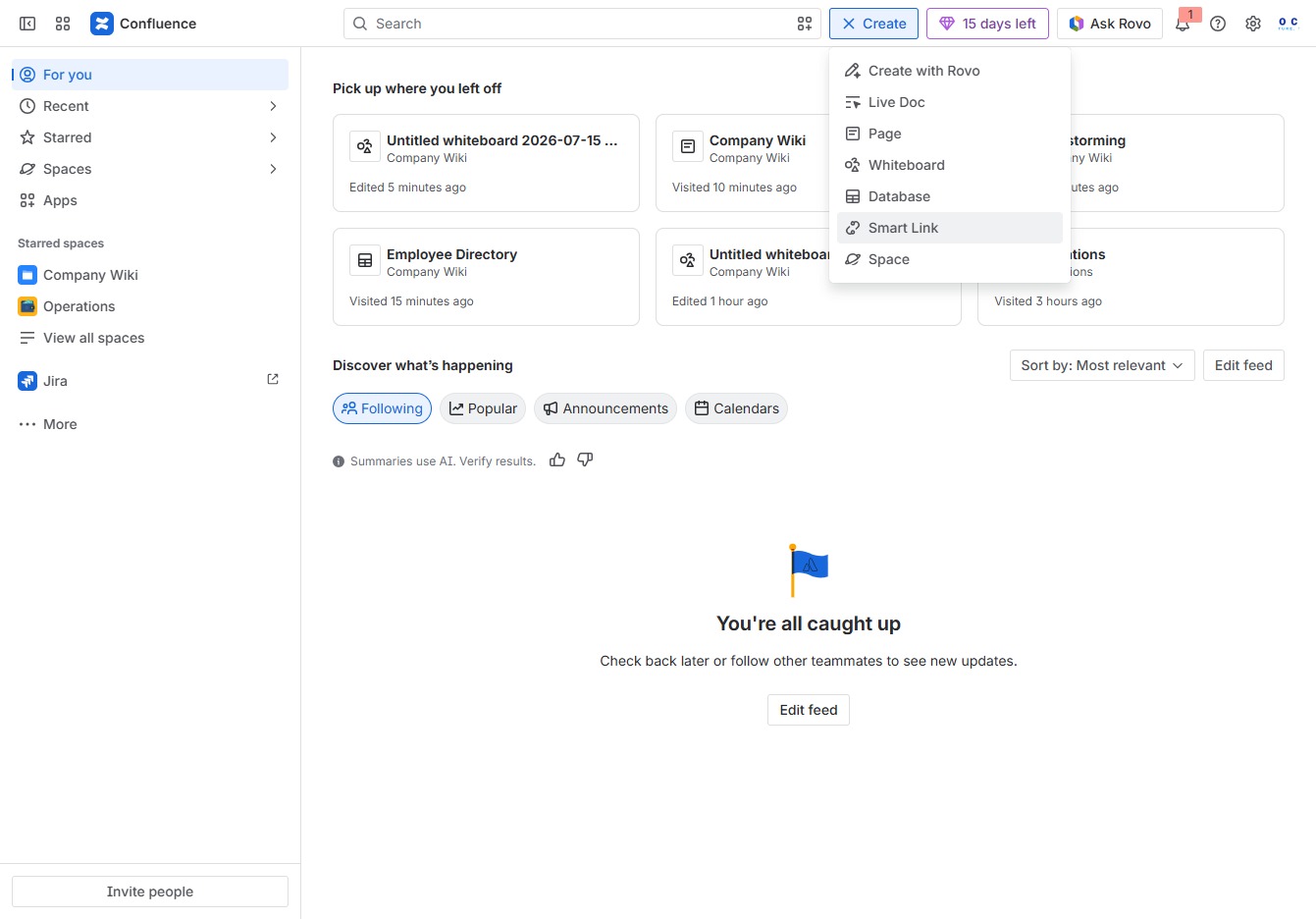
Clicking the 'Create' button will open a new dialog where you can initiate the creation of a new page, document, or project in Confluence.
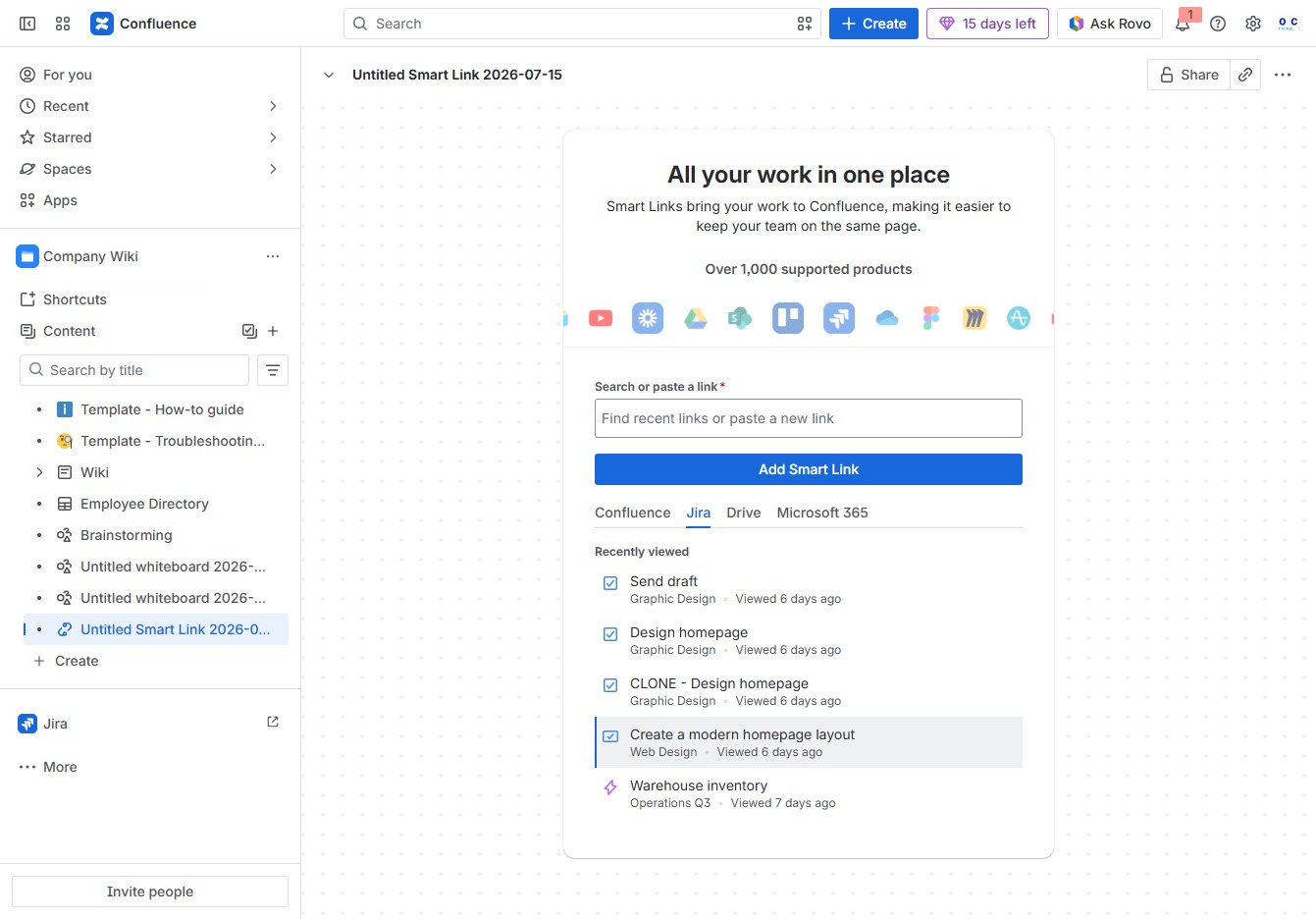
This action will initiate the process to create a Smart Link, allowing you to easily share resources or documents with your team.
Clicking the Jira link will redirect you to your Jira instance, allowing you to manage your projects and tasks directly from Confluence.

This action allows you to initiate the process of designing a contemporary layout for your homepage, streamlining your web design efforts within the platform.