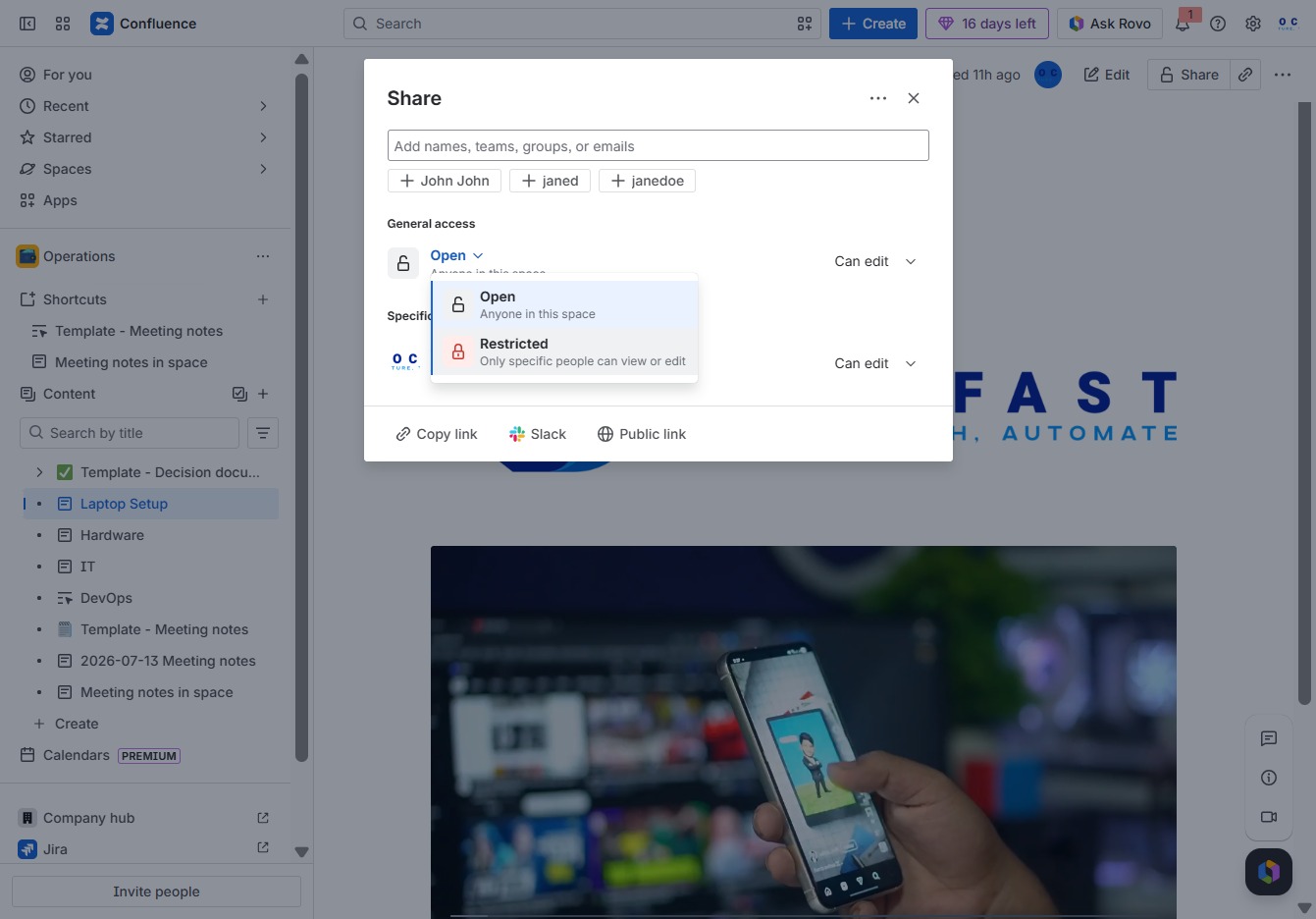
Click the Operations section
This action will take you to the Operations area, where you can manage ongoing tasks and view relevant documents.

Loading screenshot…
100%
This how-to guide walks you through using page restrictions effectively, teaching you how to manage document access and enhance collaboration within your Operations space.
 viktoria
This how-to guide walks you through using page restrictions effectively, teaching you how to manage document access and enhance collaboration within your Operations space. Learn to navigate to the appropriate pages, share documents, and modify access settings for improved privacy and control.
This action will take you to the Operations area, where you can manage ongoing tasks and view relevant documents.
This action will take you to the detailed page for 'Laptop Setup,' where you can create and manage content specific to this topic.
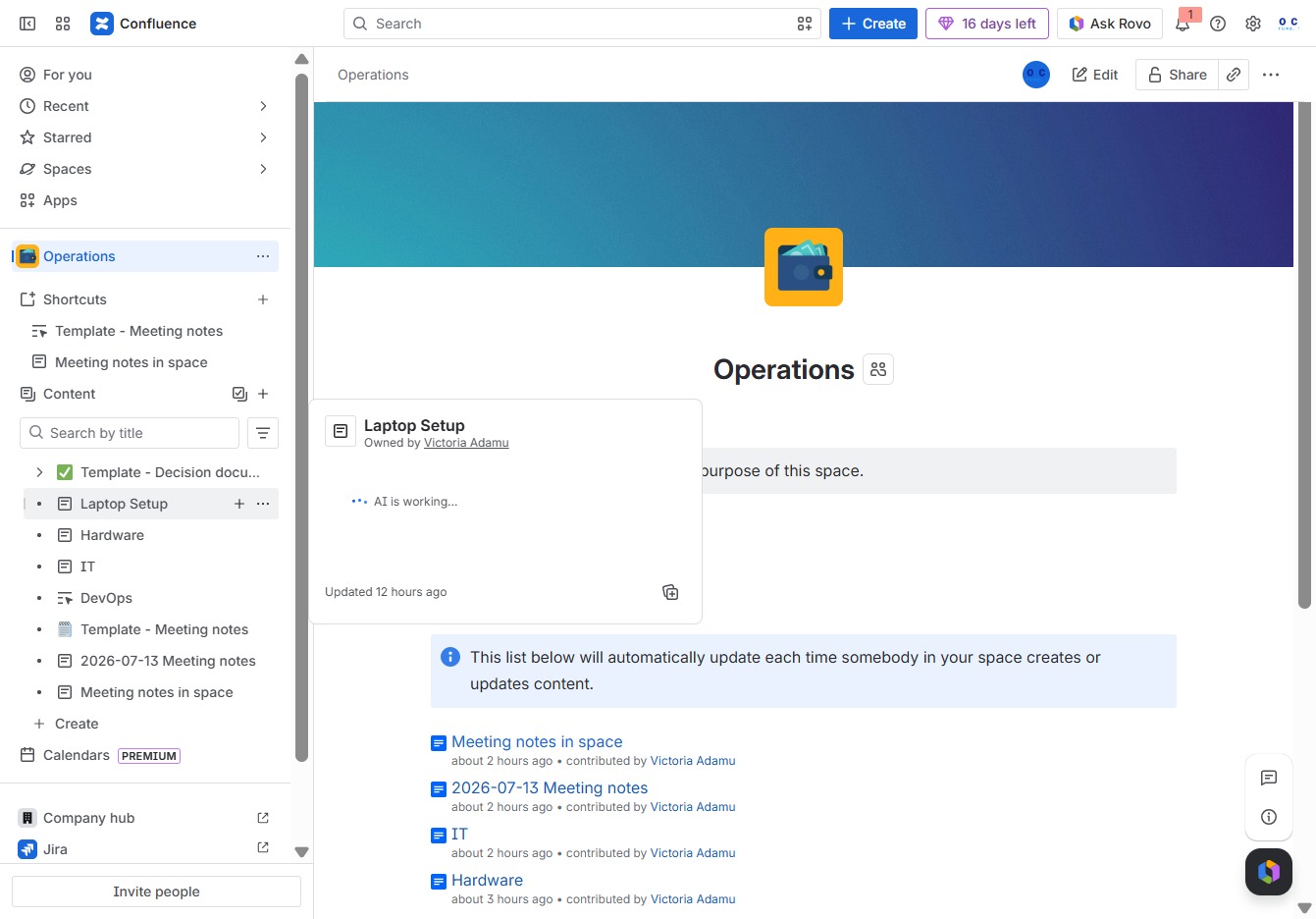
Clicking on the 'Share' option allows you to distribute the current document with others, enabling collaboration on the content.

Select this option to modify the general access settings for the document, allowing you to choose who can view or edit the content.
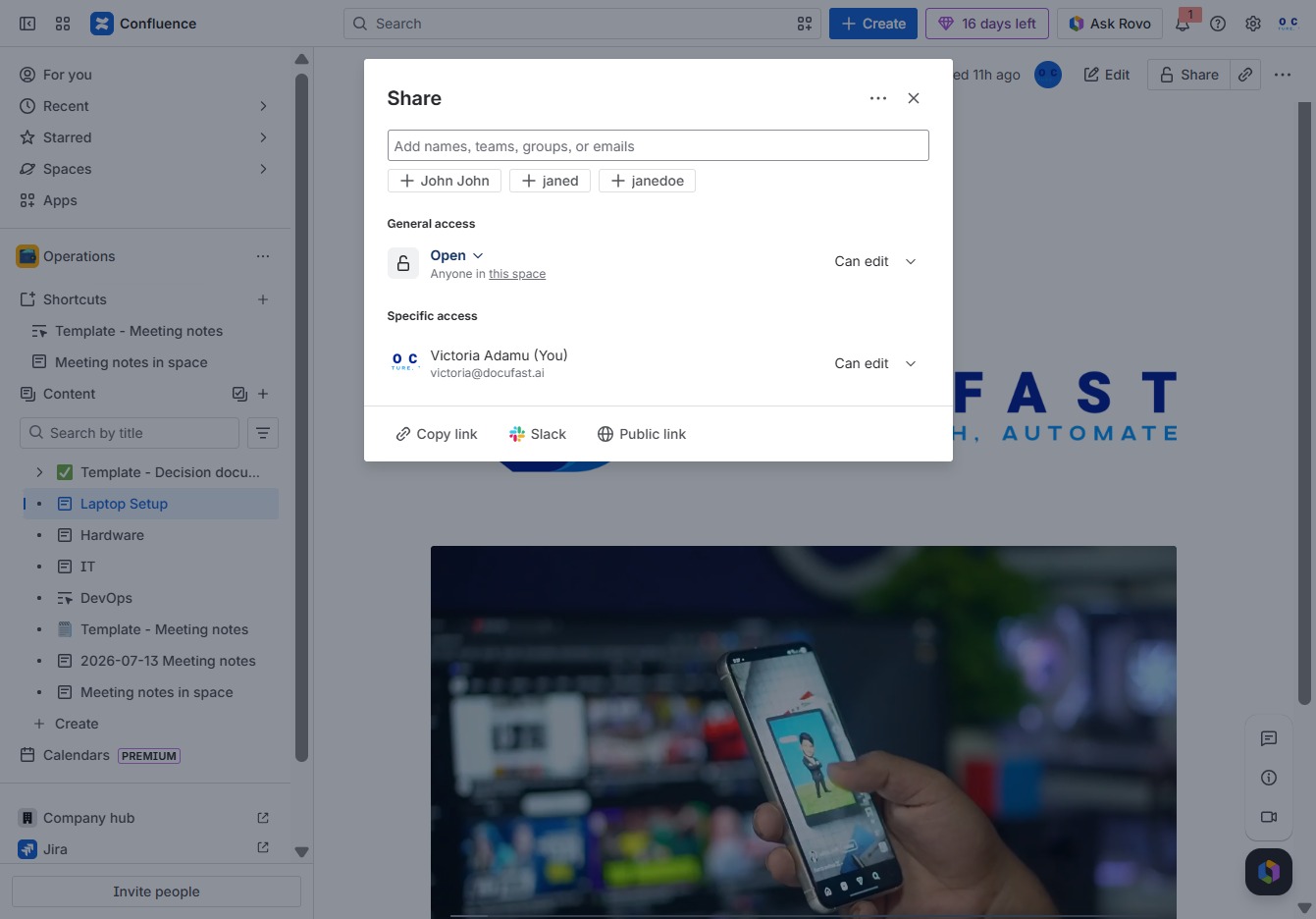
Selecting this option will restrict access to the document, allowing only designated individuals to view or edit the content, enhancing privacy and control over your workspace.