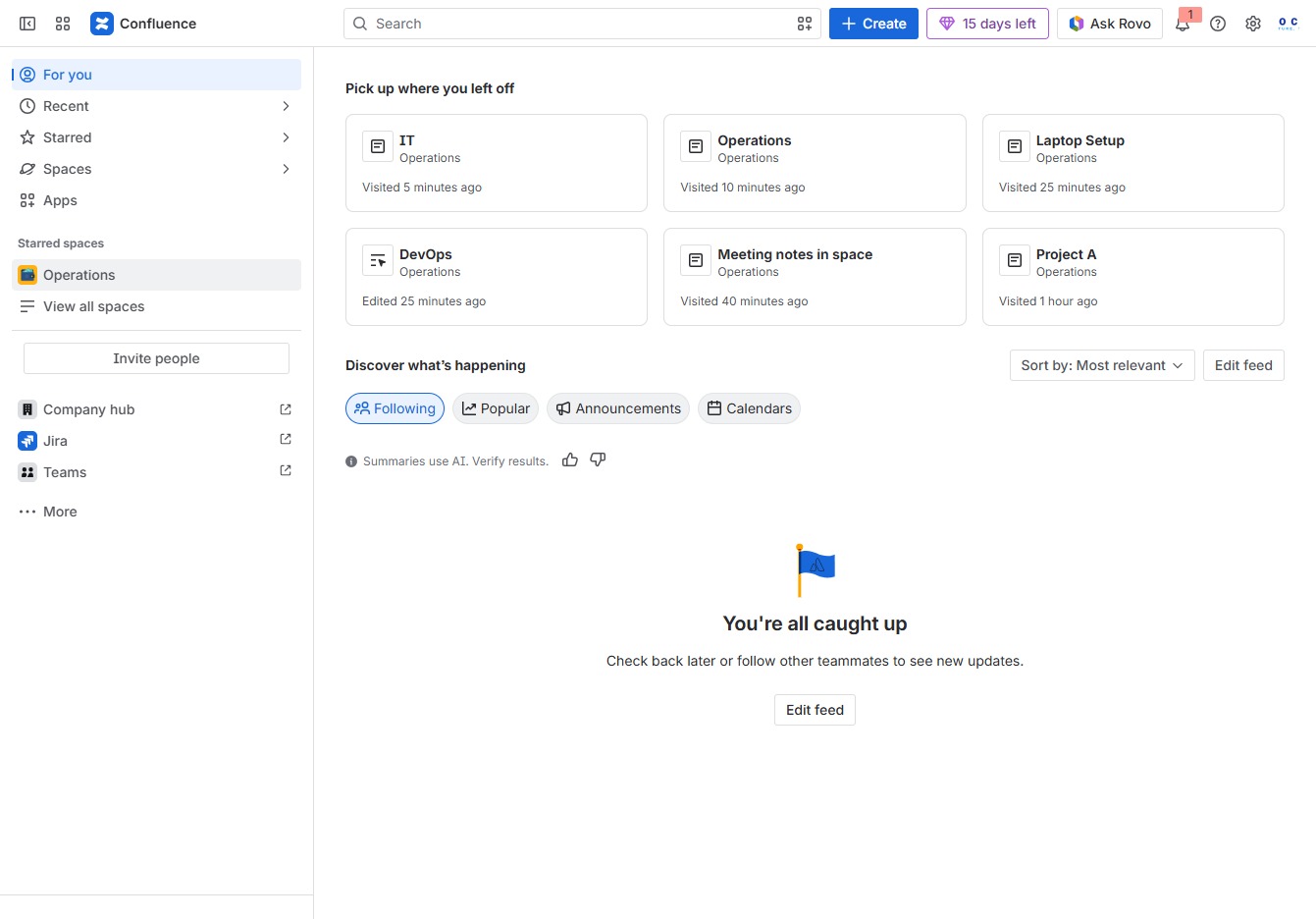
Click the Operations section
By clicking the 'Operations' section, you will access various operational documents and workflows related to your projects, allowing for efficient navigation and management.
Loading screenshot…
100%
This guide demonstrates how to effectively use page likes and reactions within your project wiki.
 viktoria
This guide demonstrates how to effectively use page likes and reactions within your project wiki. Learn to navigate to operational documents, express your sentiments through reactions, and save content for easy access, enhancing engagement and feedback in your discussions.
By clicking the 'Operations' section, you will access various operational documents and workflows related to your projects, allowing for efficient navigation and management.
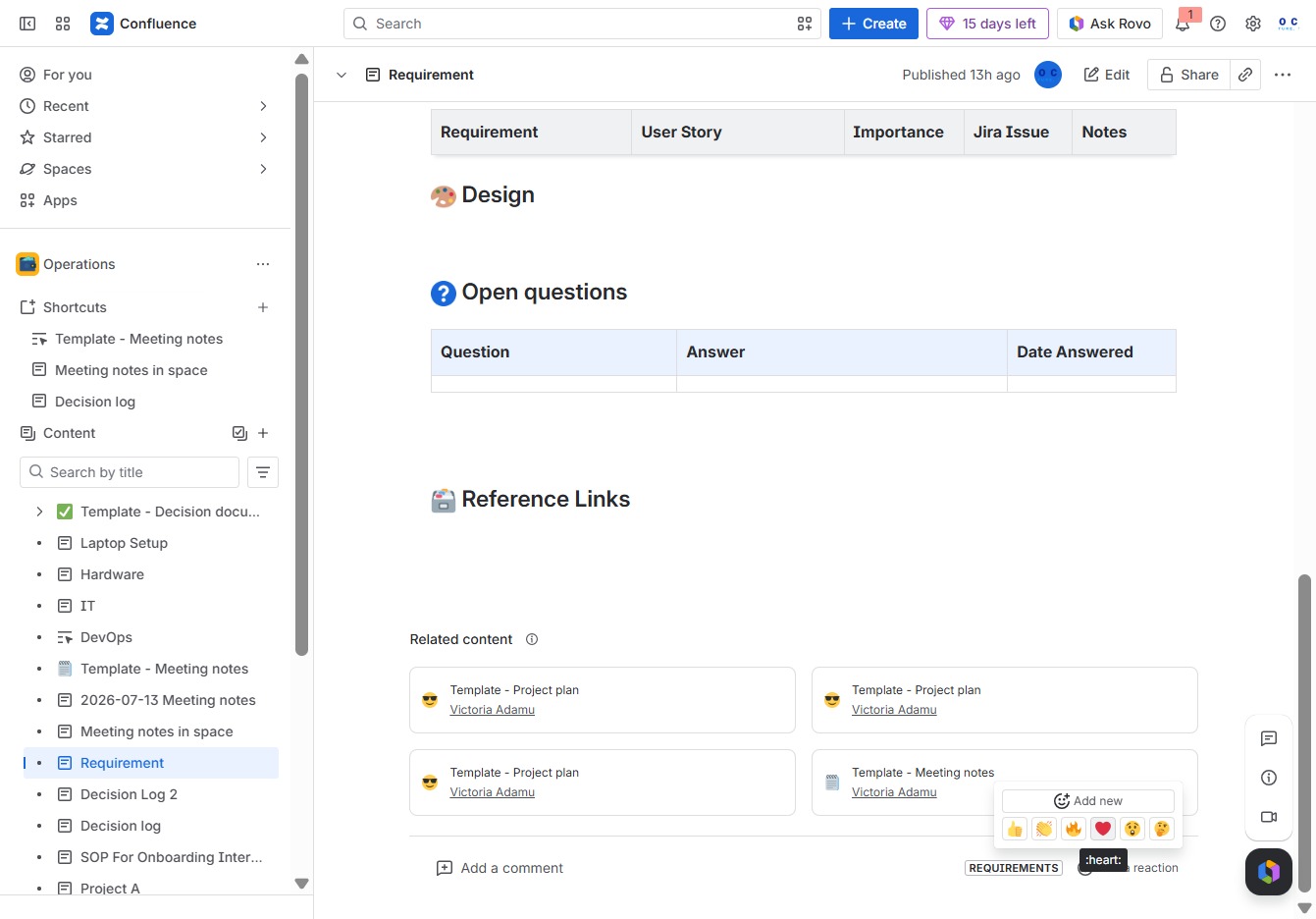
This will open a menu allowing you to create child content associated with the selected Requirement, as well as access additional actions related to managing it.

This action allows you to express your sentiments about the content by adding a reaction. Reactions can enhance engagement and provide feedback in the discussion.

Clicking the red heart icon will save this content item to your favorites, allowing you to easily access it later from your saved items.