Click the Notetaker icon
Selecting the Notetaker icon opens the notetaking interface, allowing you to create and manage your notes effectively.

Loading screenshot…
100%
In this guide, learn how to effectively use Monday.com by navigating its key features, including managing your notes, projects, and agent profiles.
 viktoria
In this guide, learn how to effectively use Monday.com by navigating its key features, including managing your notes, projects, and agent profiles. Follow our step-by-step instructions to access your dashboard, utilize the Notetaker tool, and quickly find your favorite items for an optimized workspace experience.
Selecting the Notetaker icon opens the notetaking interface, allowing you to create and manage your notes effectively.
Error
Clicking the icon will take you to the main dashboard where you can manage and organize your projects, agents, and other essential tools for your workspace.
Tip
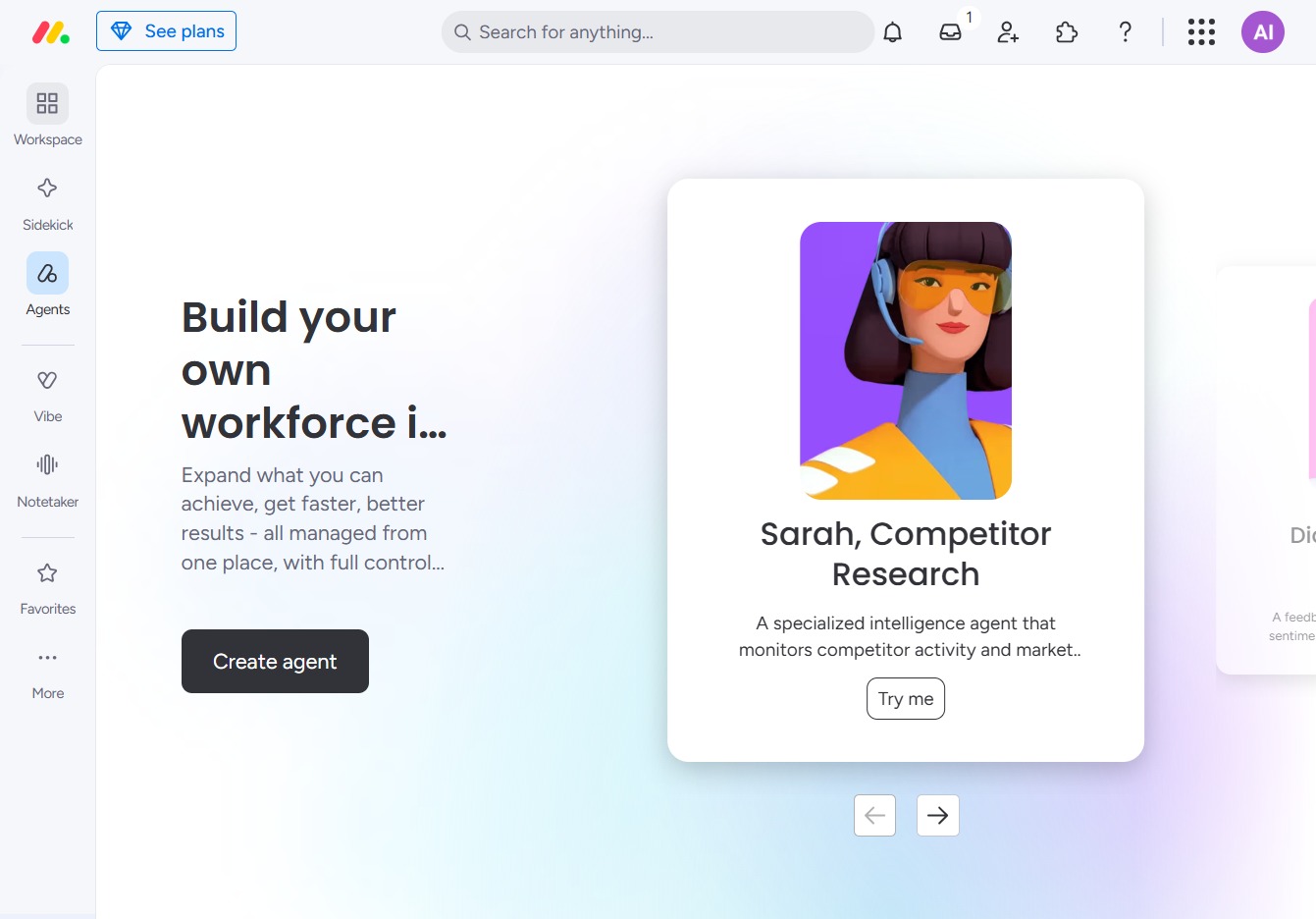
This will navigate you to the Agents section, where you can manage and view all your agent profiles and settings.
Clicking the Notetaker icon will open the note-taking feature, allowing you to create and organize your notes effectively.
Clicking this link will open a menu where you can access various features related to your agents. This may include settings or tools necessary for managing agent workflows.
Selecting the Favorites section will display your saved items, allowing you quick access to frequently used features or files.
