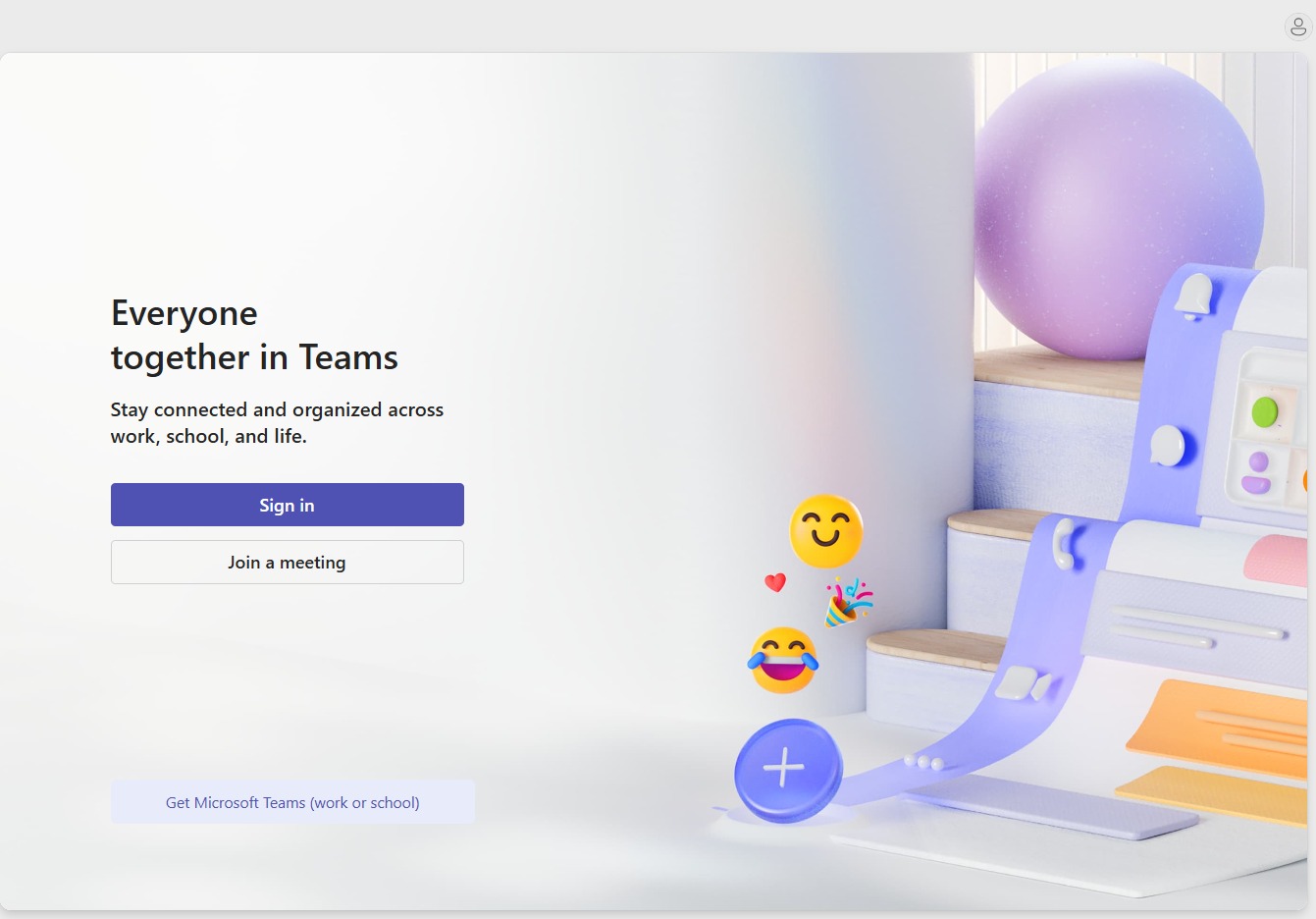
Click the Sign in button
This will prompt you to enter your login credentials and access your Microsoft Teams account.
Loading screenshot…
100%
This how-to guide walks you through the steps to effectively use Microsoft Teams on the web, from signing in to joining meetings.
 viktoria
This how-to guide walks you through the steps to effectively use Microsoft Teams on the web, from signing in to joining meetings. Learn how to quickly access your account and participate in both scheduled and one-on-one meetings seamlessly.
This will prompt you to enter your login credentials and access your Microsoft Teams account.
Enter your email or phone number to begin the sign-in process for your Microsoft account.
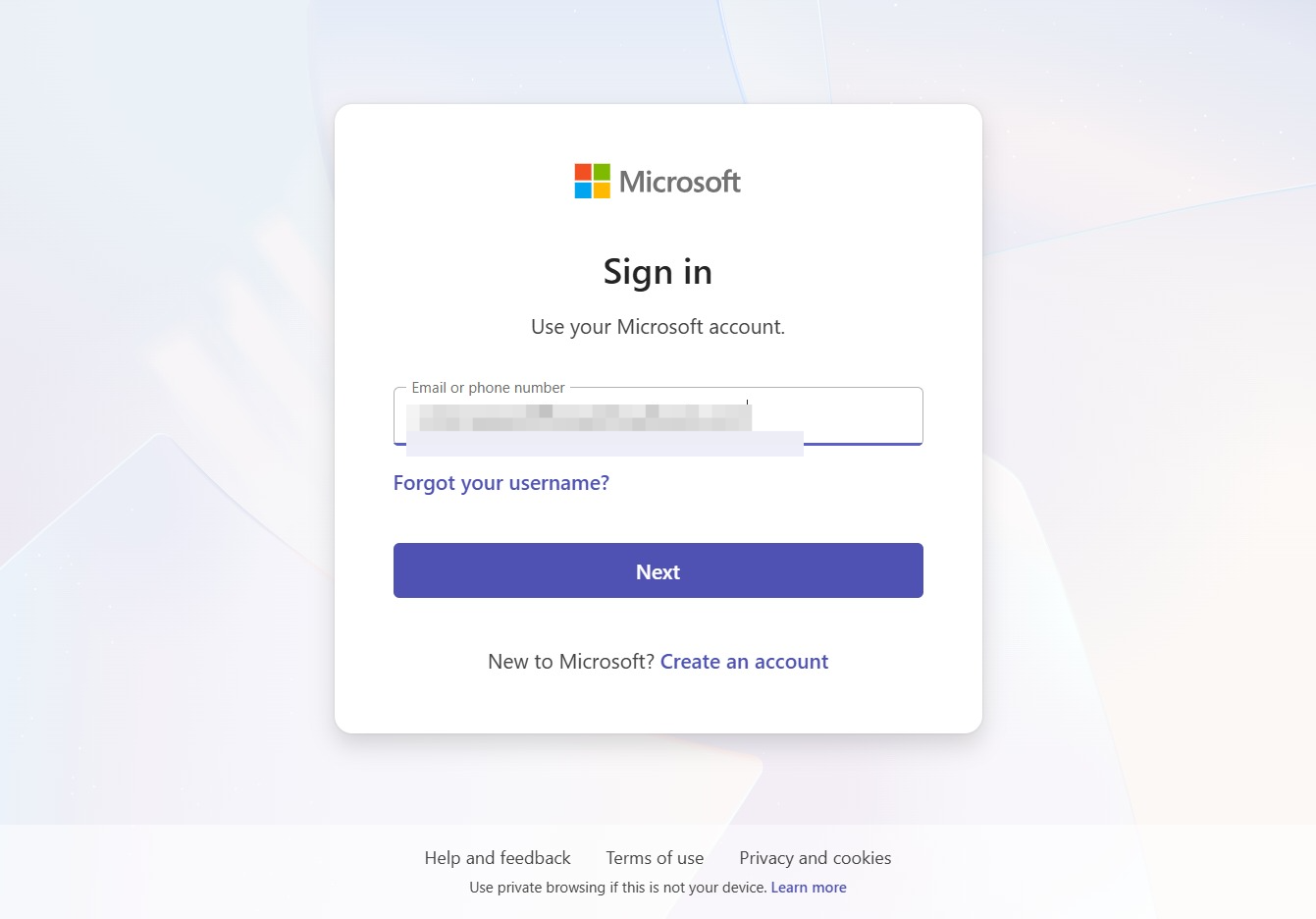
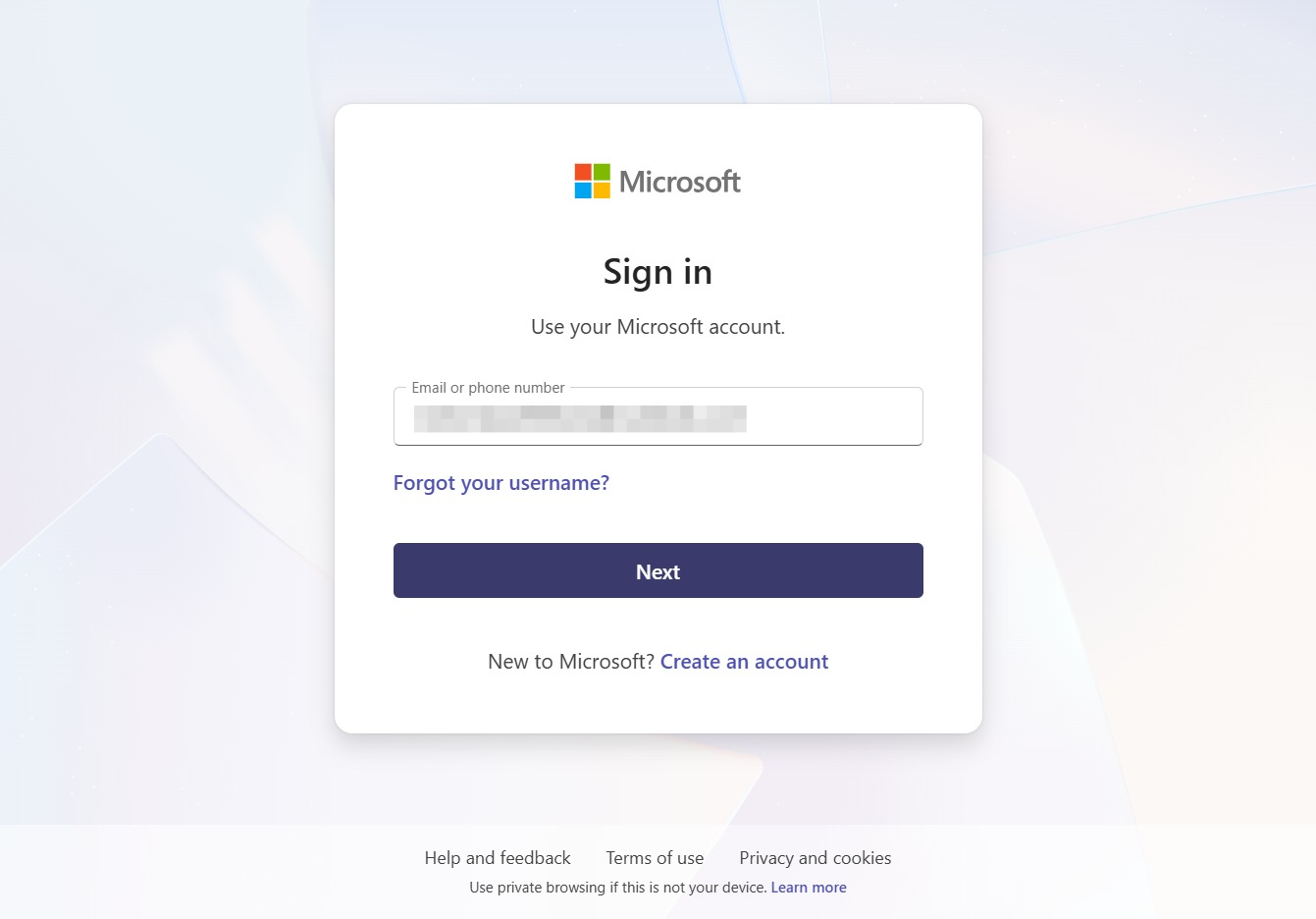
This will proceed to the next step in the sign-in process after entering your email or phone number.
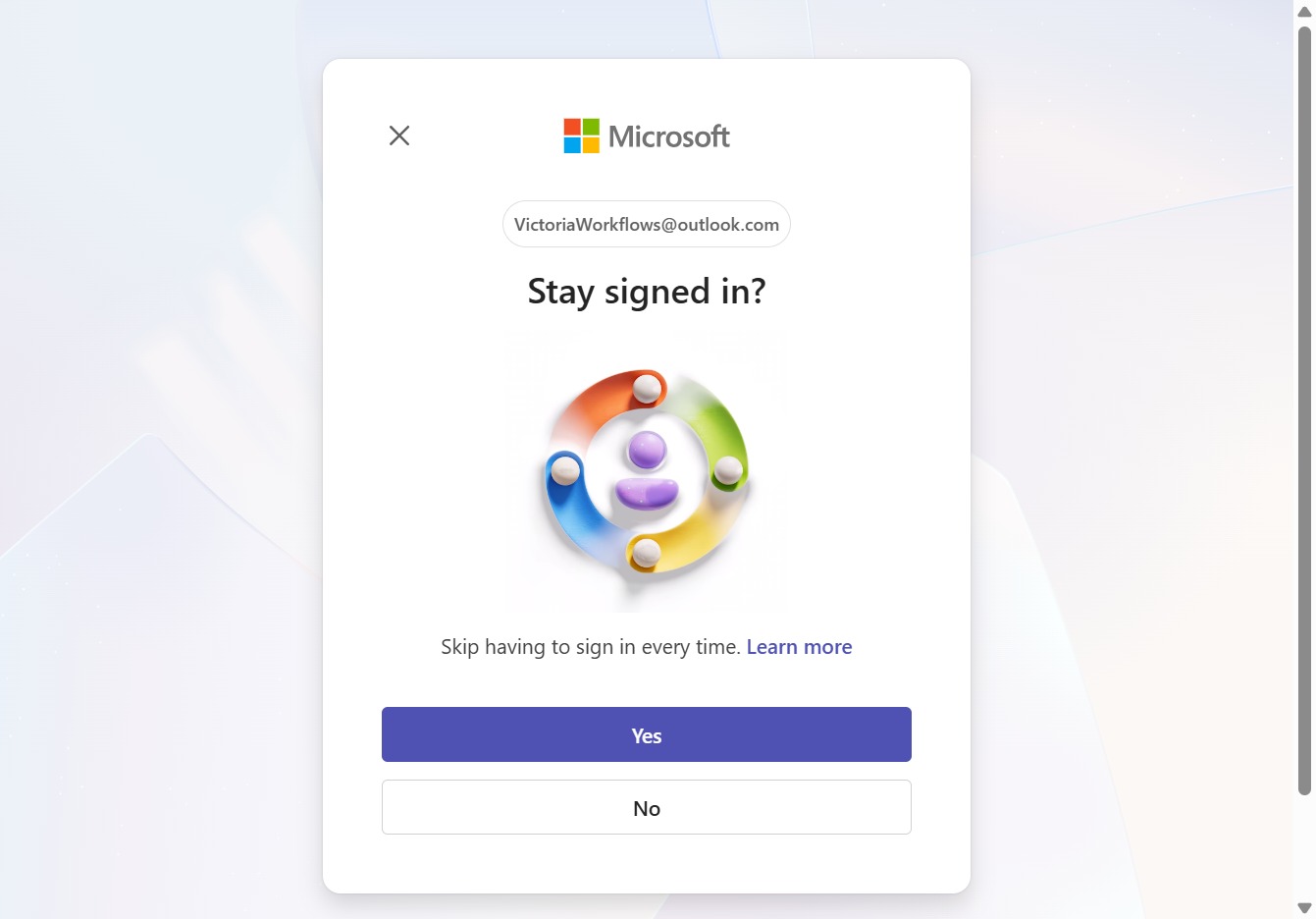
By clicking 'Yes', you will remain signed in to your Microsoft account, preventing the need to log in each time you access the service.
Clicking this link will allow you to enter the 1:1 Meeting with John and participate in the conversation.
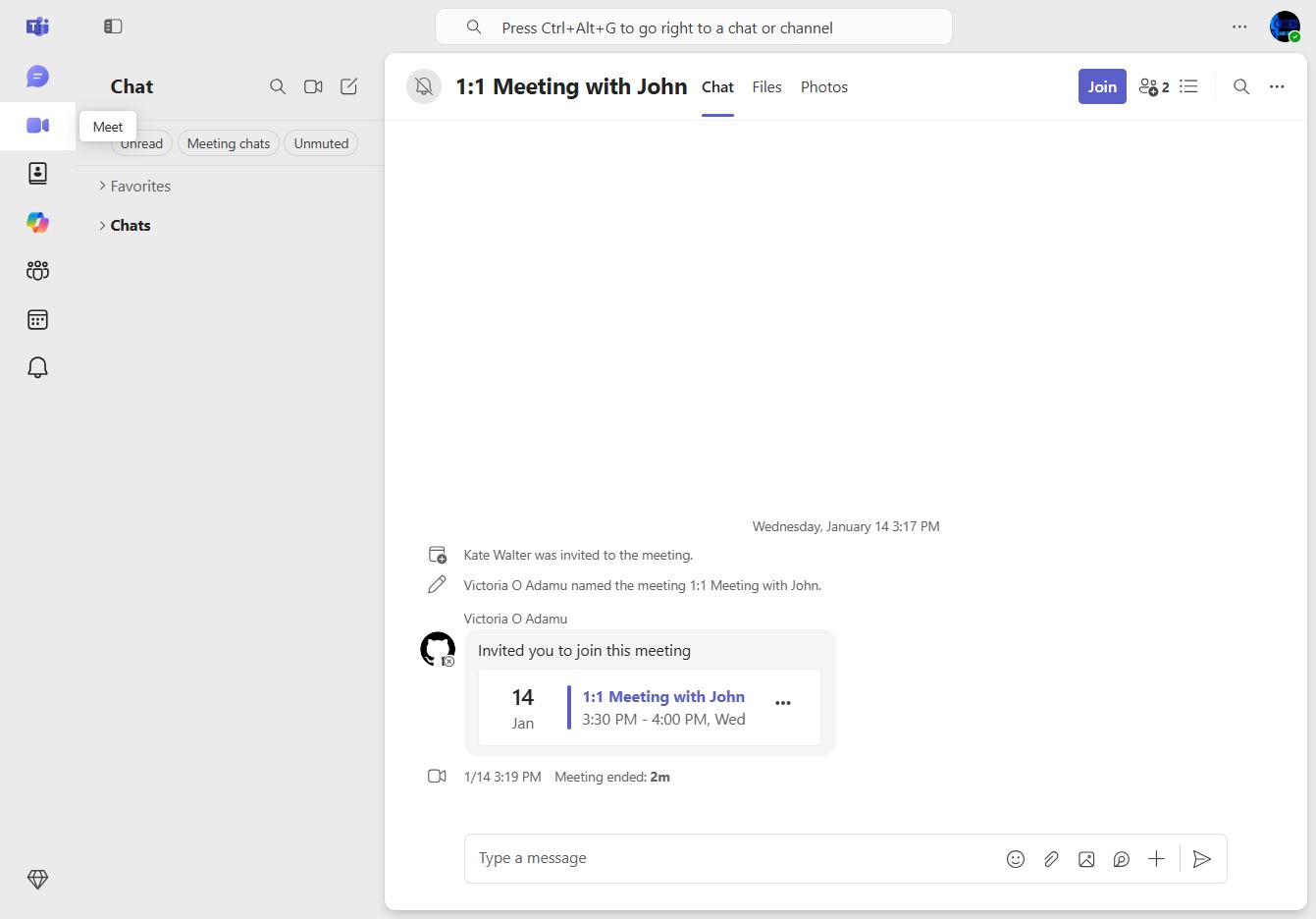
Clicking this button will allow you to participate in the scheduled meeting, providing access to the meeting interface and features.
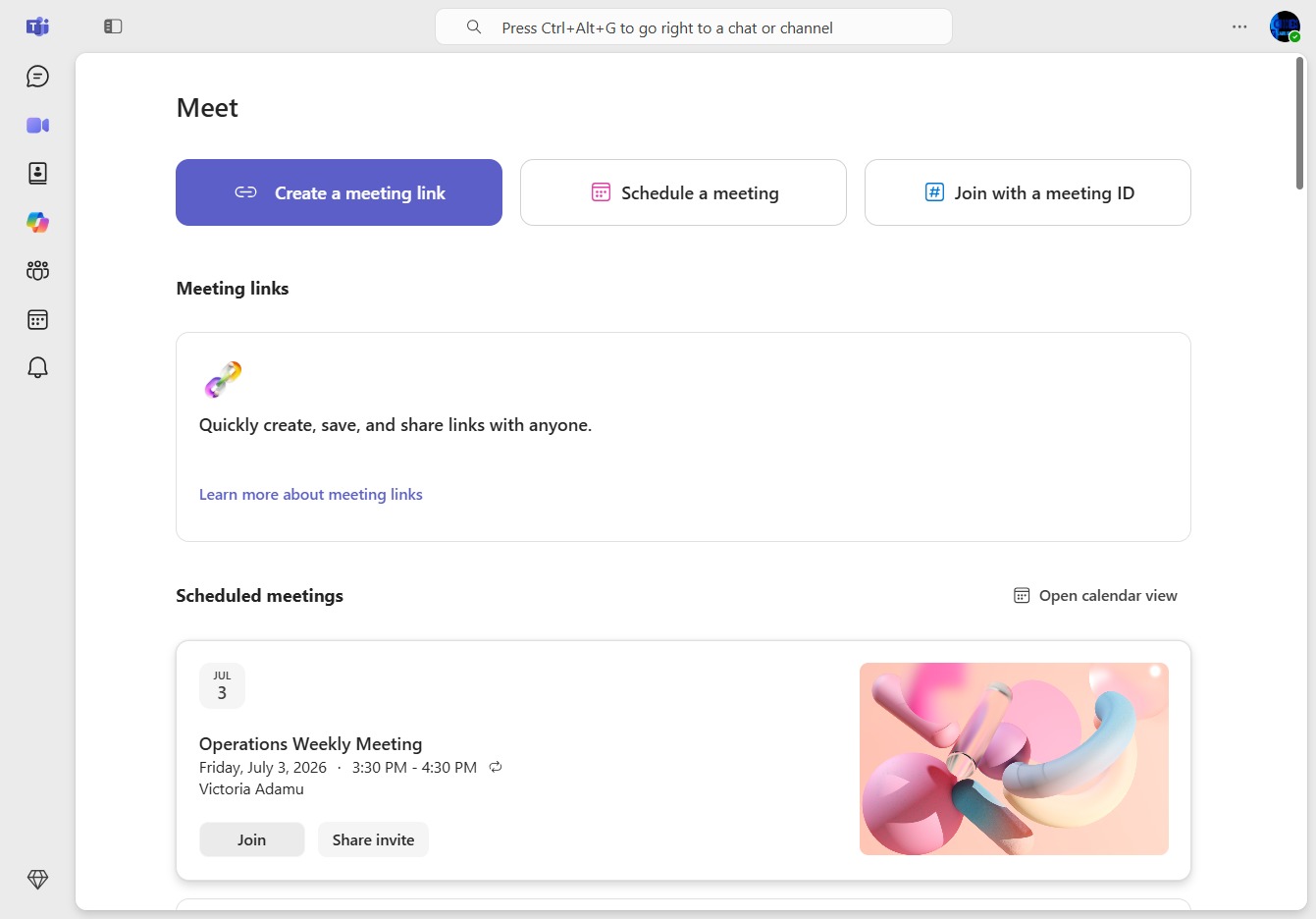
This will connect you to the Operations Weekly Meeting and allow you to participate in the session.
