Click the Chatflows option
Selecting 'Chatflows' will direct you to the section where you can create and manage automated messaging flows for customer interactions.

Loading screenshot…
100%
Create an automated live chat flow in HubSpot for your website, allowing customer interactions and configuring settings for direct access to your Knowledge Base articles.
 viktoria
Create an automated live chat flow in HubSpot for your website, allowing customer interactions and configuring settings for direct access to your Knowledge Base articles.
Selecting 'Chatflows' will direct you to the section where you can create and manage automated messaging flows for customer interactions.
This action will open a new interface where you can start designing a new chatflow, enabling you to customize messaging options and user interactions.

Selecting the 'Website' option will configure the chatflow to be added to your website, allowing visitors to interact with it directly.

This action will advance you to the next step in creating your chatflow, allowing you to configure additional settings for your help desk or inbox.
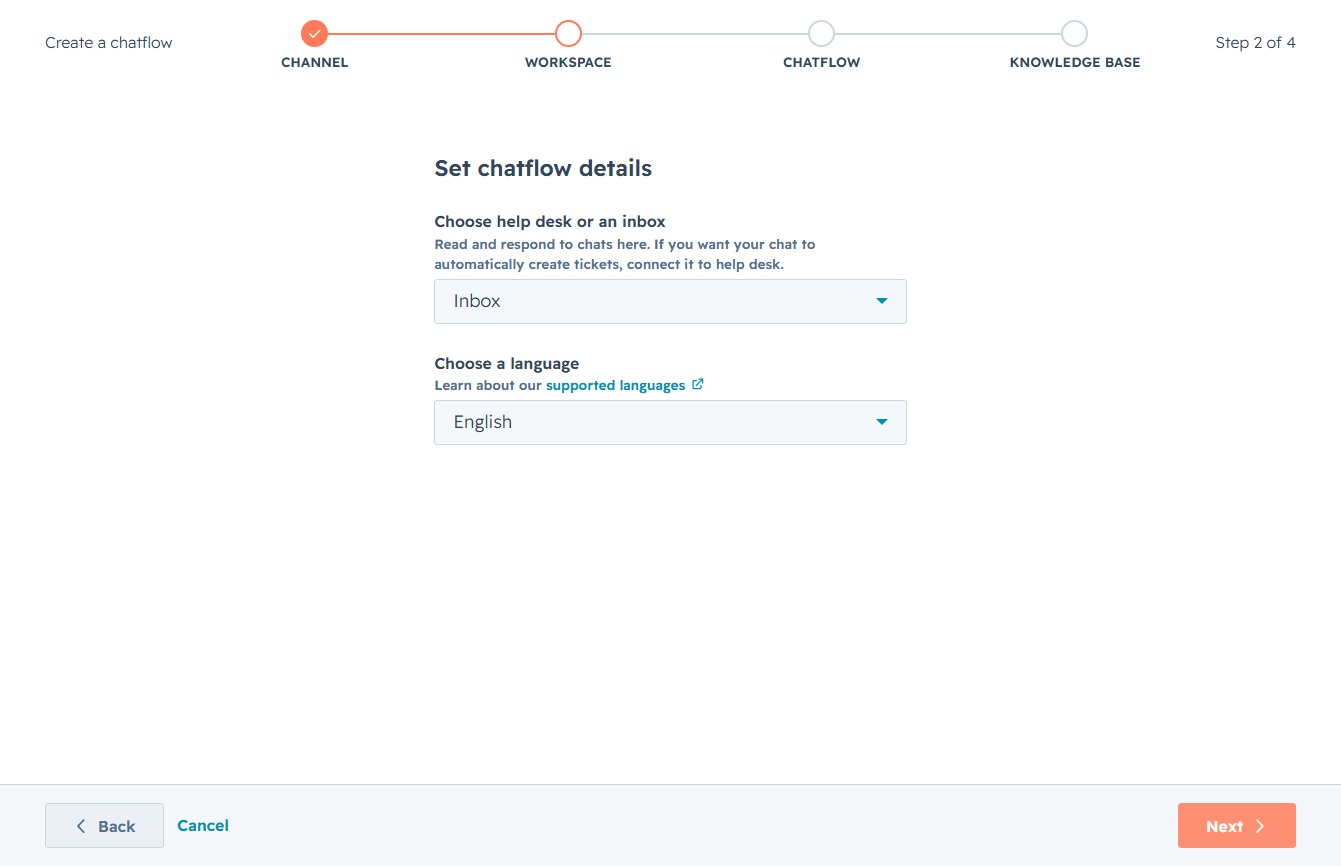
Clicking 'Next' will take you to the next step in the chatflow creation process, where you can define additional settings and options for your chatflow.
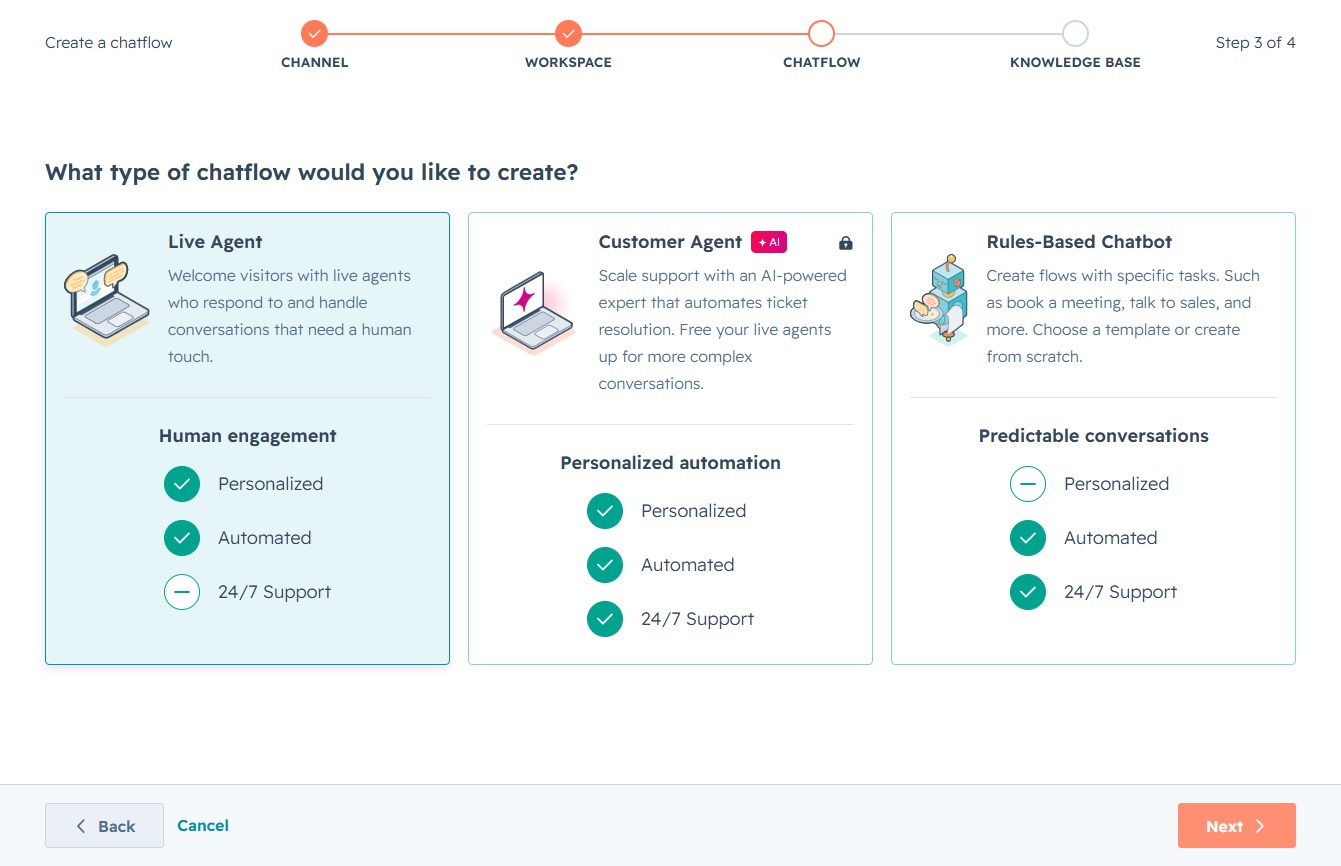
This action will finalize your settings for enabling the Knowledge Base feature, allowing customers to access help articles directly within the widget.
