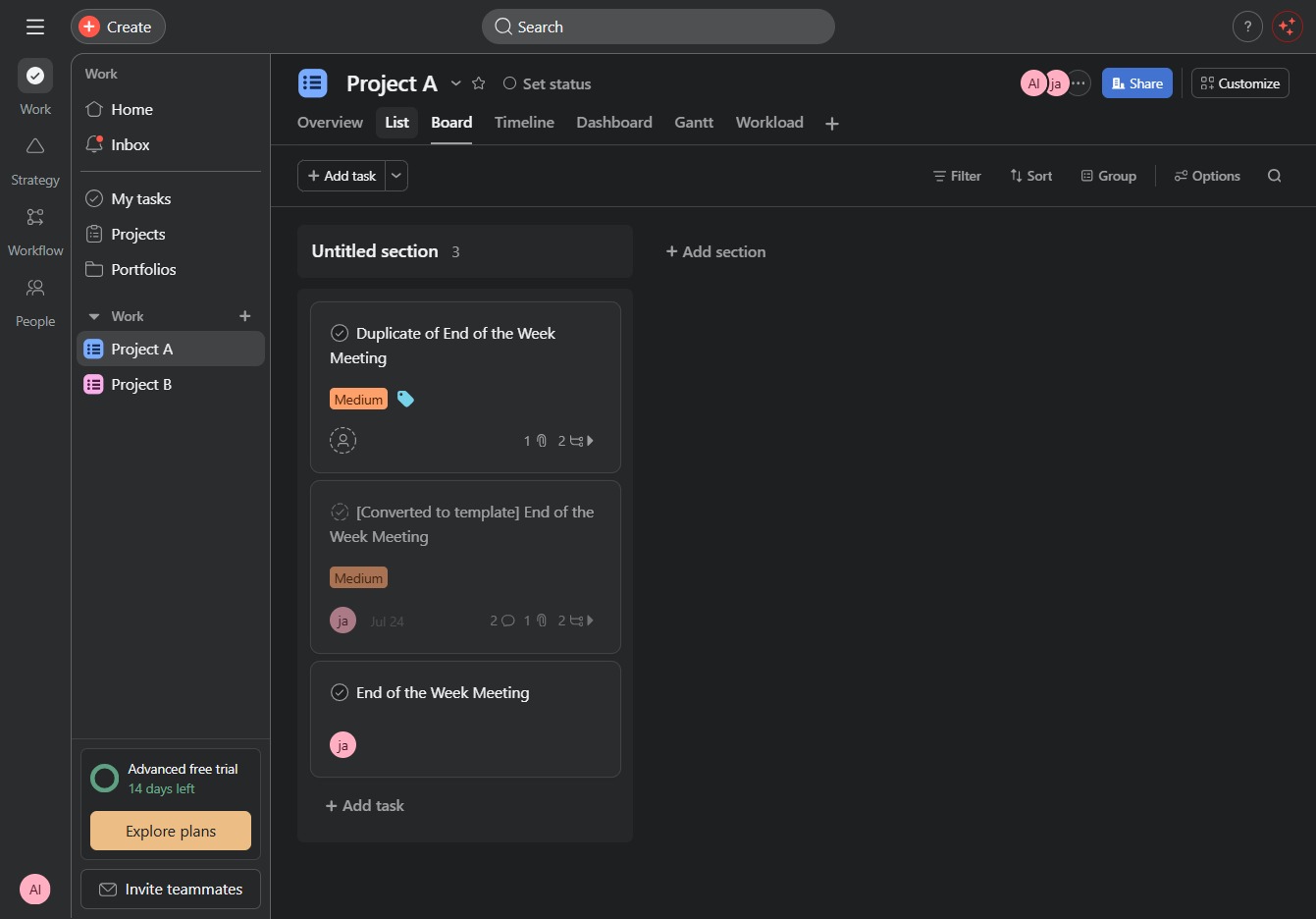
Click Project A
This action opens the details page for Project A, allowing you to view and manage specific tasks and settings related to the project.
Loading screenshot…
100%
In this video guide, you'll learn how to effectively use the List view for managing tasks within Project A.
 viktoria
In this video guide, you'll learn how to effectively use the List view for managing tasks within Project A. Follow the steps to access the details page and switch to a structured layout that enhances task organization and oversight.
This action opens the details page for Project A, allowing you to view and manage specific tasks and settings related to the project.
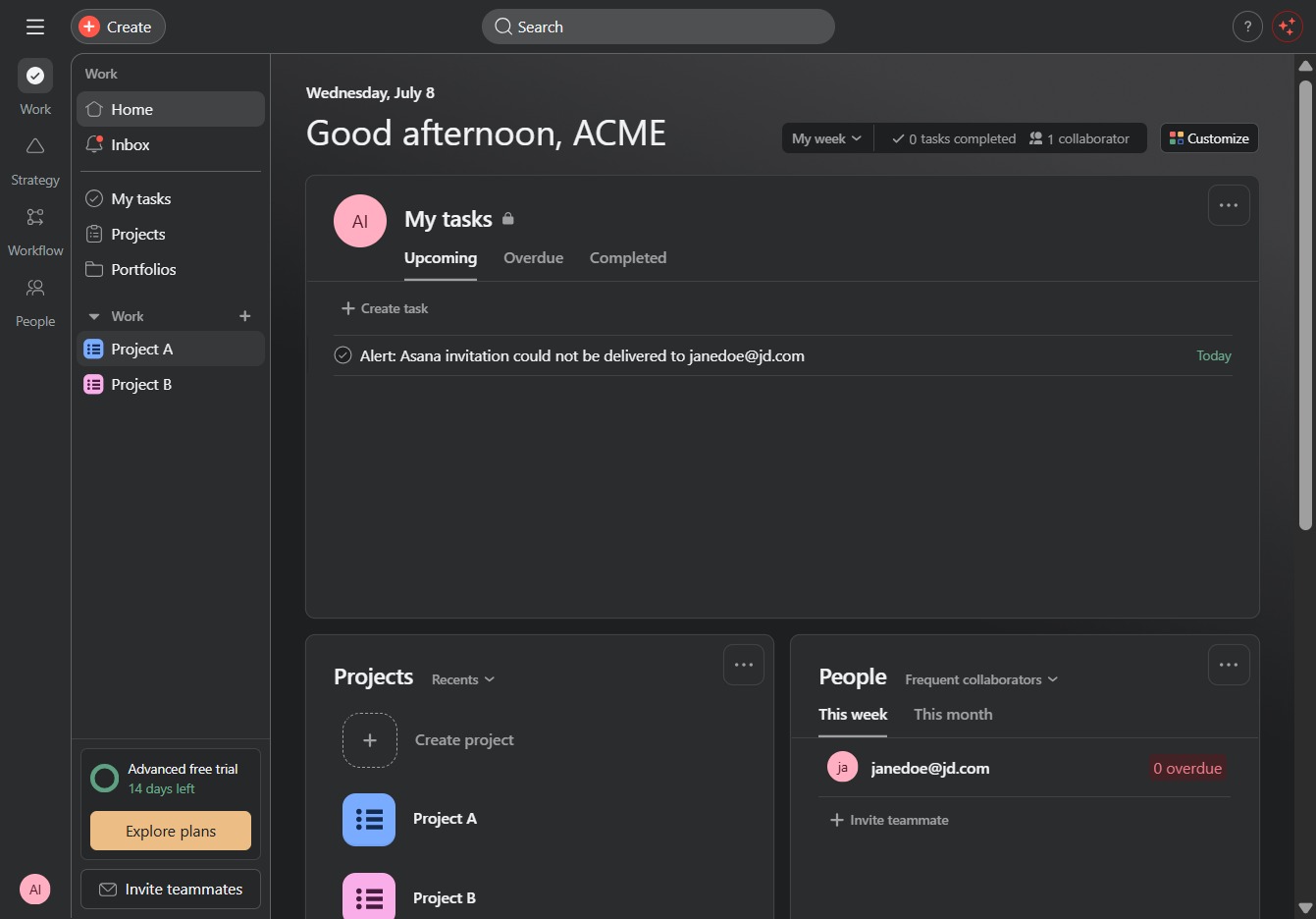
This will switch the view to the List layout, allowing you to see tasks organized in a structured format for better management.