Click the Operations section
This will open the Operations area where you can manage ongoing tasks and projects related to operations.

Loading screenshot…
100%
This how-to guide provides step-by-step instructions on using inline comments within the Operations area, focusing particularly on managing laptop configurations.
 viktoria
This how-to guide provides step-by-step instructions on using inline comments within the Operations area, focusing particularly on managing laptop configurations. Learn how to navigate to relevant sections, add notes, and save your updates to improve collaboration and document accuracy.
This will open the Operations area where you can manage ongoing tasks and projects related to operations.
This action will navigate you to the Laptop Setup section where you can create child content related to laptop configurations.

Selecting this link will navigate you to additional information or resources relevant to the Laptop Setup.

Selecting the 'Laptop Setup' header will direct you to the section where you can edit or manage laptop configurations and settings.
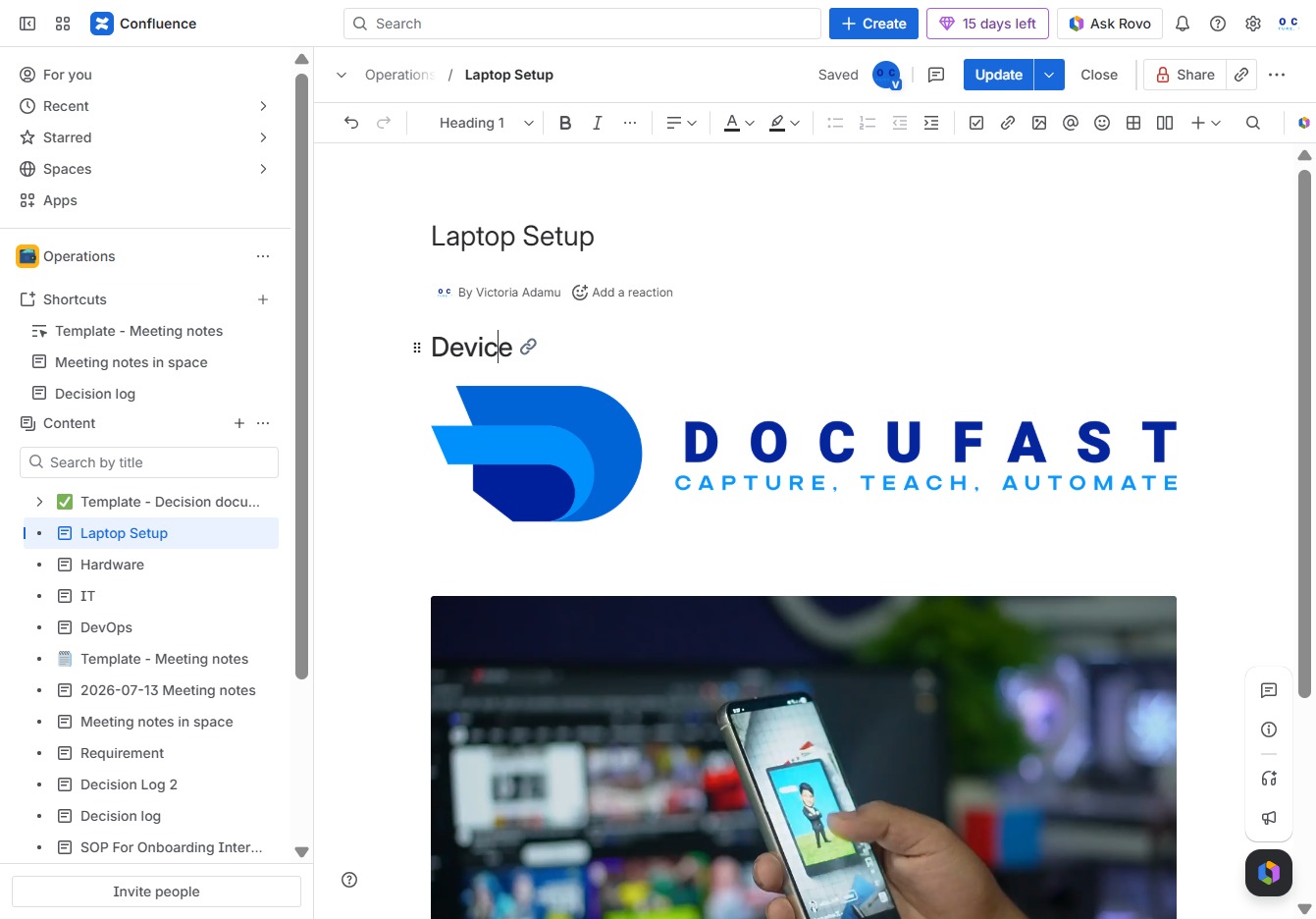
This action will expand the Laptop Setup section, allowing you to view and edit the details related to setting up your laptop.

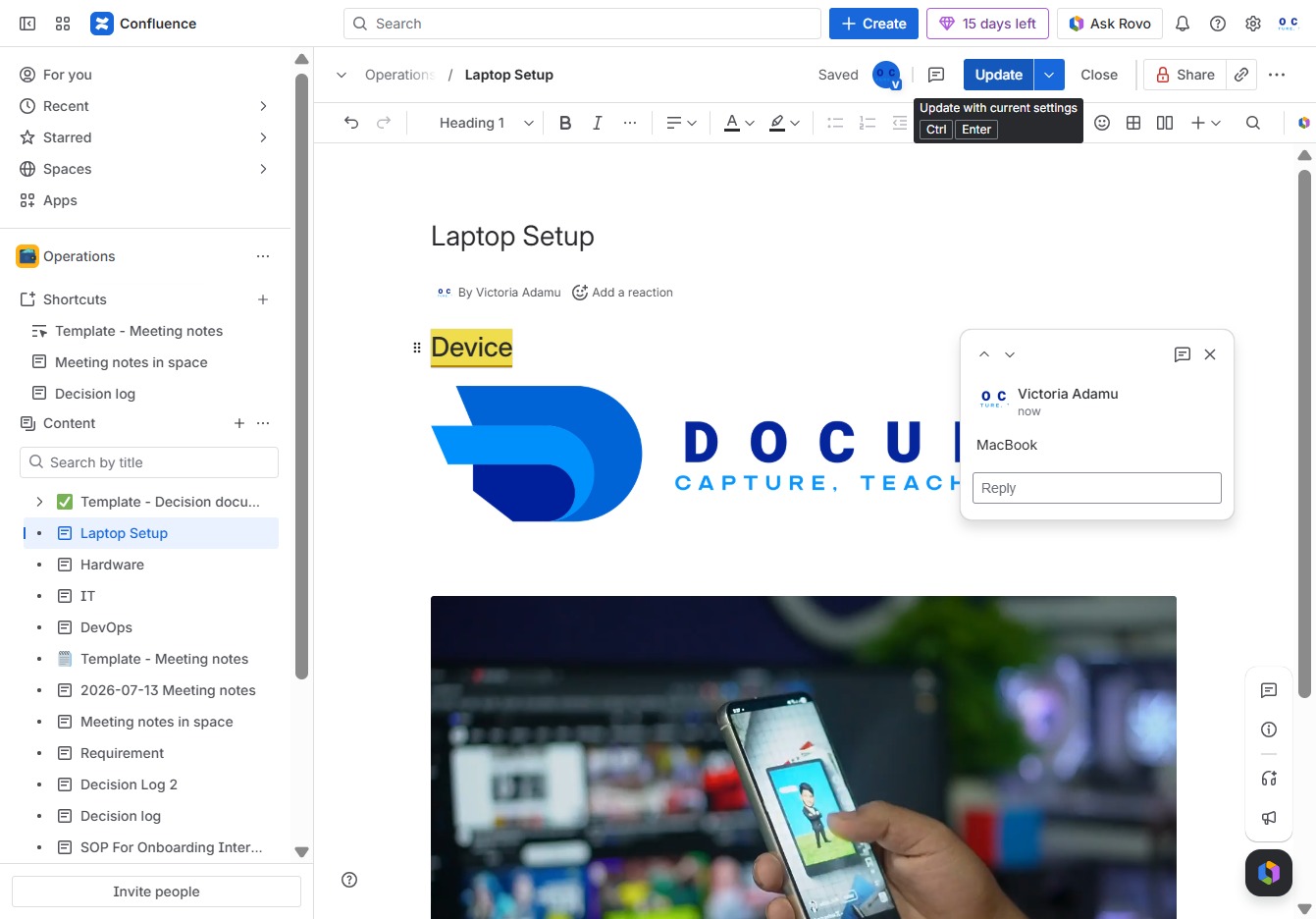
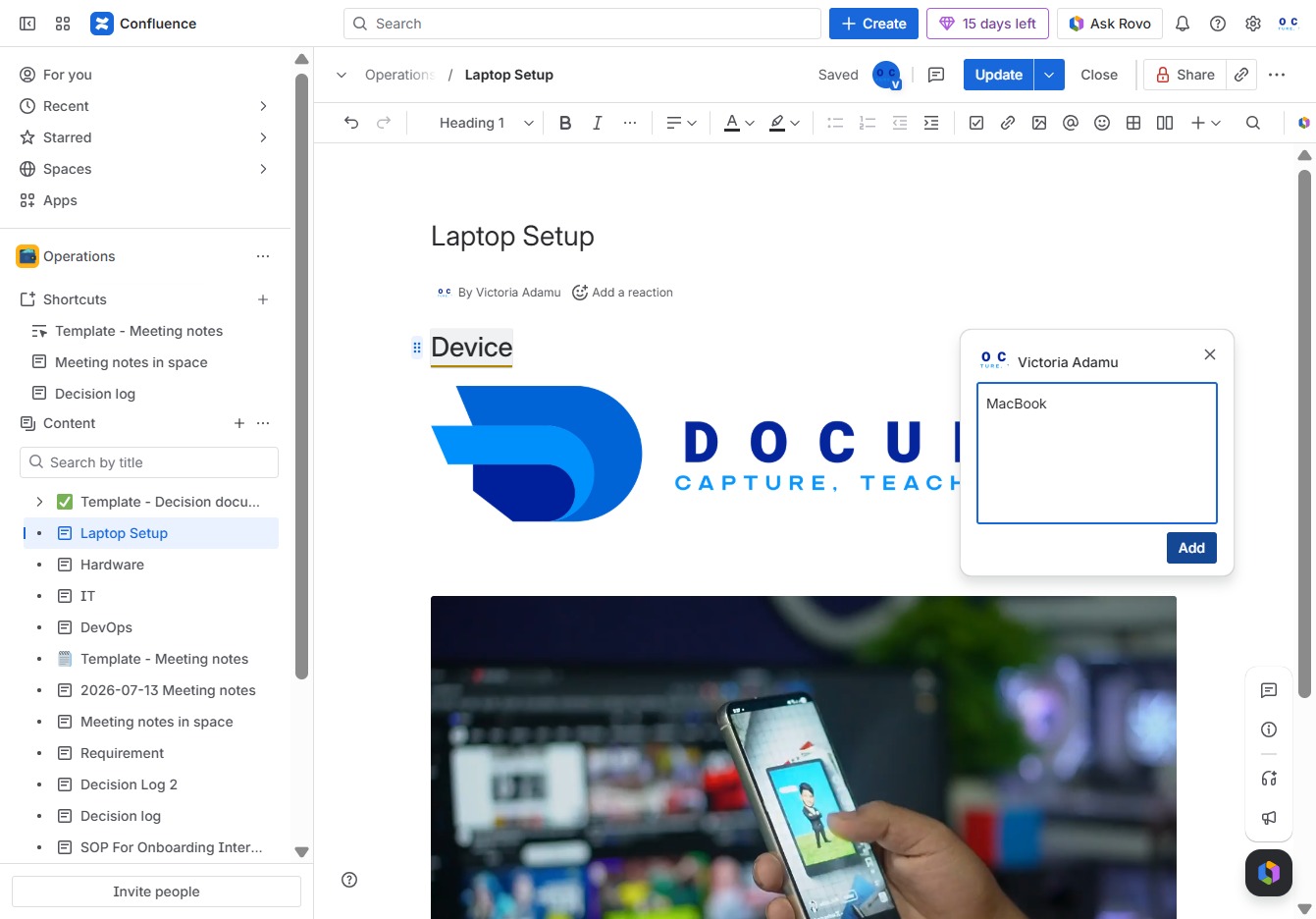
This action opens a section where you can add your comments or annotations regarding the current document. Your input will be saved and visible to other collaborators.
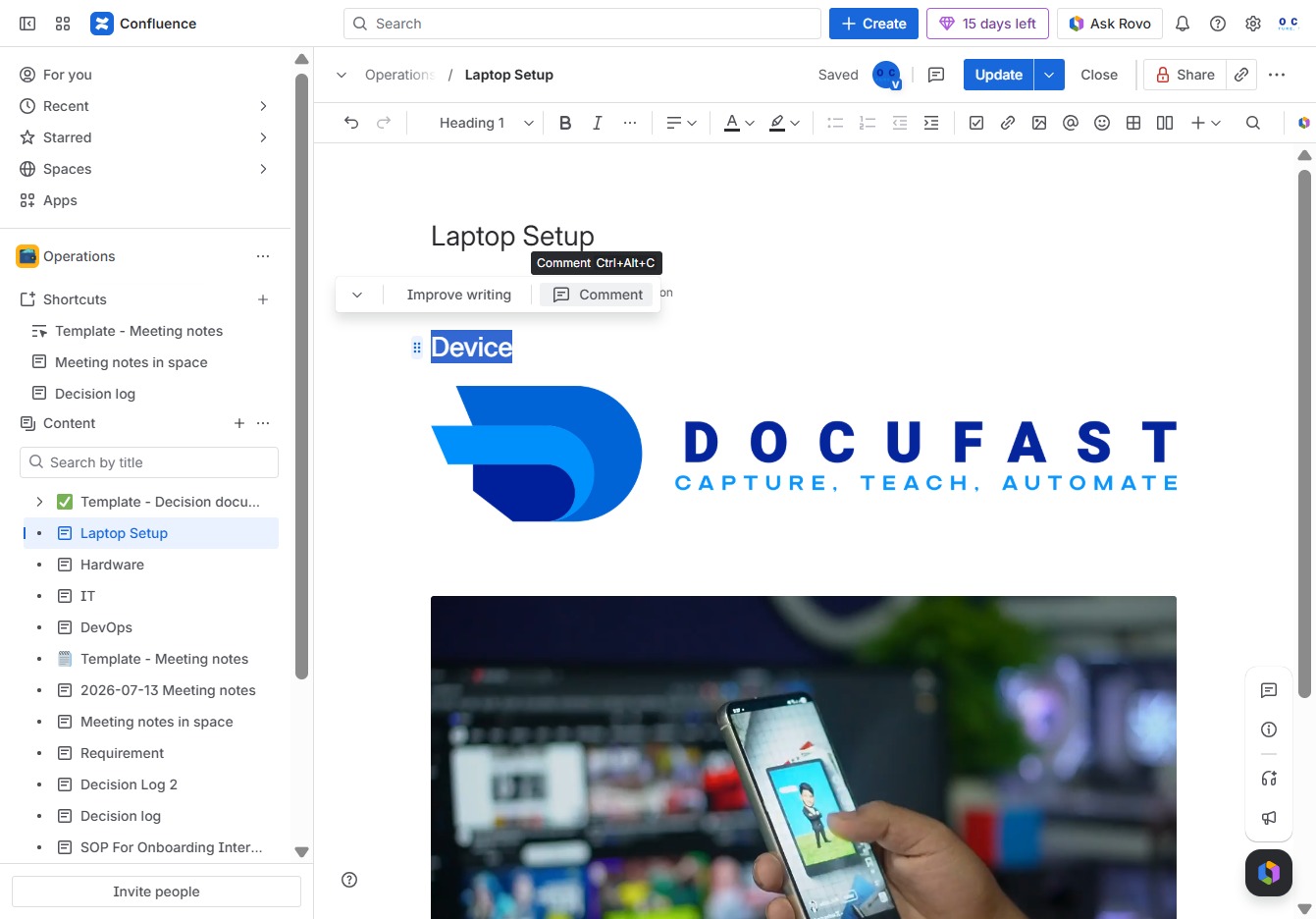
Enter 'MacBook' into the Ak editor textarea to specify the device being referenced in the Laptop Setup document.
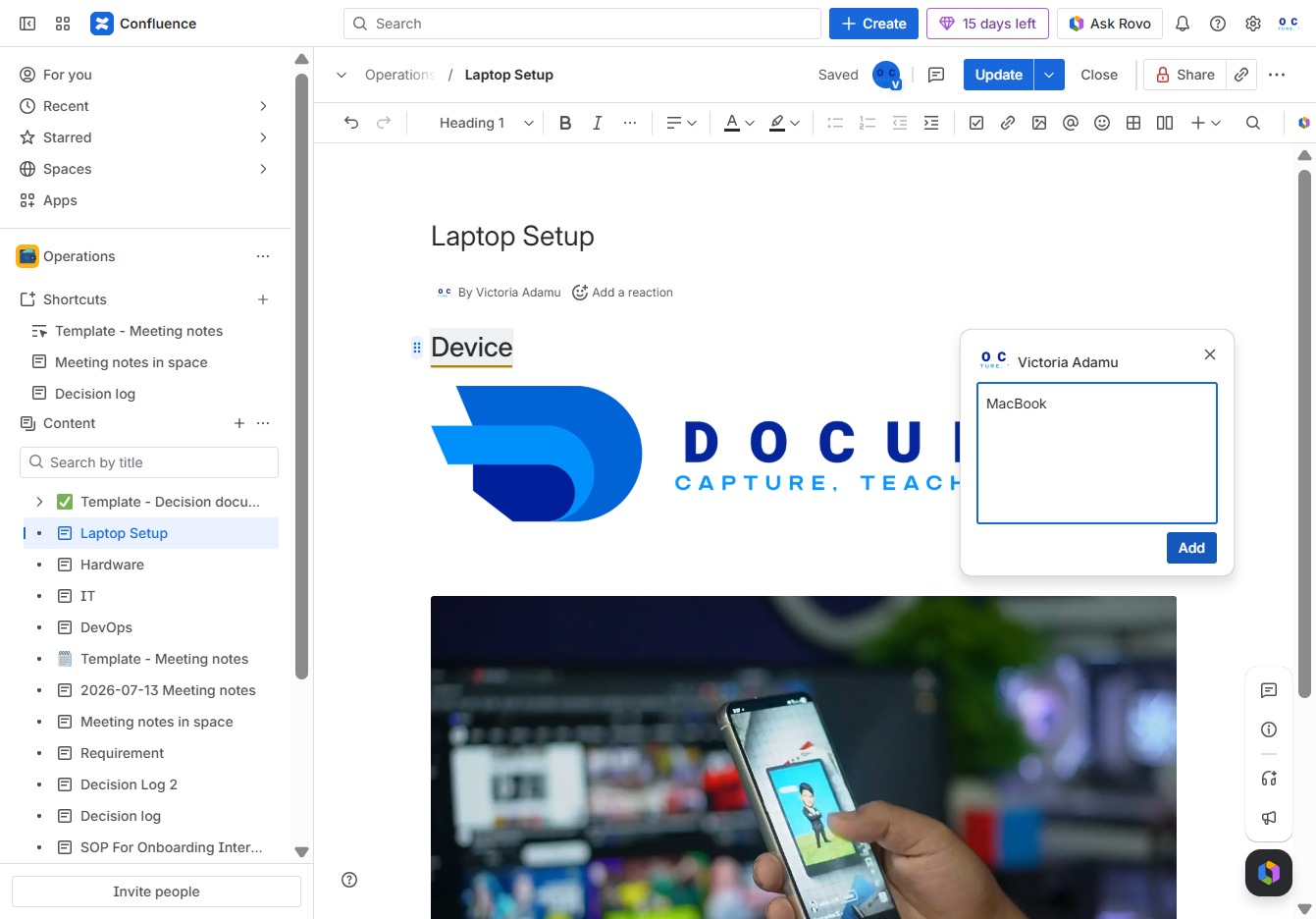
This action adds a new entry for the device in the current document, allowing you to maintain a list of devices associated with the Laptop Setup.
Clicking the Update button will save your changes to the document, ensuring that all edits and modifications are stored.