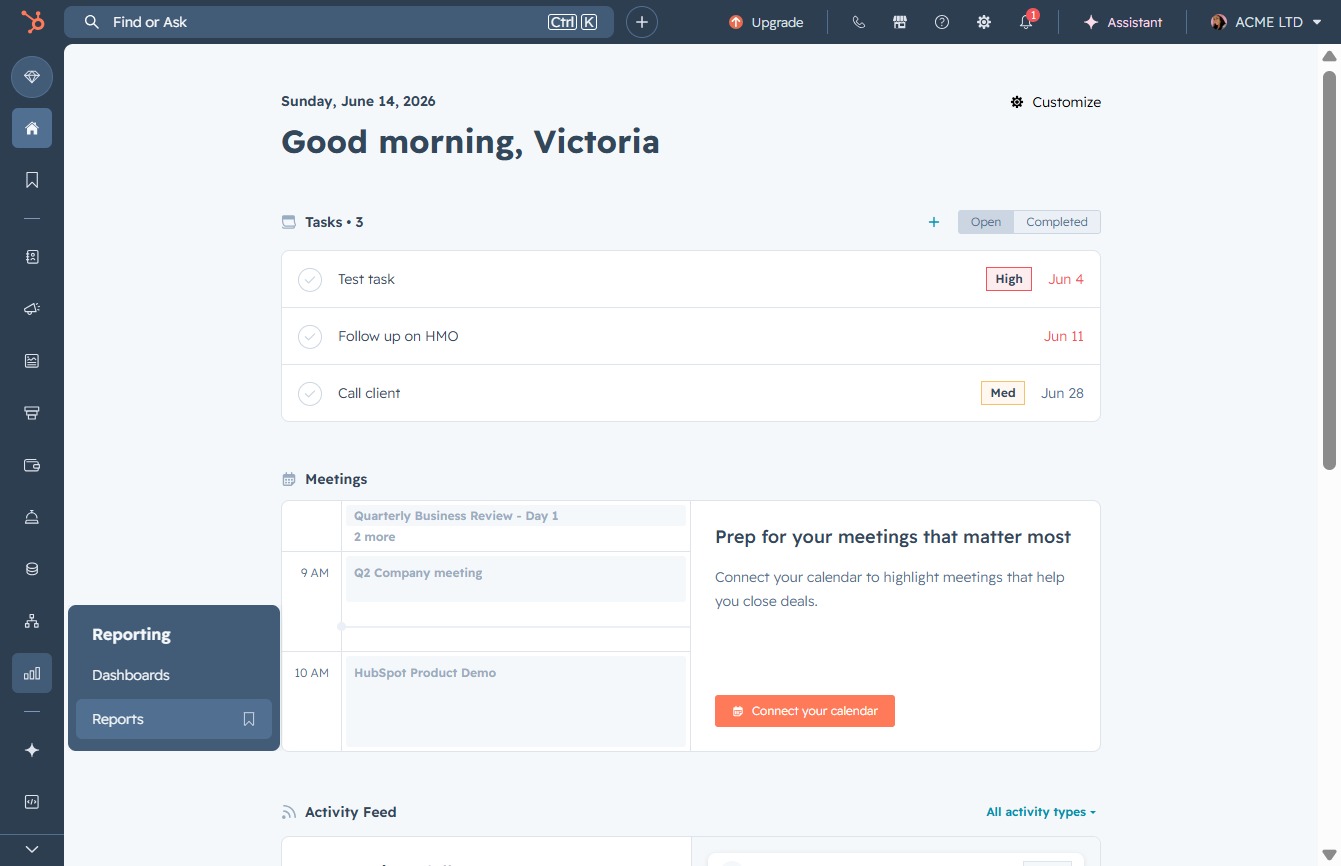
Click the Reports link
Clicking the Reports link opens the reporting section, where you can view and analyze different reports related to your activities and performance.
Loading screenshot…
100%
Create tailored reports for pipeline reviews in HubSpot by filtering sales pipeline stages and accessing detailed performance analytics for each representative.
 viktoria
Create tailored reports for pipeline reviews in HubSpot by filtering sales pipeline stages and accessing detailed performance analytics for each representative.
Clicking the Reports link opens the reporting section, where you can view and analyze different reports related to your activities and performance.
By clicking the 'Page 2' button, you will navigate to the next set of reports listed under 'My reports', allowing you to view additional items beyond the first page.

This will open the report detailing the sales pipeline stages categorized by each representative. You'll be able to analyze the performance and opportunities associated with individual sales reps.

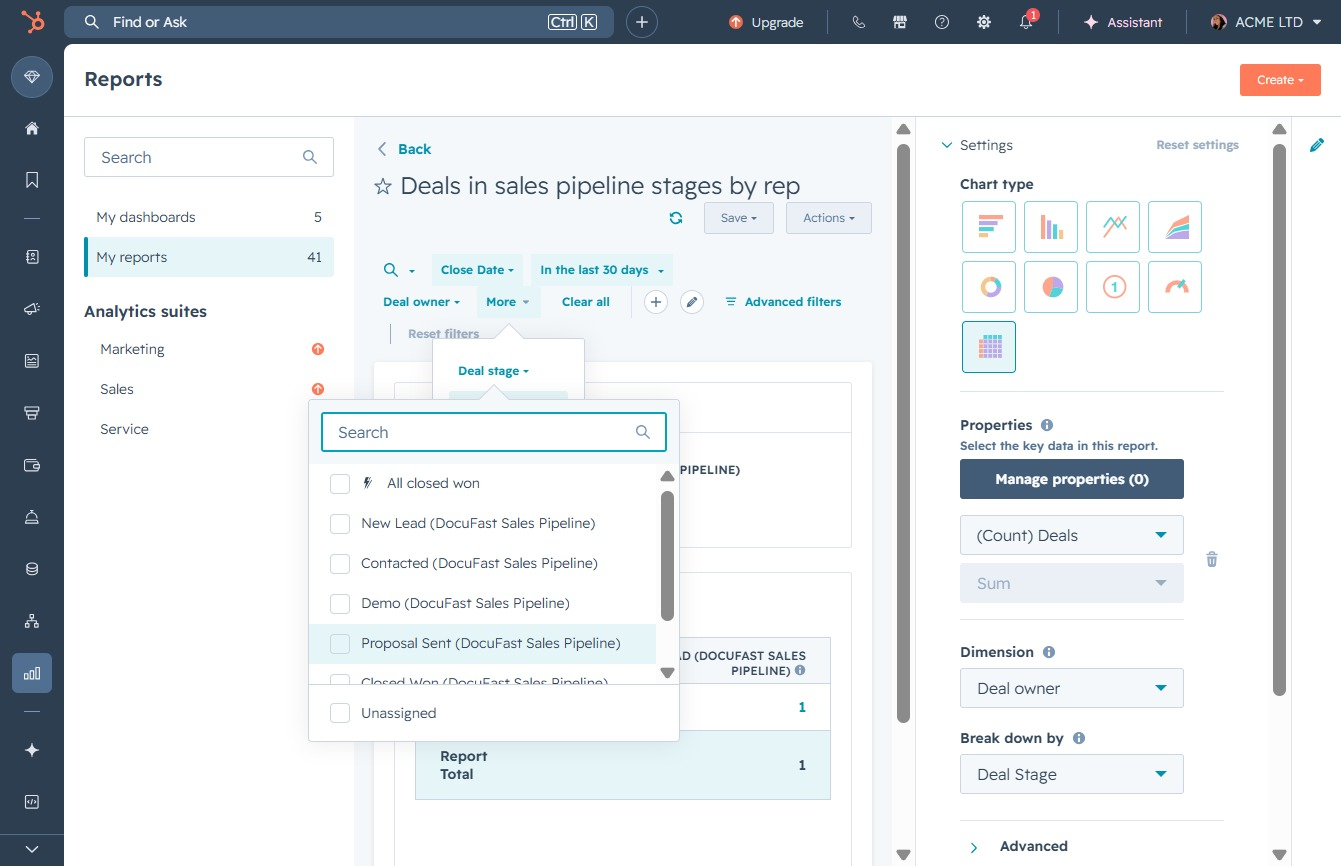
Selecting the 'More' option will reveal additional settings and features related to your report, enhancing your ability to manage and analyze the data.

Clicking the 'Deal stage' dropdown allows you to select a specific stage in the sales pipeline for filtering or managing deals in the report.
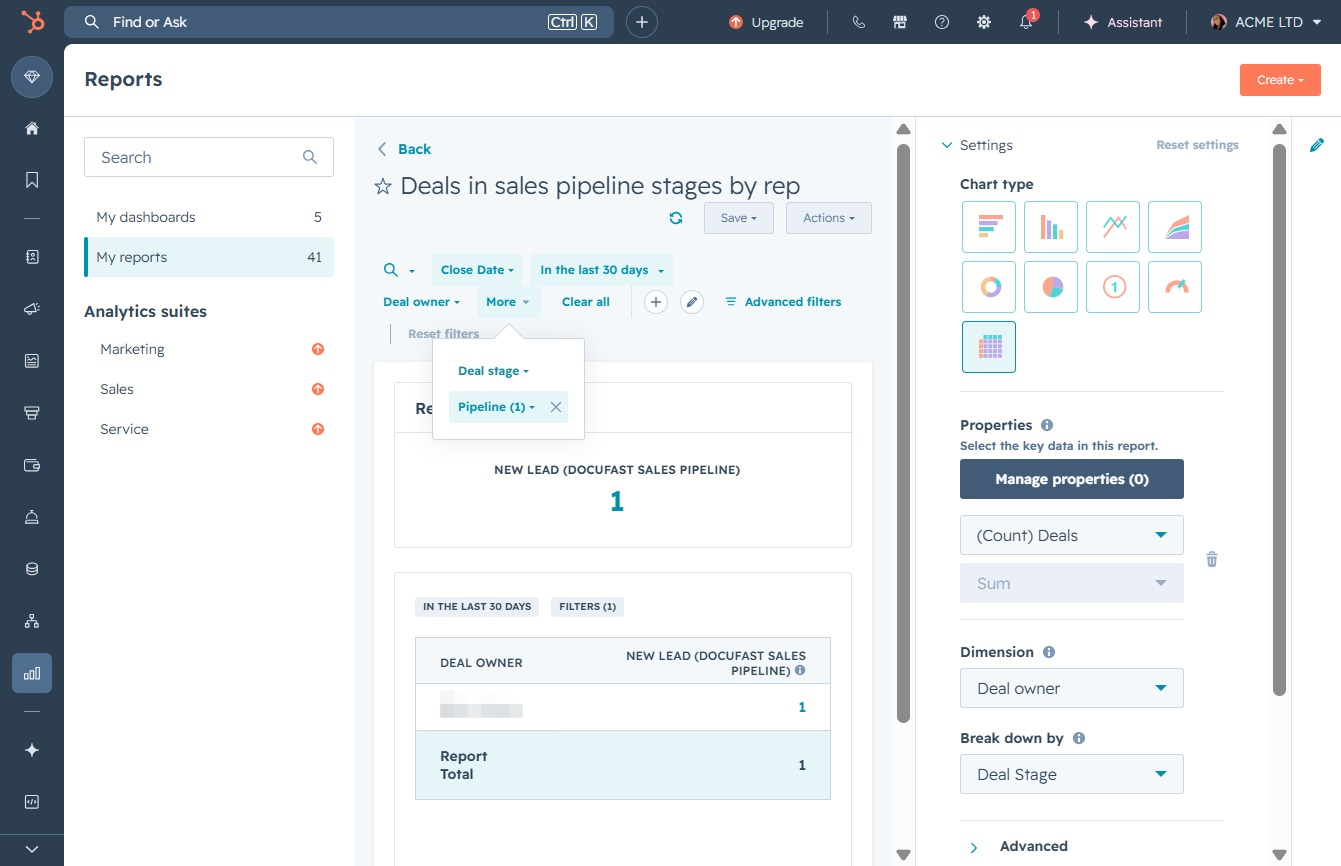
By clicking this option, you can filter the report by specific deal stages within your sales pipeline, allowing for more targeted analysis of your sales data.