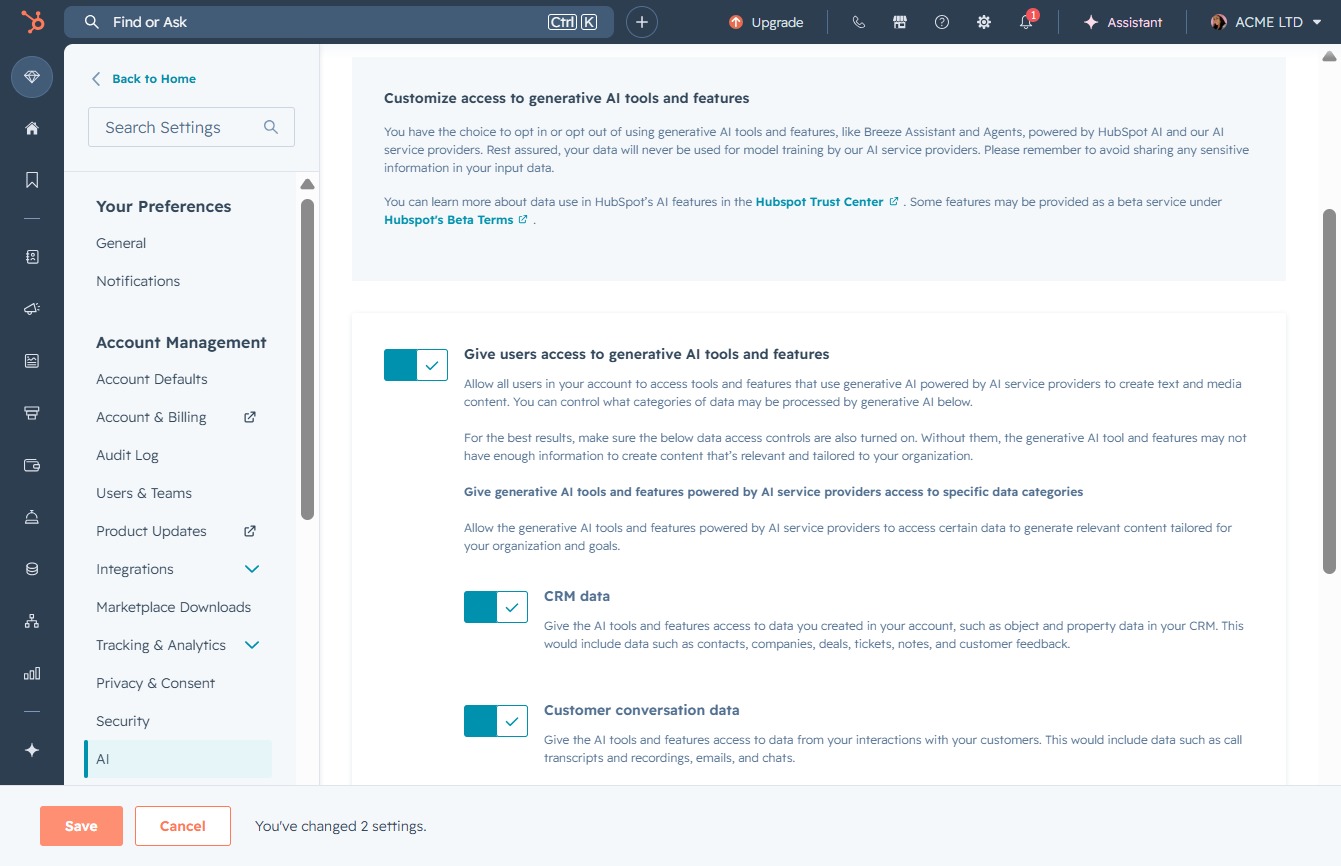
Click here to view details
Clicking this link will open up more information regarding the selected task or feature, allowing you to take further action.
Loading screenshot…
100%
Customize access to generative AI tools and features in HubSpot account settings to enhance user permissions and improve AI interaction by managing preferences and providing…
 viktoria
Customize access to generative AI tools and features in HubSpot account settings to enhance user permissions and improve AI interaction by managing preferences and providing feedback.
Clicking this link will open up more information regarding the selected task or feature, allowing you to take further action.
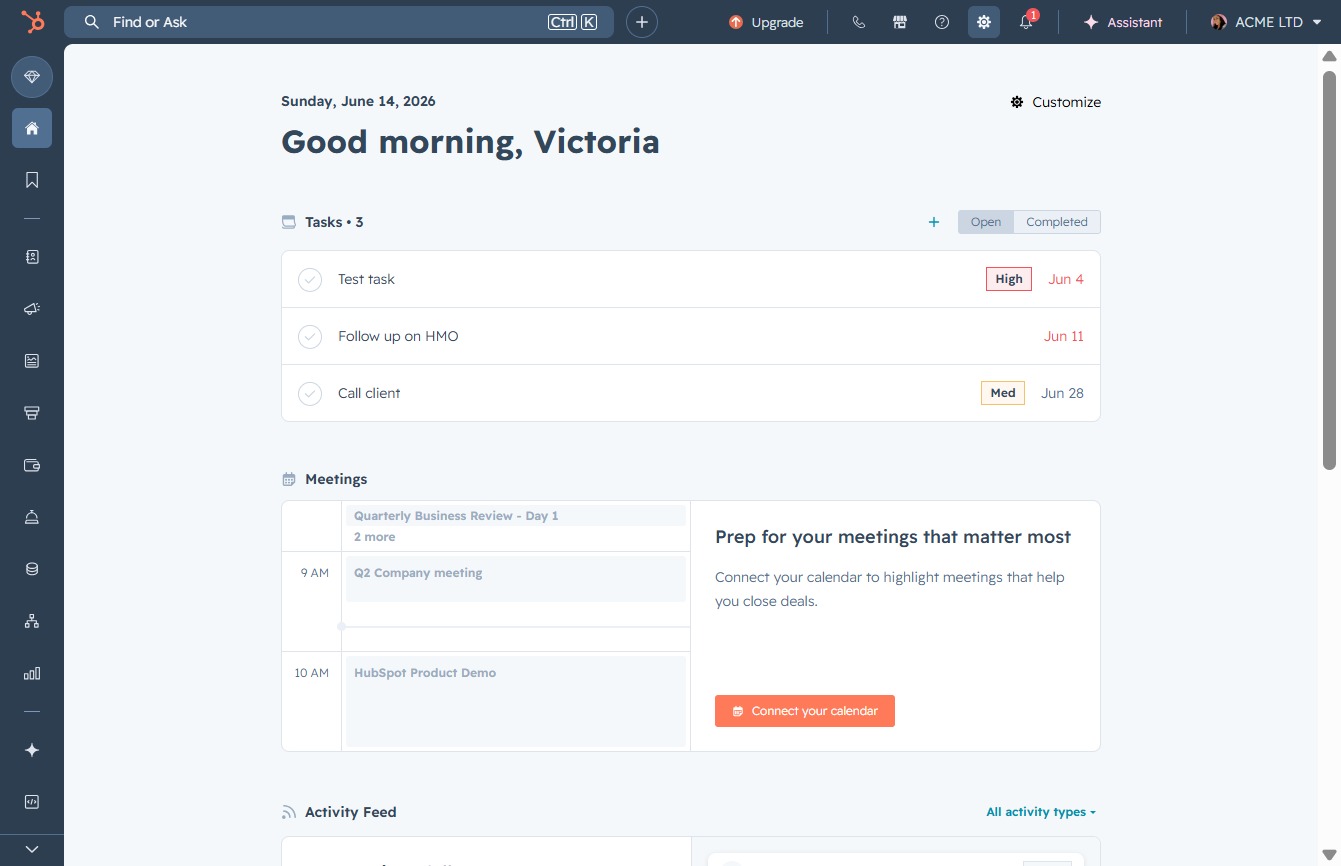
This action will navigate you to the AI assistance features within the application, allowing you to utilize AI tools for enhanced productivity and insights.
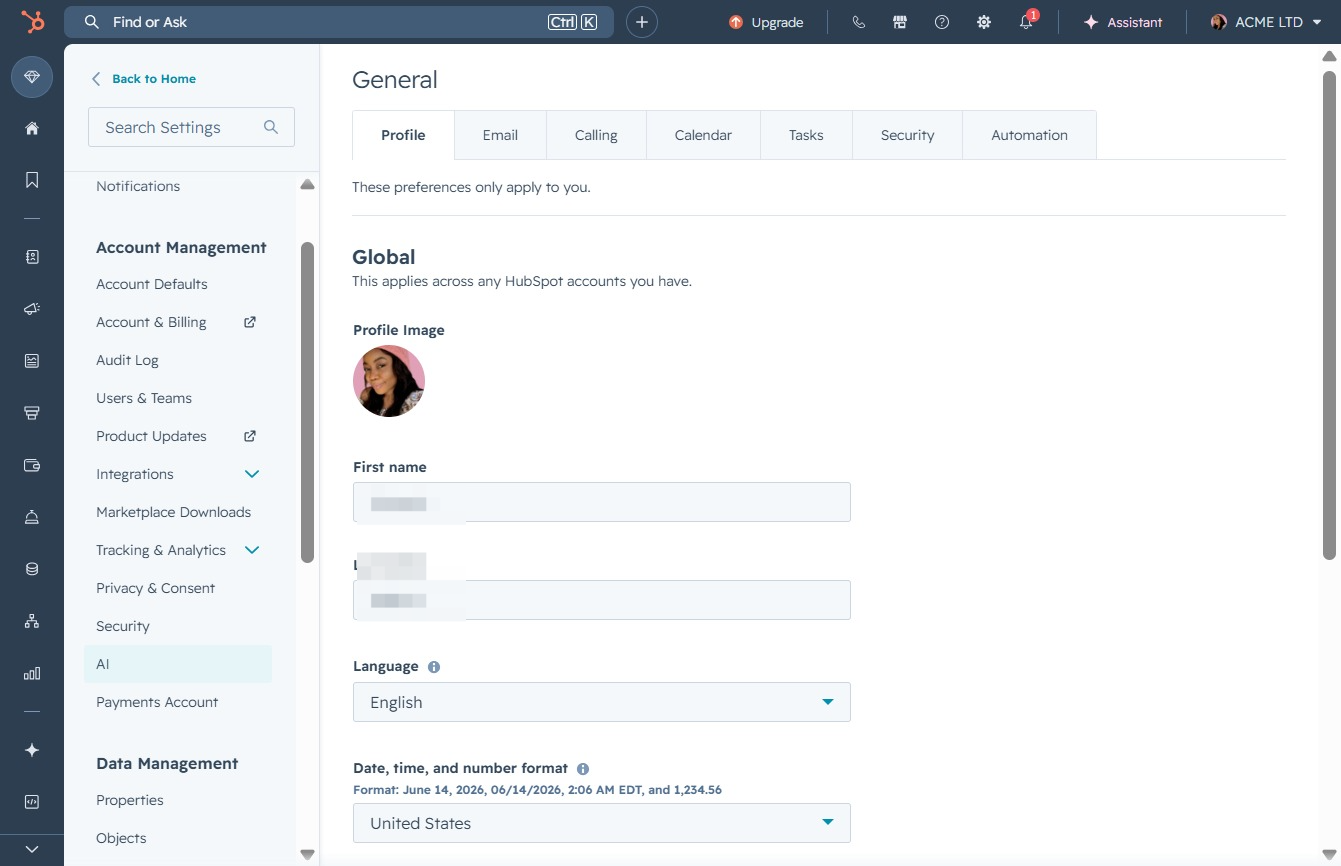
This action will navigate you to the section where you can customize access to generative AI tools and features within your account settings.

Clicking the Save button registers any changes made to user permissions for generative AI tools and features. This ensures that selected settings are updated accordingly in the user account.
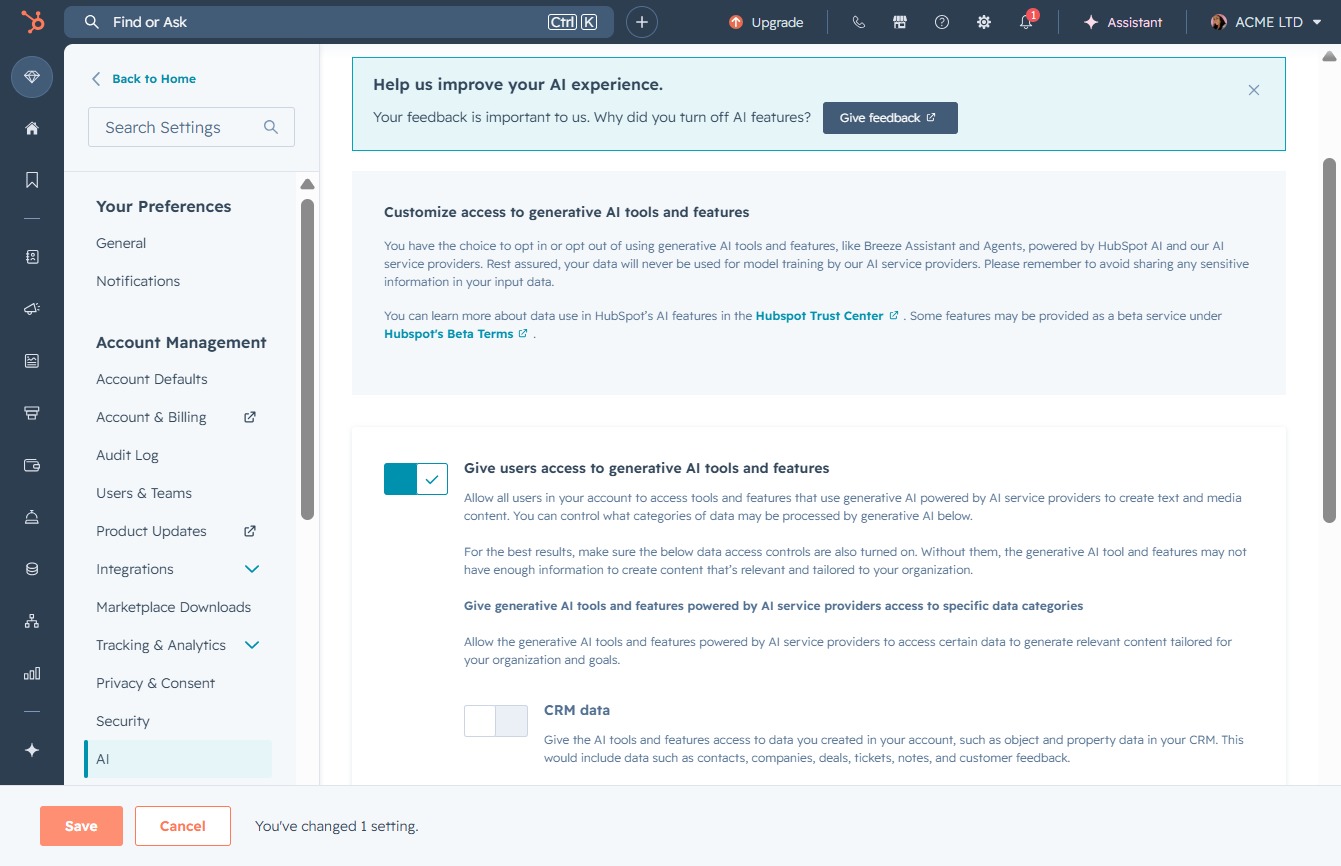
Clicking this setting directs you to configure access for generative AI tools and features in your account. You can customize permissions for users related to AI data sources and provide feedback on your AI experience.
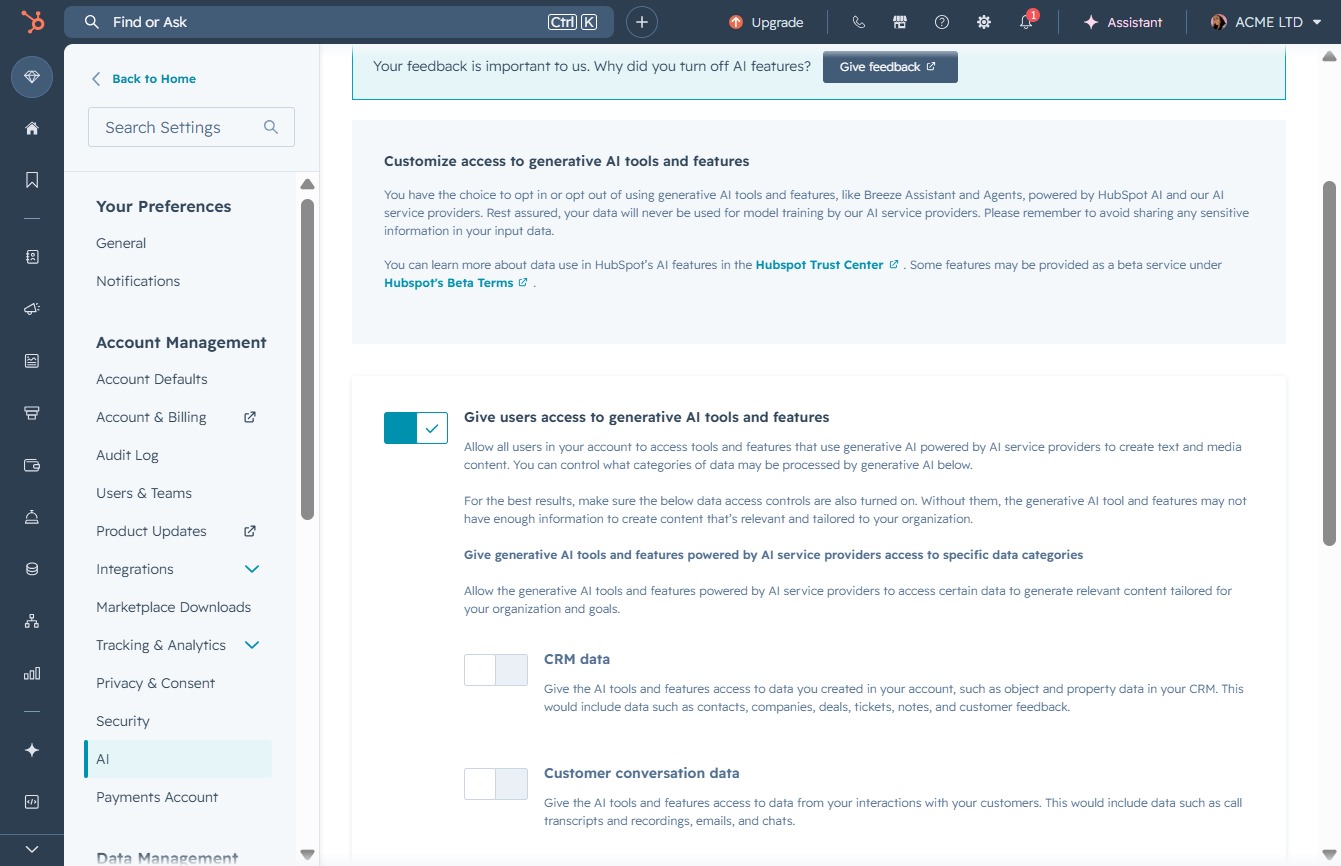
This action will redirect you to the Context Home where you can manage your AI settings and provide feedback to enhance your AI experience.

Clicking this button saves the changes made to user access settings for generative AI tools and features. Ensure all selections are correct before saving to apply the configurations.